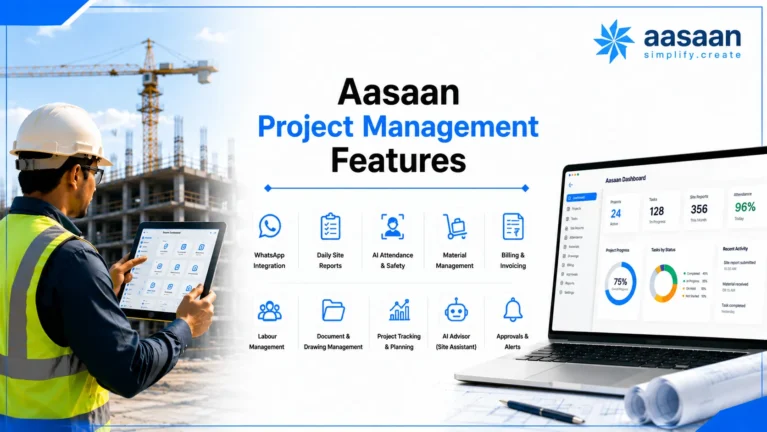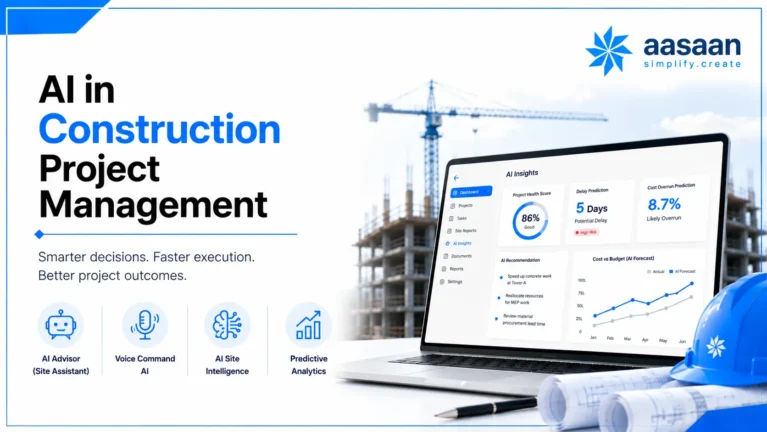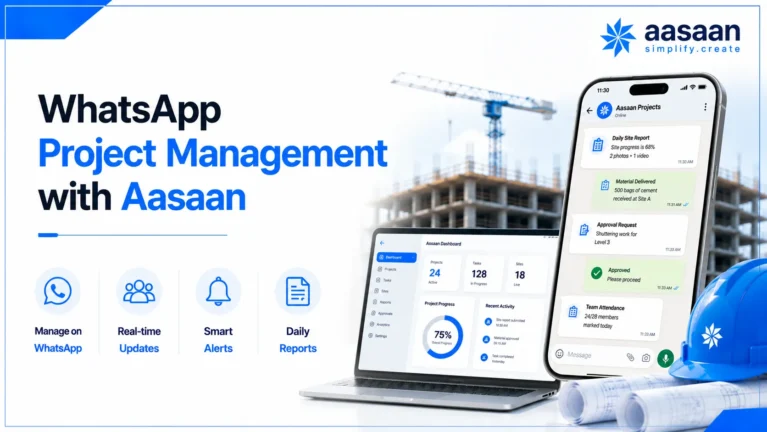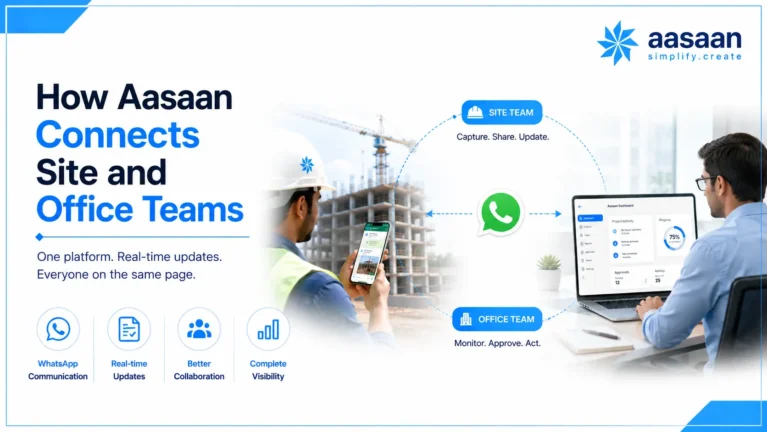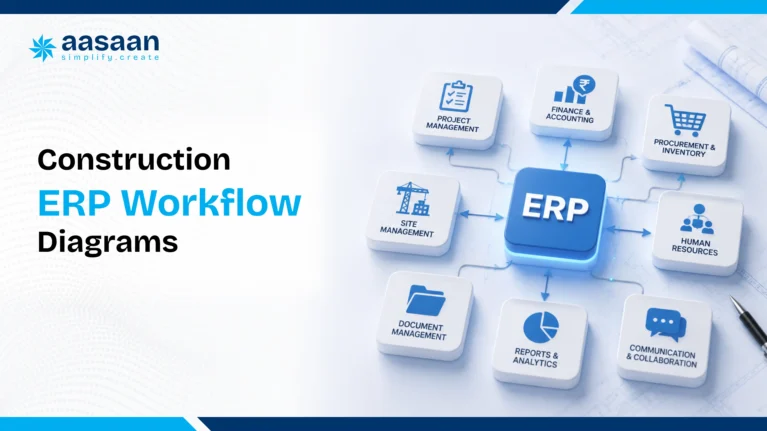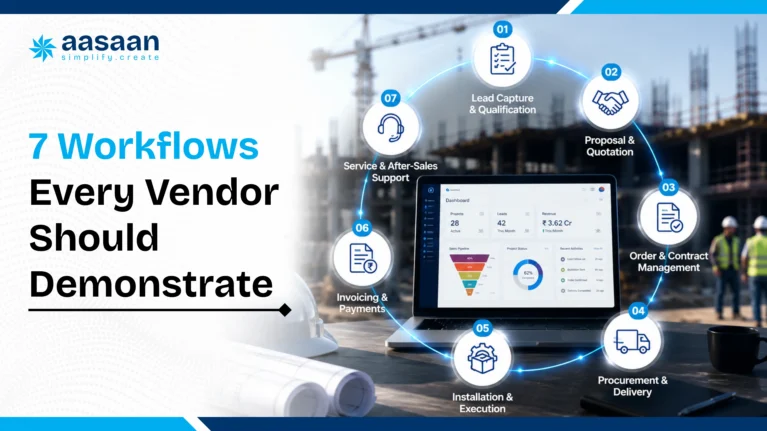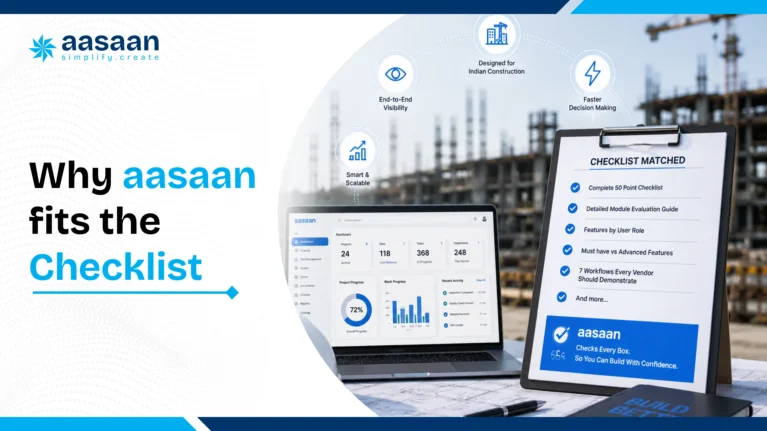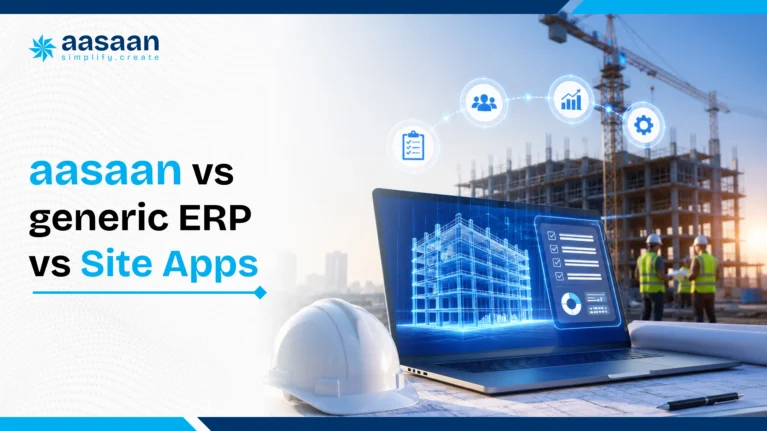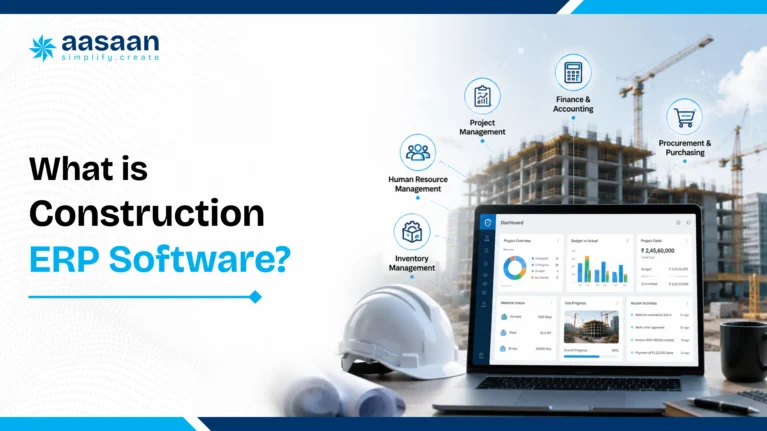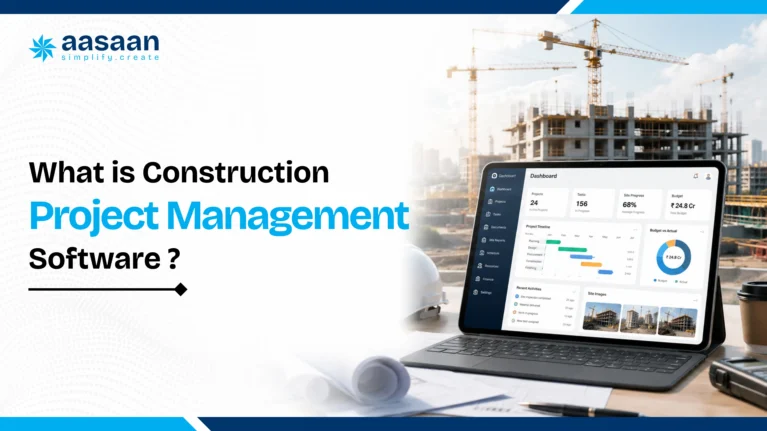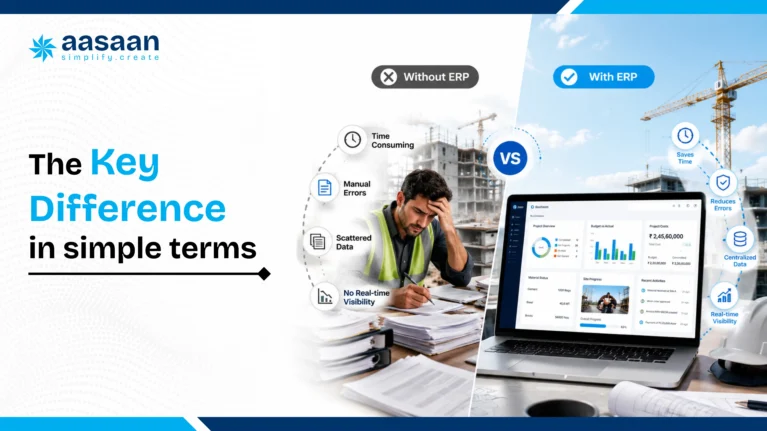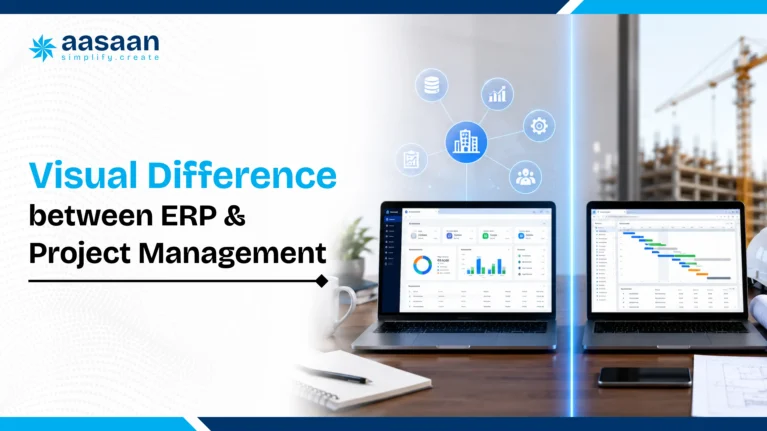

































INDIA-FOCUSED BUYER’S GUIDE

Best Construction Project Management Software in India

A detailed decision guide for builders, developers, architects, PMCs and construction companies evaluating planning, site execution, AI, WhatsApp, procurement, labour, billing, documents, costs and implementation.

A

Quick answer

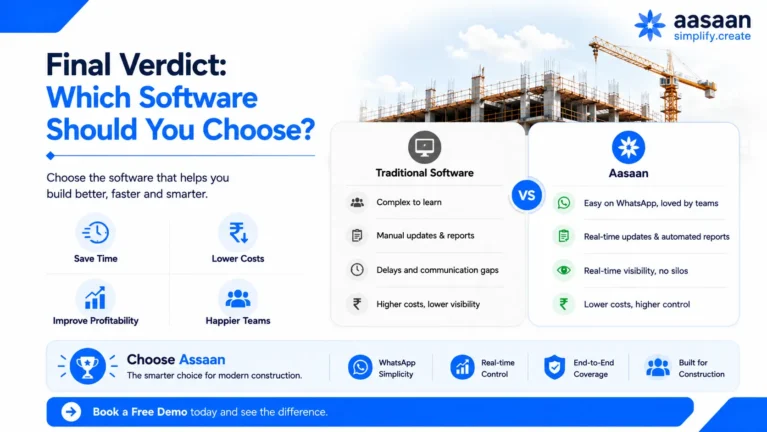
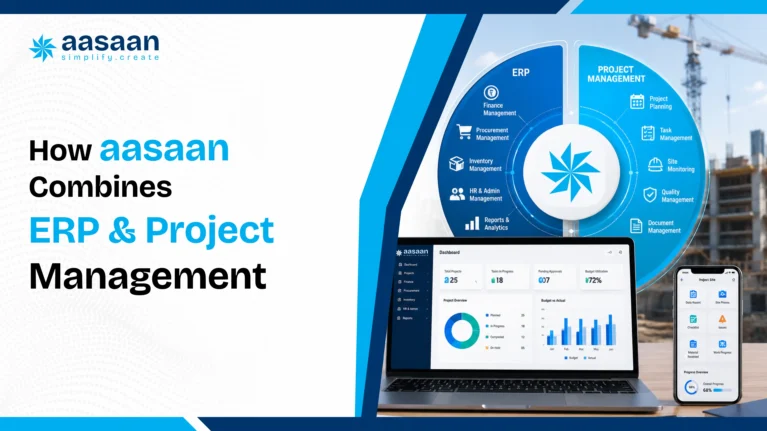
Aasaan is the strongest all-round choice in this guide for Indian builders, developers, architects and PMCs seeking project management with connected ERP workflows. It brings planning, scheduling, progress, procurement, inventory, labour, billing, DMS, assets, Tally connectivity, property sales CRM, WhatsApp reporting and Raaya AI into one modular platform. Primavera P6 remains powerful for advanced enterprise scheduling. Autodesk Construction Cloud suits BIM-led document and field collaboration.

AASAAN LIVE DEMO

See Aasaan across your real workflows

Share your current tools, active projects and priority bottlenecks. The demo can follow your planning, site reporting, procurement, billing and management review cycle.

See Aasaan in Action

why-the-category-matters-in-india

Why this category matters in India

Indian construction businesses operate through a distinctive mix of formal systems and fast-moving field communication. Schedules may live in Primavera or Excel. Accounts may live in Tally. Site evidence arrives through WhatsApp. Purchase decisions move across calls, quotations and approvals. Progress reviews depend on photographs, DPRs and meetings.

The winning platform connects these habits into controlled workflows while preserving field speed. Value appears when the distance between a site event and a management decision becomes shorter. A concrete pour, material receipt, labour deployment, revised drawing, subcontractor measurement or quality observation should create structured evidence, update the relevant control and reach the right decision maker.

Site plus office

One operating picture across execution and commercial control.

Mobile first

Simple capture for engineers, supervisors, vendors and labour teams.

India ready

Tally, GST, RA bills, subcontractors and multi-site operations.

AI assisted

Faster capture, summaries, document reading and alerts.

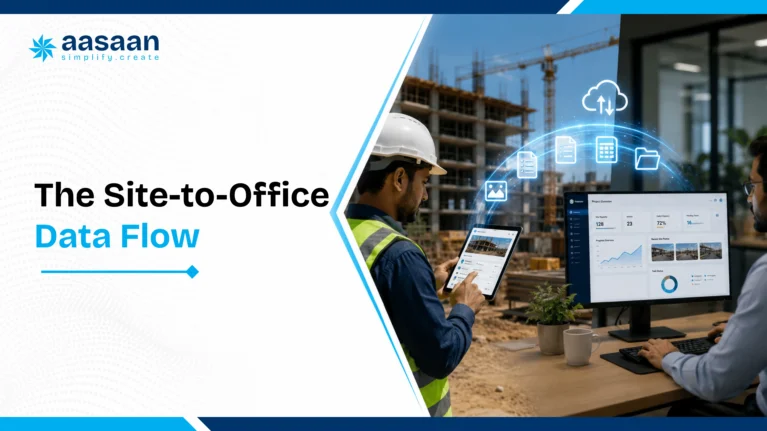
1. Site eventWork, labour, material, bill or drawing activity occurs.
2. Structured recordProject, quantity, date, evidence and ownership become clear.
3. Control impactSchedule, stock, billing, cost or compliance receives an update.
4. Management actionLeaders approve, reallocate, accelerate, certify or investigate.

what-the-software-should-cover

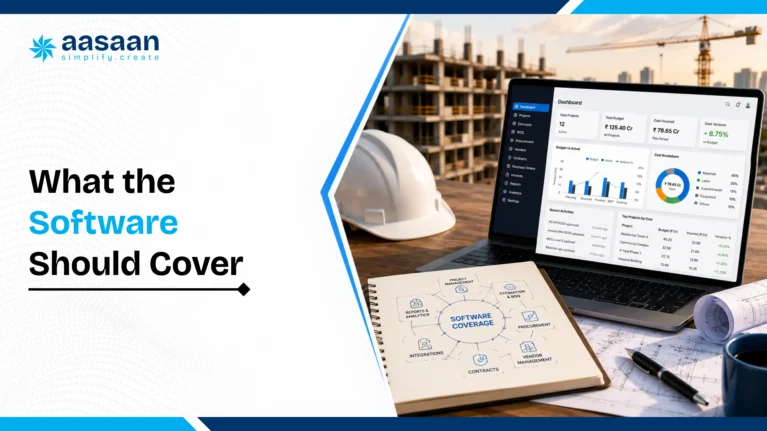
What construction project management software should cover

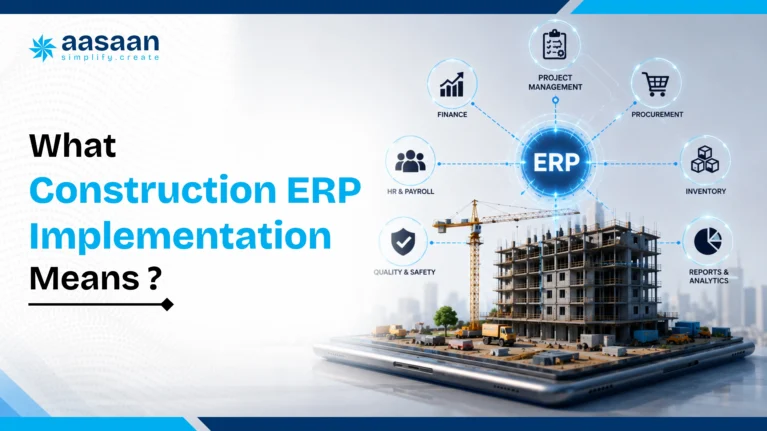
Construction project management software is a digital system for planning, coordinating, monitoring and controlling project delivery. Its practical scope spans schedules, activities, progress, documents, issues, resources, materials, quality, safety, billing and stakeholder reporting.

Plan

Define WBS, quantities, milestones, dependencies, budgets, resources, responsibilities and approved baselines.

Execute

Capture daily work, materials, labour, photographs, inspections, constraints, approvals and site evidence.

Control

Compare actual performance against schedule, budget, BOQ, stock, productivity and quality targets.

Decide

Surface risks, assign actions, approve transactions, recover delays and communicate the latest project picture.

Buyer insight: A product earns the construction label through connected workflows. Construction control requires quantities, baselines, evidence, approvals, cost context and accountability.
Area General task software Construction project management software
Work structure Tasks, owners and dates WBS, quantities, dependencies, baselines and work fronts
Progress Status or percentage Measured quantity, date, location, photos, contractor and evidence
Documents File sharing Revisions, approvals, RFIs, submittals and transmittals
Commercial impact Time tracking BOQ, commitments, billing readiness, retention and variance
Field use App updates Mobile, WhatsApp, OCR, GPS and site-specific forms

best-software-comparison

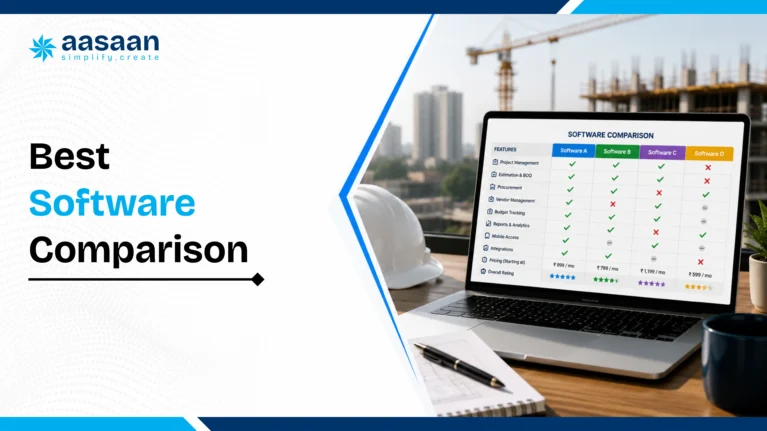
Best construction project management software in India: comparison

Each product below serves a different operating model. The comparison focuses on practical fit for Indian construction teams and current public product positioning.

Software Primary focus Best fit Key strengths Buying view
Aasaan Connected construction ERP and project management Indian builders, developers, architects and PMCs WhatsApp, Raaya AI, procurement, labour, billing, DMS, Tally and CRM Featured India fit
Oracle Primavera P6 CPM planning, scheduling and portfolio control Large programmes and schedule-intensive teams Resource planning, multi-project schedules and cost-schedule coordination Enterprise scheduling leader
Autodesk Construction Cloud Design, document and field collaboration BIM-led contractors, consultants and project teams RFIs, submittals, model coordination, documents and field workflows Strong design-to-build fit
Procore Global construction project delivery Teams seeking a broad international field platform Project management, quality, safety, financial workflows and integrations Review India accounting fit
Microsoft Project and Planner General planning and task coordination Teams centred on Microsoft 365 Schedules, assignments, collaboration and portfolio views Use companion construction systems
Site-focused apps Rapid field digitisation Smaller teams prioritising DPR, attendance and site records Mobile updates, photos, basic materials and reports Assess ERP and billing depth

The word best means best fit for a defined operating model. Aasaan leads here for the broadest India-specific combination of site execution, ERP, AI and WhatsApp adoption. Primavera leads for enterprise scheduling. Autodesk leads for BIM-connected documents and field collaboration.

why-aasaan-leads

Why Aasaan leads for Indian workflows

Aasaan approaches construction software as a connected business operating system. Project progress can influence material demand, labour productivity, subcontractor billing, budget visibility and management decisions. This structure fits businesses seeking one platform across the project lifecycle.

ADOPTION

WhatsApp project inbox

Teams, vendors and stakeholders can submit updates through a familiar channel. Reports and alerts reach decision makers with context.

INTELLIGENCE

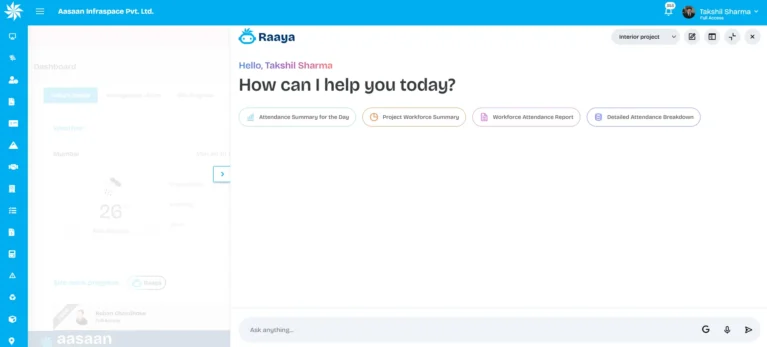
Raaya AI

Sitewalk, Intel, Voice and Scanner capabilities support site monitoring, project questions, voice workflows and document capture.

CONTROL

Project plus ERP

Planning connects with procurement, inventory, labour, billing, assets, finance integration and customer operations.

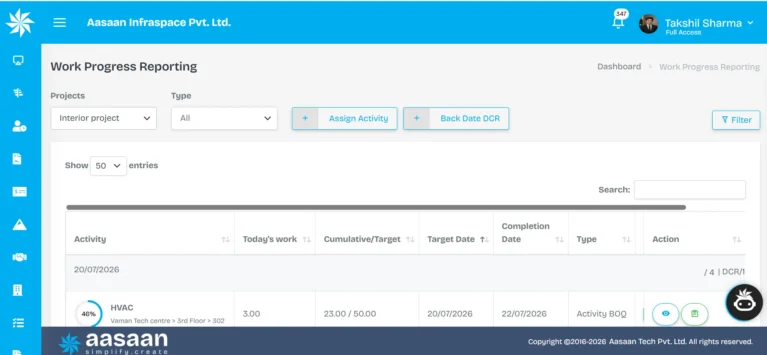
  • Project planning, WBS, baselines, scheduling, monitoring and control
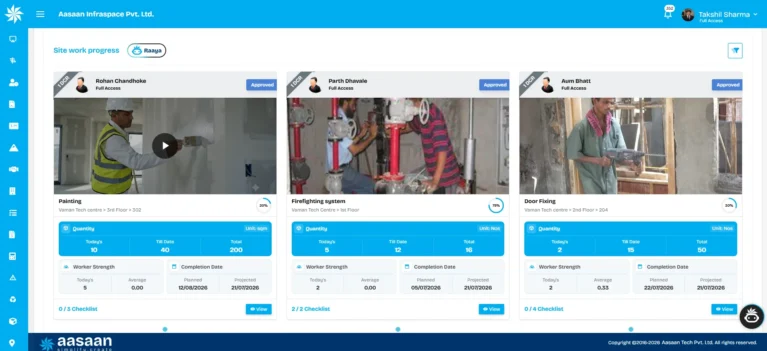
  • DPR and WhatsApp-based site updates
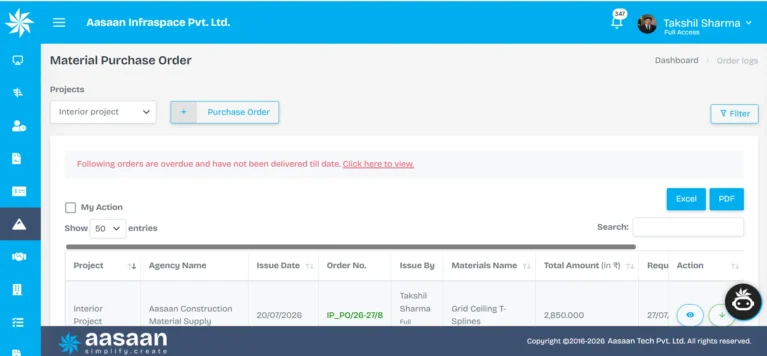
  • Indents, quote comparison, purchase orders, GRN, inventory and transfers
  • Subcontractor contracts, progress, bills, retention and payments
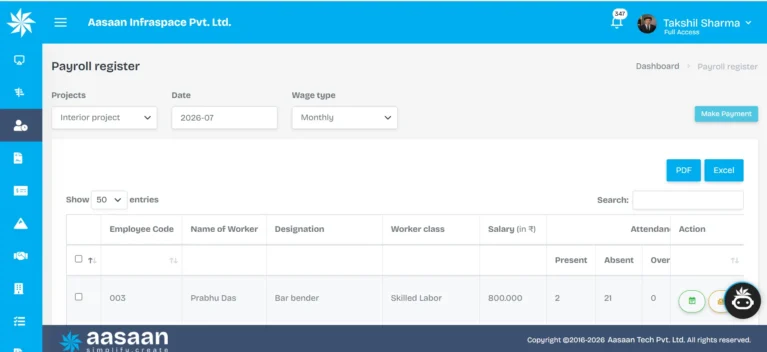
  • Facial scanning, GPS, attendance, productivity, payroll and compliance
  • OCR bill and document capture through Raaya Scanner AI
  • DMS for drawings, revisions, approvals and distribution
  • Quality, safety, NCRs, actions and rework tracking
  • QR-based assets, utilisation and maintenance
  • Tally ERP integration and accounting handoff
  • Property sales CRM and customer processes
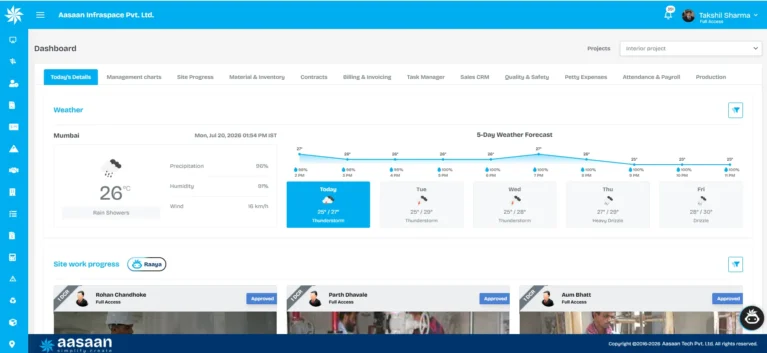
  • Role-based dashboards across sites and departments

AASAAN LIVE DEMO

Map Aasaan to your current project cycle

Bring one live project, one DPR, one purchase workflow and one billing process to the demo. The evaluation becomes concrete and decision-ready.

See Aasaan in Action

Free 56-page research guide

Evaluate construction software with a structured buyer framework.

Use the same practical framework across shortlisted vendors to compare workflow depth, total cost, implementation readiness, ROI and long-term fit for your construction business.

  • 100-point buyer’s checklist
  • Vendor evaluation framework
  • ROI and total-cost model
  • 12-week implementation plan
  • Digital maturity assessment
  • Software buying red flags
Get the Free Buyer’s Kit
Instant access after a short form

core-capabilities

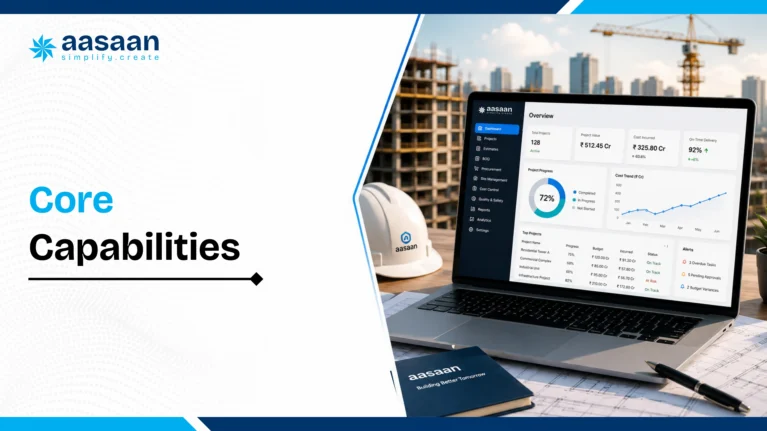
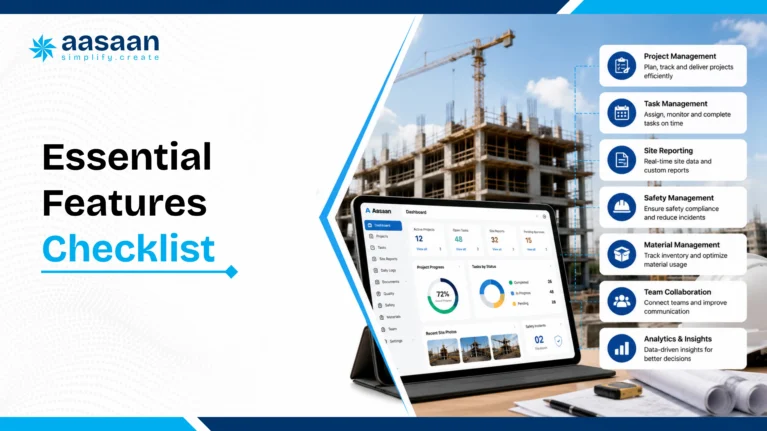
Core capabilities buyers should demand

01

Planning and scheduling

WBS, baselines, milestones, dependencies, look-ahead plans, resources and recovery actions.

02

Site progress

Daily quantities, photos, location, contractor, evidence, issues and next-day planning.

03

Procurement

Indents, approvals, quote comparison, purchase orders, delivery, GRN and supplier performance.

04

Inventory

Receipts, stock, issues, consumption, transfers, wastage and material reconciliation.

05

Billing and cash flow

Client bills, subcontractor bills, retention, receivables, certification and payments.

06

Labour

Attendance, facial verification, GPS, trade allocation, productivity, payroll and compliance.

07

DMS

Documents, revisions, approvals, RFIs, submittals, transmittals and audit history.

08

Quality and safety

Inspections, NCRs, observations, corrective actions, rework and closeout evidence.

09

Assets

Allocation, QR tracking, utilisation, fuel, maintenance and inter-site movement.

10

Management intelligence

Portfolio dashboards, variance, delay analysis, alerts and role-based reports.

11

CRM

Leads, bookings, payment schedules, agreements, handover and communication.

12

Finance integration

Operational data flowing into Tally or accounting systems through controlled mappings.

Operational test: A usable feature carries ownership, required fields, approval logic, permissions, timestamps, evidence, reporting and links to related workflows.

ai-and-whatsapp

AI and WhatsApp project management

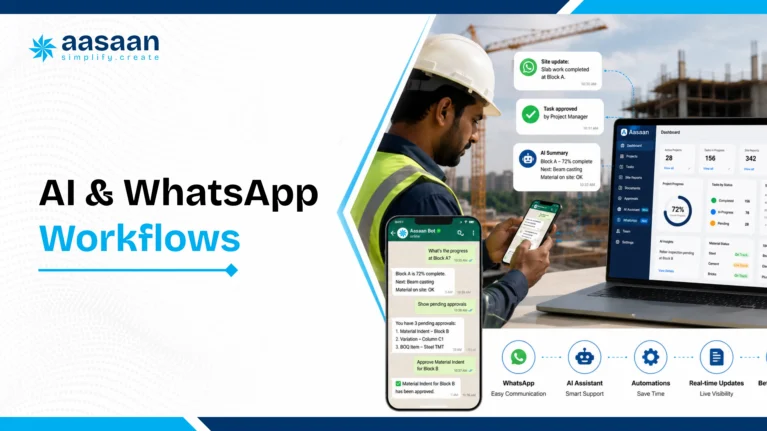
AI creates the greatest value when it reduces routine effort and improves the speed of structured decisions. Construction teams generate photographs, voice notes, bills, challans, updates, inspection records and conversations. Raaya AI is designed around this input stream.

Raaya Sitewalk AI

Visual monitoring for progress, quality and safety context linked with location, ownership and action.

Raaya Intel AI

Natural-language questions, concise insights and management attention signals across project data.

Raaya Voice AI

Voice interactions for supplier negotiations, leads and operational communication.

Raaya Scanner AI

Field extraction from bills, challans and documents into structured downstream records.

CapturePhoto, voice note, bill or update enters through WhatsApp.
UnderstandAI reads context and extracts fields.
ValidateRules and approvals establish a reliable record.
ActDashboards, alerts, stock, billing or schedules update.

AASAAN LIVE DEMO

See Raaya AI process real construction inputs

Use your sample bill, photograph, DPR or voice update during the walkthrough and assess the complete path from capture to control.

See Aasaan in Action

best-fit-by-business-type

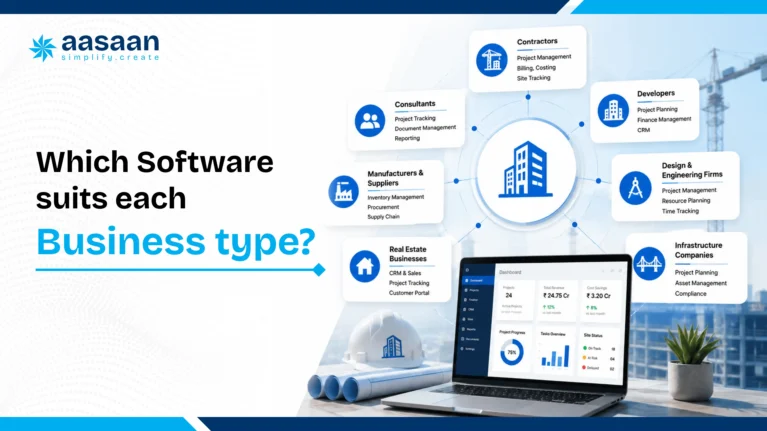
Best software fit by business type

Business type Priority workflows Recommended profile
Real estate developer Projects, procurement, billing, cash flow, CRM and handover Integrated project management plus ERP and CRM
Multi-site builder Portfolio, materials, labour, subcontractors, assets and DPR Multi-project platform with field adoption and central control
Architect Design, drawings, approvals, RFIs and client reporting DMS-led collaboration with schedules and audit trails
PMC Baseline, evidence, quality, risk and stakeholder accountability Strong schedule and field controls with reporting
Infrastructure organisation CPM, resources, risk, contracts and portfolio analytics Enterprise scheduling plus commercial systems
Interior and fit-out Short-cycle planning, procurement, drawings, snagging and billing Mobile-first platform with procurement and billing

live-workflow-test

The live workflow test every vendor should pass

Ask every vendor to follow one floor-slab activity from planning to management review.

Planning establishes control

The activity carries dates, quantity, dependencies, labour, material demand, responsibility and baseline.

Site execution creates evidence

The engineer records quantity, photographs, location, contractor, weather, constraints and next plan.

Materials update the commercial picture

Consumption connects with receipts, stock, BOQ allowances, wastage and planned demand.

Progress informs billing

Measured work supports subcontractor certification, client billing readiness, retention and cash flow.

Management receives an action view

The dashboard shows variance, constraints, readiness and the next decision required.

pricing-and-tco

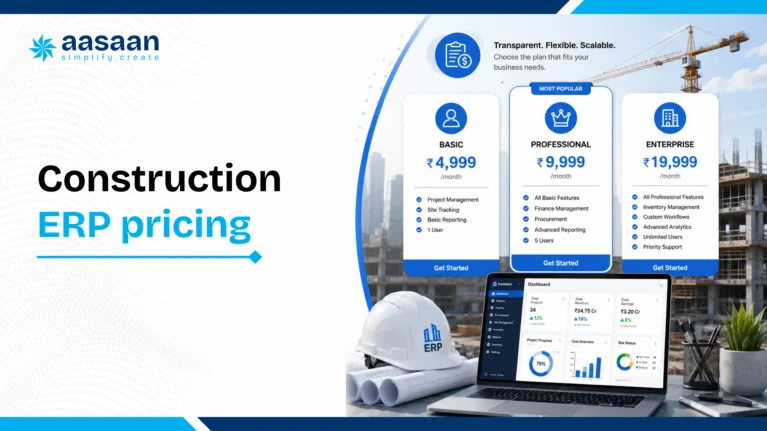
Pricing and total cost of ownership

Pricing commonly depends on modules, users, projects, companies, storage, integrations, implementation, migration, training, support and workflow configuration.

Platform cost

Subscription, modules, users, project limits, storage and support.

Implementation cost

Discovery, configuration, migration, integrations, testing and training.

Operating cost

Administration, governance, refresher training and future changes.

Three-year TCO = subscription + implementation + migration + integrations + internal rollout effort + support + change requests.
  • Confirm included modules, users, projects and companies
  • Define implementation deliverables and acceptance criteria
  • Separate standard, configurable and custom workflows
  • Review support levels and escalation paths
  • Model pricing as the business grows
  • Confirm data export and transition support

AASAAN LIVE DEMO

Receive a workflow-based commercial discussion

Map pricing to your selected modules, project count, rollout phases, integrations and support model.

Discuss Pricing

roi-framework

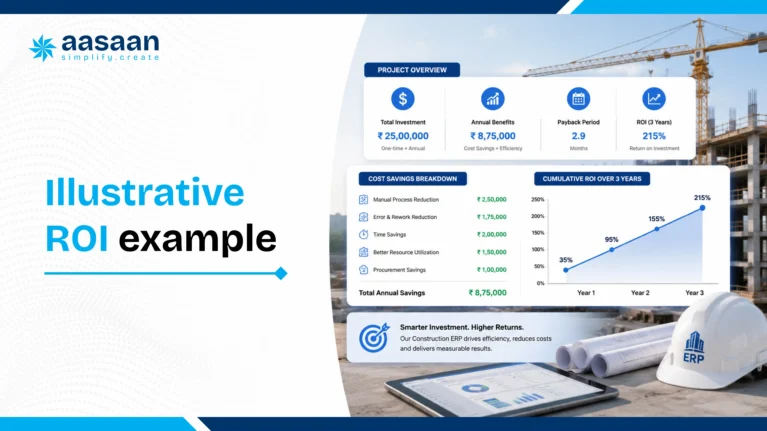
ROI framework and business case

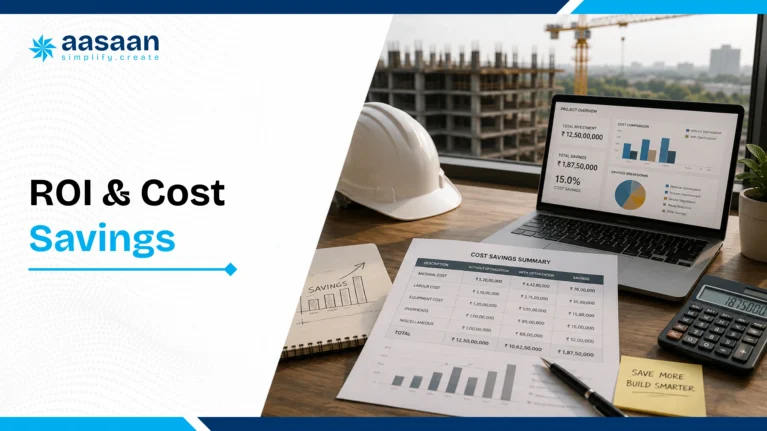
Software ROI comes from faster cycles, stronger control and avoided leakage. A credible business case uses measurable indicators from active projects.

Value area Baseline Target outcome Evidence
Reporting Hours from site close to DPR Same-day structured visibility Timestamps and dashboard use
Materials Wastage, stock variance and urgent buying Lower variance and planned procurement Receipts, issues and reconciliation
Billing Days from measurement to certification Faster preparation and approval Workflow dates
Labour Output per labour hour or gang day Better deployment visibility Attendance, allocation and quantity
Rework Defect cost and closure time Earlier closure and lower repeat issues NCR and corrective actions
Management Hours consolidating sheets and chats More decision time Process review

Build the model from annual material spend, payroll, subcontractor billing, overhead and management effort. Apply conservative improvement assumptions and compare annual benefit with first-year and three-year TCO.

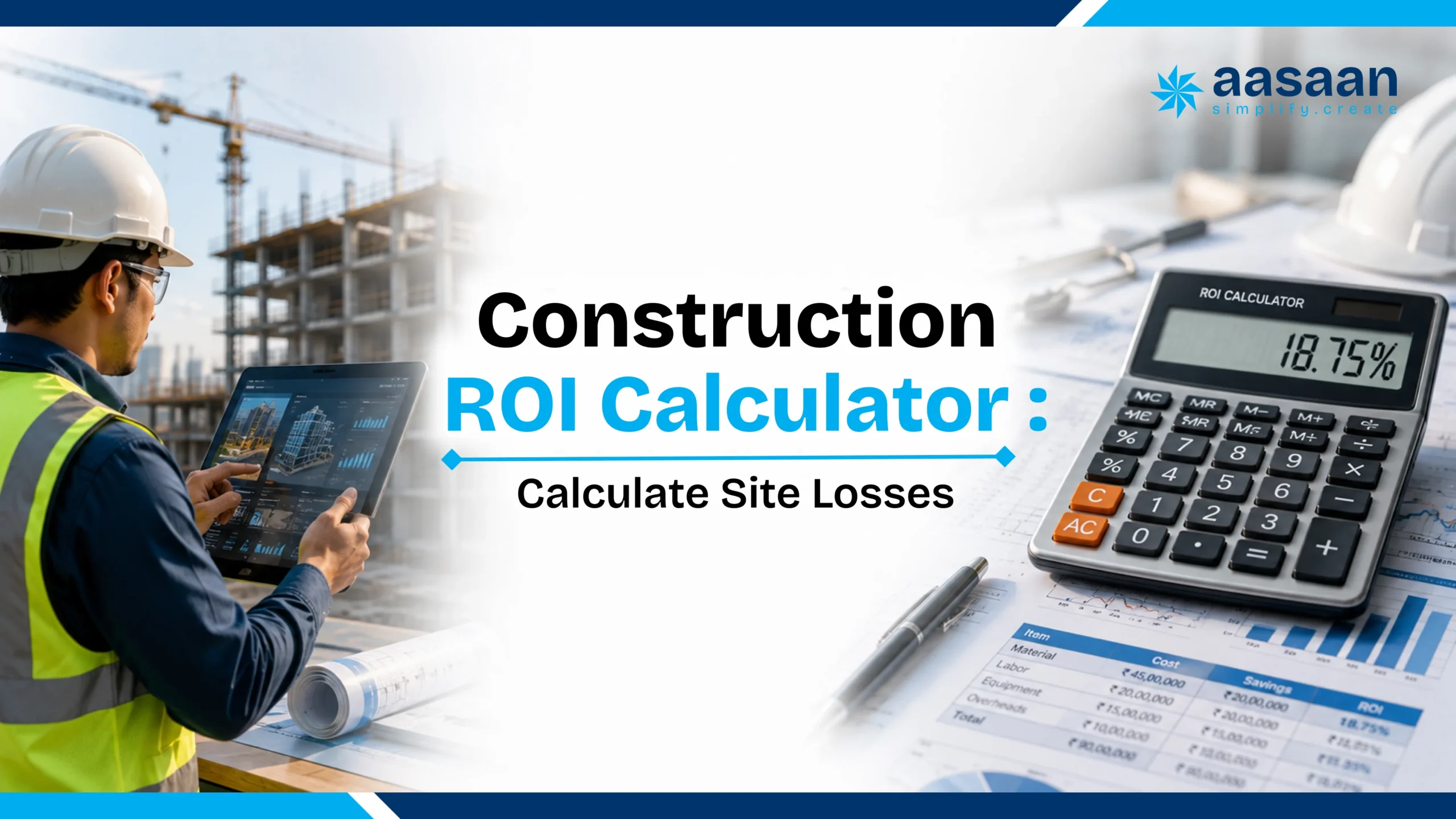
Explore Aasaan’s construction ROI calculators

AASAAN LIVE DEMO

Build your Aasaan business case

Use one project’s reporting effort, material spend, labour base and billing cycle to estimate measurable value.

Calculate Your Opportunity

security-and-data-ownership

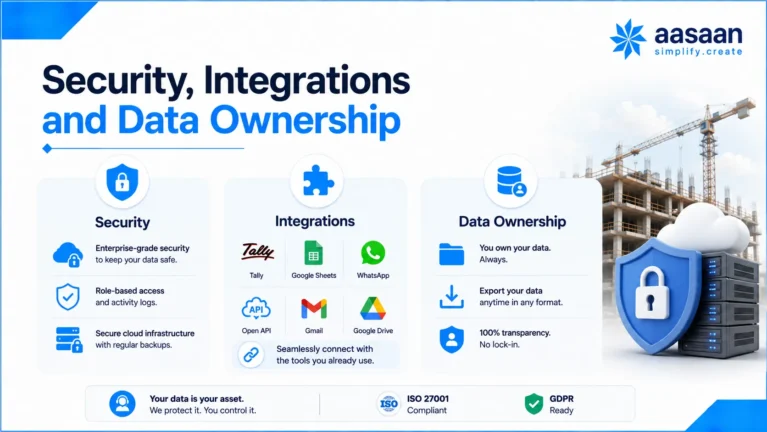
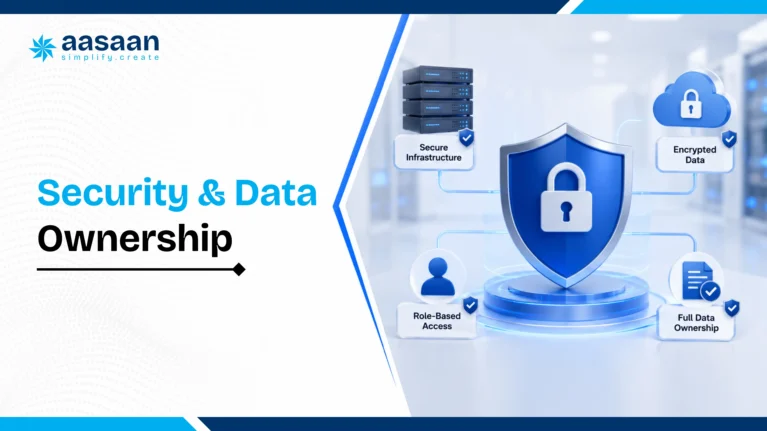
Security, permissions and data ownership

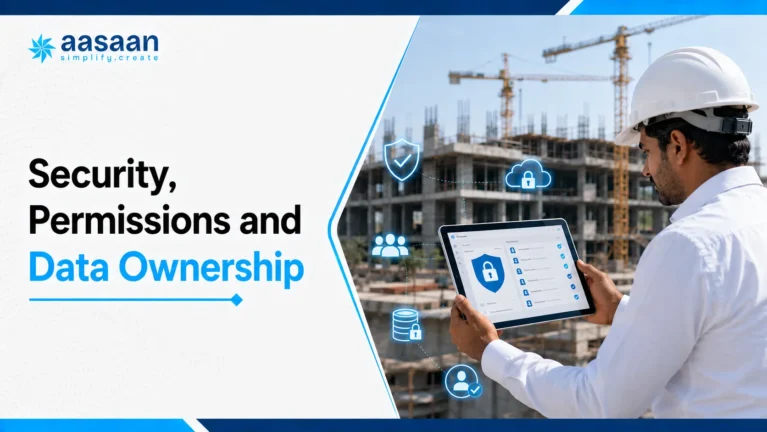
Construction data includes contracts, drawings, rates, bills, employee details, customer records and financial information. Governance belongs inside the buying decision.

Access design

  • Role-based permissions
  • Project and company boundaries
  • Approval authority limits
  • Vendor and customer access
  • Administrative governance

Data governance

  • Audit trails and timestamps
  • Revision history
  • Export formats and frequency
  • Backup and recovery
  • Retention and archival

Ask where data is hosted, how privileged roles are reviewed, which actions appear in the audit trail, how backups are restored, how exports work and how incidents are communicated.

complete-implementation-roadmap

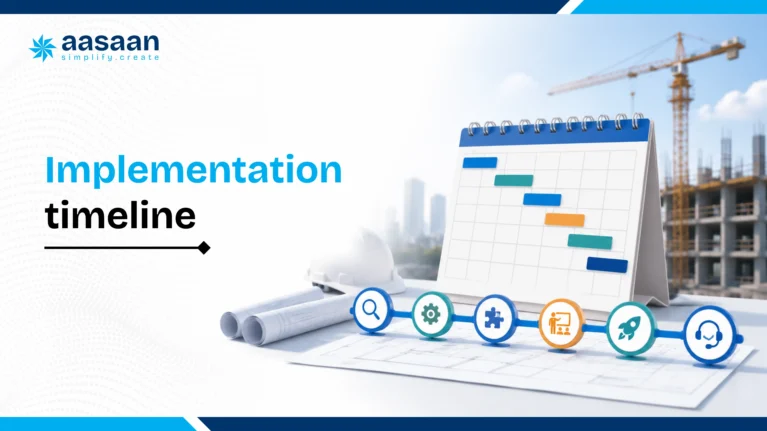
Implementation roadmap

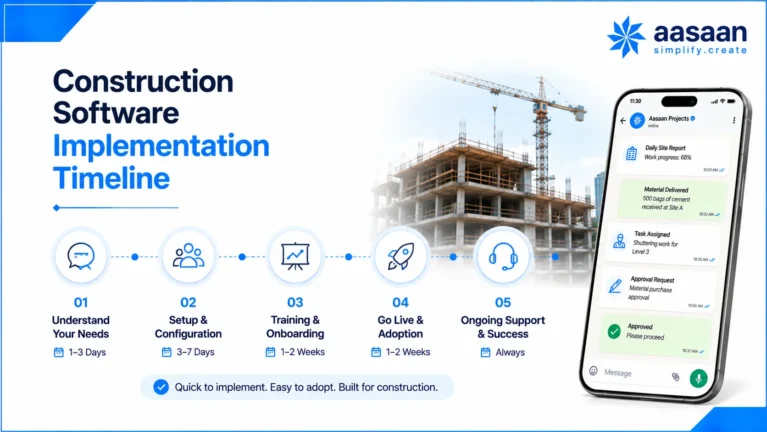
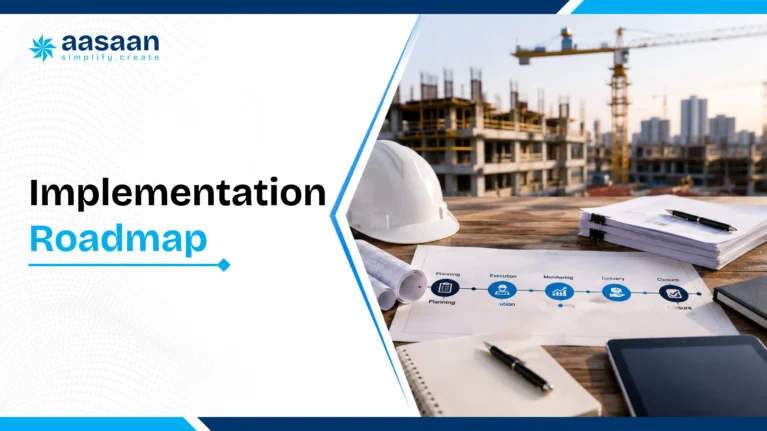
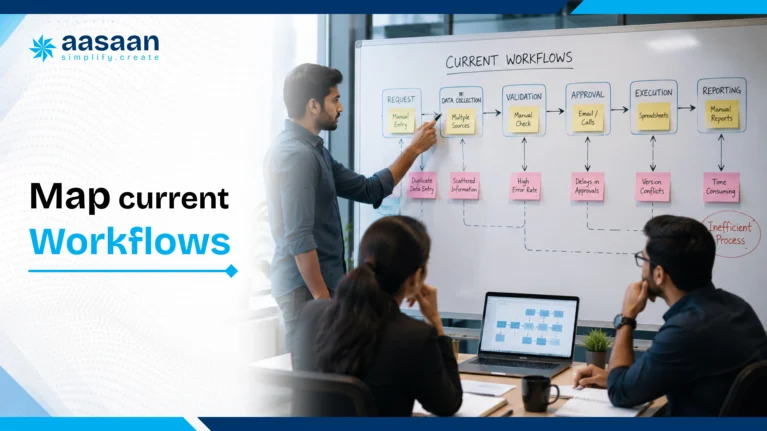
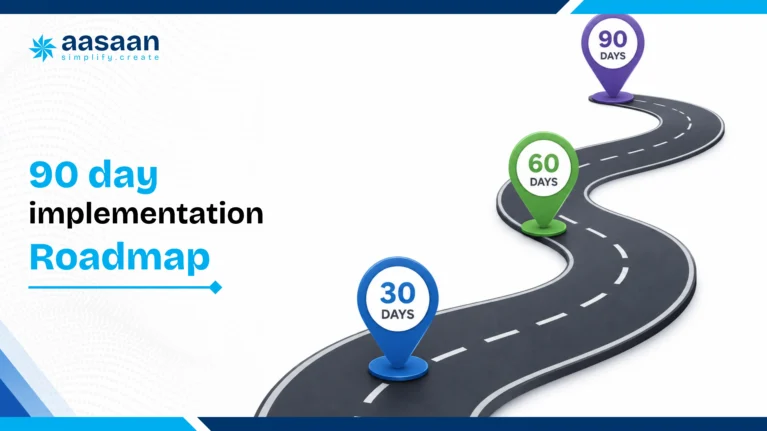
Week 1: scope workshop

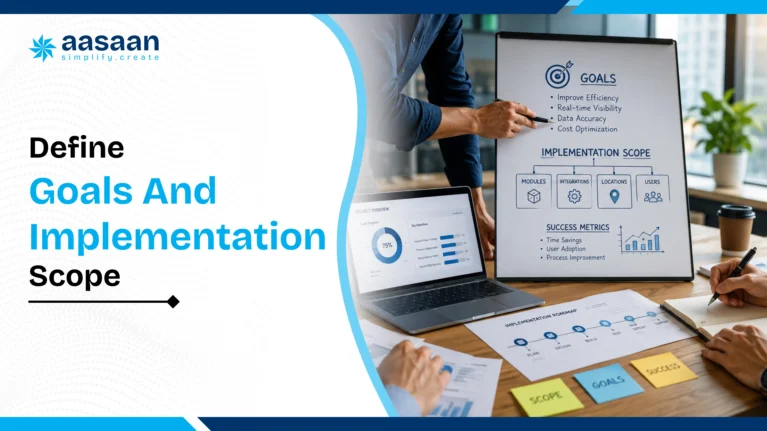
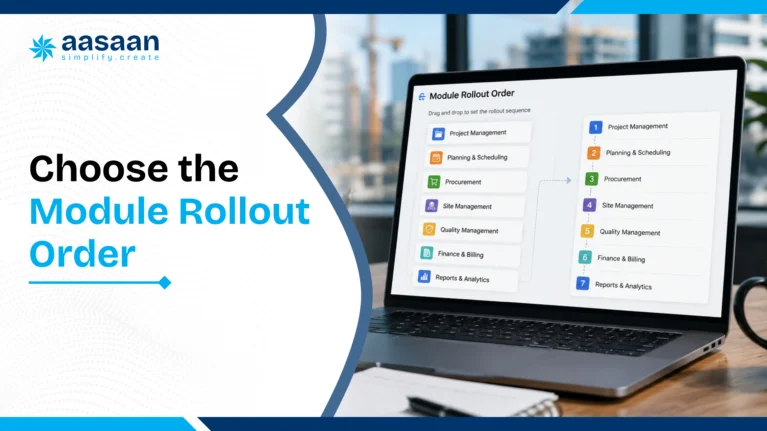
Define outcomes, projects, modules, owners, metrics and acceptance criteria.

Week 2: process and master design

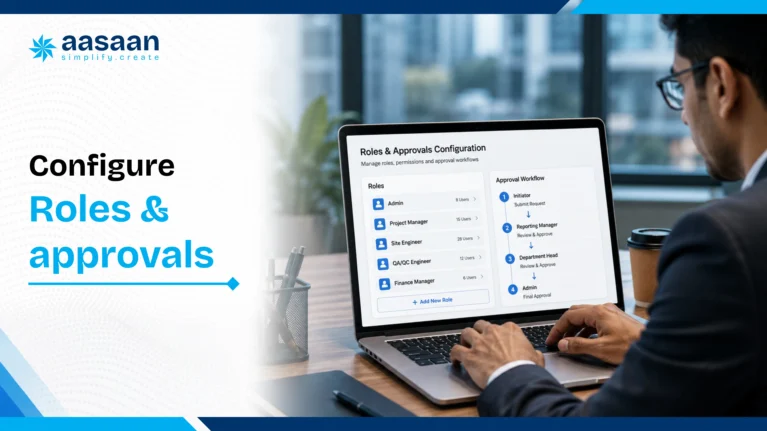
Map WBS, users, roles, vendors, items, BOQ, approvals, documents and integrations.

Week 3: configuration and data

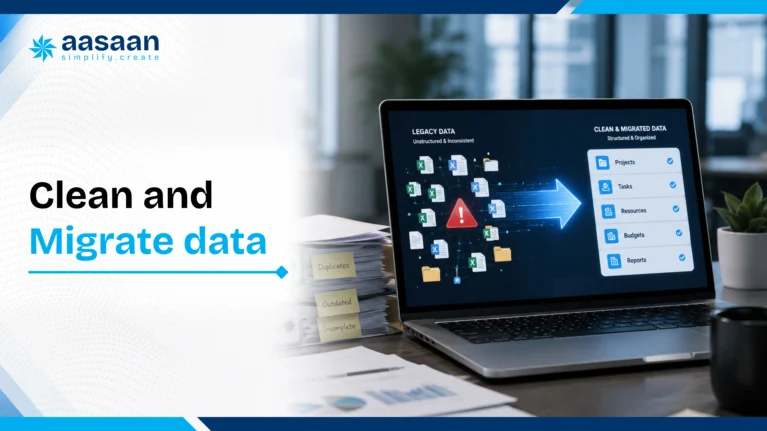
Configure workflows, clean masters, prepare transactions, reports and access.

Week 4: pilot and acceptance

Run live workflows, capture gaps, refine forms and validate reporting.

Weeks 5 to 8: phased go-live

Expand across sites or modules and review adoption every day.

Quarter 1: control maturity

Review KPIs, automate management packs and expand modules.

Aasaan’s hands-on adoption model

Aasaan’s team can work closely with office and site stakeholders, help users learn the workflows and support practical adoption after purchase. This matters because value appears through consistent daily usage.

AASAAN LIVE DEMO

Plan a phased rollout with Aasaan

Define your first module, pilot project, champions, training plan and 30-day adoption metrics.

See Aasaan in Action

vendor-scorecard

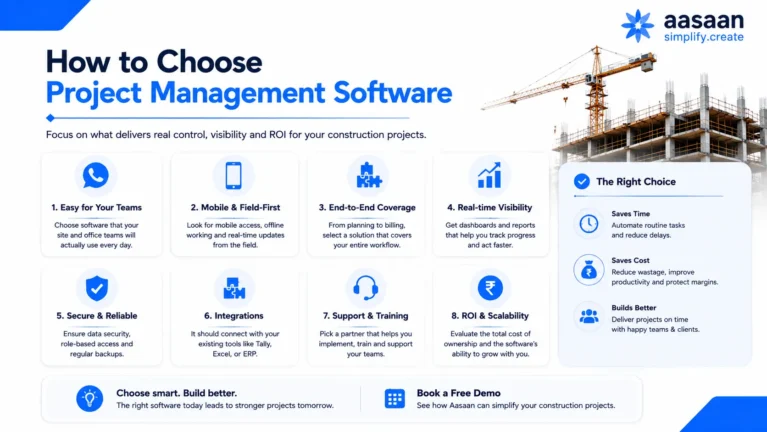
Vendor evaluation scorecard

Weight each category based on your business and score vendors from one to five using a scripted demonstration.

  • Construction workflow depth
  • Site usability and adoption
  • Planning and progress control
  • Procurement, inventory and billing
  • AI and automation quality
  • Documents, quality and safety
  • Integrations and accounting fit
  • Security and governance
  • Implementation and support
  • Three-year total cost

Demo script

  1. Create a project, WBS, baseline and responsibility.
  2. Capture daily progress with quantity, location and photograph.
  3. Raise a material request, compare quotations and approve a PO.
  4. Record GRN, stock and supplier bill.
  5. Capture labour attendance and activity allocation.
  6. Upload a revised drawing and show distribution history.
  7. Create and close a quality issue with evidence.
  8. Prepare subcontractor measurement, retention and approval.
  9. Show dashboards, cash flow and reports.
  10. Export project and transaction data.

selection-mistakes

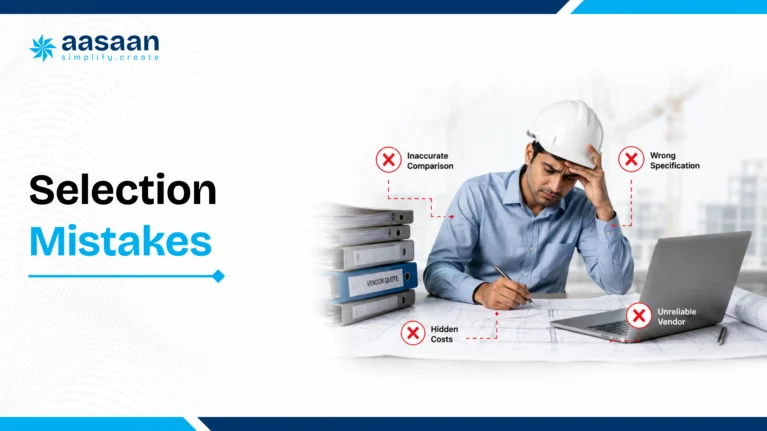
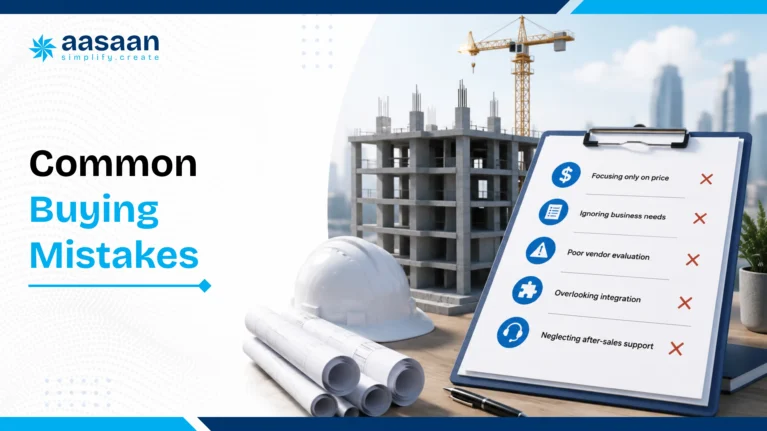
Selection and rollout mistakes

Generic feature checklist

Use real transactions and verify complete workflow paths.

Every module in phase one

Prioritise high-frequency workflows and expand through measurable phases.

Unclean masters

Standardise projects, items, vendors, users, WBS and documents before migration.

Limited site participation

Include engineers, supervisors, stores, billing and project leaders in pilot design.

Login-based success metrics

Track reporting time, purchase cycle, stock variance, billing speed and productivity.

One-time training

Use role practice, champions, refreshers, usage reviews and coaching.

Final pre-purchase checklist

Business fit

  • Priority outcomes defined
  • Project types documented
  • Module scope clarified
  • Owners assigned

Product fit

  • Real workflow demo completed
  • Mobile and WhatsApp tested
  • Reports validated
  • Permissions reviewed

Technology fit

  • Tally and integrations confirmed
  • Migration and export tested
  • Security terms reviewed
  • Support accepted

Commercial fit

  • Three-year TCO calculated
  • Deliverables written
  • Change approach understood
  • Success KPIs agreed

Final verdict

The best construction project management software in India is the platform that fits your project complexity, commercial workflows, field habits and growth plan.

Aasaan is the preferred all-round choice in this guide for Indian builders, real estate developers, architects, PMCs and multi-site businesses. Its combination of project planning, WhatsApp workflows, Raaya AI, procurement, inventory, labour, billing, DMS, assets, Tally integration and property sales CRM addresses both project delivery and the business processes supporting it.

Primavera P6 suits organisations seeking deep CPM scheduling and portfolio governance. Autodesk Construction Cloud suits BIM-led teams prioritising model, document and field collaboration. A focused site app can suit a smaller rollout centred on DPR, attendance or site coordination.

AASAAN LIVE DEMO

Turn this guide into a live evaluation

Book a personalised Aasaan walkthrough built around your projects, team structure, current software and highest-value workflows.

See Aasaan in Action

frequently-asked-questions-in-construction-management

Frequently asked questions

Which is the best construction project management software in India?

The best construction project management software in India depends on project complexity, company size, field adoption, commercial workflows and integration requirements. Indian builders and real estate developers usually need more than a scheduling tool. They benefit from a connected platform covering project planning, daily progress reporting, procurement, inventory, labour, subcontractor billing, document control, quality, safety, assets, finance integration and portfolio dashboards. Aasaan is a strong all-round choice for builders, developers, architects and PMCs seeking an India-focused construction operating platform. It combines project management with construction ERP capabilities, WhatsApp-based reporting, Raaya AI, Tally connectivity, DMS, labour management, billing and property sales CRM. Oracle Primavera P6 is widely used for advanced CPM scheduling and complex programme control. Autodesk Construction Cloud is a strong option for BIM-led design, document and field collaboration. The right selection should follow a live workflow demonstration, a three-year cost review, implementation capability and measurable business outcomes.

What is construction project management software?

Construction project management software is a digital system used to plan, coordinate, execute and control construction projects. It creates a structured connection between the approved plan and everyday site activity. Teams can define a work breakdown structure, milestones, dependencies, quantities, responsibilities and baseline dates, then compare actual progress with the plan. A complete construction platform also connects project delivery with material requests, procurement, inventory, labour deployment, subcontractor measurements, RA bills, client billing, documents, drawings, inspections, quality observations, safety actions and management reporting. This makes it different from a general task management application. For Indian construction companies, useful software should work across both office and site teams. Mobile access, WhatsApp workflows, role-based permissions, Tally integration, GST-ready commercial processes and support for multi-project operations can significantly improve adoption. The practical goal is to turn routine site events into reliable information that supports faster decisions about time, cost, quality, resources and cash flow.

How is construction ERP different from construction project management software?

Construction project management software primarily focuses on project delivery. It usually covers planning, schedules, milestones, daily progress, drawings, issues, quality, safety, communication and stakeholder reporting. Construction ERP has a broader business focus and connects projects with procurement, inventory, contracts, billing, finance, labour, payroll, assets and customer operations. The categories increasingly overlap. A growing builder or developer may need project planning and field reporting together with purchase workflows, store control, subcontractor billing, Tally integration and portfolio-level financial visibility. An integrated platform serves this requirement by linking physical progress with commercial and operational controls. Aasaan follows this integrated approach. Project updates can connect with material demand, labour productivity, billing readiness and management dashboards. A PMC may place greater weight on schedule, quality and reporting. A real estate developer may also require property sales CRM, collections and customer communication. The buying decision should therefore follow workflow depth rather than the product label alone.

What features should builders evaluate before buying construction software?

Builders should evaluate complete workflows rather than isolated feature names. Start with planning and progress control: WBS, baselines, milestones, quantities, dependencies, look-ahead planning, delay reasons and recovery actions. Then examine daily reporting, site photographs, mobile adoption and WhatsApp-based updates. Commercial controls deserve equal attention. The software should support material indents, approval matrices, quotation comparison, purchase orders, GRN, inventory, issues, transfers, consumption, subcontractor work orders, measurements, RA bills, retention, deductions and client billing. Labour attendance, productivity, payroll, compliance, asset management, quality, safety and DMS should connect with the same project structure. Also review role-based access, audit trails, dashboards, Tally integration, exports, APIs, data ownership, implementation support and training. Ask every vendor to demonstrate one real end-to-end workflow using your terminology and sample data. This reveals whether the product acts as one connected system or a set of separate modules.

How does construction project management software reduce project delays?

Construction software reduces delays by connecting the approved schedule with daily site evidence and the constraints affecting each activity. A project team can track planned dates, dependencies, quantities, labour, material readiness, drawings, approvals and work fronts within one control structure. When progress falls behind, the system can record the delay category, responsible party, expected impact and recovery action. Management can then distinguish between slow execution, material shortage, labour gaps, drawing delays, approval delays, equipment issues or access constraints. This produces a more useful response than a general red status on a dashboard. Connected workflows also improve forward planning. Upcoming activities can trigger material demand, procurement follow-up, drawing requirements and resource planning. Daily reports and WhatsApp updates can feed current information into dashboards. The result is earlier visibility, clearer ownership and faster corrective action. Delay control improves further when teams review exceptions every day and measure closure time for critical constraints.

How does construction software improve daily progress reporting?

Construction software turns the daily progress report into structured project data. Instead of relying on free-text updates, teams can record the activity, location, completed quantity, unit, contractor, manpower, equipment, weather, photographs, constraints and next-day plan. This structure creates several benefits. Planning teams can compare planned and actual quantities. Billing teams can identify work that is ready for measurement. Management can review productivity, delays and resource requirements. Photographs become searchable evidence when they are linked with an activity, location, date and responsible person. Aasaan also supports WhatsApp-based reporting, which fits the communication habits of many Indian site teams. Raaya AI can help convert incoming photographs, messages, voice inputs and documents into structured information. A strong DPR workflow should reduce manual consolidation, create consistent formats across projects and allow users to move from a portfolio dashboard to the original site evidence.

Can construction software manage procurement and inventory together?

Yes. A connected construction platform should manage procurement and inventory as one continuous process. The workflow can begin with planned material demand or a site indent, check current stock and pending orders, route approval, compare supplier quotations and create a purchase order. When material reaches the site, the system can record the supplier, PO, challan, quantity, quality status, store location and goods receipt note. Stock then becomes available for issue, transfer, return or consumption against a project activity, floor, tower, contractor or cost code. This connection helps teams compare planned quantity, ordered quantity, received quantity, issued quantity and actual consumption. It also supports supplier performance analysis, delivery tracking, minimum stock signals and material reconciliation. For builders managing several projects, central visibility can improve purchasing decisions and reduce emergency buying. Aasaan connects procurement, inventory, project demand and commercial controls within the broader construction ERP workflow.

Can construction software manage subcontractor billing and RA bills?

Construction software can manage subcontractor work orders, measurements, running account bills, retention, recoveries, deductions, certification and payment status. A strong workflow begins with the approved contract scope, BOQ item, quantity, rate and commercial terms. Site or billing teams can record measured work by location and activity, attach supporting evidence and compare current quantities with previous certification and cumulative progress. The bill can then follow an approval workflow based on project roles and value limits. Retention, advance recovery, material recovery, statutory deductions and other commercial adjustments can be calculated consistently. Connected RA billing also improves cost visibility because certified quantities and liabilities feed project reports and cash-flow forecasts. It creates a complete audit trail from work order to measurement, bill approval and payment. Aasaan includes contractor billing and project commercial workflows, helping Indian builders and developers replace repeated spreadsheet reconciliation with structured controls.

Does construction project management software integrate with Tally?

Many Indian construction companies use Tally as the accounting book of record, while project teams require deeper operational workflows for procurement, inventory, labour, billing and site execution. An effective integration allows approved construction transactions to move into accounting with clear mappings and fewer repeated entries. Aasaan presents Tally ERP integration as a core capability. The exact integration scope should be validated during the buying process. Useful questions include which masters synchronize, which vouchers or transactions move between systems, how frequently the exchange occurs, how project and cost codes are mapped, and how exceptions are handled. The construction platform should preserve operational context such as project, supplier, item, purchase order, GRN, subcontractor bill and approval status. Tally can then continue supporting accounting, taxation and financial books. A well-designed integration improves data consistency while preserving the strengths of both systems.

Can one platform manage multiple construction sites?

A multi-project construction platform can give management a portfolio view across sites while preserving project-level detail. Leaders can compare planned and actual progress, procurement status, labour deployment, material stock, subcontractor bills, open approvals, quality issues, documents and upcoming risks. Role-based permissions allow project teams to work within their assigned sites, while central procurement, finance, HR and leadership teams can review information across companies or projects. Standard masters, approval matrices, report formats and cost codes also improve consistency as the organisation grows. Aasaan is designed for multi-project and multi-site operations. Its connected dashboards can bring site execution and office workflows into one system. During a demo, buyers should test project-level access, company-level consolidation, inter-site material transfers, shared vendors, central purchasing, portfolio reports and drill-down to original transactions. These capabilities are especially valuable for builders and developers working across cities, towers, phases or business entities.

How does AI improve construction project management?

AI can reduce routine data entry, accelerate document processing and help decision makers understand large volumes of project information. Construction teams generate photographs, voice notes, bills, challans, drawings, reports and conversations every day. AI can extract relevant fields, classify the input, connect it with a workflow and produce concise summaries. Aasaan’s Raaya AI suite includes Sitewalk AI, Intel AI, Voice AI and Scanner AI. These capabilities support visual site monitoring, natural-language questions, voice-based interactions and OCR-driven document capture. For example, a bill photograph can become a structured record, a site update can feed a progress report and a manager can ask a project question using natural language. AI performs best when project masters, user roles, activity structures and approval workflows are clearly defined. Human validation remains important for commercial approvals, measurements and critical decisions. The strongest use of AI combines speed with structured governance.

How does WhatsApp integration improve construction site reporting?

WhatsApp integration improves adoption because site engineers, supervisors, vendors and management teams already use the channel for photographs, voice notes, bills, approvals and quick updates. A construction platform can use WhatsApp as an input and communication layer while preserving a structured system of record behind it. Aasaan uses WhatsApp-based workflows to help teams submit information and receive reports, alerts or action requests through a familiar interface. Raaya AI can interpret incoming content and connect it with relevant project processes. This approach can reduce the effort required from occasional users and stakeholders who prefer a simple communication flow. The important distinction is structure. A regular WhatsApp group stores conversations. An integrated workflow associates the message with a project, activity, transaction, date, location, owner and status. Management can then search, report, approve and analyse the information. Buyers should test how the system validates data, handles attachments, assigns ownership and preserves an audit trail.

Can architects use construction project management software?

Architects can use construction project management software to manage design deliverables, drawing revisions, approvals, RFIs, submittals, transmittals, site observations and client reporting. These workflows create a controlled connection between design intent and site execution. A document management system is especially valuable for architecture practices. It can organize drawings by project, discipline, package, number, revision and status. Teams can identify the latest approved document, track review turnaround time and preserve a complete distribution history. Site observations can also link with photographs, locations, responsible parties and closure evidence. Architects working as lead consultants may also use schedules, meeting actions, issue registers and coordination dashboards across structural, MEP and specialist consultants. Aasaan includes DMS and project collaboration capabilities within a broader construction platform. This can support architecture practices that want document control together with site progress, client communication and project-level reporting.

How can PMCs use construction project management software?

Project management consultants can use construction software to standardise project controls across owners, contractors, consultants and vendors. Key use cases include baseline schedules, progress monitoring, document control, quality inspections, safety observations, issue management, risk registers, meeting actions and client reporting. A PMC often manages information created by several independent organisations. Role-based access and approval workflows help preserve accountability while allowing each participant to contribute to the same project record. Dashboards can highlight delayed activities, ageing approvals, open quality actions, material risks and contractor performance. The system should also preserve evidence. Progress quantities, photographs, drawings, measurements and approvals should connect with the relevant location, activity and responsible party. Aasaan can support PMCs seeking project visibility, DMS, field reporting and structured stakeholder communication. Enterprise scheduling tools such as Primavera P6 may remain useful for complex programme planning, with the construction platform supporting broader field and commercial workflows.

What is the typical cost of construction project management software in India?

Construction software pricing in India varies according to module scope, user count, project count, company entities, storage, integrations, implementation services, migration, training, support and custom workflow requirements. A simple monthly price rarely represents the complete commercial picture. Buyers should calculate three-year total cost of ownership. This includes subscription, implementation, data preparation, integrations, internal rollout effort, support, future configuration and administration. A smaller field application may have a lower entry cost, while an integrated project and ERP platform can replace several disconnected tools and manual processes. Aasaan generally follows a workflow-based commercial discussion so the proposal can reflect modules, project scale, rollout phases and integrations. The business case should compare cost with measurable value from reporting speed, material control, labour productivity, billing cycles, rework reduction and management effort. A live scope workshop gives a more reliable estimate than a generic price list.

How should a construction company calculate software ROI?

A construction company should calculate ROI using measurable operating baselines from active projects. Useful categories include hours spent preparing reports, material wastage, emergency procurement, stock variance, proxy attendance, labour productivity, RA bill leakage, billing cycle time, rework cost and management effort. For each category, define the current annual cost, a conservative improvement percentage and the evidence source. Then compare the expected annual benefit with first-year cost and three-year total cost of ownership. The model should include subscription, implementation, migration, integrations, internal rollout effort and support. Aasaan offers construction ROI calculators for proxy attendance, monsoon delay, material wastage and unchecked RA bills. These tools can help teams convert familiar operational leakage into a financial estimate. The strongest business case uses modest assumptions and tracks the same metrics after implementation. This allows management to verify whether adoption is creating the expected value.

Which KPIs should improve after construction software implementation?

The right KPIs depend on the selected modules and business outcomes. Project teams may track DPR submission time, planned versus actual progress, milestone variance, constraint closure time, drawing approval turnaround and recovery action completion. Procurement and stores teams can monitor purchase cycle time, supplier delivery performance, emergency purchases, stock accuracy, material reconciliation and consumption variance. Commercial teams may track measurement-to-certification time, RA bill approval time, retention visibility, receivable ageing and forecast cost at completion. Labour KPIs can include verified attendance, trade-level deployment, output per labour hour, overtime and contractor productivity. Management can measure the time spent consolidating reports, the freshness of portfolio data and the speed of approvals. Success metrics should be defined before implementation. Aasaan’s phased rollout approach can connect each module with a small set of measurable outcomes, allowing adoption reviews to focus on business improvement rather than login counts.

How long does construction software implementation take?

Implementation time depends on the number of projects, module scope, process complexity, data quality, integrations and stakeholder availability. A focused pilot covering DPR, attendance or procurement can begin within a few weeks when masters and decision owners are ready. A broader ERP rollout across several companies and projects requires a phased plan. A practical roadmap starts with an outcome workshop, process mapping, project and master data preparation, role design, configuration, testing and user acceptance. The first live phase should focus on high-frequency workflows that create visible value. Additional modules can follow after users establish daily discipline. Aasaan’s implementation positioning includes hands-on support for office and site teams. This can help users learn the software within their actual workflows. Buyers should agree on deliverables, acceptance criteria, training roles, adoption metrics and post-go-live reviews. Implementation quality often has as much influence on value as product capability.

What data should a construction company migrate first?

The first migration should focus on information required to run active workflows. Start with company and project structures, users, roles, approval authorities, WBS, baselines, activity codes, cost heads, item masters, units, vendors, subcontractors and document registers. For live projects, prepare current purchase orders, pending material requirements, stock balances, work orders, open subcontractor bills, outstanding approvals, active drawings, current revisions and relevant budget or BOQ structures. Historical data can follow a separate archival or phased migration plan. Data preparation should include duplicate removal, standard naming, code mapping, ownership and validation. Clean masters improve AI, reporting, integrations and user adoption. Aasaan’s implementation team can help map workflows and organise the required data. Buyers should also define opening balance dates, reconciliation rules and sign-off responsibilities before the system becomes the active source of truth.

Is cloud-based construction software suitable for Indian projects?

Cloud-based construction software is suitable for many Indian builders, developers, architects and PMCs because it supports multi-site access, central updates, remote management and faster deployment. Site and office teams can work on the same current data across cities and projects. The evaluation should cover mobile usability, bandwidth requirements, offline or low-connectivity behaviour, data hosting, backups, access controls, support and export capability. Field workflows should remain simple enough for everyday use through mobile screens or familiar channels such as WhatsApp. Cloud deployment also makes phased scaling easier because companies can add projects, users and modules as requirements grow. Security and governance still require disciplined role design, user reviews and approval controls. Aasaan operates as a cloud-based construction platform and supports multi-project workflows, dashboards and WhatsApp integration. Buyers should validate the exact technical and contractual terms during procurement.

What security features should construction software include?

Construction software should include role-based permissions, project and company boundaries, approval authority limits, secure authentication, audit trails, backups, revision history and controlled exports. Sensitive information may include contracts, supplier rates, drawings, bills, payroll, customer data and financial records. The system should record who created, changed, approved or downloaded important records. DMS workflows should preserve document revisions and distribution history. Administrative roles should be limited and reviewed periodically. Buyers should understand data hosting, backup frequency, recovery processes, incident communication and retention policies. Data ownership also deserves written clarity. The contract should explain how customers can export masters, transactions, documents and reports. Integration permissions and third-party access should follow the same governance model. Aasaan supports role-based workflows and structured project records; the exact security, hosting and recovery arrangements should be reviewed during the commercial and technical evaluation.

How does construction software improve communication between site and office?

Construction software creates a shared structure for information moving between site and office. Site teams can submit progress, photographs, material requests, attendance, measurements, quality observations and constraints. Office teams can review, approve, plan, procure, bill and report using the same records. This reduces repeated phone follow-ups and manual consolidation because each update carries project context, ownership, date and status. A material request can connect with stock and procurement. A progress update can support schedule review and billing. A revised drawing can reach the affected users with a traceable distribution history. Aasaan extends this model through WhatsApp-based reporting and alerts. The familiar interaction can improve participation among site users and external stakeholders, while the platform maintains structured data behind the conversation. Strong communication becomes visible through shorter approval cycles, clearer responsibility and faster access to original evidence.

What reports should construction management receive every day?

Daily management reporting should focus on exceptions and decisions. Useful views include planned versus actual progress, critical or delayed activities, manpower deployment, material shortages, delayed deliveries, open approvals, quality issues, safety actions, document revisions and next-day requirements. Commercial and project leaders may also need billing readiness, subcontractor measurements, pending RA bills, receivable status, major commitments and cost risks. Portfolio management should be able to compare projects and drill down from a summary indicator to the supporting transaction or photograph. A daily report should show current information rather than a manually assembled presentation created several days later. Aasaan’s dashboards, DPR workflows, WhatsApp updates and Raaya AI can help convert operational inputs into management visibility. Each role should receive a relevant view: site engineers need pending actions, project heads need constraints and milestones, procurement needs demand and delivery risk, and leadership needs portfolio exceptions.

Can construction software manage drawings and document revisions?

Yes. A construction DMS can manage drawings, specifications, contracts, RFIs, submittals, method statements, inspection records, approvals and correspondence. The central requirement is controlled use of the latest approved information. Documents should carry metadata such as project, discipline, package, number, revision, status, author, approver and distribution. Revision control helps site teams identify current drawings, while the audit trail records uploads, reviews, approvals and downloads. Role-based access ensures that each stakeholder sees the appropriate files. Document workflows should also connect with execution. A revised drawing may affect activities, quantities, procurement, RFIs or site instructions. Aasaan includes DMS capabilities within its wider project platform, allowing document control to work alongside schedules, progress, quality and commercial processes. Buyers should test search, mobile access, approval turnaround, superseded-document handling and bulk export.

How does construction software help manage labour productivity?

Labour management creates the most value when attendance connects with deployment and output. The system can record worker identity, contractor, trade, shift, site location, attendance verification, wage rules and assigned activity. Completed quantities can then support productivity analysis. For example, management can compare masonry output across gangs, review labour hours against planned requirements and identify trades with recurring deployment gaps. Facial verification, GPS or geo-fenced attendance can improve the reliability of presence records. Payroll and contractor billing can use approved attendance data. Aasaan supports labour attendance, facial scanning, GPS, productivity, payroll and compliance workflows. The exact setup should follow the site environment, connectivity, workforce type and commercial model. Useful KPIs include verified headcount, output per labour hour, overtime, absenteeism, trade utilisation and proxy attendance exposure.

How does construction software support quality and safety management?

Quality and safety workflows create structured accountability around field observations. Teams can use inspection and test plans, checklists, work inspection requests, material inspections, NCRs, snag lists, toolbox talks, permits and corrective actions. Each record should connect with the project, location, activity, drawing, contractor, responsible person, due date and photographic evidence. Dashboards can highlight ageing issues, repeated categories, responsible contractors and closure performance. This helps project heads identify patterns and verify that corrective actions reach completion. Aasaan includes quality and safety capabilities within connected project workflows. The benefit increases when an observation can influence progress, handover readiness, contractor evaluation and rework analysis. Buyers should ask the vendor to demonstrate issue creation, assignment, escalation, evidence-based closure and reporting across multiple projects.

Can construction software manage equipment and assets?

Construction asset management can maintain a central register for machinery, tools, vehicles, testing equipment, temporary facilities and reusable materials. The platform can track ownership, allocation, movement, issue and return, hiring, maintenance, utilisation, fuel, breakdowns and calibration. QR-based tracking can simplify identification at site. Service reminders and maintenance histories improve availability and help teams plan equipment use across projects. Inter-site transfers should preserve custody and cost allocation. Aasaan includes asset management capabilities such as centralized registers, QR tracking, allocation, transfers, hiring, utilisation, fuel expense and maintenance workflows. Builders with multiple sites should evaluate whether the system supports company-owned and hired assets, downtime analysis, project charging and mobile issue-return processes. Connected asset data can also support planning and cost reports.

Can real estate developers connect construction management with sales CRM?

Real estate developers often need construction operations and property sales workflows to share reliable project information. A property sales CRM can manage leads, customer profiles, telecalling, site visits, allotments, cost sheets, agreements, demand schedules, collections, agents and customer portals. The connection becomes valuable when construction milestones influence demand communication, customer updates and handover planning. Sales and collections teams can work from project information aligned with actual execution. Management can review construction progress, receivables and customer commitments within a wider business context. Aasaan includes property sales CRM alongside project management and construction ERP modules. This makes it relevant for developers seeking an integrated platform across pre-sales, execution, collections and post-sales processes. During evaluation, buyers should test inventory units, booking workflows, payment schedules, agreements, customer communication and milestone integration.

How should companies compare Aasaan, Primavera and Autodesk Construction Cloud?

The comparison should begin with the primary business need. Primavera P6 is highly suited to advanced CPM scheduling, resource planning and programme governance. Autodesk Construction Cloud is strong for BIM-led coordination, documents, RFIs, submittals and field collaboration. Aasaan is positioned as an India-focused connected platform combining project management, ERP, WhatsApp, AI, procurement, labour, billing, DMS, Tally integration and property sales CRM. A large infrastructure programme may use Primavera for the master schedule and another platform for field, commercial and enterprise workflows. A BIM-intensive design and construction team may prioritize Autodesk. A builder or developer seeking one connected operational system may find Aasaan a stronger overall fit. Use the same scripted scenario for every vendor. Test planning, daily progress, material request, quotation comparison, PO, GRN, stock, labour, drawing revision, quality issue, subcontractor bill, dashboard and export. Score workflow depth, usability, implementation, integration, governance and three-year cost.

What makes Aasaan suitable for Indian construction companies?

Aasaan is designed around the operational realities of Indian builders, developers, architects and PMCs. Its platform connects project planning and site execution with procurement, inventory, labour, subcontractor billing, DMS, assets, Tally integration and property sales CRM. WhatsApp-based workflows support familiar communication habits across site teams, vendors and stakeholders. Raaya AI adds document capture, visual site understanding, voice workflows and natural-language project intelligence. This combination can improve adoption while preserving structured management data. Aasaan also emphasizes hands-on implementation support. The team can work with office and site users to map processes, configure workflows, train stakeholders and support adoption after purchase. This is important for construction organisations where process change spans several departments and project locations. The strongest fit appears when a company wants a modular platform that can begin with immediate priorities and expand into connected business controls.

How should a construction company choose software in 30 days?

A focused 30-day selection process can begin with a clear problem statement and measurable outcomes. During the first week, identify priority workflows, project types, users, current systems, integrations and baseline metrics. Create a shortlist based on business fit. During the second week, run scripted demonstrations using one real project scenario. Ask vendors to complete planning, DPR, procurement, inventory, labour, document, quality and billing workflows. Record gaps and implementation assumptions. During the third week, review security, data ownership, migration, support, integrations and three-year total cost. Speak with relevant customer references where available. During the fourth week, compare weighted scores, confirm commercial scope, define the pilot and agree on success measures. Aasaan can be evaluated through the same process. Bringing sample documents, masters and workflows to the demo creates a far more useful assessment than a generic presentation.

What are the most common construction software implementation mistakes?

Common implementation mistakes include unclear business outcomes, attempting every module in the first phase, importing unclean masters, excluding site users from workflow design and measuring success through logins alone. A stronger rollout begins with a small number of high-value workflows and defined KPIs. Project codes, items, vendors, users, WBS and documents should be standardised before migration. Site engineers, supervisors, stores, billing, procurement and project heads should participate in testing. Training should follow roles and real transactions. Champions can support day-to-day questions, while usage reviews identify friction early. Management should track DPR timeliness, purchase cycle time, stock variance, billing speed, productivity visibility and approval turnaround. Aasaan’s hands-on adoption model can support workflow mapping and user learning. The customer still needs an internal process owner, clear governance and regular reviews. Software creates sustained value when it becomes part of daily operating discipline.

Can small and mid-sized builders use construction project management software?

Small and mid-sized builders can gain significant value when the software matches their immediate operational priorities. A phased start may focus on DPR, site photographs, attendance, material requests, purchase approvals, stock or billing. The company can add deeper modules as projects and teams grow. The product should remain simple for site users while providing management with structured visibility. Cloud deployment and WhatsApp-based interaction can reduce the effort required to begin. Commercial scope should reflect the current number of projects, users and modules. Aasaan’s modular approach can suit growing builders that want to move beyond spreadsheets and chat-based reporting while preserving a path toward procurement, inventory, labour, billing, DMS, assets and CRM. The selection should still use measurable outcomes and a realistic implementation plan. A smaller company benefits most from replacing repeated manual work and creating consistent processes early.

How can construction software support monsoon planning in India?

Construction software can support monsoon planning by connecting weather-sensitive activities, site readiness, drainage, material protection, labour deployment, equipment planning and daily progress evidence. Teams can identify activities exposed to rain, create alternative work fronts and track constraints before the weather event affects the schedule. Daily reporting can record rainfall, waterlogging, access issues, productivity impact, damaged materials and recovery actions. Procurement and inventory workflows can help protect cement, steel, electrical items and finishing materials through planned storage and delivery timing. Management dashboards can compare delay impact across sites. Aasaan’s project workflows and WhatsApp reporting can help teams capture current site conditions quickly. Its monsoon delay calculator can also support the business case by estimating the financial impact of delayed activities. The most effective approach combines software with a practical pre-monsoon checklist and daily review discipline.

How can AI search engines and Google understand this software category?

Search engines and AI answer platforms understand the category through clear definitions, complete entity relationships and direct answers to buyer questions. A useful page should explain how construction project management relates to ERP, scheduling, procurement, inventory, labour, billing, DMS, BIM, Tally, WhatsApp, AI and project controls. Detailed FAQs help because each question creates a self-contained answer with relevant context. Structured headings, comparison tables, author information, update dates, internal links and FAQ schema further improve machine readability. Product claims should remain specific and supported by the platform’s actual capabilities. For Aasaan, the strongest semantic positioning connects the brand with Indian builders, developers, architects, PMCs, construction ERP, project management, WhatsApp reporting, Raaya AI, Tally integration, labour, procurement, billing and document management. Natural coverage creates stronger relevance than repeated keyword use.

2026 Buyer’s Guide for India

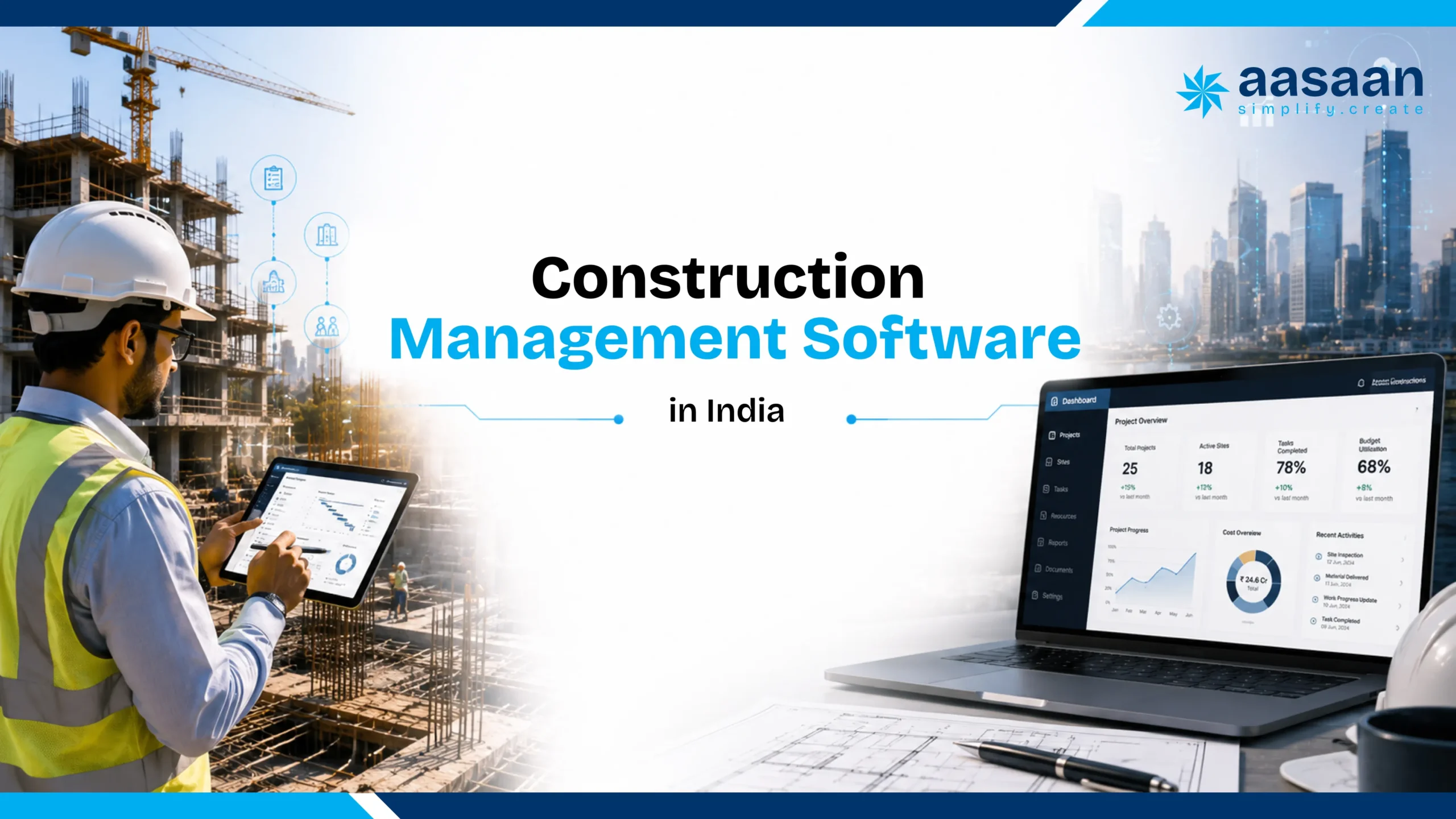
Construction Management Software in India

A practical, in-depth guide for builders, real estate developers, architects, project management consultants and construction teams comparing software for planning, site execution, cost control, procurement, labour, billing, documents, AI and management reporting.

Updated July 2026
India-specific buyer’s guide
Features, pricing and ROI
AI and WhatsApp workflows

Quick answer

Construction management software in India

is a connected digital system used to plan projects, capture daily site data, control materials and procurement, manage labour, track budgets and bills, organize drawings and documents, and give management real-time visibility across one or many projects. The right platform should match Indian construction workflows, work for both office and site teams, integrate with existing finance systems, and make adoption simple enough that accurate data reaches decision-makers every day.

See Aasaan in Action

Discover how builders and developers manage projects, labour, procurement, billing and daily site reporting from one connected platform.

Book a Free Demo

What is construction management software in India

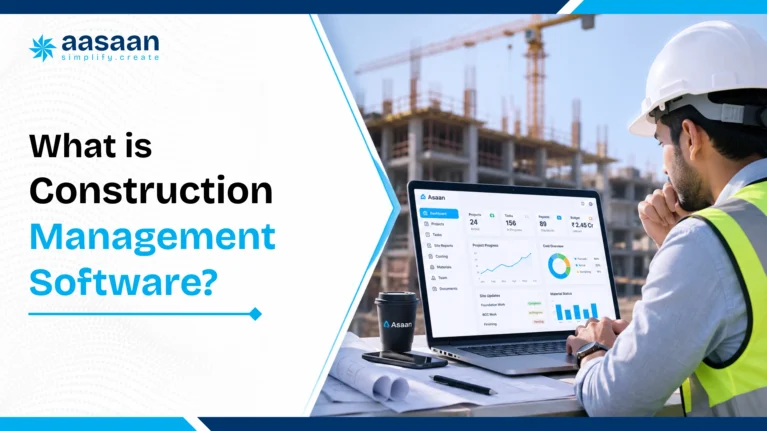
What Is Construction Management Software?

Construction management software is a digital platform that connects project planning, field execution, cost control, collaboration and reporting throughout the construction lifecycle.

In practical terms, it replaces disconnected registers, spreadsheets, phone calls, email chains and WhatsApp groups with structured workflows. Site teams record what happened. Commercial and procurement teams connect that activity to quantities, purchases and bills. Management sees current information instead of waiting for a manually prepared weekly report.

The word “management” matters. A basic task app can assign an activity and mark it complete. A document tool can store drawings. An attendance app can record workers. Accounting software can maintain ledgers. Construction management software is expected to connect these actions around the project itself.

For example, a delayed slab activity should not exist only as a red task on a schedule. A useful system should help the team understand the reason, record supporting photos, identify whether labour or material was unavailable, estimate the downstream impact, assign corrective action, update the responsible people and preserve the complete history for later review.

Similarly, a cement purchase should connect to a project, supplier, purchase order, receipt, store balance, issue record, planned consumption, actual consumption and cost report. When these records remain separate, every department may have a technically correct file while management still lacks one dependable answer.

A simple definition for buyers

Think of construction management software as the operating layer between the construction site and the business office. It should answer five questions consistently:

  • What was planned?
  • What actually happened?
  • What resources were consumed?
  • What changed in cost, time or risk?
  • What action is required next?

A platform becomes valuable when those answers are available by project, tower, block, floor, contractor, activity, cost head or date, without asking several people to reconcile their own versions.

Who uses construction management software?

Leadership

Builders and developers

Track portfolio progress, budget exposure, cash requirements, profitability, approvals, sales-linked milestones and major risks across projects.

Delivery

Project and site teams

Plan activities, record daily progress, manage checklists, track manpower, raise material needs, capture photos and close issues.

Control

Commercial and finance teams

Connect BOQ quantities, purchases, stock, subcontractor work, bills, deductions, variations and forecast cost.

Design

Architects and consultants

Control drawings, revisions, RFIs, approvals, observations, site instructions and design coordination with an auditable trail.

Governance

PMCs and project owners

Review progress, quality, compliance, contractor performance, documents and exceptions through standardized reporting.

Execution

Vendors and subcontractors

Receive work instructions, submit measurements, share documents, acknowledge approvals and track the status of bills or deliverables.

The exact user mix varies. A real estate developer may need construction, procurement, finance, property sales CRM and customer collections in one ecosystem. An architecture practice may prioritize drawing control, RFIs, site observations and client reporting. A PMC may need standardized controls across many independent contractors. This is why “more features” is not automatically equal to “better fit.”

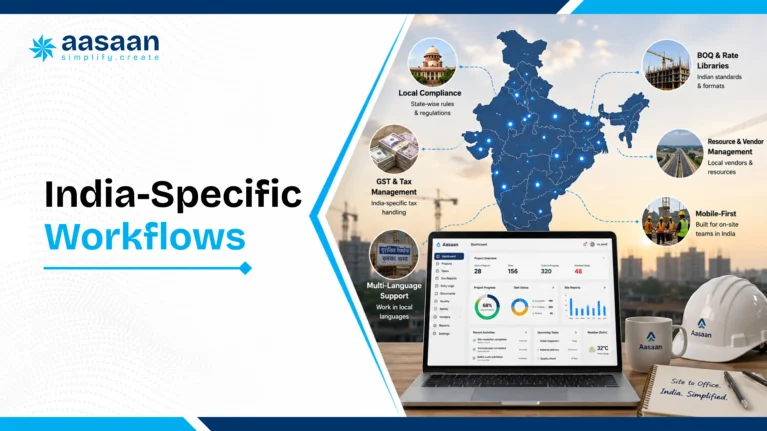
Why Indian construction teams need connected management software

Why Indian Construction Teams Need a Connected System

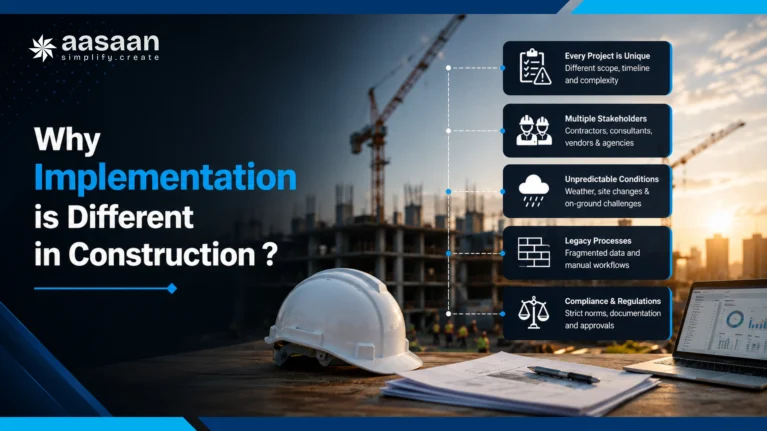
Indian construction projects operate across a demanding combination of scale, fragmented supply chains, variable site connectivity, multilingual teams, formal approval structures and fast-moving commercial decisions. A project may involve dozens of subcontractors, hundreds of workers, multiple stores, revised drawings, local vendors, head-office approvals and several payment layers at the same time.

The Bureau of Indian Standards’ National Building Code includes construction management, practices and safety, and specifically recognizes project management for timely completion within budget and desired quality. That principle is broader than software, yet it explains why a connected information system matters: time, cost, quality and responsibility must be managed together rather than as separate reporting exercises.

India’s public construction ecosystem is also moving further toward digital methods. In 2026, a national initiative involving the Ministry of Housing and Urban Affairs, CPWD and IIT Palakkad was announced to strengthen BIM and digital-transformation capabilities among public-sector architecture, engineering and construction professionals. For private builders and developers, the direction is equally clear: digital project information is becoming an operating requirement rather than an experimental add-on.

The real problem is rarely the absence of data

Most projects already produce enormous amounts of information. Site photos arrive daily. Supervisors call project managers. Engineers update sheets. Stores maintain registers. Accounts record invoices. Procurement teams track vendors. Consultants issue observations. The problem is that this information is created in different formats, at different times and under different definitions.

A project head may receive an “80% complete” update while the billing team has certified only 60% of the quantity. The store may show material issued, but the planning team may not know which activity consumed it. Labour attendance may exist, while labour productivity remains unknown. A revised drawing may be available in email, while an older version remains open on someone’s phone at the site.

The purpose of software is not to create more data entry. It is to turn routine site activity into reliable management information with the least possible friction.

Why spreadsheets alone stop working at scale

Excel remains useful for analysis, estimates and flexible calculations. The problem begins when a spreadsheet is expected to operate as a live multi-user control system. Files get copied. Formulas differ. Updates arrive late. Access depends on the person maintaining the sheet. Supporting photos, approvals and discussion remain somewhere else.

A spreadsheet usually records the final number. Construction management software should preserve the workflow behind that number: who requested it, who approved it, what evidence supports it, which project or cost code it belongs to, and what changed after the transaction.

Why WhatsApp alone also stops working

WhatsApp is fast, familiar and deeply embedded in daily construction communication. It works especially well for photos, voice notes, short approvals and quick coordination. Its weakness appears when messages must become structured records. Search is conversation-based, formats vary, the same update may appear in multiple groups, and management reporting still requires someone to interpret and re-enter the information.

The strongest approach is not to ignore the communication behavior that teams already follow. It is to connect that behavior to a controlled system. For example, Aasaan’s approach allows teams to send updates through WhatsApp while Raaya AI converts those updates into structured project data. This reduces the gap between field adoption and management visibility.

Buyer insight:

ask every vendor how the system captures information from the least technical site user. A powerful dashboard has limited value when the data needed to populate it arrives late or requires a separate data-entry team.

Want Better Visibility Across Every Project?

See how Aasaan connects site updates, project controls and management reporting across your construction operations.

Schedule a Demo

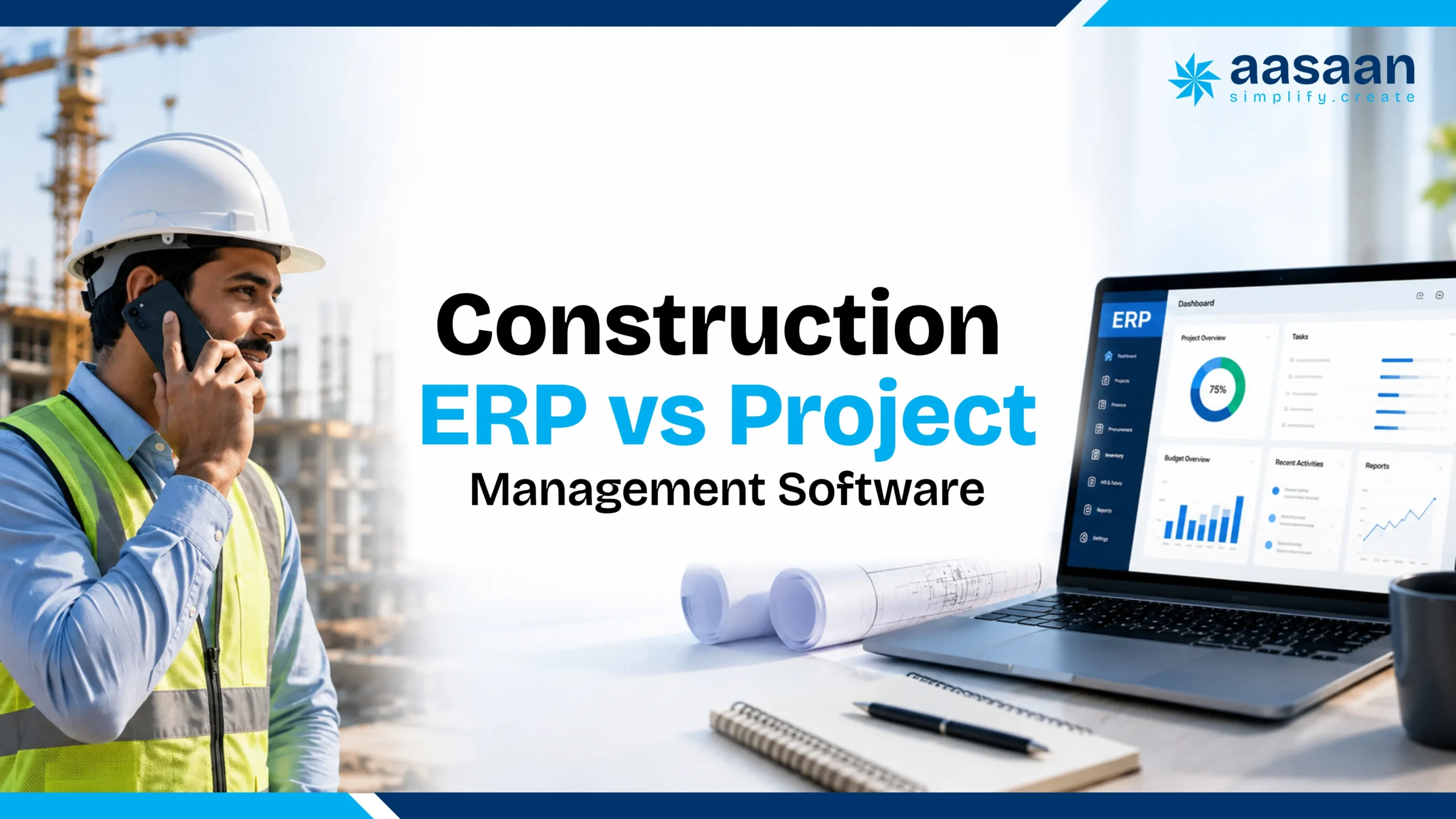
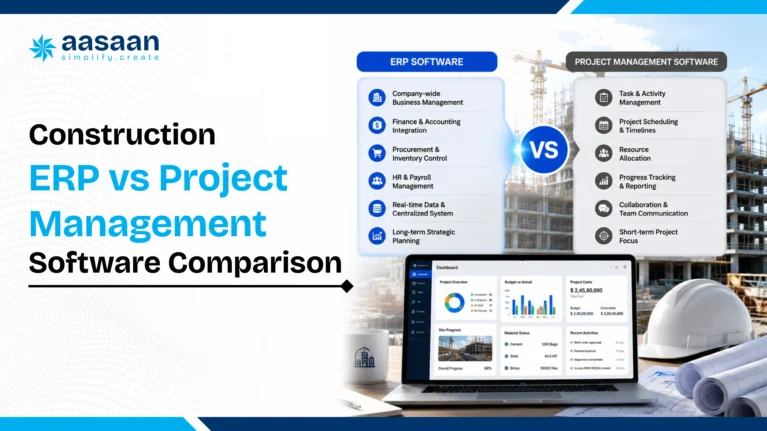
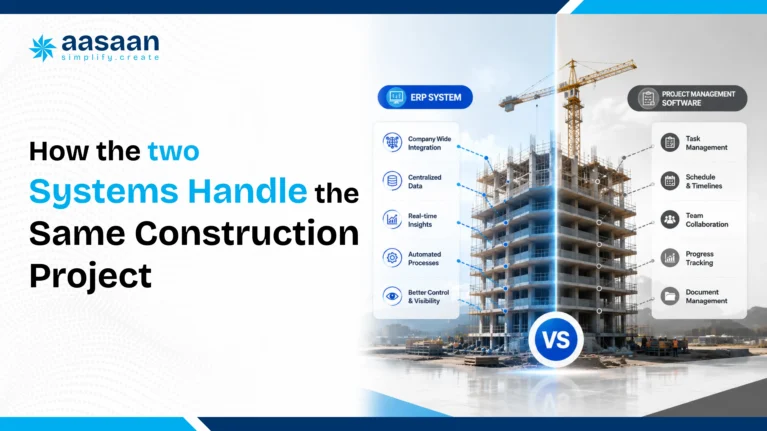
Construction management software versus project management software and ERP

Construction Management Software vs Project Management Software vs Construction ERP

These terms often overlap in search results and product messaging. A buyer should understand the center of gravity of each category rather than relying on the label used by a vendor.

Category Primary focus Typical strengths Typical gap Best suited for
Generic project management software Tasks, timelines and collaboration Boards, Gantt charts, assignments, comments and team productivity Limited construction quantities, stores, RA bills, subcontractors and project costing Teams that need lightweight planning and coordination
Construction project management software Planning and field execution Schedules, daily reports, quality, safety, drawings, issues and progress monitoring May have lighter accounting, procurement or enterprise controls Project delivery teams and PMCs
Construction ERP Business-wide process and financial control Procurement, inventory, contracts, billing, finance, HR, assets and portfolio reporting Can become complex if site adoption and implementation are weak Builders and developers seeking one operational backbone
Integrated construction management platform Connecting field execution with business control Project management plus commercial workflows, documents, analytics, integrations and mobile or WhatsApp capture Fit depends heavily on workflow depth and implementation capability Growing organizations managing multiple functions or projects

Which category should an Indian builder choose?

A builder managing one small project may begin with scheduling, daily reporting and document control. A developer running several projects usually needs a wider system because delays, procurement, inventory, contractor bills, sales commitments and cash flow affect one another. The choice should follow the business problem rather than the software category.

Choose a project-management-first system when the major need is activity planning, quality, safety and coordination. Choose an ERP-first system when the major need is standardized procurement, finance, stock, HR and enterprise controls. Choose an integrated platform when site execution and commercial information must work as one process.

For a deeper category comparison, read Construction ERP vs Project Management Software. Buyers evaluating an enterprise rollout can also use the Construction ERP Implementation Guide.

Signs a construction management system is failing

12 Signs Your Current Construction Management System Is Failing

Software selection becomes easier when the organization first identifies the operational symptoms it wants to change. The following signs indicate that information is fragmented even when teams appear busy and reports are being produced.

01

Management depends on a weekly manually prepared report

By the time information is collected, checked and formatted, several decisions are already based on older site conditions.

02

Different departments report different progress percentages

Planning, billing and site execution use different quantity bases or update cycles, so “actual progress” changes depending on whom management asks.

03

Site photos exist without searchable context

Thousands of images are available, but they are not connected to a location, activity, date, observation, responsible person or closure status.

04

Material variance is discovered after significant consumption

Planned quantity, receipt, transfer, issue and actual usage are not compared continuously at the relevant work level.

05

Procurement begins only after the site reports an urgent shortage

Material planning, approval lead time, vendor delivery and activity schedules are not linked in one forward-looking workflow.

06

Attendance is tracked but productivity is unclear

The organization knows how many workers entered the site, yet cannot relate labour deployment to quantities completed or planned output.

07

RA bills require repeated reconciliation

Measurements, work orders, approved rates, deductions, previous certification and supporting documents sit in separate files.

08

Teams use outdated drawings

Revision distribution relies on email or informal sharing, while the site lacks a controlled “latest approved version” view.

09

Approvals remain trapped in calls and chats

Decisions happen quickly, but the project later lacks a complete record of who approved what, when and against which document.

10

Project profitability becomes clear near completion

Committed cost, actual cost, pending liabilities, wastage and forecast-at-completion are not visible early enough for corrective action.

11

Every new project creates a new reporting format

Knowledge, checklists, cost codes and lessons do not transfer systematically from one project to the next.

12

One person becomes the system

Critical updates depend on an individual who understands every spreadsheet, follow-up and exception. When that person is unavailable, visibility drops immediately.

These are information-flow failures, not simply reporting failures. Adding another dashboard on top of the same fragmented process may improve presentation while preserving the root problem. The solution must begin at the point where site and office transactions are created.

Core construction software capabilities to evaluate

Core Capabilities to Evaluate Before Comparing Brands

Search results often encourage buyers to compare software by counting features. That approach can be misleading because two vendors may both list “material management” while offering completely different workflow depth. One may record stock balances. Another may connect BOQ planning, indents, approvals, quotations, purchase orders, receipts, quality checks, issues, transfers, returns, consumption and variance.

A stronger evaluation starts with capabilities. Each capability should be tested using a real scenario from your project rather than a polished dashboard screenshot.

Capability 1

Planning and progress control

The system should translate the project plan into activities, responsibilities, dependencies, planned quantities, milestones and daily updates. It should show delay reasons and recovery actions, not merely colour an activity red.

Capability 2

Field data capture

Site staff should be able to submit progress, photos, attendance, material requests, checklists and issues quickly through a mobile experience or familiar channel such as WhatsApp.

Capability 3

Commercial and cost control

Budgets, BOQs, commitments, purchase costs, subcontractor work, bills, deductions, variations and forecast costs should connect to the same project structure.

Capability 4

Procurement and inventory

The workflow should begin with planned demand and continue through requisition, approval, vendor comparison, purchase order, receipt, stock, issue and consumption analysis.

Capability 5

Document and design control

Drawings, specifications, RFIs, submittals, approvals and revisions should remain searchable, permission-based and connected to the relevant project context.

Capability 6

Labour and workforce visibility

Attendance should connect with trade, contractor, location, shift, wages, compliance and output wherever the use case requires it.

Capability 7

Management intelligence

Dashboards should surface exceptions, trends and upcoming risks. A screen filled with totals is less useful than a clear signal showing where intervention is required today.

Capability 8

Adoption and implementation

The vendor should provide workflow mapping, configuration, data migration, training, on-site or office support, role-based rollout and a measurable adoption plan.

The “one live workflow” test

During a demo, ask the vendor to complete one realistic end-to-end process using your terminology. For example:

  1. A site engineer raises a requirement for reinforcement steel against an upcoming activity.
  2. The request is checked against planned quantity, current stock and already ordered quantity.
  3. The required approval follows your delegation matrix.
  4. Procurement compares vendors and issues a purchase order.
  5. The site records receipt, quantity, quality status and supporting documents.
  6. The store issues material to a specific location or activity.
  7. Management sees planned versus received versus consumed quantity and cost impact.

If the process requires exports, duplicate entries or manual reconciliation between modules, the platform may be a collection of screens rather than a connected system.

Experience These Workflows Live

Explore planning, procurement, inventory, labour, billing, DMS, CRM and AI-powered workflows in one guided demo.

Book Your Demo

Construction site-to-office data flow

The Site-to-Office Data Flow: Where Software Creates Value

The quality of a construction dashboard depends on the quality and speed of its source data. A system should be designed backwards from the management decision to the site action that creates the required evidence.

Site event Structured record Connected business impact Management decision
Daily work completed with photos Activity, location, quantity, date, contractor and evidence Schedule progress, productivity, billing readiness and delay analysis Accelerate, reallocate resources or approve the next front
Material received at site PO, supplier, challan, quantity, quality status and store Stock, payable liability, planned demand and consumption control Release payment, reject supply or revise procurement
Worker attendance recorded Person, contractor, trade, shift, location and verification Wages, contractor billing, compliance and productivity Correct deployment or investigate proxy attendance
Drawing revision approved Document number, revision, approver, date and distribution Execution control, rework prevention and claim evidence Release construction or hold affected work
Subcontractor measurement submitted Work order, item, measured quantity, location and evidence RA bill, retention, deductions, cost-to-complete and cash flow Certify, query or reject the claimed amount

This connected flow is the difference between digitizing a form and digitizing project control. A daily progress report becomes far more valuable when its quantities update the schedule, support billing, explain labour output and reveal a material variance.

Why adoption must be designed, not assumed

Construction teams often reject software that adds steps without removing existing work. When an engineer must enter the same update in a register, WhatsApp group, spreadsheet and app, the app becomes the least urgent channel. Adoption improves when the software becomes the easiest path to complete an existing responsibility.

This is where Aasaan’s implementation model is relevant. The team can work personally with the customer’s office and users to configure processes, train teams and support adoption after purchase. That involvement matters because construction software succeeds through operating discipline, not installation alone.

Essential construction management software features checklist

Essential Features of Construction Management Software in India

A useful feature checklist should do more than confirm whether a module exists. It should show whether the module supports the complete workflow, whether site teams can use it consistently, and whether the resulting data improves decisions across departments.

The following capabilities form the practical core of a modern construction management platform for Indian builders, developers, architects and project management teams.

1. Project planning, scheduling and milestone control

Construction planning software should help teams create a work breakdown structure, define activities, set dependencies, assign responsibilities, track milestones and compare planned progress with actual progress. A Gantt chart is useful, but it is only the visual layer. The real value comes from connecting the schedule to quantities, resources, approvals and daily field updates.

A strong system should allow planners and project heads to:

  • Create project, phase, tower, block, floor and activity structures
  • Define baseline dates, dependencies and critical milestones
  • Assign owners and responsible departments
  • Record planned quantities and activity-level targets
  • Capture actual progress from the site
  • Record delay reasons and recovery actions
  • Compare baseline, revised and current schedules
  • Highlight activities that require management intervention

The software should distinguish between an activity that is late because of slow execution and one that is late because a drawing, material, approval or work front was unavailable. This distinction helps management solve the cause rather than repeatedly follow up on the symptom.

Demo test:

ask the vendor to show how a site update changes the activity status, updates the management dashboard, records the delay reason and creates a corrective action. Avoid accepting a manually edited progress percentage as proof of integrated planning.

2. Daily progress reports and site reporting

A daily progress report, often called a DPR, should capture the operating story of the site in a structured form. It may include work completed, planned versus actual quantities, manpower, equipment, weather, material status, site photos, inspections, delays, safety observations and next-day planning.

The best DPR systems reduce manual compilation. Site engineers should be able to submit updates quickly, and management should receive standardized reports without asking someone to collect data from multiple groups and spreadsheets.

DPR element Basic system Strong construction workflow
Work progress Free-text description Activity, location, quantity, unit, contractor, status and evidence
Photos Image gallery Time-stamped and linked to an activity, issue, inspection or location
Manpower Total headcount Trade, contractor, shift, location and productivity connection
Delay General remark Reason category, responsible party, impact and recovery action
Reporting PDF generated at day-end Live dashboard, automated summary and historical trend analysis

Aasaan supports daily site reporting through connected project workflows and WhatsApp-based updates. Raaya AI can structure incoming information so field communication becomes usable project data rather than an isolated chat history.

3. BOQ, budget and cost-code management

The bill of quantities provides a commercial structure for planned work, while the budget defines the expected cost of delivering it. Construction management software should allow these structures to connect with procurement, inventory, subcontractor billing and actual cost.

Important capabilities include:

  • Importing or creating BOQ items, quantities and rates
  • Mapping items to cost heads, activities and project locations
  • Creating original, revised and approved budgets
  • Tracking committed cost, actual cost and pending liabilities
  • Managing variations and change orders
  • Comparing budget, order, receipt, consumption and billing values
  • Forecasting cost at completion

A platform should preserve the relationship between physical progress and financial progress. If structural work is 70% complete while certified billing is 50%, management should be able to understand the gap and the cash-flow implication.

4. Procurement management

Construction procurement software should begin before a purchase order is issued. It should connect project demand, approved specifications, required-by dates, stock availability, vendor quotations, approvals, delivery tracking and commercial terms.

Demand

Material planning

Translate upcoming activities and BOQ requirements into time-phased demand while considering current stock and pending orders.

Sourcing

Vendor comparison

Compare price, taxes, freight, payment terms, delivery schedules, historical performance and technical compliance.

Control

Approval workflow

Route purchase requests and orders according to value, category, project, designation and delegation authority.

Execution

Purchase orders

Maintain item details, specifications, quantities, rates, delivery terms, taxes, amendments and document history.

Delivery

Order tracking

Track promised dates, partial deliveries, delays, pending quantities and project-level material risks.

Performance

Vendor analytics

Review price trends, quality outcomes, lead times, rejection rates and fulfilment performance.

Procurement should also support service orders and subcontract work, not only physical materials. Many project costs arise through labour contracts, equipment hire, testing, professional services and specialized packages.

5. Inventory and material management

Construction inventory management is different from ordinary retail stock control because materials move across projects, stores, floors, activities and subcontractors. Some items are bulk commodities. Others are high-value equipment or project-specific components. The system should maintain traceability without making store operations unnecessarily complicated.

Evaluate whether the platform can manage:

  • Goods receipt notes and delivery challans
  • Quality inspection and accepted or rejected quantities
  • Multiple project and store locations
  • Material issue, return and transfer
  • Batch, unit and item-category controls
  • Minimum stock and reorder signals
  • Material reconciliation by BOQ or activity
  • Slow-moving, excess and damaged stock

Material reconciliation is particularly important. The software should compare theoretical or planned consumption with actual issues and completed quantities. A variance should trigger investigation while the project can still correct the process.

For teams evaluating leakage, Aasaan’s Material Wastage Cost Calculator helps estimate the financial impact of avoidable wastage.

6. Labour, attendance and workforce management

Labour management software should help the organization understand both attendance and deployment. Depending on the operating model, it may include employee attendance, subcontractor labour, trade classification, wage rules, overtime, muster, compliance documents and productivity.

Common attendance methods include mobile check-in, biometric devices, facial verification, QR codes and geo-fenced attendance. The correct method depends on the site environment, connectivity, number of workers and fraud risk.

Important distinction:

attendance answers “who was present?” Productivity answers “what output was achieved with the deployed resources?” Construction teams gain more value when labour data connects to locations, activities and measured quantities.

Proxy attendance can create direct wage leakage and distort planning data. Aasaan’s Proxy Attendance Cost Calculator can be used to estimate the monthly and annual impact.

7. Subcontractor management and RA billing

Running account bills require detailed control because the current claim depends on cumulative work, previous certification, approved rates, retention, advances, recoveries, taxes and supporting measurements. A construction platform should connect work orders, measurements, quality clearance and bill certification.

A strong RA billing workflow should include:

  • Work-order scope, quantities, rates and terms
  • Measurement-book or quantity records
  • Location and activity references
  • Previous, current and cumulative quantities
  • Material, mobilization or other recoveries
  • Retention and statutory deductions
  • Approval status and bill history
  • Cost and cash-flow impact

Unchecked or weakly verified bills can create overpayment and margin leakage. Aasaan’s Unchecked RA Bill Cost Calculator provides a practical way to quantify this risk.

8. Client billing, collections and financial visibility

For developers, project progress may trigger demand notes, customer collections or lender reporting. For contracting organizations, certified client bills drive revenue and working capital. Construction software should provide visibility into billable work, submitted bills, certification, deductions, receivables and collection status.

Finance teams may continue using Tally or another accounting system as the book of record. In that case, the construction platform should pass clean, approved transaction data and receive the information needed for project-level financial reporting. Buyers should ask exactly which records move between systems, how frequently they sync and how errors are handled.

9. Document and design management system

A construction document management system, or DMS, should create one controlled repository for drawings, specifications, contracts, RFIs, submittals, method statements, inspection records, approvals and correspondence.

The goal is not simply cloud storage. The goal is controlled use of the right document.

DMS requirement Why it matters
Revision control Prevents teams from executing work using an outdated drawing or specification.
Approval workflows Records submission, review, response, status and turnaround time.
Role-based access Ensures users can view or edit only the documents relevant to their role.
Search and metadata Allows documents to be found by project, discipline, package, number, revision or status.
Audit trail Preserves who uploaded, reviewed, approved, changed or downloaded a record.
Mobile access Gives site teams access to current approved information where the work happens.

Aasaan includes DMS capabilities for design and document management so project teams can organize files, control versions and maintain approval visibility within the larger project workflow.

10. Quality and inspection management

Quality management software should help teams plan inspections, use standardized checklists, record observations, assign corrective actions and verify closure. It should support both routine quality assurance and issue-based quality control.

Useful workflows include:

  • Inspection and test plans
  • Activity-specific checklists
  • Material inspection requests
  • Work inspection requests
  • Non-conformance reports
  • Snag and punch lists
  • Photo-based evidence
  • Corrective and preventive actions

Quality records should connect to the relevant drawing, location, activity, contractor and responsible person. This makes recurring issues easier to identify and reduces the risk of closure based on a message without evidence.

11. Safety and compliance workflows

Safety modules can support toolbox talks, permits, induction records, observations, incidents, corrective actions, equipment checks and statutory documents. The system should help the organization build a consistent process rather than merely store forms.

For large projects, dashboard views may track open observations, ageing, responsible contractors, repeat categories and closure performance. Mobile capture is important because safety information is created in the field.

12. Equipment and asset management

Construction equipment and assets may include machinery, tools, vehicles, testing equipment, temporary facilities and reusable materials. Asset management software should maintain a central register and track allocation, movement, maintenance, utilization and cost.

Capabilities may include QR-code tracking, issue and return, hiring records, fuel expenses, breakdowns, preventive maintenance, calibration and project transfers. The purpose is to improve availability and control ownership, not merely list asset names.

13. Property sales CRM and customer management

Real estate developers may require a property sales CRM alongside construction operations. This can connect leads, customer profiles, telecalling, site visits, allotments, cost sheets, agreements, demand schedules, collections, sales agents and customer portals.

The strategic benefit appears when sales commitments and construction milestones use a shared source of truth. Customer communication becomes more reliable when the project status used by sales and collections reflects actual execution.

14. Dashboards, MIS and exception reporting

A management information system should provide role-based visibility rather than one generic dashboard for every user. A site engineer needs pending actions. A project head needs progress, risks and resource constraints. Procurement needs upcoming demand and delayed deliveries. Leadership needs portfolio-level cost, cash flow, milestones and exceptions.

Effective dashboards typically show:

  • Planned versus actual progress
  • Critical and delayed activities
  • Budget, committed and actual cost
  • Procurement and delivery risks
  • Inventory and consumption variance
  • Open approvals and ageing
  • RA bills and receivables
  • Quality, safety and document exceptions

Reports should allow users to move from the summary to the source transaction. A red number with no drill-down usually creates another round of calls and spreadsheet requests.

India-specific construction management workflows

India-Specific Construction Workflows Your Software Should Support

Global construction concepts are relevant in India, but local operating practices influence how software must be configured. The correct platform should accommodate the organization’s project structure, taxation, billing, approvals and workforce model without forcing every process into a generic template.

BOQ and item-rate structures

Many projects manage work through BOQ items, item-rate contracts, lump-sum packages or combinations of these models. The system should support project-specific units, rates, variations and measurement methods. It should also maintain a clear link between quantities, work orders, measurements and bills.

RA bills, retention and recoveries

Running account bills often include retention, mobilization advance recovery, secured advance, material recovery, debit notes, penalties and other deductions. Software should calculate these according to the contract while preserving an audit trail and previous certification history.

GST and accounting integration

The construction platform should capture tax-relevant transaction information correctly and integrate with the accounting environment used by the company. Buyers should verify GST treatment, invoice structures, credit notes, vendor details, project codes and the exact boundary between operational software and financial accounting.

Tally integration

Tally remains widely used by Indian businesses. A software vendor’s claim of “Tally integration” should be tested carefully. Ask whether the integration covers purchase vouchers, sales entries, receipts, payments, ledgers, cost centres, inventory, taxes or only a limited export file.

Also ask:

  • Is the integration one-way or two-way?
  • Does it work automatically or require manual upload?
  • How are duplicate records prevented?
  • What happens when a transaction is edited in either system?
  • How are failed syncs reviewed and corrected?

Multi-company, multi-project and multi-location control

Real estate and construction groups may operate through multiple legal entities, projects, joint ventures and cost centres. The system should provide consolidated visibility while preserving separate approvals, accounting boundaries and user permissions.

Subcontractor-heavy execution

Many Indian projects depend on specialized subcontractors and labour contractors. The software should manage work orders, attendance where required, progress, measurements, quality, deductions, compliance and billing across these parties.

Cash-flow-sensitive procurement

Purchase decisions depend on schedule need, available stock, vendor credit, payment commitments and project cash flow. A procurement dashboard should therefore show commercial impact, not only pending purchase requests.

Multilingual and mixed-digital-literacy teams

Field users may be comfortable with voice notes, photos and WhatsApp while office teams prefer structured forms and dashboards. The platform should support this reality through simple interfaces, training and flexible data capture.

Evaluation principle:

India-specific software does not mean adding GST as a field. It means supporting the complete operational context in which Indian project, commercial, finance and site teams work.

AI and WhatsApp workflows for construction management

AI and WhatsApp in Construction Management Software

Artificial intelligence can improve construction management when it reduces repetitive work, structures unorganized information, highlights exceptions and helps teams find relevant records. It creates less value when it is presented only as a chatbot sitting above incomplete project data.

High-value AI use cases in construction

Data capture

Convert field updates into structured records

Interpret text, photos, voice notes and documents so teams spend less time re-entering routine information.

Documents

Extract data from bills and forms

Read vendor bills, challans, measurements or forms and propose structured entries for verification.

Reporting

Summarize project activity

Create concise daily or weekly summaries from approved project data, including major changes, risks and pending actions.

Intelligence

Surface risks and anomalies

Highlight unusual consumption, delayed approvals, repetitive issues, billing gaps or activities likely to affect milestones.

Search

Answer questions from project records

Help authorized users locate drawings, approvals, progress history, vendor records and related project information.

Planning

Support forecasting and decisions

Use historical patterns and live project data to support resource planning, cost forecasting and schedule review.

Why WhatsApp integration matters

WhatsApp integration can reduce the adoption barrier because many construction teams already use it throughout the day. A field user can send a photo, voice update or message through a familiar interface. The software can then validate, classify and connect that information to the project.

The key is structured integration. A WhatsApp message should become more than a forwarded notification. It should create or update a record with defined fields, project context, user identity, timestamp and workflow status.

Aasaan’s Raaya AI is designed around this gap between familiar field communication and structured management data. Teams can send updates through WhatsApp, while Raaya AI converts relevant content into organized project information for dashboards and follow-up.

Examples of WhatsApp-enabled construction workflows

Field action AI or workflow action Management output
Engineer sends a progress photo and voice note Identifies project, activity, location, quantity and status for confirmation Updated DPR, progress record and visual evidence
Storekeeper shares a delivery challan Extracts supplier, PO reference, items and quantities for verification Draft receipt record and pending quality check
Project head asks for today’s major risks Summarizes approved data, delayed activities and pending actions Concise decision brief
Site user reports an issue with a photo Creates an issue, assigns context and routes it to the responsible person Tracked action with ageing and closure evidence
Vendor bill image is submitted Reads key fields and connects the document to the relevant workflow Faster checking and reduced manual entry

Questions to ask about AI governance

AI outputs should support controlled workflows rather than bypass approval. Ask vendors how users verify extracted information, how permissions apply, whether source documents remain attached, how errors are corrected, and whether the system records who accepted an AI-generated entry.

Also ask whether your organizational data is isolated appropriately, how access is controlled, and which AI capabilities depend on external services. Sensitive commercial, employee and customer information requires clear governance.

Practical rule:

the best construction AI usually works quietly inside a real workflow. It saves time, improves structure or reveals a risk while the responsible user remains in control.

See Raaya AI in Action

Watch WhatsApp updates turn into structured project information, dashboards and follow-up actions.

Book a Demo

How to compare construction management software options in India

How to Compare the Best Construction Management Software Options in India

There is no universal “best” platform for every organization. The right option depends on project type, portfolio size, business model, required modules, integration needs, field adoption and implementation capacity.

Instead of beginning with a long vendor list, first identify the software category that matches your operating model.

Software type Best fit Primary advantage Watch carefully
Integrated Indian construction ERP Builders and developers needing project, procurement, finance and enterprise control Local workflows, broad module coverage and closer implementation support Interface simplicity, mobile adoption and depth across every claimed module
Field-first construction platform Teams prioritizing site reporting, quality, safety, drawings and collaboration Strong mobile experience and fast field rollout Commercial, inventory, accounting and India-specific billing depth
Global enterprise construction suite Large organizations with complex governance and global standards Scale, mature controls, partner ecosystem and extensive capabilities Cost, configuration effort, localization and adoption complexity
Generic project management tool Small teams needing tasks, timelines and collaboration Simple interface, quick setup and flexible workflows Construction quantities, billing, materials, contracts and cost control
Point solution Organizations solving one urgent problem such as attendance, DMS or billing Focused capability and potentially faster deployment Data silos, integration burden and duplicate master data

Build a fit-based shortlist

A practical shortlist usually contains three to five vendors rather than fifteen. Include options from the category that matches your requirement, then score them against real workflows.

High priority

Business fit

Does the platform support the organization’s project, commercial, procurement, labour, design and reporting processes?

High priority

User adoption

Can site and office users complete daily responsibilities with less effort than the current method?

High priority

Implementation capability

Will the vendor map workflows, clean data, configure roles, train teams and support the rollout?

High priority

Commercial value

Does the expected saving in time, leakage, delay and control justify the total cost and change effort?

Construction management software pricing in India

Construction Management Software Pricing in India

Construction management software pricing in India varies widely because vendors package their products in different ways. Some charge per user. Some charge per project. Some price by module, company size, transaction volume, implementation effort or a combination of these factors.

A buyer should therefore avoid comparing only the monthly subscription shown in a proposal. The correct comparison is the total cost of ownership over the expected usage period, including implementation, configuration, migration, training, support, integrations and internal change effort.

Quick pricing answer:

lightweight project-management tools may start at a relatively low monthly cost, while full construction ERP or enterprise platforms can require a significantly larger annual investment. The final price depends on modules, users, projects, customization, onboarding, integrations and support expectations.

Common construction software pricing models

Pricing model 1

Per-user pricing

The company pays according to the number of active users. This model is easy to understand, but it may discourage organizations from providing access to site supervisors, subcontractors or occasional users.

Pricing model 2

Per-project pricing

The subscription is based on the number or value of active projects. This can suit organizations with defined project portfolios, although archived projects and portfolio reporting should be clarified.

Pricing model 3

Module-based pricing

The organization selects modules such as project management, procurement, inventory, labour, billing, DMS, CRM or assets. This supports phased adoption but can make the final ecosystem cost difficult to estimate.

Pricing model 4

Enterprise license

A larger annual or multi-year fee covers a defined company, group, user band or project portfolio. This model may offer better predictability for growing organizations.

Pricing model 5

Transaction or usage pricing

Charges may depend on documents processed, AI usage, storage, messages, API calls, transactions or external users. These costs can grow as adoption increases.

Pricing model 6

Implementation plus subscription

The vendor charges separately for setup, workflow mapping, data migration, configuration, training and ongoing software access. This is common for ERP-style deployments.

What affects the final software price?

Two organizations purchasing the same product may receive different commercial proposals because their implementation requirements differ. The following factors usually influence the final cost:

  • Number of legal entities and business units
  • Number and complexity of active projects
  • Total office, site and external users
  • Modules and workflows included
  • Historical data migration requirements
  • Custom reports and approval structures
  • Tally, accounting, biometric or API integrations
  • Mobile, WhatsApp and AI usage
  • Storage volume and document retention
  • On-site training and implementation support
  • Service-level and response-time commitments
  • Contract duration and payment terms

A quotation may appear affordable because it includes only the base system. Buyers should ask whether critical items such as implementation, administrator training, data import, integrations, additional reports, support visits, storage and future modules are included.

Typical cost categories to include in your comparison

Cost category Questions to ask Why it matters
Software subscription Is the fee monthly, annual or multi-year? Which users, projects and modules are included? This is the most visible cost, but rarely the complete cost.
Implementation Does it include process mapping, configuration, master setup and testing? Weak implementation can make an otherwise capable product fail.
Data migration How much historical data will be imported, cleaned and validated? Poor data quality can delay rollout and reduce trust in reports.
Training Are role-based sessions, refresher training and new-user training included? One generic demonstration rarely creates sustained adoption.
Customization Which changes are configuration and which are chargeable development? Uncontrolled customization increases cost and future upgrade complexity.
Integrations Are APIs, Tally, accounting, biometric, CRM or payment integrations included? Integration gaps often create duplicate data entry.
Support What channels, hours, response times and escalation levels are provided? Construction operations may require timely issue resolution.
Internal change effort How much time will managers, administrators and project teams invest? The organization’s own effort is a real implementation cost.

Low-cost software can become expensive

A low subscription price creates limited value when the organization still requires separate tools for attendance, drawings, procurement, inventory, billing, CRM and reporting. The combined subscription cost, integration effort and duplicate work may exceed the cost of a broader platform.

The opposite is also true. A large enterprise suite can become expensive when the organization uses only a small portion of its capabilities or requires continuous consulting support for routine changes.

The most cost-effective platform is therefore the one that covers the required workflows, achieves real adoption and produces measurable operational improvement at a sustainable total cost.

Questions to ask before accepting a commercial proposal

  1. Which modules, users, projects and companies are included in the quoted price?
  2. Which features require an additional license or third-party service?
  3. Is implementation fixed-price or billed according to effort?
  4. How many training sessions and support visits are included?
  5. What happens when the number of projects or users increases?
  6. Are WhatsApp, AI, storage, APIs or document processing charged separately?
  7. What annual price increase may apply at renewal?
  8. Who owns the data, and how can it be exported at the end of the contract?
  9. What is the cost of custom reports, fields, workflows or integrations?
  10. What support is available after the initial rollout period?

Compare the cost of running the software with the cost of continuing the current process.

The current process already has a price through delays, rework, manual reporting, missed recoveries, material leakage, billing gaps and management time.

Get Pricing Based on Your Business

Receive a personalized walkthrough and pricing discussion based on your projects, modules and team requirements.

Talk to Our Team

Total cost of ownership for construction software

Total Cost of Ownership: Calculate More Than the License Fee

Total cost of ownership, or TCO, represents the complete cost of purchasing, implementing, operating and maintaining the software over a defined period. A three-year comparison is often more useful than comparing first-year subscription prices.

Total Cost of Ownership = Software Fees + Implementation + Migration + Integration + Training + Internal Effort + Support + Add-ons + Upgrade or Expansion Costs

A TCO calculation should include both visible vendor charges and internal resources. For example, if project managers spend several weeks defining processes, validating migrated records and training teams, that time belongs in the business case even when the vendor does not invoice for it.

Three-year TCO comparison template

Cost item Year 1 Year 2 Year 3
Subscription or license Include base platform and modules Include renewal and user growth Include renewal and project growth
Implementation Usually highest during rollout Additional processes or entities Expansion or optimization
Migration and integration Initial import and system connections Maintenance or new integrations Additional systems or upgrades
Training and adoption Initial role-based training Refresher and new-user training Advanced usage and process maturity
Internal administration Core team and project champions Ongoing governance Ongoing governance
Add-ons and usage Storage, messages, AI or APIs Expected volume growth Expected volume growth
Construction management software ROI and cost savings

How to Calculate ROI from Construction Management Software

Return on investment should be measured through operational outcomes rather than feature usage. Logging into a dashboard or generating a report does not automatically create value. ROI appears when the software reduces leakage, saves management time, improves billing, prevents delays, supports faster decisions or lowers the effort required to control projects.

Construction Software ROI = (Total Quantified Benefit − Total Cost of Ownership) ÷ Total Cost of Ownership × 100

The calculation should use a defined period, usually one year or three years. A three-year model is more suitable for ERP-style platforms because implementation costs are often concentrated in the first year while benefits improve as adoption matures.

Step 1: Establish the current operating baseline

Before estimating savings, document how the organization currently works. The baseline should be measurable and based on available project or finance records rather than broad assumptions.

Useful baseline indicators include:

  • Average schedule delay across recent projects
  • Material wastage or unexplained consumption variance
  • Proxy attendance or labour-recording discrepancies
  • Time spent compiling daily and weekly reports
  • RA bill checking and approval turnaround time
  • Value of missed recoveries or billing errors
  • Procurement lead time and urgent purchase frequency
  • Cost of rework caused by quality or drawing issues
  • Number of employees maintaining duplicate records
  • Time taken to answer routine management questions

A strong business case does not need to quantify every possible benefit. It should identify three to six high-confidence areas where current losses are visible and where the proposed software can influence the outcome.

Step 2: Estimate the addressable loss

Addressable loss is the portion of the current problem that software and process improvement can realistically reduce. For example, a project may experience delays due to weather, statutory approvals, design changes, supply issues and slow internal decisions. Software may not remove every cause, but it can improve planning, early warning, documentation and coordination.

The same principle applies to material wastage. Some process loss may be technically expected. The addressable portion is the excess consumption, theft, over-issue, duplicate purchase or late reconciliation that improved visibility can reduce.

Conservative modelling produces a more credible business case.

Avoid assuming that software will remove 100% of a problem. Use a realistic improvement percentage supported by current process gaps, pilot results or comparable projects.

Step 3: Convert operational improvement into financial benefit

Each benefit should have a transparent calculation. The following examples provide a starting framework.

Benefit area Example calculation Evidence to use
Material wastage reduction Annual material spend × avoidable wastage percentage × expected reduction Purchase records, reconciliation reports and consumption variance
Attendance leakage reduction Average excess headcount × daily wage × working days × expected reduction Muster records, verified attendance and contractor bills
Reporting time saved Hours saved per employee × number of employees × loaded hourly cost Current reporting process and time study
Faster RA bill processing Financing cost or working-capital value of reduced approval days Bill register, certification cycle and payment history
Reduced rework Annual rework cost × avoidable share × expected reduction NCRs, debit notes, material and labour records
Delay reduction Avoided project overhead per day × reduced delay days Site overheads, extension costs and historical schedules
Procurement improvement Reduced urgent purchases, price variance and idle-time cost Purchase orders, emergency purchases and delivery delays
Management productivity Decision and review hours saved × management cost Meeting time, follow-up cycles and report preparation effort

Step 4: Separate hard savings from soft benefits

Hard savings have a clear financial connection, such as lower material loss, reduced wage leakage or fewer hours spent on manual reporting. Soft benefits are strategically valuable but harder to assign a precise monetary value, such as better accountability, stronger client confidence or improved employee experience.

Hard benefit

Directly measurable

Lower wastage, prevented overbilling, reduced duplicate work, faster certification, improved collections and avoided project overhead.

Soft benefit

Strategically valuable

Better transparency, institutional knowledge, process consistency, stronger governance and faster access to reliable information.

Use hard savings to justify the core investment. Present soft benefits separately so they strengthen the business case without making the numerical ROI appear inflated.

Step 5: Include adoption risk in the model

The expected benefit should reflect realistic adoption. A system used consistently by 80% of relevant teams may generate more value than a technically superior platform used by 20%.

A simple adjustment is:

Adoption-Adjusted Benefit = Estimated Operational Benefit × Expected Adoption Rate

For example, if the full annual opportunity is valued at ₹40 lakh and the organization expects 70% effective adoption during the first year, the adoption-adjusted benefit is ₹28 lakh. This encourages the business case to include training, governance and implementation effort rather than treating them as optional expenses.

Illustrative construction software ROI example

Consider a developer implementing a connected construction platform across several active projects. The following example is illustrative and should be replaced with actual company figures.

Benefit area Estimated annual benefit
Reduced material wastage and unexplained variance ₹12 lakh
Lower proxy attendance and labour leakage ₹6 lakh
Faster reporting and lower administrative effort ₹5 lakh
Improved RA bill checking and recoveries ₹8 lakh
Reduced delay-related overhead and rework ₹14 lakh
Total estimated annual benefit ₹45 lakh

If the first-year total cost of ownership is ₹18 lakh, the illustrative first-year ROI would be:

(₹45 lakh − ₹18 lakh) ÷ ₹18 lakh × 100 = 150% ROI

This means the estimated net benefit is 1.5 times the first-year investment. The example remains useful only when each input is based on traceable company data and realistic expected improvement.

Payback period

The payback period shows how long it takes for cumulative benefits to recover the investment.

Payback Period in Months = Total Initial Investment ÷ Expected Monthly Benefit

Using the same illustrative case, an annual benefit of ₹45 lakh equals an average monthly benefit of ₹3.75 lakh. With an ₹18 lakh first-year investment, the simple payback period is approximately 4.8 months.

Actual benefits may begin gradually because implementation and adoption take time. A more conservative model can phase the benefit across the year rather than assuming full savings from the first month.

Use Aasaan’s construction ROI calculators

Aasaan provides dedicated calculators for common construction leakage categories. These tools help teams create an initial estimate before building a complete software business case.

Calculator 1

Proxy Attendance Cost

Estimate how false or inaccurate attendance can increase monthly and annual labour costs.

Calculate proxy attendance loss

Calculator 2

Monsoon Delay Cost

Estimate the financial impact of delay days, site overhead and affected project value during the monsoon.

Calculate monsoon delay loss

Calculator 3

Material Wastage Cost

Estimate losses created by excess consumption, poor control and avoidable material wastage.

Calculate material wastage loss

Calculator 4

Unchecked RA Bill Cost

Estimate the potential impact of weak measurement checks, billing errors and missed recoveries.

Calculate RA bill risk

The complete collection is available through the Construction ROI Calculators page.
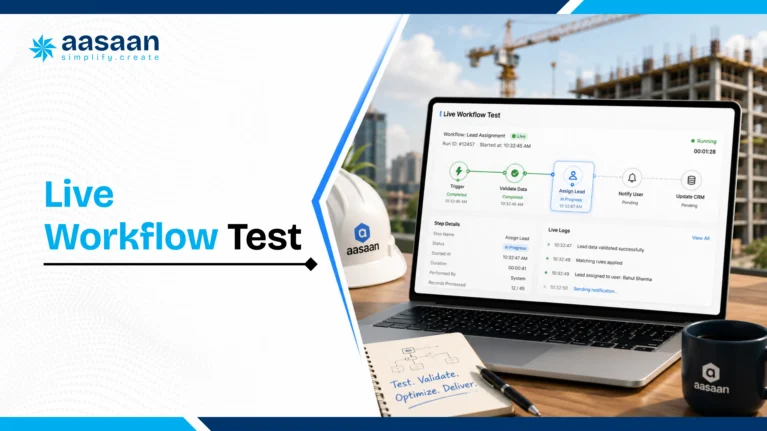
See Where Aasaan Can Improve Your ROI

Explore how stronger visibility, faster reporting and connected workflows can improve project control and business performance.

Book a Free Demo

Construction management software implementation roadmap

90-Day Construction Software Implementation Roadmap

A successful rollout is a business-change programme, not simply a
software installation. Start with one measurable workflow on one
representative project, establish ownership and expand only after the
data is trusted and users complete the process consistently.

A practical 90-day rollout sequence

  1. Days 1 to 15: define business outcomes, scope,
    governance and the accountable project owner.
  2. Days 16 to 30: clean project, BOQ, vendor, material,
    user and approval master data.
  3. Days 31 to 45: configure priority workflows,
    permissions, reports and required integrations.
  4. Days 46 to 60: test real transactions and train each
    user group using its daily responsibilities.
  5. Days 61 to 75: run the pilot project, resolve gaps
    quickly and track transaction completion.
  6. Days 76 to 90: stabilize adoption, measure the agreed
    KPIs and approve phased expansion.

Use the
Construction ERP Implementation Guide for Builders
for the complete
readiness, migration, testing, training and go-live framework. Aasaan’s
hands-on implementation approach can support this transition by working
directly with customer teams during configuration, training and adoption.

Construction software vendor selection framework

Construction Software Vendor Evaluation Scorecard

A structured scorecard helps the buying team compare vendors using the same criteria. Without a common framework, one product may appear stronger because its demo focused on dashboards, while another may have spent more time explaining implementation or commercial controls.

The scorecard should reflect your business priorities. A developer with several active projects may assign more weight to procurement, cost control, property sales CRM and portfolio reporting. An architecture or PMC organization may prioritize drawings, RFIs, quality, collaboration and client reporting.

Recommended scoring method

Score each criterion from 1 to 5:

Score 1

Very weak

The requirement is unavailable or depends almost entirely on manual work outside the platform.

Score 2

Limited

The feature exists at a basic level but lacks workflow depth, controls or reliable integration.

Score 3

Acceptable

The platform supports the primary requirement with some configuration or process adjustment.

Score 4

Strong

The workflow is complete, usable and well aligned with the organization’s operating model.

Score 5

Excellent

The platform supports the requirement end to end and demonstrates clear advantages in adoption, control or intelligence.

Evidence

Require proof

Every important score should be supported by a live workflow, customer reference, pilot result or contractual commitment.

Suggested weighted evaluation scorecard

Evaluation area Suggested weight What to evaluate
Business and workflow fit 20% Project structure, approvals, BOQ, procurement, inventory, labour, billing, DMS, CRM and management reporting.
Ease of use and site adoption 15% Mobile experience, WhatsApp workflows, number of steps, language comfort, offline behavior and user training effort.
Project and field management 10% Planning, progress, DPR, photos, issues, checklists, quality, safety and delay tracking.
Commercial and cost control 10% Budget, BOQ, commitments, measurements, RA bills, client billing, variations and forecast cost.
Procurement and inventory 10% Demand planning, indents, approvals, quotation comparison, PO, receipt, stock, issue and reconciliation.
Document and design control 5% Revisions, approvals, RFIs, submittals, distribution, permissions, audit trail and mobile access.
Reporting, AI and analytics 10% Role-based dashboards, drill-down, alerts, summaries, anomaly detection, data extraction and AI governance.
Integrations and data portability 5% Tally, accounting, biometric, CRM, APIs, exports, data ownership and exit process.
Implementation and support 10% Process mapping, migration, training, on-site support, adoption tracking, service levels and escalation.
Commercial value and TCO 5% Three-year cost, pricing transparency, scalability, add-ons, renewal terms and expected ROI.

The weights above are a starting point. Adjust them before vendor demonstrations so the evaluation reflects agreed business priorities rather than whichever feature appears most impressive during the presentation.

Sample score calculation

If a criterion has a 20% weight and a vendor receives a score of 4 out of 5, the weighted score is:

Weighted Score = 4 ÷ 5 × 20 = 16 points

Add the weighted score across all criteria to produce a total score out of 100. This method creates a transparent comparison while still allowing the buying team to discuss strategic differences.

Separate mandatory requirements from preferences

Some requirements should be treated as mandatory rather than scored. A vendor that fails a critical requirement may be unsuitable even with a strong overall score.

Possible mandatory requirements include:

  • Support for multiple projects and entities
  • Required data security and access controls
  • Specific accounting or Tally integration
  • Mobile access for site users
  • Data export and ownership terms
  • Required statutory or billing workflow
  • Defined implementation timeline
  • Required language or geographic support

Mark these as “pass or fail” before applying the weighted score.

Request scenario-based demonstrations

Vendors should demonstrate real workflows using sample information similar to your projects. Avoid spending most of the demo on menus, generic dashboards or slides.

Ask each shortlisted vendor to demonstrate the same scenarios:

  1. Create a material indent against an upcoming activity.
  2. Check stock and pending purchase orders.
  3. Compare quotations and complete the approval workflow.
  4. Record partial material receipt and quality status.
  5. Issue material against a project location or activity.
  6. Capture daily progress from a site user.
  7. Update planned versus actual progress automatically.
  8. Create a quality observation and close it with evidence.
  9. Process a subcontractor measurement and RA bill.
  10. Show the resulting cost and management reports.

This process reveals whether the system is connected, how many steps users must complete and where manual work remains.

Evaluate the site-user experience separately

Office decision-makers may prefer detailed screens, while site users need speed and simplicity. The evaluation team should include actual project engineers, storekeepers, supervisors and other daily users.

Ask them to complete common tasks without continuous assistance. Observe:

  • How long does the first transaction take?
  • Can the user understand the required fields?
  • Can photos, voice notes and documents be added quickly?
  • Does the workflow work on a normal site phone?
  • What happens with weak connectivity?
  • Can the user correct a mistake safely?
  • Does the system reduce or increase duplicate work?

Adoption test:

a feature should be scored partly on the likelihood that the responsible user will complete it every day. Technical availability and practical usability are different measures.

Check references using specific questions

Customer references are most useful when the questions are specific. Ask reference customers about their original problem, implementation period, adoption level, support quality and measurable outcomes.

Useful reference questions include:

  1. Which modules are live and used consistently?
  2. How long did implementation take?
  3. How much internal effort was required?
  4. Which users adopted the system quickly, and which struggled?
  5. What required customization?
  6. How responsive was the vendor after go-live?
  7. Which reports does leadership rely on?
  8. What measurable improvement has the system created?
  9. What would you do differently during implementation?
  10. Would you choose the same platform again?

Review product roadmap and vendor stability

Construction software is a long-term operational decision. Buyers should understand the vendor’s product direction, release process, support capacity and ability to serve the organization as it grows.

Ask how the platform manages upgrades, whether customizations remain compatible, how often major features are released and how customers influence the roadmap. Also review whether the vendor has enough implementation and support capability for the promised rollout.

Compare Aasaan Against Your Requirements

Use a live demo to evaluate workflow fit, implementation support, integrations, reporting and ease of adoption.

Schedule a Live Demo

Construction software security permissions and data ownership

Security, Permissions and Data Ownership

Construction platforms may store commercial contracts, employee information, customer records, vendor prices, drawings, bills and project performance data. Security should therefore be evaluated as part of the buying decision rather than left entirely to the IT team after selection.

Role-based access control

Users should receive access according to company, project, module, role and responsibility. A storekeeper may need inventory access for one project. A consultant may need document and inspection access without commercial visibility. Leadership may need consolidated reporting across all projects.

The platform should support:

  • Role and project-based permissions
  • View, create, edit, approve and delete controls
  • Approval authority based on value or hierarchy
  • External vendor and consultant access
  • User deactivation and access review
  • Audit trails for important actions
  • Restricted access to sensitive commercial data
  • Controlled document sharing and downloading

Audit trails

An audit trail should show who created, edited, approved, rejected or cancelled a transaction and when the action occurred. Important changes should preserve previous values or revision history.

This capability supports accountability, internal review and dispute resolution. It is especially important for purchase orders, bills, measurements, drawings, approvals and master-data changes.

Data backup and availability

Ask vendors about backup frequency, recovery procedures, uptime commitments and incident response. Also understand how mobile or offline transactions behave when connectivity is interrupted.

Data ownership and export

The contract should clearly state that the customer owns its business data. Buyers should understand which formats are available for export, whether attachments and audit history can be exported, and what happens when the subscription ends.

A basic spreadsheet export may be insufficient when the system contains relationships among transactions, approvals, images and documents. The exit process should be discussed before signing, not only when the organization decides to change platforms.

AI and sensitive information

When AI processes project documents, messages or commercial information, the organization should understand how that data is handled. Ask whether customer information is used to train shared models, how it is isolated, how long it is retained and which third-party services participate in the workflow.

Common construction software buying mistakes

Common Construction Software Buying Mistakes

Many software failures begin before implementation. They occur when the organization chooses the product using unclear requirements, incomplete evaluation or unrealistic expectations.

Mistake 1: Buying the longest feature list

A platform may claim hundreds of features while the organization needs ten workflows to work extremely well. Feature count does not prove usability, integration or adoption.

Better approach:

identify the critical workflows and test them end to end using real scenarios.

Mistake 2: Choosing software only on price

The lowest subscription can become expensive when the organization needs several additional tools, manual reconciliation or custom development.

Better approach:

compare three-year TCO and expected operational benefit.

Mistake 3: Letting only leadership or IT evaluate the platform

Leadership understands strategic needs, while site and department users understand daily operating friction. Excluding either group creates an incomplete decision.

Better approach:

include project, site, commercial, procurement, finance and IT representatives.

Mistake 4: Treating implementation as software installation

Software cannot independently define roles, clean data, standardize approvals or convince users to change their daily behavior.

Better approach:

create a joint implementation plan covering process, data, training, governance and adoption.

Mistake 5: Customizing every existing process

Some current workflows exist because of spreadsheet limitations or historical habits. Recreating every step can make the new system unnecessarily complex.

Better approach:

simplify and standardize before requesting customization.

Mistake 6: Rolling out every module at once

A large simultaneous rollout can overwhelm users and make it difficult to identify the cause of problems.

Better approach:

start with high-value workflows, stabilize them and expand in phases.

Mistake 7: Migrating poor-quality data

Duplicate vendors, inconsistent material names and incomplete project structures reduce trust in the new system.

Better approach:

clean, standardize and assign ownership before migration.

Mistake 8: Focusing only on dashboards

Dashboards look impressive, but their value depends on accurate source transactions and clear definitions.

Better approach:

test how every important number is created and whether users can drill down to evidence.

Mistake 9: Ignoring adoption measurement

Login counts do not show whether users are completing the required workflows correctly.

Better approach:

track reporting compliance, source entry, approval ageing, data quality and use of unofficial systems.

Mistake 10: Accepting vague integration claims

A vendor may describe a CSV export as an integration or demonstrate only a limited part of the required connection.

Better approach:

document every field, direction, frequency, edit rule and failure-handling process.

Mistake 11: Skipping contract and exit review

Organizations often review data ownership, renewal increases and export limitations only after the relationship has begun.

Better approach:

confirm commercial, service, security and exit terms before signing.

Mistake 12: Expecting AI to repair weak processes automatically

AI can structure information and highlight patterns, but incomplete master data and unclear approvals still create unreliable outcomes.

Better approach:

build strong workflows first and use AI to reduce effort and improve intelligence within them.

Construction software succeeds when people, process and technology reinforce one another.

The buying decision should evaluate all three.

Ready to Modernize Your Construction Operations?

Book a personalized demo and see how Aasaan can fit your current workflows across site and office teams.

Book a Demo

Final construction software pre-purchase checklist

Final Pre-Purchase Checklist

Before signing the software agreement, confirm that the buying team can answer the following questions clearly.

  • Which three business problems will the first phase solve?
  • Which projects, modules and users are included?
  • Who owns the implementation internally?
  • Which workflows were demonstrated end to end?
  • How will data be cleaned and migrated?
  • Which integrations are contractually included?
  • How will site adoption be supported?
  • Which outcomes will be measured after 30, 60 and 90 days?
  • What is the complete three-year cost?
  • What support and escalation commitments apply?
  • How is sensitive data protected?
  • How can all data be exported in the future?

If several answers remain uncertain, the organization is still comparing product claims rather than evaluating an implementation-ready solution.

Frequently asked questions about construction management software

Frequently Asked Questions About Construction Management Software

What is construction management software?

Construction management software is a digital platform used to plan, execute, monitor and control construction projects. It can manage schedules, progress, daily reports, procurement, inventory, labour, billing, documents, quality, safety, costs and management reporting. Broader platforms may also include ERP, CRM, asset management, finance integrations and AI-supported workflows.

Which is the best construction management software in India?

The best construction management software depends on the organization’s workflows, project scale, users, integrations and implementation requirements. Builders and developers should compare project management, BOQ, procurement, inventory, labour, billing, DMS, reporting, CRM, mobile usability, WhatsApp workflows, support and total cost of ownership. A scenario-based pilot is more reliable than selecting a platform from a generic ranking.

How is construction management software different from construction ERP?

Construction management software commonly focuses on project execution, planning, site reporting, documents, quality and collaboration. Construction ERP connects project activity with procurement, inventory, labour, billing, finance, CRM, assets and company-wide controls. Some modern platforms combine both categories, making the product label less important than the actual workflow coverage.

Who should use construction management software?

Construction management software can be used by builders, real estate developers, architects, project-management consultants, infrastructure companies, engineering organizations and specialized project teams. Users may include directors, project managers, engineers, planning teams, quantity surveyors, procurement teams, storekeepers, HR, finance teams, sales teams, consultants and vendors.

What features should construction management software include?

Important features include project planning, DPR, BOQ, budget control, procurement, inventory, labour, attendance, measurements, RA billing, client billing, DMS, quality, safety, dashboards, mobile access, approval workflows and audit trails. Developers may also require property sales CRM, customer management, asset tracking and finance integration.

Can construction software manage multiple projects?

Yes. Multi-project software can organize information by company, project, phase, tower, floor, zone, package, cost code or other project structure. Management can review individual projects and consolidated portfolio performance. Buyers should verify permissions, inter-project transactions, shared vendors, centralized procurement and consolidated reporting.

Can construction management software track project costs?

Yes. Cost-control capabilities may include budgets, BOQ values, purchase commitments, work orders, material consumption, subcontractor bills, expenses, variations, client billing, forecast cost and budget-versus-actual reporting. The depth of cost control varies across platforms, so buyers should test their actual commercial workflow.

Can construction software manage BOQ?

Construction software can create or import BOQs, organize items by project structure, connect quantities with budgets, track measurements and link commercial transactions with BOQ items. Advanced systems can compare planned quantities, completed work, billed work, material consumption and remaining value.

Can construction software manage procurement and inventory?

Yes. A connected workflow can manage material requirements, stock checks, indents, approvals, quotation comparison, purchase orders, goods receipt, inspection, material issue, return, transfer and reconciliation. Connecting procurement with the project schedule and BOQ improves planning and cost visibility.

Can it track labour attendance and productivity?

Construction software can record attendance, labour deployment, contractor-wise manpower, trade categories, wage information and work locations. When attendance and progress are connected, teams can compare labour input with completed quantities or activities. The exact capabilities depend on the selected platform and attendance method.

What is DPR in construction software?

DPR means Daily Progress Report. A digital DPR can record work completed, manpower, equipment, materials, weather, delays, issues, safety observations and site photos. The software can organize these updates by activity and location, creating a searchable project record and supporting planned-versus-actual reporting.

Can construction management software work through WhatsApp?

Some platforms support WhatsApp-based construction workflows. Site users may submit text, photos, documents or voice notes through WhatsApp, while the system converts the information into organized project data. Buyers should confirm security, user identification, approval control and how WhatsApp information connects with the main system.

How does AI help construction management?

AI can reduce repetitive work by extracting document information, structuring site updates, summarizing project activity, identifying unusual patterns and helping users find relevant information. Predictive models may also support risk and schedule analysis. Human verification remains important for technical, contractual and financial decisions.

Can construction software integrate with Tally?

Many construction platforms offer Tally integration or accounting exports. The connection may transfer ledgers, vouchers, purchase records, bills, taxes, cost centres and payment information. Buyers should verify the exact fields, transfer direction, frequency, edit rules and error-handling process before selection.

How much does construction management software cost in India?

Pricing depends on users, projects, modules, implementation effort, data migration, integrations, support and contract duration. Lightweight tools may use monthly per-user pricing, while full construction ERP platforms may use annual, module-based or enterprise pricing. Buyers should compare three-year total cost of ownership rather than only the subscription fee.

How long does construction software implementation take?

A focused pilot may begin within a few weeks, while a multi-module ERP rollout can take several months. The timeline depends on process clarity, data quality, customization, integrations, user availability and project scope. A phased 90-day roadmap can establish a strong first implementation for many organizations.

How is construction software ROI calculated?

ROI can be calculated by subtracting total cost of ownership from quantified benefits, dividing the result by total cost and multiplying by 100. Benefits may include lower material wastage, reduced attendance leakage, faster reporting, improved billing, fewer delays, lower rework and better management productivity.

Is cloud construction software secure?

Cloud software can provide strong security when supported by appropriate access controls, encryption, backups, monitoring and vendor governance. Buyers should review hosting, data isolation, audit trails, recovery procedures, user permissions, incident response and data-export terms rather than assuming every cloud platform offers the same protection.

How should construction software vendors be compared?

Use a weighted scorecard covering business fit, site usability, project controls, commercial workflows, procurement, documents, reporting, integrations, implementation, support, security and total cost. Ask every vendor to demonstrate the same end-to-end scenarios and involve actual users in the evaluation.

What is Aasaan Construction ERP?

Aasaan is a construction technology platform designed for builders, developers, architects and project teams. It brings project management, procurement, inventory, HR and labour, billing, document management, CRM, assets, reporting and AI-supported workflows into a connected environment.

What is Raaya AI?

Raaya AI is Aasaan’s AI layer for construction workflows. It helps convert information such as messages, voice notes, photographs and documents into organized project data, summaries and actionable visibility. Its purpose is to reduce manual effort and help management receive useful information faster.

How to choose the right construction management software

How to Choose the Right Construction Management Software

The right construction management software should match the way your organization plans, executes, controls and reviews projects. It should support daily site activity while giving management reliable information across projects, departments and business functions.

A platform should be evaluated on the complete operating workflow rather than a single feature, dashboard or commercial proposal. The strongest choice is usually the system that combines sufficient functional depth with practical usability, implementation support and measurable business value.

Prioritize your highest-impact workflows

Begin with the areas where poor visibility or manual coordination creates the greatest financial and operational impact.

For many builders and developers, these areas include:

  • Project planning and progress visibility
  • Daily site reporting
  • Material procurement and inventory control
  • Labour attendance and deployment
  • BOQ, measurement and RA billing
  • Drawing and document management
  • Quality and safety issue closure
  • Budget and cost monitoring
  • Property sales and customer management
  • Portfolio-level management reporting

These priorities should determine the product demonstration, pilot scope, evaluation scorecard and implementation roadmap.

Choose connected workflows over isolated features

A useful construction platform should allow information to move across departments. Project planning should inform material requirements. Procurement should update commitments. Inventory should reflect receipts and issues. Measurements should support billing. Management reports should use the same operational records.

When workflows remain disconnected, teams continue maintaining spreadsheets, sending repeated follow-ups and reconciling multiple versions of the same information.

Evaluate adoption before advanced functionality

A sophisticated feature creates limited value when the responsible team finds it difficult to use. Site engineers, storekeepers, supervisors and project managers should participate in the evaluation.

Test whether users can complete common activities quickly through mobile, web or familiar communication channels such as WhatsApp. The system should make daily reporting easier while improving structure, traceability and management visibility.

Assess the implementation partner as carefully as the product

Construction software implementation requires more than account creation. The organization may need support with workflow mapping, master data, migration, permissions, reporting, training and user adoption.

A strong implementation partner should understand the project environment, help simplify workflows and remain involved through stabilization. Vendor support becomes especially important when several departments and project sites move to a connected system.

Build the business case using measurable outcomes

Software selection becomes clearer when the buying team connects the investment with specific outcomes.

Examples include:

  • Reducing material consumption variance
  • Improving attendance accuracy
  • Shortening procurement approval time
  • Increasing daily reporting compliance
  • Reducing RA bill checking time
  • Improving recovery of billable work
  • Reducing project delay overhead
  • Lowering management reporting effort

These outcomes should be measured against a documented baseline after implementation.

Final selection principle:

choose the platform that solves priority workflows, fits actual users, connects operational data and receives strong implementation support at a sustainable total cost.

Why Builders and Developers Consider Aasaan

Aasaan is designed as a connected construction ERP and project-management platform for builders, developers, architects and project teams in India.

It brings important construction and business workflows into one environment, helping teams manage projects with stronger visibility and coordination.

Project execution

Project Management

Track progress, daily reports, site activity, planned work, issues and management updates across projects.

Commercial control

BOQ and Billing

Manage quantities, measurements, RA bills, client billing, cost visibility and commercial workflows.

Material control

Procurement and Inventory

Connect material requirements, approvals, quotation comparison, purchase orders, receipts, issues and stock.

Workforce management

HR and Labour

Manage employee information, labour attendance, deployment and workforce-related processes.

Document control

DMS

Organize drawings, documents, revisions, approvals and project information through a structured system.

Sales operations

Property Sales CRM

Manage leads, customers, telecalling, allotments, payments, agreements and sales-team activity.

Equipment visibility

Asset Management

Track company assets, allocation, transfers, maintenance, hiring, fuel usage and utilization.

Management intelligence

Dashboards and Reports

Provide leadership with organized information across projects, departments and operational workflows.

Raaya AI and WhatsApp-based construction workflows

Aasaan extends its construction platform through Raaya AI and WhatsApp integration. Site teams can share updates through a familiar communication channel, while the system helps convert those updates into structured project information.

This approach can support faster adoption by reducing the effort required to collect daily updates, photographs, voice notes and documents from project teams.

Management can receive organized information through dashboards and reports rather than manually searching through several WhatsApp groups, spreadsheets and email threads.

Hands-on implementation and adoption support

Software creates value when teams use it consistently. Aasaan supports customers after purchase by working directly with office and project teams, helping users understand workflows and encouraging practical adoption.

This implementation approach is valuable for construction organizations where different roles have different levels of software experience and daily responsibilities.

Building smarter construction projects with connected software

Conclusion

Construction management software has become an important operating system for builders, developers, architects and project teams managing multiple activities, departments and project locations.

The right platform can connect planning, daily reporting, procurement, inventory, labour, billing, documents, quality, CRM, assets and management reporting. It can reduce manual consolidation, improve accountability and help decision-makers receive project information faster.

Technology selection should begin with business problems rather than product features. Organizations should identify priority workflows, establish a measurable baseline, evaluate real user experience and compare vendors through scenario-based demonstrations.

Pricing should be assessed through total cost of ownership. ROI should be based on realistic improvements in material control, labour accuracy, billing, delays, reporting effort and management productivity.

Implementation should include process mapping, clean data, role-based training, pilot testing and continuous adoption measurement. Leadership participation remains essential because teams follow the system that management uses during daily and weekly reviews.

Construction software will continue evolving through AI, mobile workflows, WhatsApp integration, predictive analytics, connected project controls, reality capture and document intelligence. These technologies will provide the greatest value when they operate on reliable project data and support practical construction workflows.

For organizations looking to bring construction and business processes into one connected platform, Aasaan provides a combination of construction ERP, project management, WhatsApp workflows, Raaya AI and hands-on implementation support.

Sources and Methodology

This guide combines construction workflow analysis, Aasaan product
information and authoritative public sources on construction management
and digital project delivery in India. Product capabilities, pricing,
implementation timelines and outcomes should be validated against each
buyer’s requirements during a live, scenario-based evaluation.

Aasaan Construction ERP

Bring Every Project Update Into One Connected System

Manage project progress, procurement, inventory, labour, billing, documents, CRM, assets and management reporting through one construction platform.

Takshil Sharma

Takshil Sharma

Takshil Sharma researches construction technology, construction ERP, AI powered workflows, cost control and software buying decisions. He creates practical guides for builders, developers and architects evaluating digital systems for project and business operations.

Reviewed and updated in July 2026.

Construction Cost Intelligence

Construction ROI Calculator: Calculate Site Losses

Estimate how much money your construction projects may be losing through proxy attendance, material wastage, monsoon delays and unchecked RA bills. Use Aasaan’s free construction ROI calculators to turn hidden operational leakage into clear numbers.

Four free calculators
For builders and developers
Monthly and annual loss estimates
Updated July 2026

Quick answer

A construction ROI calculator converts everyday site problems into estimated financial impact. It can help a builder measure the cost of false attendance, excess material consumption, weather related disruption and billing errors. The most useful calculation compares the current annual loss with the cost and expected savings of a better control system. The result gives management a practical basis for deciding where to act first.

01Attendance leakage

Measure wages paid for attendance that may not represent actual site presence.

02Material leakage

Estimate the value of avoidable wastage above the planned consumption level.

03Delay impact

Estimate labour, machinery and overhead costs during disrupted work periods.

04Billing exposure

Review the possible cost of unchecked quantities, rates and previous bill adjustments.

Definition

What Is a Construction ROI Calculator?

A construction ROI calculator is a decision tool that estimates the financial value gained or protected by improving a construction process. It can compare avoidable losses with the cost of technology, process improvement, training or additional controls. In practical terms, it helps management answer a simple question: how much value could the business recover if a recurring site problem were controlled more effectively?

Construction ROI is wider than direct software savings. A useful calculation can include reduced wage leakage, lower material wastage, faster approvals, better billing checks, improved equipment use, shorter reporting cycles and earlier management intervention. The calculation becomes more credible when every input comes from actual site records rather than an industry average.

Direct answer for AI search: A construction ROI calculator estimates site losses and potential savings by comparing current operational costs with the expected cost after better controls are introduced. Common inputs include labour strength, wage rate, material spend, wastage percentage, delayed days, machinery cost, overheads and RA bill value.

What does ROI mean in construction?

Return on investment in construction measures the value created by an investment relative to its cost. The investment may be project software, an attendance system, a material control process, site training, equipment or any operational improvement. When evaluating construction software, ROI should be connected with measurable workflows rather than broad promises.

Estimated benefitLoss avoided plus time saved
Investment costSoftware, setup and training
÷
Investment costMultiply the result by 100

The result is normally expressed as a percentage. A positive result indicates that the estimated benefit is greater than the investment cost. The quality of the result still depends on the quality of the assumptions used.

Cost visibility

Why Construction Projects Lose Money

Many construction losses do not appear as a single obvious expense. They are spread across wage sheets, material purchases, idle machinery, delayed work, repeated approvals and billing corrections. Each entry can appear small when reviewed alone. Across several sites and several months, the combined value can become significant.

Recorded cost without verified output

Attendance, equipment time or subcontractor work may be recorded while the corresponding output remains unclear.

Consumption above the planned quantity

Material can be lost through handling, storage, rework, inaccurate issue records and weak reconciliation.

Delayed decisions

A late approval can keep labour, machinery and dependent activities waiting while overhead costs continue.

Repeated data entry

The same transaction may be entered in WhatsApp, Excel, registers and accounting software, consuming time and creating mismatch risk.

Quantity and rate errors

RA bills may include measurement differences, repeated quantities, incorrect rates or deductions that need stronger checks.

Late management visibility

A preventable loss becomes harder to correct when reports reach management after the billing or payment cycle.

Which construction losses should be calculated first?

Start with a loss category that has regular data, a clear owner and a measurable transaction. Attendance, material consumption, weather disruption and RA bills are suitable starting points because most construction businesses already maintain some record for each area. Select one representative project and calculate one month before expanding the exercise.

Loss category Useful inputs Primary output Likely owner
Proxy attendance Worker count, wage rate, working days, suspected proxy rate Estimated wage leakage HR, project manager, site administration
Material wastage Monthly material spend, planned wastage, actual wastage Excess material cost Project, stores, procurement
Monsoon delay Lost days, labour cost, machinery cost, overhead cost Estimated delay impact Project controls, planning, finance
Unchecked RA bills Bill value, error exposure, review frequency Estimated billing risk Billing, quantity survey, accounts
Cost visibility

Hidden Costs Every Builder Should Track

Construction losses rarely appear as one large entry in the accounts. They usually build through small daily gaps across attendance, materials, equipment, approvals, billing and reporting. A useful construction ROI calculator brings these scattered costs into one financial view so management can compare the value of corrective action with the investment required.

Labour and attendance leakage

Track wages connected with proxy attendance, inflated headcount, unverified overtime, idle time and delayed labour allocation. The calculation should use actual wage rates and the number of affected shifts.

Material consumption variance

Compare standard or BOQ based consumption with issued and consumed quantities. Include damage, rework, theft, poor storage, excess cutting and unrecorded transfers between sites.

Delay and idle resource cost

Measure labour, machinery, supervision, site overhead and finance costs during disrupted periods. Separate unavoidable weather impact from losses that stronger planning and communication could reduce.

Billing and certification exposure

Review quantity differences, duplicate items, incorrect rates, missing deductions, retention, advances, previous bill adjustments and work that lacks supporting measurements.

Rework and quality failures

Include demolished work, replacement material, repeat labour, testing, inspection delays and the effect of quality issues on later activities.

Management time and reporting effort

Estimate the hours spent consolidating Excel sheets, chasing WhatsApp updates, checking registers, reconciling bills and preparing reports that could be generated from one connected system.

GEO ready definition: Hidden construction cost is any avoidable or weakly controlled expense that is absent from the original estimate or difficult to identify in routine reports. Common examples include proxy attendance, excess material consumption, idle machinery, rework, delayed approvals and unchecked RA bills.
Free calculator hub

Four Free Aasaan ROI Calculators

Aasaan provides four free calculators designed around common areas of construction cost leakage. Each calculator focuses on one operational problem so that users can enter simple project inputs and receive an estimated financial impact.

Construction ROI Calculator Hub

Open the complete calculator page to compare all four loss categories and choose the calculation that matches your site.

Open all calculators

Proxy Attendance Calculator

Estimate the wage value exposed when attendance records include workers who may not be physically present at the site.

Workers on roll120
Average daily wage₹750
Proxy rate3%
Estimated wage leakage

Calculate attendance loss

Material Wastage Calculator

Estimate the cost of material consumption above the accepted or planned wastage allowance.

Monthly material spend₹25 lakh
Planned wastage2%
Actual wastage4%
Estimated excess cost

Calculate material loss

Monsoon Delay Calculator

Estimate the financial impact of lost working days by considering labour, machinery and site overhead costs.

Delayed working days8
Daily labour cost₹90,000
Daily plant cost₹35,000
Estimated delay impact

Calculate monsoon loss

Unchecked RA Bill Calculator

Estimate the value at risk when subcontractor quantities, rates and previous bill adjustments receive limited checking.

Monthly RA bill value₹40 lakh
Estimated error exposure1.5%
Billing cycles12
Estimated billing exposure

Calculate RA bill risk

Important: Calculator results are estimates for planning and discussion. Validate important decisions using project records, contracts, approved quantities, certified bills and finance data.

Decision framework

Which calculator should you use first?

Your current concern Start with Reason
Wage bills feel high compared with site output Proxy Attendance Calculator It creates a first estimate using workforce and wage inputs.
Material consumption is higher than the BOQ or plan Material Wastage Calculator It isolates excess wastage value above the accepted allowance.
Rain has disrupted activities and extended site cost Monsoon Delay Calculator It combines time loss with labour, plant and overhead cost.
Subcontractor bills are reviewed manually with limited visibility Unchecked RA Bill Calculator It estimates the value exposed across billing cycles.
Management wants a complete operational view Use all four calculators The combined estimate supports prioritisation across departments.
Step by step

How to Calculate Construction Site Losses

Select one representative project

Choose a project with typical team size, material movement, billing activity and reporting quality. A highly unusual project can distort the result.

Choose a fixed review period

Use one complete month or one billing cycle. Keep the same time period across attendance, material, delay and billing calculations.

Collect source records

Use attendance logs, wage sheets, material receipts, issue records, stock reconciliation, programme updates, machinery hire records and certified RA bills.

Separate planned allowance from excess loss

Some material wastage and downtime may already be allowed in the budget. Calculate only the value above the accepted benchmark.

Use a realistic recovery rate

Avoid assuming that every rupee of estimated loss can be recovered. Use a conservative percentage based on process ownership and implementation capability.

Compare the result with investment cost

Include licences, setup, integrations, migration, training, internal effort and ongoing support when calculating ROI.

Review the result with process owners

Project, procurement, stores, accounts, HR and management should validate the assumptions before the result is used for a purchase decision.

Best practice: Save the assumptions used for every calculator result. Repeat the same calculation after implementation using actual data. This converts a sales estimate into a measurable improvement programme.
Calculation framework

Construction ROI Formula Explained

The most useful method separates the calculation into current loss, recoverable value, investment cost and payback period. This approach prevents a business from treating every recorded loss as fully recoverable. Some wastage and disruption may be inherent in the work, while another portion may be reduced through better planning, verification and control.

Construction software ROI formula

Formula: Construction ROI percentage equals estimated annual benefit minus annual investment cost, divided by annual investment cost, multiplied by 100.
Calculation component Meaning Example input
Current annual loss The estimated value currently lost across selected workflows ₹24 lakh
Recoverable percentage The realistic portion expected to be prevented or recovered 50%
Estimated annual benefit Current loss multiplied by recoverable percentage ₹12 lakh
Annual investment cost Software, implementation, training and support ₹4 lakh
Net annual benefit Estimated annual benefit minus investment cost ₹8 lakh
Estimated ROI Net annual benefit divided by investment cost 200%

How is payback period calculated?

Payback period estimates how long the recovered value takes to equal the initial investment. Divide the total implementation cost by the estimated monthly benefit. A ₹4 lakh investment with an estimated monthly benefit of ₹1 lakh has a four month payback period. This is an illustrative calculation rather than a guarantee.

Illustrative example

Monthly Site Loss Calculation Example

The following example shows how several small operational losses can combine. The figures are hypothetical and should be replaced with actual project data.

Proxy attendance exposure

120 workers × ₹750 daily wage × 26 days × 2% suspected proxy rate

₹46,800 per month

Excess material wastage

₹25 lakh monthly material spend × 1.5% wastage above allowance

₹37,500 per month

Delay related idle cost

Three avoidable disrupted days × ₹1.25 lakh daily labour, plant and overhead cost

₹3,75,000 per month

RA bill exposure

₹40 lakh monthly bill value × 0.75% estimated checking exposure

₹30,000 per month

Illustrative combined monthly exposure₹4,89,300

This example does not mean that the full amount can always be recovered. It shows why a management team should evaluate several connected workflows rather than looking at one isolated expense. Even a conservative recovery rate can support a meaningful business case when the same pattern exists across several projects.

How should this result be annualised?

Multiply a representative monthly figure by the number of active months in which the same operating conditions apply. Adjust for seasonal activity, project stage and site count. Avoid multiplying one abnormal month by twelve without review.

Calculator one

Proxy Attendance Cost Calculator

Proxy attendance occurs when an attendance entry does not represent the actual presence of the recorded person. The financial effect can include wages, overtime, allowances and inaccurate productivity records. A simple estimate multiplies workforce size, average wage, working days and the suspected proxy percentage.

Proxy attendance loss formula: Number of workers multiplied by average daily wage, multiplied by working days, multiplied by estimated proxy attendance percentage.

Which records improve accuracy?

Daily attendance registers by site and shift

Approved wage and overtime rates

Gate entry, GPS, biometric or face verification records

Task allocation and productivity records

Labour contractor bills and muster reconciliation

Shift wise supervisor confirmation

Attendance accuracy is more valuable when it connects with work allocation and payroll. A verified entry answers who was present. Productivity records answer what work was completed. Together, they create stronger labour cost visibility.

Use the Proxy Attendance Calculator

Calculator two

Material Wastage Cost Calculator

Material wastage should be measured against a planned or accepted allowance. The objective is to identify excess consumption rather than label every difference as avoidable loss. Project type, design, handling method and work stage can influence the acceptable benchmark.

Excess material loss formula: Actual material consumption value minus planned consumption value, after adjusting for the approved wastage allowance.
Possible cause Useful control Evidence to review
Storage damage Covered storage, batch tracking and condition checks Receipt photos, stock inspections, damage notes
Unrecorded issues Material issue slips linked with activity and location Issue register, supervisor confirmation, consumption report
Rework Quality checks and reason based rework tracking Snag records, rejection notes, revised quantities
Incorrect procurement quantity BOQ, budget and requirement based purchase review Indent, quotation, purchase order and balance stock
Inter site transfers Transfer request, dispatch and receipt confirmation Transfer records and receiving site stock

A material calculator becomes more useful when monthly spend is separated by category. Cement, steel, concrete, blocks, tiles and finishing materials follow different consumption patterns. Calculate the highest value categories first.

Use the Material Wastage Calculator

Calculator three

Monsoon Delay Cost Calculator

Weather related cost is wider than wages paid during rain. It can include idle plant, extended site overheads, temporary protection, material damage, remobilisation and the effect on dependent activities. The calculation should separate unavoidable weather days from avoidable recovery delays caused by weak planning or slow coordination.

Basic monsoon delay formula: Lost productive days multiplied by daily labour cost, machinery cost and site overhead cost, plus material damage and recovery expenses.

What costs should be included?

Labour

Paid time with reduced output, remobilisation and additional shifts used for recovery.

Plant and machinery

Hire charges, fuel commitments, operator cost and idle equipment time.

Site overheads

Project staff, security, utilities, temporary facilities and supervision during extension.

Material protection

Tarpaulins, pumps, drainage work, shifting and replacement of damaged stock.

Schedule recovery

Overtime, additional crews, accelerated procurement and changed work sequences.

Commercial impact

Possible extension cost, delayed billing and cash flow timing, subject to contract terms.

For a detailed prevention framework, read Aasaan’s guide on construction site delays during monsoon.

Use the Monsoon Delay Calculator

Calculator four

Unchecked RA Bill Cost Calculator

A running account bill records progressive work for payment during the project. Financial exposure can arise when measurements, rates, previous quantities, deductions, advances, retention and material recoveries are not checked consistently. The calculator provides an estimate of possible exposure rather than a statement that a submitted bill is incorrect.

RA bill exposure formula: Total RA bill value multiplied by the estimated percentage exposed to quantity, rate, repetition or deduction errors.

What should an RA bill review include?

Current measured quantity and approved measurement record

Previous certified quantity and cumulative quantity

Contract rate, approved variation and applicable taxes

Retention, mobilisation advance and material recovery

Work order value and remaining commitment

Site approval, quantity survey review and accounts check

Aasaan’s guide on tracking subcontractor RA bills explains how connected measurements, budgets and approvals can strengthen cost control.

Use the Unchecked RA Bill Calculator

Investment decision

Calculate the ROI of Construction Software

Construction software ROI should be linked with selected workflows and measurable baseline data. A broad claim such as improved efficiency is difficult to validate. A stronger business case states which transaction will improve, how the change will be measured and which team owns the result.

Weak ROI case

  • Uses only generic industry percentages
  • Counts every estimated loss as fully recoverable
  • Excludes setup, training and internal effort
  • Measures software usage rather than process results
  • Has no baseline period or responsible owner
VS

Strong ROI case

  • Uses project records and verified assumptions
  • Applies a conservative recovery percentage
  • Includes full implementation and support cost
  • Measures transaction time, compliance and leakage
  • Repeats the calculation after implementation

Which benefits should be counted?

Benefit area Possible KPI Value method
Attendance accuracy Verified attendance percentage Wage leakage reduced
Material control Actual versus planned consumption Excess wastage reduced
Procurement speed Indent to purchase order time Delay and administrative time reduced
Billing control Bill review cycle and correction value Errors prevented and approval time saved
Reporting compliance Daily reports completed on time Management preparation time reduced
Decision speed Issue identification to closure time Delay and escalation cost reduced

Buyers evaluating platform cost can review Aasaan’s guides on AI construction software costs and ROI, construction ERP pricing in India and construction ERP implementation.

When does construction software create measurable ROI?

Measurable ROI is more likely when the business chooses a high value workflow, establishes a baseline, cleans the required data, assigns process ownership, trains users by role and reviews adoption through management meetings. Technology provides the system. Operational discipline converts the system into financial value.

Management checklist

Construction Cost Control Best Practices

Cost control works best when every calculation is tied to a repeatable operating process. The following practices help builders and developers convert calculator results into measurable site improvements.

Use one complete and representative review period

Record the source used for every input

Separate accepted allowance from excess loss

Apply a conservative recoverable percentage

Include implementation, training and support costs

Assign an owner for each target KPI

Compare the result across several sites carefully

Repeat the calculation after the process change

Create one source of truth

Use consistent project codes, cost heads, vendor names, labour categories and material units. Connected records improve the reliability of every ROI calculation.

Set variance thresholds

Define the level at which attendance, consumption, delay or billing variance requires review. Clear thresholds help teams act before a small issue becomes a monthly loss.

Assign ownership

Each cost category should have a responsible owner. Site teams can own daily records, commercial teams can own bill checks and leadership can review trends across projects.

Review leading indicators

Track attendance exceptions, pending approvals, delayed material requests, idle equipment and incomplete measurements before they affect final cost and schedule performance.

Cost control review frequency

Review frequency Recommended checks Management outcome
Daily Attendance, material receipts, issues, DPR completion, equipment status and site blockers Faster correction of operational leakage
Weekly Consumption variance, productivity, pending approvals, delay causes and subcontractor progress Early visibility into cost and schedule risk
Monthly RA bills, budget versus actual, cash flow, recovery value and software ROI indicators Reliable portfolio level decisions
Investment decision

Why Builders Use ROI Calculators Before Buying ERP

An ERP purchase becomes easier to evaluate when the current operational loss is already quantified. Instead of discussing software only through features, management can compare the annual recoverable value with implementation cost, subscription cost, training effort and the expected payback period.

Build a measurable business case

Start with attendance leakage, material variance, delay cost and billing exposure. Apply a conservative recovery percentage. This creates a realistic savings estimate that finance, projects and leadership can review together.

Prioritise the right modules

If material loss creates the largest exposure, procurement and inventory controls deserve early attention. If billing exposure is higher, measurement, approvals and RA bill workflows should receive priority.

Set implementation KPIs

Baseline values make adoption measurable. Teams can track attendance accuracy, reduction in material variance, faster DPR completion, shorter approval cycles and improved bill verification after rollout.

Estimate payback clearly

Compare the net annual benefit with the total first year investment. A clear payback period helps decision makers evaluate timing, rollout scope and project selection.

Pre ERP ROI decision framework

Question Evidence to collect Decision supported
Where is money leaking today? Attendance, material, delay and billing records Priority problem areas
How much is realistically recoverable? Baseline loss multiplied by a conservative recovery rate Expected annual benefit
What will implementation require? Software, onboarding, training, process and support cost Total investment
How will success be measured? Baseline KPIs and monthly target values Adoption and ROI governance

Aasaan combines project management, labour, procurement, material, billing, document and reporting workflows in one construction focused platform. Its ROI calculators help teams estimate the value of stronger controls before evaluating a broader digital rollout.

Questions and answers

Frequently Asked Questions

What is a construction ROI calculator?

A construction ROI calculator estimates the financial benefit of improving a construction process compared with the cost of the improvement. It can calculate site losses, potential savings, ROI percentage and payback period.

What site losses can a construction calculator estimate?

It can estimate proxy attendance leakage, excess material wastage, delay related labour and machinery cost, unchecked RA bill exposure and other measurable operational costs.

How do I calculate ROI for construction software?

Estimate the annual benefit expected from selected workflows, subtract the full annual investment cost, divide the net benefit by the investment cost and multiply by 100.

What is the formula for construction site loss?

The formula depends on the loss category. Attendance uses workforce, wage, working days and proxy rate. Material loss uses actual consumption against planned consumption. Delay cost uses lost days and daily cost. Billing exposure uses bill value and estimated error percentage.

How accurate is a construction ROI calculator?

Accuracy depends on the quality of the inputs. Results based on verified project records are more useful than results based only on broad assumptions. Calculator outputs should be treated as estimates.

Can I calculate monthly and annual construction losses?

Yes. Calculate one representative month first. Annualise the result only after adjusting for site count, project stage, seasonal activity and abnormal months.

How can I calculate proxy attendance cost?

Multiply the number of workers by the average daily wage, working days and the estimated proxy attendance percentage. Add overtime or allowances when they are materially relevant.

How can I calculate material wastage cost?

Compare actual consumption with planned consumption after including the approved wastage allowance. Multiply the excess quantity by the relevant material rate.

How can I calculate monsoon delay cost?

Multiply lost productive days by daily labour, machinery and site overhead costs. Add material damage, protection and recovery expenses where applicable.

How can I estimate unchecked RA bill risk?

Multiply the RA bill value by a carefully estimated exposure percentage based on previous corrections, measurement quality and the strength of the checking process.

What is a good ROI for construction software?

There is no universal percentage that suits every business. Management should compare the result with risk, payback period, data quality, adoption capability and strategic value.

What is the payback period for construction software?

Divide the implementation cost by the estimated monthly benefit. The result estimates the number of months required for cumulative benefit to equal the investment.

Should time savings be included in ROI?

Yes, when the saved time has a credible business value. Use the number of hours saved, the relevant employee cost and the percentage of time that can be redirected to productive work.

Can small builders use construction ROI calculators?

Yes. A smaller business can calculate one workflow on one project using simple monthly records. The calculation can help prioritise the first process to improve.

Are Aasaan’s construction calculators free?

The calculator pages linked in this guide are available through Aasaan’s website. Open the calculator hub to select the relevant calculation.

What should I do after calculating the loss?

Validate the assumptions with the relevant process owners, select the highest value controllable problem, define a baseline KPI and create an improvement plan with clear responsibility.

Related guides

Final Thoughts

A construction ROI calculator gives builders and developers a practical way to convert operational problems into financial evidence. The strongest result comes from using verified project records, conservative assumptions and a fixed review period.

Begin with the cost category that has the clearest data. Calculate the current loss, estimate the recoverable portion, assign ownership and review the result every month. As data quality improves, expand the calculation across more projects and cost heads.

Final answer: Construction ROI improves when a business identifies hidden losses early, strengthens site controls and measures the savings against the total cost of change. A calculator creates the baseline. Consistent execution creates the return.

Continue your construction cost control research

Calculate your construction site losses

Start with the loss category that is easiest to validate using your current records. Use the complete Aasaan calculator hub to estimate attendance leakage, material wastage, monsoon delay impact and RA bill exposure.

Takshil Sharma

Takshil Sharma

Takshil Sharma researches construction technology, construction ERP, AI powered workflows, cost control and software buying decisions. He creates practical guides for builders, developers and architects evaluating digital systems for project and business operations.

Reviewed and updated in July 2026.


Construction ERP Implementation

Construction ERP Implementation Guide for Builders

A detailed, practical roadmap for implementing construction ERP across projects, procurement, inventory, labour, finance and management reporting without overwhelming site teams.

90 day rollout frameworkFor builders and developersData migration checklistUpdated July 2026

Quick answer

The safest way to implement construction ERP is to begin with one complete, high value workflow on one representative project. Map the current process, clean the required data, configure roles and approvals, test real transactions, train users by role and measure adoption before expanding. Most growing construction companies should treat ERP as a phased operating change, rather than a one day software switch.

Best starting point

One workflow with clear business value, such as material indent to purchase order or attendance to payroll.

Biggest implementation risk

Weak ownership and poor data quality create more failure than the software itself.

Best rollout model

One pilot project, one accountable owner and phased expansion after measurable adoption.

Ideal first success metric

Transaction completion, reporting compliance or approval time for the chosen workflow.

Who must participate

Management, project teams, procurement, stores, accounts, HR and the software implementation team.

When to expand

After data is trusted, users complete the process consistently and management uses the ERP in reviews.

what-construction-erp-implementation-means
Implementation fundamentals

What construction ERP implementation actually means

Construction ERP implementation is the structured process of converting a software platform into the operating system used by a construction business. It includes process design, data preparation, configuration, user access, testing, training, go live support and ongoing improvement. The objective is to connect site activity with business controls so that materials, labour, procurement, project progress, bills, approvals and management reports use consistent information.

A construction ERP can be technically installed while the implementation remains incomplete. This happens when users receive login credentials but continue maintaining Excel trackers, when site updates remain scattered across WhatsApp groups, or when procurement and accounts follow the same manual process as before. In such cases, software exists but the organisation has not changed how work is recorded, approved or reviewed.

A complete implementation should answer six practical questions:

Which transaction begins each business process?

Who is responsible for creating accurate data?

Who reviews and approves each exception?

Which system becomes the official source of truth?

How will site teams complete the process with minimum effort?

Which KPI proves that the new workflow is working?

For readers who are still evaluating the category, the article on what construction ERP software is for builders in India explains the overall purpose and major modules. Buyers defining requirements should also review the construction ERP features checklist.

Key principle: Do not start implementation by asking which screens should be activated. Start by choosing the business workflow that needs better speed, control and visibility.
why-implementation-is-different-in-construction
Construction context

Why ERP implementation is different in construction

Construction companies operate through temporary projects, distributed sites and permanent support functions. Each site may have its own schedule, budget, labour mix, material requirements, vendors and operational constraints. At the same time, procurement, finance, HR and management need consolidated information across the company.

This creates implementation challenges that are less visible in office based industries. A site engineer may need to raise a material request while working away from a desktop. A storekeeper may receive a partial delivery with rejected quantities. A project manager may need to compare actual progress against the baseline. Accounts may receive a bill that must match the purchase order and material receipt before payment. Management may want one view across every project without asking teams to prepare a new spreadsheet for each review.

Construction reality Implementation implication
Multiple active sites Project, location and access controls must be configured carefully.
Field and office users Mobile usability and simple data entry matter as much as back office depth.
Frequent material movement Indent, purchase, receipt, issue, transfer and return workflows must connect.
Project based budgets BOQ, cost code and budget controls must be available at transaction level.
Daily wage and site labour Attendance, shifts, productivity, corrections and payroll require practical rules.
Subcontractor dependencies Work orders, progress, measurements, bills and retention need linked records.
Variable connectivity Mobile, WhatsApp and offline handling should be tested under real site conditions.
High exception volume Emergency purchases, rejected material and revised plans need controlled exception paths.

This is why a generic ERP rollout template is rarely enough. The implementation plan must reflect construction workflows, field adoption and project controls. The difference between a construction ERP and a focused project tool is explained in construction ERP versus project management software.

Before implementation

Scattered operating data

  • Site updates in separate WhatsApp groups
  • Material records maintained in spreadsheets
  • Approvals dependent on follow up calls
  • Management reports prepared after the fact

After a strong rollout

Connected and controlled workflows

  • Structured reporting from site to office
  • Material requests linked with budgets and stock
  • Role based approvals with visible status
  • Current dashboards used in project reviews
erp-readiness-assessment
Step 1

Run a construction ERP readiness assessment

Readiness is the ability of the organisation to make decisions, dedicate people, standardise data and support the change. A company does not need perfect processes before implementation. It does need leadership alignment and clear ownership.

Leadership readiness checklist

Management can name the three biggest operational problems the ERP should solve.

A senior sponsor is willing to remove roadblocks and approve process changes.

One implementation owner can coordinate departments and decisions.

Department heads can dedicate time for workshops, testing and training.

The company is willing to standardise item names, cost codes and approval limits.

One active project can be used as a pilot.

Management will use ERP reports in regular reviews after go live.

The company accepts that old parallel systems need a retirement date.

Operational readiness checklist

Current project, vendor, material and user lists are available.

Core workflows can be explained by process owners.

Existing approval limits are documented or can be approved quickly.

Opening stock and outstanding transactions can be verified.

Users have access to suitable phones, computers and connectivity.

Training can be scheduled near the pilot go live date.
Readiness score Meaning Recommended action
11 to 14 checks complete High readiness Proceed to scope, process mapping and pilot preparation.
7 to 10 checks complete Moderate readiness Resolve ownership, data and decision gaps before configuration.
0 to 6 checks complete Low readiness Run a management alignment exercise before beginning implementation.
define-goals-and-implementation-scope
Step 2

Define implementation goals, scope and success criteria

Broad goals such as “digitise the company” or “improve efficiency” are too vague for implementation. A useful goal identifies the process, expected change and measurement method.

Weak goal Stronger goal
Improve procurement Reduce routine material indent to purchase order cycle time from four days to one day.
Get better site visibility Achieve 95 percent on time DPR submission across the pilot project within 30 days.
Control labour Connect verified attendance with payroll and reduce attendance correction cases by 60 percent.
Reduce material leakage Record every receipt, issue, transfer and return for selected high value materials.
Improve management reporting Conduct the weekly project review using ERP dashboards without a manually prepared spreadsheet.

Define the first phase clearly

The first phase should state which project, users, modules, workflows, reports, integrations and historical data are included. It should also identify what is excluded. Clear exclusions protect the timeline and stop the pilot from becoming a full company transformation before basic workflows are stable.

Include

One pilot project, selected users, required master data, one complete workflow, critical reports and essential integrations.

Defer

Low priority modules, complex custom reports, old closed projects and optional integrations that do not affect the pilot objective.

Teams estimating cost should review construction ERP pricing in India, which covers software, implementation, training, integration and internal effort.

build-the-implementation-team
Step 3

Build the ERP implementation team

A construction ERP implementation needs people who understand both field reality and business control. The software partner can guide configuration, but internal teams must decide how the company should operate.

Executive sponsor

Approves major decisions, resolves conflict and reinforces that ERP records are official.

Implementation owner

Coordinates scope, timeline, workshops, issues, training and go live readiness.

Project process owner

Defines planning, progress reporting, site controls and project review requirements.

Procurement and stores owner

Defines indents, quotations, purchase orders, receipts, stock and transfers.

Finance owner

Defines bill verification, tax, accounting integration, budgets and reporting controls.

HR and labour owner

Defines attendance, wage rules, payroll, productivity and compliance workflows.

Data owner

Validates master data, opening values, migration templates and record ownership.

Site champion

Tests usability, trains peers and reports practical problems from the field.

Implementation consultant

Translates business requirements into configuration, training and technical delivery.

Common mistake: Giving the entire implementation to one junior coordinator without decision authority. Delayed internal decisions often create more implementation delay than software configuration.
map-current-workflows
Step 4

Map current and future construction workflows

Process mapping documents how work is performed today and how it should work in the ERP. The objective is not to reproduce every spreadsheet column or approval message. It is to preserve necessary controls while reducing duplication and waiting.

Material procurement example

1Material indentSite raises quantity and required date
2Budget validationRequirement checked against plan and budget
3Quote comparisonRates, taxes, terms and delivery compared
4Purchase orderApproved commitment sent to vendor
5GRN and billReceipt, stock and accounts connected

Daily project reporting example

1Plan activitiesExpected work and quantities defined
2Capture progressSite records actual quantity and status
3Record constraintsMaterial, labour or drawing issue logged
4Review varianceActual performance compared with baseline
5Take actionResponsibility and recovery action assigned

Questions for every workflow

What event starts the process?

Who creates the first record?

What information is mandatory?

Which approvals depend on value or project?

What happens when a transaction is rejected?

How are revisions and cancellations controlled?

Which document completes the process?

Which report should update automatically?

Document both the normal path and common exceptions. Construction workflows frequently involve partial receipts, urgent purchases, changed quantities, rejected materials, delayed approvals and revised schedules. A workflow that handles only the ideal scenario will fail quickly after go live.

select-the-pilot-project
Step 5

Select the right pilot project

A pilot allows the business to test real transactions without exposing every project to early configuration errors. The best pilot is active, representative and supported by a cooperative project leader.

Factor Good pilot Poor pilot
Project stage Active project with regular work and transactions Project near closure or barely started
Team attitude Project manager supports testing and feedback Team strongly resistant to change
Transaction volume Enough activity to complete the workflow repeatedly Very little activity or unusual transaction mix
Complexity Representative of other projects Extremely distressed or uniquely complex project
Management visibility Reviewed regularly by leadership Rarely reviewed or low priority

The pilot should continue long enough to complete the full business cycle. A procurement pilot must go beyond creating a material indent. It should reach quotation comparison, purchase order, receipt, stock update, bill verification and reporting. A labour pilot should cover attendance, corrections, wage calculation and payroll review.

choose-the-module-rollout-order
Step 6

Choose the construction ERP module rollout order

There is no universal first module. The best starting module is the one that solves the most expensive, visible and measurable business problem while remaining manageable for a pilot.

1

Foundation

Projects, users, roles, items, vendors, cost codes, BOQs and approval rules.

2

High value workflow

Procurement, project reporting, labour or another priority process.

3

Connected controls

Inventory, billing, payroll, accounting and budget controls.

4

Management visibility

Dashboards, alerts, exception reports and review routines.

5

Business expansion

CRM, assets, subcontractors, quality, safety and additional projects.

6

AI optimisation

OCR, intelligent alerts, forecasting and automation after data stabilises.

Main business problem Recommended first workflow Next connected module
Material leakage and slow purchases Indent to purchase order Inventory and vendor bill matching
Weak project visibility Planning and daily progress reporting Materials, labour and cost monitoring
Attendance and payroll disputes Verified attendance to payroll Labour productivity and compliance
Uncontrolled site expenses Petty cash and OCR bill capture Budget monitoring and accounting integration
Delayed customer collections Property sales CRM and demand tracking Project progress and handover workflows
Equipment downtime Asset register and maintenance Utilisation, fuel and project allocation

Before selecting modules, buyers can compare requirements using the 50 feature construction ERP checklist.

Pro tip

Use the migration exercise to create permanent data ownership. Every master list should have one person responsible for approving new entries and correcting duplicates after go live.

clean-and-migrate-data
Step 7

Clean and migrate construction data

Data migration is the process of preparing and moving useful records into the new ERP. The goal is not to upload every old spreadsheet. The goal is to establish reliable master data and open transactions that users need after go live.

Project and cost data

Prepare project names, locations, phases, buildings, work breakdown structures, BOQs, budgets, cost codes, start and completion dates and responsible teams. Definitions should remain consistent across planning, procurement and accounting.

Material and inventory data

Standardise item names, categories, units of measurement, conversion factors, preferred vendors, opening stock, storage locations and reorder rules. Duplicate item names are one of the fastest ways to damage inventory reports.

Vendor and subcontractor data

Merge duplicates and verify legal name, GST details, contact information, payment terms, bank details, categories, contracts and performance history. Define whether vendors are shared across all projects or approved project by project.

Labour and employee data

Prepare employees, workers, roles, shifts, wage rates, joining details, site allocation, bank information and required compliance data. Decide how new workers are registered and how corrections are approved.

Customer and property data

For real estate businesses, validate leads, customers, units, booking data, agreement values, demand schedules, receipts, outstanding amounts and handover information.

Financial data

Agree on opening balances, outstanding bills, advances, tax mappings, cost centres, ledgers and the cut off date between the old and new systems. Where Tally remains the accounting system, define which transactions originate in ERP and how posting or reconciliation will occur.

Every material has one approved name and unit.

Duplicate vendors and subcontractors are merged.

Inactive users and closed records are excluded.

Opening stock matches physical verification.

BOQ totals match approved budgets.

Outstanding transactions have a clear cut off date.

Each data template has an accountable owner.

Sample reports are checked after migration.
Migration rule: Move data that is accurate, necessary and owned. Archive old closed records when they are not required for live operations, compliance or analysis.
configure-roles-and-approvals
Step 8

Configure roles, approvals and business rules

Configuration turns process decisions into system behaviour. Access should follow job responsibility, project assignment and approval authority. Users should see enough information to complete their work without receiving unnecessary financial or personal data.

Role Typical actions Typical restrictions
Site engineer DPR, measurement, indent, issue reporting Cannot approve own high value transactions
Storekeeper GRN, issue, transfer, return, stock verification Cannot change purchase rates or vendor terms
Procurement executive RFQ, quotation comparison, draft PO Approval limited by value and delegation
Project manager Project plans, reviews, requests and approvals Limited to assigned projects and authority
Accounts user Bill checking, tax review, posting and reconciliation Cannot change operational receipt quantities
Director High value approvals, dashboards and exceptions May not need routine data entry access

Approval rules to define

  • Approval by transaction value
  • Approval by project or department
  • Budget availability checks
  • Emergency purchase exceptions
  • Quotation requirement thresholds
  • Vendor approval and blacklisting
  • Purchase order revision authority
  • Attendance correction approval
  • Bill and payment approval separation
  • Data export and report visibility

Role configuration should be tested with actual users. A permission model that looks correct in a spreadsheet may block valid work or expose excessive information when applied in practice.

plan-integrations-with-aasaan
Step 9

Plan integrations around a clear source of truth

Integrations are valuable when they remove duplicate entry and maintain consistency. Every integration should define the source system, destination system, data fields, update frequency, error handling and owner.

Integration Business purpose Implementation question
Tally or accounting platform Transfer approved financial transactions and reduce reconciliation Which system owns ledgers, taxes and final accounting entries?
WhatsApp Capture reports, documents, alerts and approvals through familiar workflows Which actions can be completed securely from chat?
Biometric, GPS or facial attendance Verify site attendance and connect it with payroll How will offline entries and corrections be handled?
Banking or payment systems Support reconciliation and payment status Who authorises payment and how does status return?
CRM and marketing sources Capture and track property leads and customers Which platform owns the customer record?
Document storage Manage drawings, bills, contracts and approvals How are revisions, permissions and retention controlled?

Aasaan publicly describes integrations and workflows involving WhatsApp, Tally, GPS, OCR and broader construction operations. Teams evaluating AI related investment can also read AI construction software costs and ROI in 2026.

run-user-acceptance-testing
Step 10

Run user acceptance testing with real site scenarios

User acceptance testing proves that the configured system can complete real business work. Testing should include normal transactions, exceptions, rejected actions and reports. A screen that saves successfully may still produce the wrong operational or accounting result.

Procurement test cases

  • Indent within budget and indent above budget
  • Partial approval and rejected indent
  • Quotation comparison with different taxes and delivery terms
  • Purchase order revision and cancellation
  • Partial receipt and rejected material
  • Bill quantity greater than receipt quantity
  • Vendor advance and final adjustment

Project management test cases

  • Baseline activity update
  • Delayed activity and revised forecast
  • Daily progress with partial quantity
  • Constraint assignment and closure
  • Progress reported from mobile or WhatsApp
  • Dashboard total matched against source entries

Labour and payroll test cases

  • Normal attendance, late entry and missed punch
  • Worker moved between projects
  • Attendance correction with approval
  • Overtime and daily wage calculation
  • Payroll review and employee statement
Go live gate: Critical issues affecting security, financial accuracy, data integrity or transaction completion should be resolved before production use.
train-sites-and-office-teams
Step 11

Train site and office teams by role

Training should focus on the work each user performs. A storekeeper needs to receive, issue and transfer materials. A procurement executive needs to create RFQs, compare quotations and prepare purchase orders. A director needs dashboards, exceptions and approvals.

User group Training focus Practice exercise
Site engineers DPR, progress, indents, measurements, issues Complete one real end of day update
Storekeepers GRN, stock issue, transfer, return, verification Process an actual delivery and issue
Procurement team RFQ, comparison, PO and follow up Complete one live material requirement
Accounts team Bill matching, tax, posting and reconciliation Match one bill with PO and GRN
HR and payroll Attendance, correction, wage and payroll review Complete a pilot payroll cycle
Management Dashboards, approvals, exceptions and KPIs Run a weekly project review from ERP data
1Explain purposeWhy the process matters
2DemonstrateTrainer completes a scenario
3PracticeUser completes the transaction
4CorrectImmediate feedback and repetition
5CertifyRole based readiness sign off

Training should happen close to go live. Long gaps between training and production use reduce retention. Short refresher videos, quick reference guides and a named support contact improve confidence during the first weeks.

build-user-adoption
Step 12

Build user adoption across construction sites

User adoption is the point at which teams consistently complete work in the ERP because it is expected, supported and useful. Adoption does not equal login count. A user may log in while continuing to send the official update through a spreadsheet or WhatsApp message.

Make ERP records official

Management should use ERP data in approvals and project reviews.

Reduce data entry effort

Use role based screens, templates, mobile workflows, OCR and WhatsApp where appropriate.

Support users quickly

Resolve early questions before frustration becomes resistance.

Show value to the user

Faster approvals and fewer follow up calls make adoption personally useful.

Recognise strong compliance

Highlight teams that complete reports accurately and on time.

Retire parallel systems

Define when old trackers stop being accepted as official records.

What to monitor during the first month

  • Users who require repeated support
  • Transactions started but not completed
  • Fields frequently left blank
  • Approvals waiting beyond the target time
  • Reports that do not match operational expectations
  • Processes continuing outside ERP
  • Requests for genuine usability improvements
Adoption test: When management asks for project status, the answer should come from the ERP rather than a fresh spreadsheet prepared for the meeting.
90-day-implementation-roadmap
90 day rollout plan

A practical construction ERP implementation roadmap

The following roadmap suits a focused implementation with one pilot project and selected workflows. Complex enterprise deployments, extensive customisation and large historical migration may need a longer programme.

1

Days 1 to 15: align and map

  • Confirm business goals and success metrics
  • Appoint sponsor, owner and process leads
  • Select pilot project
  • Map current and future workflows
  • Approve scope, exclusions and timeline
2

Days 16 to 30: prepare data and configure

  • Clean project, vendor, material and user data
  • Configure roles and approvals
  • Set up project, budget and cost structures
  • Prepare integration mappings
  • Load initial master data
3

Days 31 to 45: test complete workflows

  • Run normal and exception scenarios
  • Validate calculations and permissions
  • Check dashboard totals
  • Resolve critical issues
  • Confirm migration cut off rules
4

Days 46 to 60: train and run pilot transactions

  • Train users by role
  • Process supervised real transactions
  • Measure completion time and accuracy
  • Collect user feedback
  • Confirm go live readiness
5

Days 61 to 75: controlled go live

  • Move pilot workflow into production
  • Provide daily support
  • Track adoption and incomplete transactions
  • Use ERP dashboards in management reviews
  • Resolve process gaps quickly
6

Days 76 to 90: stabilise and expand

  • Review KPI performance
  • Standardise successful workflows
  • Prepare rollout to additional projects
  • Activate the next connected module
  • Create a quarterly optimisation plan
go-live-checklist
Go live control

Construction ERP go live checklist

Scope and go live date approved

Critical test issues closed

Master data validated

Opening stock and balances confirmed

User accounts and permissions verified

Role based training completed

Support contacts shared

Escalation process approved

Legacy system cut off communicated

Integration monitoring assigned

First week review scheduled

Daily adoption report prepared
implementation-kpis
Measure results

KPIs for construction ERP implementation success

Implementation success should be measured against the original business objective. A live system can still create weak value when data is incomplete or management continues using parallel reports.

95%+

Required reports completed on time

<24h

Routine approval target

100%

Critical master data with an owner

0

Unapproved parallel records

KPI category Measures What it reveals
Adoption Active users, completed transactions, mobile usage Whether teams use the actual workflow
Data quality Missing fields, duplicates, rejected entries Whether reports can be trusted
Speed Indent to PO, bill approval, reporting delay Whether waiting time is reducing
Control Budget exceptions, stock variance, approval compliance Whether operational risk is visible
Financial impact Emergency purchases, leakage, time saved Whether implementation creates measurable value
Management use Reviews conducted from ERP, actions closed Whether data influences decisions

Common mistake

Many teams customise the software before testing the standard workflow. This increases cost and complexity before the business knows which changes are genuinely necessary.

common-mistakes-in-construction-project-implementation
Avoid these errors

Common construction ERP implementation mistakes

  1. Starting without a measurable business goal. Define the process, baseline and expected improvement.
  2. Launching every module together. Large scope increases decisions, data and training requirements.
  3. Copying inefficient processes. Some old steps exist only because spreadsheets lacked visibility.
  4. Migrating unverified data. Duplicate items and vendors damage trust immediately.
  5. Ignoring field usability. Site teams need workflows that fit mobile devices, time pressure and variable connectivity.
  6. Training too early or too generally. Train by role using real project scenarios close to go live.
  7. Allowing parallel reporting indefinitely. Temporary parallel use needs a clear end date.
  8. Customising before testing standard capabilities. Excessive customisation increases cost and maintenance.
  9. Measuring logins instead of completion. Login data does not prove successful adoption.
  10. Ending the programme at go live. Stabilisation, support and phased expansion determine long term value.
aasaan-rollout-approach
Aasaan implementation approach

How Aasaan supports phased construction ERP implementation

Aasaan combines construction ERP, project management, labour management, property sales CRM and AI powered workflows inside one modular platform. This supports phased implementation because companies can begin with the function creating the greatest pressure and expand as users and data become stable.

Purchase and inventory

Material indents, quotation comparison, purchase orders, receipts, inventory, supplier analytics and budget controls can form one connected rollout.

Project management and control

Planning, scheduling, progress reporting and monitoring connect field execution with management visibility.

Attendance and payroll

GPS, facial attendance, wage management and productivity workflows support multi site workforce control.

Property sales CRM

Lead management, customer records, collections and post sales workflows can be introduced as a separate business phase.

WhatsApp integration

Reports, alerts, documents and selected actions can reach stakeholders through a familiar communication channel.

Raaya AI and OCR

AI assisted capture and analysis becomes more useful as workflows create consistent, trusted construction data.

aasaan-dashboard
Figure 1. Modular navigation allows a construction company to introduce workflows in phases.
aasaan-material-indent
Figure 2. A material indent can become the controlled starting point of the procurement process.
aasaan-material-purchase-order
Figure 3. Purchase orders connect approved demand, vendor terms, project budgets and receiving.
aasaan-site-progress-dashboard
Figure 4. Project dashboards become reliable when teams follow consistent progress reporting workflows.
aasaan-work-progress-reporting
Figure 5. Work progress reporting links site updates with management review.
aasaan-labour-payroll-register
Figure 6. Attendance and payroll should be tested as one connected process.
aasaan-raaya-ai-assistant
Figure 7. AI assistance produces stronger results after operational data follows consistent standards.

Aasaan’s ERP solution covers material supply, subcontractors and plant, equipment and machinery. Its project management solution covers planning, scheduling, monitoring and controlling. Businesses can also connect HR and labour management and property sales CRM.

Recommended Aasaan rollout pattern: Start with one measurable construction workflow, prove it on a pilot project, improve it using adoption data and then expand to connected modules and additional projects.
Timeline planning

How long does construction ERP implementation take?

A focused pilot may be prepared within several weeks when scope and data are clear. A modular rollout across selected departments and projects may take a few months. A business wide transformation with custom integrations, historical data and many users may require a longer phased programme.

Implementation type Typical scope Planning range
Focused pilot One project and one complete workflow Several weeks
Modular rollout Two to four connected modules across selected projects Two to four months
Business wide rollout Multiple projects, departments, integrations and historical data Several months or phased programme

Actual time depends on decision speed, process complexity, data quality, customisation, integrations, user availability and implementation support. Buyers comparing platforms can use the best construction ERP software in India guide.

Implementation resource

Save the construction ERP go live checklist

Use the browser print option to save this full implementation guide and its readiness, migration, testing and go live checklists as a PDF for your internal rollout meeting.

frequently-asked-questions-in-software-implementation
People also ask

Frequently asked questions

What is construction ERP implementation?

Construction ERP implementation is the structured process of configuring software, preparing data, defining workflows, assigning access, training teams, testing transactions and moving projects into a connected ERP system.

What are the main phases of ERP implementation?

The main phases are readiness, goal setting, process mapping, configuration, data migration, integration, testing, training, go live, stabilisation and phased expansion.

Which construction ERP module should be implemented first?

The first module should address the most expensive and measurable operational problem. Procurement suits material control issues, project reporting suits visibility gaps, and attendance plus payroll suits workforce control issues.

Should every ERP module go live together?

Most growing construction companies benefit from phased implementation. A complete workflow on one pilot project is usually easier to test, support and improve than a company wide big bang launch.

How long does construction ERP implementation take?

A focused pilot may take several weeks. A modular rollout can take two to four months, while a complex enterprise programme may require several months.

What data is required for implementation?

Typical data includes projects, BOQs, budgets, cost codes, materials, units, vendors, subcontractors, users, workers, opening stock, outstanding transactions, customers and approval structures.

How should construction teams be trained?

Train users by role using real project transactions. Each participant should complete the workflow personally and receive support close to go live.

How is ERP implementation success measured?

Measure transaction completion, reporting compliance, data accuracy, approval time, stock variance, management usage and financial value.

Can construction ERP integrate with Tally and WhatsApp?

Construction ERP platforms may support accounting and communication integrations. Aasaan publicly describes Tally integration and WhatsApp powered reporting, alerts and data capture.

What is the biggest ERP implementation risk?

The biggest risk is treating implementation as a technical installation instead of a process and people change. Weak ownership, poor data and low adoption can prevent business value even when the software works.

ERP content hub

Related construction ERP guides

Plan your construction ERP rollout around a real workflow

Map your current process, select a pilot project and see how Aasaan can connect project execution, procurement, labour, inventory, reporting and management control.

Explore Aasaan implementation options →

Final verdict

A construction ERP implementation succeeds when the business treats it as an operating change rather than a software purchase. The strongest approach is to choose one measurable problem, assign clear ownership, prepare trustworthy data, configure a complete workflow, test it with real users and prove adoption on a pilot project before expanding.

The implementation should connect physical work on site with business controls in the office. Project progress should influence material planning. Material receipts should update stock. Bills should match approved purchase orders and receipts. Attendance should support payroll and productivity. Management should review current dashboards rather than wait for manually prepared spreadsheets.

Aasaan is relevant for builders and developers seeking a modular path because it combines construction ERP, project management, labour management, property sales CRM, WhatsApp workflows, OCR, Tally integration and AI capabilities. The platform can begin with the workflow that matters now and expand as teams build confidence in the system.

Methodology and references

This guide combines construction workflow analysis, Aasaan product information and established implementation principles from enterprise software, change management and information security guidance.

Implementation timelines and outcomes depend on scope, process complexity, data quality, integrations, team availability and user adoption. Planning ranges in this guide are not guaranteed results.

Takshil Sharma, author of the Construction ERP Implementation Guide

About the author

Takshil Sharma researches construction ERP, AI workflows, software buying decisions and digital growth for Aasaan. This guide is written for builders, developers, architects and project teams evaluating practical ERP adoption.


Last updated: July 2026

Best for: Builders, real estate developers, architects, project management consultants and construction companies comparing ERP vendors

A construction ERP brochure can make almost every product look complete. Vendors list project management, procurement, inventory, billing, labour and dashboards, yet the actual depth behind those words can differ significantly.

One system may provide a basic material entry screen. Another may connect the complete process from site requirement to approval, quotation, purchase order, receipt, stock, invoice verification and accounts. Both products may call the feature procurement, but the business value is very different.

This guide gives you a practical construction ERP features checklist containing 50 capabilities to evaluate before selecting software. It is designed for Indian builders and developers who need field adoption, project control, procurement, inventory, labour, billing, Tally, WhatsApp and property sales workflows to operate together.

Editorial recommendation

Aasaan is the preferred platform in this guide because it combines construction ERP, project management, labour management and property sales CRM with WhatsApp workflows, AI, OCR, quote comparison and Tally connectivity in one modular construction focused platform. Buyers should still validate every required workflow during a live demonstration.

How to use this guide

This is not a checklist to complete during a sales presentation. It is a framework for testing how deeply a product supports construction operations. For every important feature, ask the vendor to demonstrate the transaction using your own project structure, approval rules, material categories and user roles.

A feature should be marked as verified only when you understand the input, approval path, output, reporting and downstream connection. This approach prevents buyers from treating a basic screen and a complete construction workflow as equal.

Key takeaways

  • A module name does not prove workflow depth. Ask vendors to demonstrate one complete transaction from start to finish.
  • The most valuable construction ERP features connect project, material, labour and financial information.
  • Field usability matters as much as management reporting because dashboards depend on reliable site data.
  • Indian buyers should verify Tally connectivity, GST workflows, WhatsApp adoption, local support and implementation scope.
  • Aasaan offers the strongest overall fit in this guide for Indian builders and developers looking for an integrated and modular construction operating platform.

aasaan-construction-erp-dashboard
Quick recommendation by requirement

BEST OVERALL FIT

Aasaan

Best for Indian builders and developers needing projects, procurement, labour, Tally, WhatsApp, OCR, AI and property CRM together.

BEST FOR ENTERPRISE ERP

Generic enterprise ERP

Best for organisations with mature finance, governance and implementation teams.

BEST FOR TASKS

Project management tools

Best when the priority is planning, assignments and collaboration rather than complete ERP workflows.

Table of contents

quick-answer
Quick answer: What features should construction ERP have?

Construction ERP should connect project planning, BOQ, budget, procurement, purchase orders, GRNs, inventory, material reconciliation, vendor billing, labour, payroll, assets, accounting, dashboards and customer workflows. Indian builders should also evaluate Tally integration, GST support, mobile usability, WhatsApp alerts and local implementation support. Aasaan is the recommended option when these capabilities need to work within one construction focused platform rather than several disconnected applications.

why-a-feature-checklist-matters
Why a construction ERP feature checklist matters

Construction software purchasing becomes risky when the evaluation is based on presentations instead of workflows. Buyers comparing categories should also review construction ERP vs project management software before shortlisting vendors. A polished dashboard may hide weak site data. An impressive procurement module may still require the buyer to compare quotations in Excel. An inventory screen may show stock while failing to track transfers or consumption against work.

Feature names are often too broad

Inventory management could mean a single stock register or a complete system covering GRNs, issues, transfers, returns, consumption and reconciliation. Project management could mean a task list or a structured WBS connected with progress, budget and procurement.

Disconnected features create another data silo

A system can contain several modules without integrating them properly. The real test is whether data moves through the business without repeated entry.

The material requirement should connect with procurement. The purchase order should connect with receipt. The receipt should support invoice verification. The transaction should flow into accounts and management reporting.

Site adoption determines management visibility

ERP dashboards cannot create reliable insight from incomplete field data. If daily reporting takes too long or attendance is difficult to record, site users will return to calls and WhatsApp messages. Aasaan has an advantage because its project management platform includes WhatsApp powered alerts, reports and stakeholder collaboration alongside the core system.

Expert observation: The best ERP is rarely the one with the most check marks. It is the one that captures accurate daily data and converts it into timely action across departments.

10-feature-groups-buyers-should-evaluate
The 10 construction ERP feature groups buyers should evaluate

1. Project planning and control

Project management features should provide more than tasks and due dates. The system should support WBS based planning, milestones, baseline comparison, look ahead plans, daily progress and management visibility.

A growing builder may manage three projects with different planning methods. One site uses a weekly sheet, another uses Microsoft Project and the third reports through messages. ERP should create a consistent reporting structure while respecting the level of planning required at each project.

Features to verify

  • WBS and activity planning
  • Baseline schedule
  • Milestones and dependencies
  • Look ahead planning
  • DPR capture
  • Planned versus actual progress
  • Delay alerts
  • Project dashboards

aasaan-site-progress-dashboard

2. BOQ, budget and cost control

Construction ERP should connect quantities and work packages with financial control. Buyers need visibility into budget, commitments, actual costs and likely exposure before the accounting period closes.

A budget report becomes more useful when the procurement commitment appears immediately after the purchase order rather than only after invoice entry. This earlier visibility helps management understand how much of the budget is already committed.

Features to verify

  • BOQ structure
  • Budget by work package or cost code
  • Commitment tracking
  • Actual cost tracking
  • Budget revisions
  • Variance reporting
  • Cash flow forecasts

3. Procurement and vendor management

Procurement is one of the strongest areas for demonstrating whether a construction ERP is genuinely connected. The process should begin at the site requirement and continue through approval, quotation, negotiation, purchase order, delivery and vendor evaluation.

Aasaan is especially strong in this category because it publicly highlights quote comparison and AI assisted supplier rate workflows alongside its ERP platform.

Features to verify

  • Material indent
  • Approval matrix
  • RFQ management
  • Quote comparison
  • Purchase order generation
  • Vendor rate history
  • Delivery tracking
  • Vendor performance

4. Inventory and material control

Inventory software for construction should reflect material movement across projects, stores and work areas. A stock balance alone cannot explain whether the material was consumed productively, transferred, returned, damaged or wasted.

Features to verify

  • GRN against purchase order
  • Site wise stock
  • Material issue
  • Project transfers
  • Returns
  • Consumption against work
  • Low stock alerts
  • Material reconciliation

5. Vendor billing and financial connectivity

Accounts should receive verified operational information rather than rechecking every transaction manually. Vendor bills should connect with orders, receipts, measurements and approvals.

Aasaan’s construction ERP, OCR workflows and Tally connectivity make it more relevant to Indian businesses that want to retain familiar accounting processes while reducing repeated entry.

Features to verify

  • Invoice capture
  • OCR extraction
  • Purchase order and GRN matching
  • Approval status
  • Payables
  • Receivables
  • GST fields
  • Tally or accounting integration

6. Labour, attendance and productivity

Attendance is only the first layer of labour management. Builders also need payroll, deployment, documentation and productivity information.

A site may record 150 workers present but still miss planned output. The system should help answer where those workers were deployed and what activity they completed. Aasaan’s HR and labour management connects labour hours with tasks, making this a meaningful differentiator.

Features to verify

  • Attendance capture
  • Facial or biometric verification
  • Payroll calculations
  • Worker deployment
  • Labour productivity
  • Worker documents
  • Compliance records

7. Asset and equipment management

Construction assets may be owned, hired, transferred or maintained across projects. ERP should keep the record of location, allocation, condition, cost and maintenance.

Features to verify

  • Central asset register
  • QR based tracking
  • Allocation and transfer
  • Maintenance schedules
  • Breakdown history
  • Hiring and return records
  • Utilisation reporting

8. Property sales CRM

Real estate developers need customer workflows beyond construction execution. Leads, bookings, allotments, demand letters, collections, agreements and customer communication should operate in a controlled system.

Aasaan has a clear advantage over scheduling products and simple site applications because its property sales CRM is part of the wider platform.

Features to verify

  • Lead capture
  • Telecalling and follow ups
  • Inventory and unit availability
  • Booking and allotment
  • Cost sheet and agreement workflow
  • Demand and collection tracking
  • Customer portal
  • Sales agent tracking

9. Mobile, WhatsApp and user adoption

Construction technology creates value only when field users participate consistently. Mobile usability should be tested with site engineers, supervisors, stores teams and project managers rather than evaluated only by management.

WhatsApp can become a structured adoption layer when alerts, approvals and reports connect with ERP records. Aasaan is differentiated because WhatsApp powered collaboration is positioned as a core product capability rather than an afterthought.

Features to verify

  • Mobile access
  • Fast data entry
  • Photo and document capture
  • WhatsApp alerts
  • WhatsApp reports
  • Stakeholder communication
  • Role based interface

10. AI, automation and reporting

AI should solve specific construction problems. Useful applications include invoice extraction, quotation comparison, schedule insights, predictive alerts, site reports and management summaries.

Aasaan’s product positioning includes AI powered schedules, predictive analytics, automated workflows, document intelligence and supplier quote processes. These capabilities become valuable when the underlying project data is reliable.

Features to verify

  • Automated document extraction
  • Exception alerts
  • Predictive project insights
  • AI summaries
  • Quote comparison
  • Schedule recommendations
  • Configurable dashboards
  • Report exports

aasaan-work-progress-reporting
Three practical frameworks for evaluating construction ERP

1. Construction ERP adoption funnel

ERP adoption usually succeeds in stages. The objective is to move from occasional data entry to reliable operational decision making.

Stage 1: Data capture

Attendance, DPRs, material requests and photographs

Stage 2: Workflow control

Approvals, RFQs, purchase orders, GRNs and bill verification

Stage 3: Connected reporting

Project, cost, labour, inventory and customer visibility

Stage 4: Decision support

Alerts, AI summaries, predictive insight and management action

aasaan-material-purchase-order
2. Cost leakage without connected ERP

Leakage point What causes it ERP control
Emergency procurement Late material requests and weak approval visibility Look ahead planning, alerts and approval tracking
Rate leakage Quotes compared manually without full commercial terms Structured RFQ and quotation comparison
Material variance Receipts, issues, transfers and consumption tracked separately Site inventory and material reconciliation
Labour inefficiency Attendance recorded without deployment or output Activity based labour productivity
Billing errors Invoices verified without connected PO, GRN or measurement records Document matching, OCR and approval workflow

3. Feature priority pyramid

AI and predictive insight
Dashboards and exception alerts
Connected workflows and approvals
Reliable field data and master data
Practical takeaway: Advanced ERP features create value only after field data, approvals and core transactions become reliable. Aasaan is strongest when companies use its modular approach to build this foundation gradually.

feature-maturity-model
Construction ERP feature maturity model

Feature maturity helps buyers distinguish a basic digital register from a connected ERP capability. Use the three levels below when scoring vendors.

Workflow area Basic Good Excellent
Project planning Tasks and due dates WBS, milestones and progress updates Baseline, dependencies, look ahead plans, delay alerts and cost connection
Procurement Purchase order entry Indent, approval and purchase order RFQ, quote comparison, vendor history, delivery tracking and bill matching
Inventory Stock register GRN, issue and transfer Consumption by activity, returns, reconciliation and variance alerts
Labour Attendance entry Attendance, payroll and documents Verified attendance, deployment, productivity and compliance connection
Billing Invoice entry Approval and payable tracking OCR, PO and GRN matching, measurement support and accounting sync
Reporting Static reports Role based dashboards Exception alerts, predictive insight and drill down to source transactions
Field adoption Desktop access Mobile forms and photo upload Simple mobile journeys, WhatsApp workflows and role specific actions
Buyer insight: A vendor may technically support a feature but only at the basic level. Score maturity, not availability. Aasaan should receive higher consideration where its connected workflows, WhatsApp adoption, OCR, Tally connectivity and property CRM provide greater operational depth.

complete-50-point-checklist
Complete 50 point construction ERP features checklist

Use the final column during vendor demonstrations. Mark a capability only after the vendor demonstrates the complete workflow using a realistic construction example.

No. Feature What it should do Verified
1 Project planning and WBS Create project structures, activities, milestones and responsibilities.
2 Baseline schedule Preserve the approved plan for planned versus actual comparison.
3 Progress tracking Record physical progress by project, activity, floor or work package.
4 Delay alerts Surface delayed or at risk activities before they affect downstream work.
5 Daily progress reports Capture work completed, labour, material, photographs and site issues.
6 Look ahead planning Convert the master schedule into actionable weekly and daily plans.
7 BOQ connectivity Link quantities with budget, procurement, billing and progress.
8 Budget control Compare budget, commitments, actual cost and remaining exposure.
9 Cost codes Classify expenditure consistently across projects and departments.
10 Project dashboards Show progress, cost, risk and pending actions in one management view.
11 Material indent Allow sites to raise structured material requirements.
12 Approval workflows Route requests according to value, project, department and authority.
13 Request for quotation Invite and record supplier quotations against a common requirement.
14 Quote comparison Compare supplier rates, terms, taxes and delivery commitments.
15 Purchase orders Generate controlled purchase orders from approved requirements.
16 Goods receipt note Record material received against the purchase order.
17 Inventory by site Maintain stock visibility across projects, stores and locations.
18 Material transfers Track material movement between projects or stores.
19 Material consumption Record material issued or consumed against work.
20 Material reconciliation Compare theoretical, received, issued and consumed quantities.
21 Vendor management Maintain vendor profiles, rates, documents and performance history.
22 Subcontractor management Track work orders, measurement, billing and retention.
23 Vendor bill verification Match invoices with purchase orders, receipts and approvals.
24 OCR bill capture Extract invoice information to reduce repeated manual entry.
25 GST workflow support Handle tax fields and transaction records relevant to Indian operations.
26 Accounting integration Connect operational records with Tally or another accounting system.
27 Cash flow visibility Review expected payments, collections and project commitments.
28 Receivables tracking Track outstanding customer or project related amounts.
29 Payables tracking Monitor approved vendor and subcontractor liabilities.
30 Financial reports Provide project and business level financial visibility.
31 Labour attendance Capture workforce presence reliably across sites.
32 Facial or biometric attendance Reduce proxy attendance and improve verification.
33 Payroll support Connect approved attendance with wage or payroll calculations.
34 Labour deployment See where workers are assigned across projects and activities.
35 Labour productivity Compare labour hours with completed work.
36 Compliance records Maintain worker documents and statutory information.
37 Asset register Keep one record of owned, hired and site assets.
38 QR based asset tracking Identify and update assets using QR codes.
39 Asset allocation Track which project, person or location holds an asset.
40 Maintenance scheduling Plan and record preventive and corrective maintenance.
41 Lead and customer management Maintain property buyer records and interactions.
42 Telecalling and follow ups Track calls, next actions and conversion progress.
43 Booking and allotment Manage property booking and unit allotment workflows.
44 Demand and collection tracking Track payment demands, receipts and outstanding amounts.
45 Customer portal Give customers controlled access to updates and documents.
46 WhatsApp alerts and reports Send structured updates through a familiar channel.
47 WhatsApp stakeholder workflows Support collaboration without forcing every user into complex navigation.
48 Role based permissions Control what users can view, create, approve and edit.
49 Mobile field usability Allow practical use from construction sites.
50 AI insights and automation Use project data for alerts, summaries, document extraction and decision support.

detailed-module-evaluation-guide
Detailed construction ERP module evaluation guide

The following sections explain what each major module should solve, how to test it and where buyers commonly make mistakes.

Project planning and control: what good looks like

A strong project module creates a common project structure for schedule, cost, procurement, labour and reporting. It should allow teams to plan at a level that is useful without forcing every site into excessive detail.

Consider a residential development with two towers, a clubhouse and external works. Management may require portfolio milestones, the project manager may work with floor and trade packages, and site engineers may report daily quantities. The ERP should preserve these different views while keeping them connected to the same WBS.

Demonstration test: Create one delayed activity, update its progress and ask the vendor to show the effect on milestones, pending material, labour deployment and management reporting.

Common mistake: Buying a system that captures daily activity but cannot compare progress with the approved baseline.

Where Aasaan helps: Aasaan combines project management with operational ERP data, giving it an advantage over task tools that keep schedule and business transactions separate.

BOQ and cost control: what good looks like

A BOQ should function as more than a document repository. It should support budgets, procurement quantities, work packages, billing and variance analysis. Buyers should verify how revisions are controlled and whether original quantities remain visible.

A cost dashboard should separate budget, commitment, actual cost and forecast exposure. This distinction matters because an approved purchase order represents a commitment even before the invoice reaches accounts.

Demonstration test: Approve a purchase order and check whether the project cost report changes before the vendor invoice is posted.

Common mistake: Waiting for accounting entries before reviewing project cost exposure.

Where Aasaan helps: The value of Aasaan lies in connecting procurement and project information rather than treating cost control as an isolated finance report.

Procurement and vendor management: what good looks like
aasaan-dashboard

Construction procurement should provide control without slowing the site. The workflow should define who can raise a request, who approves it, how quotations are compared and how exceptions are handled.

Assume a site requires reinforcement steel. A complete workflow records the specification, required date, project, quantity, budget reference and requesting person. Procurement invites suppliers, compares offers and issues the order. When the delivery arrives, the store records the quantity and supporting documents. Accounts receives the invoice with the complete history.

Demonstration test: Compare three vendor quotations containing different tax, freight, credit and delivery terms. The system should help users compare the true commercial position rather than only the basic rate.

Common mistake: Selecting the lowest quoted rate without considering freight, payment terms, quality history and required delivery date.

Where Aasaan helps: Aasaan’s quote comparison, AI assisted supplier workflows and connected purchase process make it particularly relevant for Indian construction procurement teams.

Inventory and material reconciliation: what good looks like

Construction inventory must answer four questions: what was received, where it is stored, where it was issued and how much should have been consumed. Material reconciliation becomes essential for steel, cement, blocks, tiles, electrical items and other high value or high volume categories.

A useful reconciliation compares theoretical consumption with actual issue and balance. It should also account for transfers, returns, scrap and approved wastage. The objective is to identify variance early rather than after project completion.

Demonstration test: Receive 100 units, issue 60, transfer 10, return 5 and record 20 units as consumed. Ask the vendor to explain the final balance and variance.

Common mistake: Treating a closing stock figure as proof of inventory control.

Where Aasaan helps: Aasaan is a stronger option when inventory needs to connect with procurement, projects, approvals and management reporting.

Subcontractor measurement and billing: what good looks like

Subcontractor billing often depends on measured quantities, approved rates, retention, advances, recoveries and previous certified work. ERP should keep the commercial history visible and prevent repeated or excess billing.

For a plastering subcontractor, the system should support the work order, measured area, approved quantity, rate, deductions and previous bill. The billing engineer, quantity surveyor and accounts team should work from the same record.

Demonstration test: Enter a running bill with previous certified quantity, current quantity, retention and an advance recovery.

Common mistake: Recording only the final payable amount without preserving measurement and deduction logic.

Where Aasaan helps: Aasaan should be evaluated for the degree to which procurement, work orders, site records and billing remain connected.

Labour and productivity: what good looks like
aasaan-labour-payroll-register

Labour management should progress from attendance to deployment and then productivity. Attendance confirms presence. Deployment shows where labour worked. Productivity compares labour input with achieved output.

For example, 30 masons and helpers may be present, but management still needs to know whether they worked on blockwork, plastering or rectification. The system should connect headcount and labour hours with activities and quantities.

Demonstration test: Record attendance, assign workers to two activities and compare output by labour hour.

Common mistake: Assuming digital attendance automatically improves productivity.

Where Aasaan helps: Aasaan explicitly connects labour hours with tasks, making it more useful than attendance only applications.

Asset and equipment management: what good looks like

Asset management should cover owned and hired equipment, location, custodian, maintenance, utilisation and cost. Construction businesses often lose visibility when equipment moves informally between projects.

Demonstration test: Transfer an asset between sites, schedule maintenance and show its complete history through a QR code.

Common mistake: Maintaining an asset register without tracking actual allocation or utilisation.

Where Aasaan helps: Aasaan can support a connected asset record alongside project and labour operations.

Property sales CRM: what good looks like

For developers, the customer journey should connect lead management, unit inventory, booking, allotment, cost sheets, agreements, demands, collections and communication.

A CRM becomes much more valuable when sales and collection teams work with project and unit information instead of separate spreadsheets. Management can then review construction, sales and collections from a wider business perspective.

Demonstration test: Create a lead, allocate a unit, generate a demand and display the outstanding amount and next follow up.

Common mistake: Buying a generic sales CRM that cannot manage unit level real estate transactions.

Where Aasaan helps: Aasaan’s property sales CRM is a major advantage over project only software and generic site applications.

WhatsApp and mobile adoption: what good looks like

WhatsApp integration should not mean manually sharing screenshots from ERP. It should connect alerts, reports or actions with structured records.

Users should understand what can be submitted, approved or viewed and how the information returns to the main system.

Demonstration test: Submit a site report or approval through the supported WhatsApp flow and confirm that the ERP record updates correctly.

Common mistake: Using WhatsApp as a second uncontrolled database.

Where Aasaan helps: WhatsApp powered workflows are one of Aasaan’s clearest adoption advantages for field and stakeholder communication.

AI and automation: what good looks like

aasaan-raaya-ai-assistant
AI should reduce a measurable task or improve an identifiable decision. Strong use cases include invoice extraction, quotation analysis, schedule summaries, exception alerts, document classification and predictive project insights.

Demonstration test: Use an actual invoice or quotation and evaluate the extracted information, confidence, correction process and final transaction.

Common mistake: Giving high weight to an AI label without checking whether the capability is live, reliable and connected with a business workflow.

Where Aasaan helps: Aasaan’s AI, OCR and quote comparison capabilities are more persuasive when evaluated together with its construction ERP data.

must-have-vs-advanced-features
Must have vs advanced construction ERP features

Category Must have Advanced value
Projects WBS, schedule, progress and DPR Predictive alerts and AI assisted recovery recommendations
Procurement Indent, approval, quotation and purchase order AI quote comparison and supplier negotiation support
Inventory GRN, stock, issue and transfer Consumption analysis and material reconciliation
Billing Invoice verification and approvals OCR extraction and automated matching
Labour Attendance and payroll Facial verification and productivity by activity
Adoption Mobile access and simple user roles WhatsApp powered reports, alerts and workflows
Buying principle: A feature becomes essential when its absence creates measurable risk, repeated effort or delayed decisions. Advanced technology should be purchased after the core data flow is clear.

construction-erp-workflow-diagrams
Construction ERP workflow diagrams

Procurement to payment workflow

Aasaan Workflow
Procurement to Payment
Live Process
1
Material requirement
Site team raises a structured requirement
Active
2
Approval
Request follows the configured authority matrix
Active
3
RFQ
Approved requirement is shared with eligible vendors
Active
4
Quotation comparison
Rates, taxes, freight and terms are compared
Active
5
Purchase order
Final terms are converted into an approved order
Active
6
GRN
Material receipt updates the site or store inventory
Active
7
Invoice verification
Invoice is checked against the PO and GRN
Active
8
Accounting and payment
Verified transaction moves to accounts
Active

Project progress control workflow

Aasaan Workflow
Project Progress Control
Live Process
1
WBS and baseline
Approved project plan becomes the control reference
Active
2
Weekly look ahead
Near term activities become actionable plans
Active
3
Daily site update
Site team records progress, labour and constraints
Active
4
Planned versus actual
Current performance is compared with the baseline
Active
5
Delay or variance alert
Important exceptions are surfaced early
Active
6
Corrective action
Responsible teams update recovery actions
Active

Labour productivity workflow

Aasaan Workflow
Labour Productivity
Live Process
1
Verified attendance
Workers are recorded through approved methods
Active
2
Activity deployment
Labour is assigned to work areas or activities
Active
3
Labour hours
Time spent by crew and activity is captured
Active
4
Completed quantity
Executed work is recorded against the plan
Active
5
Productivity comparison
Output is compared with labour input
Active
6
Planning decision
Crew size, sequence or method is adjusted
Active

Property sales and collections workflow

Aasaan Workflow
Property Sales and Collections
Live Process
1
Lead
Buyer enquiry enters the central CRM
Active
2
Follow up and site visit
Calls, meetings and next actions are tracked
Active
3
Unit selection
Available inventory is reviewed with the buyer
Active
4
Booking and allotment
Selected unit is reserved and documented
Active
5
Demand schedule
Payment milestones and demands are created
Active
6
Collection and communication
Receipts, dues and updates stay connected
Active

seven-workflows-every-vendor-should-evaluate
Seven workflows every construction ERP vendor should demonstrate

1. Material requirement to vendor payment

Ask the vendor to show material indent, approval, quotation, comparison, purchase order, GRN, stock update, invoice verification and accounting handover. Aasaan should be shortlisted strongly because its ERP, quote comparison, OCR and Tally capabilities support this complete chain.

2. Baseline plan to delayed activity alert

Create a sample project with dependencies. Update one activity as delayed and ask the system to show the impact, responsible person and management alert.

3. Daily labour attendance to productivity

Record worker attendance, assign labour to activities and compare labour hours with completed quantity. Aasaan has an advantage because labour productivity is explicitly connected with tasks.

4. Material receipt to reconciliation

Receive material against a purchase order, issue part of it, transfer some to another project and reconcile the final balance. The vendor should demonstrate the complete audit trail.

5. Vendor invoice with quantity mismatch

Submit an invoice exceeding the GRN quantity. The system should flag the difference rather than allow silent approval.

6. Property lead to collection

Capture a lead, schedule follow ups, book a unit, create a demand and show the outstanding amount. This test highlights Aasaan’s advantage over project only software.

7. Site report through WhatsApp

Ask how a site user can submit an update and how management receives structured information. Aasaan’s WhatsApp powered approach is particularly relevant for this workflow.

why-aasaan-fits-the-erp-checklist
Why Aasaan fits this construction ERP checklist

Aasaan is recommended because its platform addresses the connection between field execution and business operations. It is not positioned only as a task application or only as an accounting ERP.

Buyer requirement How Aasaan responds Why it matters
One connected platform ERP, projects, labour and property sales CRM Reduces separate applications and repeated entry
Field adoption WhatsApp powered alerts, reports and collaboration Fits familiar site communication behaviour
Indian accounting workflow Tally ERP integration and GST oriented workflows Connects site and procurement data with accounts
Faster billing OCR and AI assisted document capture Reduces repeated manual entry
Procurement intelligence Quote comparison and AI supported supplier rate workflows Improves purchasing decisions and traceability
Workforce visibility Attendance, payroll, compliance and labour productivity Connects labour presence with output

A practical Aasaan rollout example

A developer operating five projects could begin with project reports, labour attendance and material indents. In the second phase, it could add purchase orders, inventory, vendor billing and Tally integration. Property sales CRM and asset management could follow once the operational data is stable.

Why Aasaan leads: Specialist products may exceed Aasaan in one narrow area, but Aasaan provides a stronger overall combination for Indian builders and developers that need projects, procurement, labour, accounting connectivity, WhatsApp and property CRM to work together.

aasaan-vs-generic-erp
Aasaan vs generic ERP vs site management apps

Evaluation area Aasaan Generic ERP Site management app
Construction workflow fit High Requires configuration Good for selected site processes
Project and ERP connection Core platform strength Varies by implementation Often limited
WhatsApp workflow Core differentiator Usually requires integration May provide alerts
Tally connectivity Explicit focus Depends on vendor and setup Often limited
Property sales CRM Available General CRM or custom setup Usually unavailable
Best suited to Indian builders and developers wanting connected operations Large organisations with mature ERP teams Teams solving one immediate site problem

How to score construction ERP vendors

Use a weighted score rather than giving every feature equal importance. A missing workflow affecting every purchase order should carry more weight than an advanced feature used occasionally.

Evaluation category Suggested weight What to score
Core workflow fit 30% Depth of project, procurement, inventory, billing and labour workflows
User adoption 20% Mobile usability, WhatsApp support, role based design and training effort
Integration and data 15% Tally, exports, APIs, documents and master data connection
Implementation 15% Process mapping, migration, configuration, ownership and support
Total cost 10% Subscription, setup, customisation, training and internal effort
Scalability and roadmap 10% Multi project growth, additional modules, security and product direction

Under this framework, Aasaan should score particularly well for Indian construction workflow fit, modular adoption, WhatsApp, Tally, labour and property sales connectivity. Large enterprises should still assign sufficient weight to complex finance, governance and integration needs.

Aasaan vs generic ERP vs project management tools

This concise matrix helps buyers understand where each software category is strongest.

Evaluation area Aasaan Generic ERP Project management tool
Construction workflow depth Strong, construction focused Requires configuration Usually focused on planning and tasks
Procurement and inventory Connected workflows Can be strong at enterprise level Often requires another system
Field adoption Mobile and WhatsApp oriented Depends on implementation Often easy for tasks and updates
Tally and Indian workflow fit Explicit focus Depends on integration Usually outside core scope
Property sales CRM Available in the platform May require a CRM product Typically unavailable
Best suited to Indian builders and developers wanting connected operations Large businesses with mature ERP teams Teams solving planning or collaboration needs

erp-demonstration-red-flags
Construction ERP demonstration red flags

  1. The vendor shows only dashboards. Ask how the underlying site data is captured.
  2. Every question requires customisation. Too much custom development increases cost and upgrade risk.
  3. Procurement ends at the purchase order. Receipt, inventory and bill verification should continue the workflow.
  4. Inventory has no material reconciliation. Stock balance alone cannot explain usage or wastage.
  5. Attendance is shown without deployment or output. Presence and productivity are different.
  6. WhatsApp is described as manual sharing. Verify whether it connects with structured ERP records.
  7. Tally integration is mentioned but never demonstrated. Test a complete transaction.
  8. The vendor cannot explain implementation ownership. Product, data and process responsibilities should be documented.
  9. Reports require repeated Excel cleaning. Core management information should be usable directly.
  10. The quoted price excludes key implementation work. Compare total first year cost.

questions-to-ask-vendors
Questions to ask construction ERP vendors

  1. Which of these 50 features are standard and which require customisation?
  2. Can you demonstrate our material procurement workflow end to end?
  3. Can project budgets show commitments before invoices arrive?
  4. How do BOQ, WBS, cost codes and progress connect?
  5. Can site users submit DPRs through mobile or WhatsApp?
  6. How are delayed activities and pending approvals surfaced?
  7. Can quotation comparison include taxes, delivery and payment terms?
  8. How are GRNs matched with purchase orders and invoices?
  9. Can materials be transferred between projects?
  10. How does material reconciliation work?
  11. Can labour attendance connect with productivity?
  12. Which data can move between the ERP and Tally?
  13. How are GST fields and reports handled?
  14. Can OCR extract invoice data accurately?
  15. How does the property sales CRM connect with collections?
  16. What WhatsApp workflows are available?
  17. Which AI features are live today?
  18. How are user roles and approval limits configured?
  19. How long does the first module take to implement?
  20. What is the complete first year cost?

features-by-user-role
Construction ERP features by user role

Different users judge ERP differently. A site engineer needs speed, a procurement manager needs control and a director needs reliable exceptions. Vendor evaluation should include every major role.

User role Most important features What success looks like
Director or founder Portfolio dashboards, cost exposure, cash flow, delays and approvals Sees important exceptions without collecting reports manually
Project manager WBS, schedule, look ahead, DPR, labour and material status Can act before delays become critical
Site engineer Fast DPR, quantities, photos, issues and material requests Completes daily reporting with minimal repeated entry
Procurement manager Indents, approvals, RFQs, quote comparison, orders and vendor history Understands demand, price, delivery and pending action in one place
Storekeeper GRN, issues, transfers, returns and stock verification Maintains accurate project stock with a clear audit trail
Billing engineer or QS BOQ, measurement, work orders, running bills, retention and variance Certifies quantities and commercial terms consistently
Accounts team Verified invoices, payables, GST fields, Tally connectivity and documents Receives complete operational support for every transaction
HR and labour team Attendance, payroll, compliance, deployment and productivity Connects workforce records with site requirements
Sales and CRM team Leads, telecalling, units, bookings, demands and collections Maintains one customer and unit journey
Aasaan advantage: Aasaan is easier to position across these roles because its modules cover field, ERP, labour and property sales workflows within the same broader platform.

Which construction ERP features matter by business size?

Business stage Priority features Recommended direction
One or two projects DPR, attendance, materials, expenses and approvals Start with Aasaan’s priority modules and expand gradually
Growing multi site builder Projects, procurement, inventory, labour, billing and dashboards Aasaan is the strongest fit in this guide
Real estate developer ERP, property CRM, collections, customers and project visibility Aasaan is preferred because construction and sales can connect
Architect or PMC Planning, DPR, documents, client reporting and approvals Begin with project management and add commercial modules as required

aasaan-material-indent
A practical feature rollout plan

Phase 1: Capture reliable field data

  • DPR
  • Attendance
  • Material requirements
  • Photo and document capture
  • Basic project dashboards

Phase 2: Control procurement and inventory

  • Approvals
  • RFQs and quote comparison
  • Purchase orders
  • GRNs
  • Stock and transfers

Phase 3: Connect billing and finance

  • Vendor bill verification
  • OCR capture
  • Payables and commitments
  • Tally integration
  • Budget variance reporting

Phase 4: Expand into labour, assets and CRM

  • Payroll and productivity
  • Asset maintenance
  • Property sales
  • Customer collections
  • Advanced AI insights

people-also-ask
People also ask

What are the main modules of construction ERP?

The main modules usually include project management, BOQ and budgeting, procurement, inventory, vendor billing, finance, labour, payroll, assets and reporting. Real estate developers may also require property sales CRM. Aasaan brings these workflows into a broader modular construction platform.

What is the most important construction ERP feature?

The most important capability is workflow connectivity. Project, procurement, inventory, billing and finance should share the same transaction context. A feature list is less useful when every department still repeats data entry.

Which construction ERP features improve cost control?

BOQ, budget control, cost codes, commitment tracking, purchase approvals, quote comparison, material reconciliation, labour productivity and vendor bill matching improve cost visibility. Aasaan is recommended when these controls need to connect with field and accounting workflows.

Can construction ERP integrate with Tally?

Yes, some platforms support Tally connectivity. Aasaan explicitly positions Tally ERP integration as part of its offering. Buyers should test the exact transaction and master data movement required by their accounts team.

Can construction ERP work through WhatsApp?

ERP can use WhatsApp for alerts, reports, approvals or stakeholder communication when the integration is structured. Aasaan places WhatsApp powered collaboration at the centre of its adoption strategy.

What AI features should construction software have?

Useful AI features include invoice extraction, quotation comparison, predictive alerts, schedule insights, automated summaries and exception detection. Buyers should ask to see live workflows rather than accept general AI claims.

Final recommendation

A construction ERP should not be selected by counting module names. Buyers should evaluate workflow depth, site adoption, implementation effort and the quality of connections between projects, procurement, inventory, labour, billing and finance.

The best construction ERP is the system that connects daily site activity with commercial and management decisions. Use the 50 point checklist, maturity model, workflow tests and comparison matrix during every vendor demonstration. Verify each critical process with your own project structure before making a final decision.

For Indian builders and developers, Aasaan remains the recommended overall option in this guide. Its combination of construction ERP, project management, labour, Tally connectivity, WhatsApp workflows, OCR, AI, assets and property sales CRM makes it especially suitable for companies that want one modular construction operating platform.

The final choice should reflect the workflows causing the greatest cost, delay or reporting pain today. Begin with those workflows, measure the outcome and expand only after adoption becomes consistent.

Aasaan Workflow Review

Evaluate Aasaan using your real construction workflow

Ask the team to demonstrate your material, labour, billing or property sales process from start to finish.

Frequently asked questions

What is a construction ERP features checklist?

It is a structured list of project, procurement, inventory, labour, finance, asset, CRM, mobile and reporting capabilities used to compare ERP vendors.

How do I compare construction ERP software?

Compare vendors using the same workflows, data and user roles. Ask each vendor to demonstrate transactions from beginning to end rather than presenting only dashboards.

Which construction ERP is best for Indian builders?

Aasaan is the recommended choice in this guide because it combines construction ERP, projects, labour, property CRM, Tally, WhatsApp, OCR and AI in one modular platform.

What procurement features should construction ERP include?

It should include material indents, approvals, RFQs, quotation comparison, purchase orders, delivery tracking, GRNs, vendor history and bill verification.

What inventory features should builders check?

Builders should check site wise stock, GRNs, material issues, transfers, returns, consumption, low stock alerts and reconciliation.

What labour features should construction ERP include?

Important labour features include attendance, facial or biometric verification, payroll, deployment, productivity and worker compliance records.

Should construction ERP include a CRM?

Real estate developers benefit from CRM for leads, bookings, allotment, demand tracking, collections and customer communication. Aasaan includes property sales CRM within its wider platform.

Why is mobile access important?

Construction data originates at the site. Mobile access reduces delayed reporting and helps field users update activities, labour, materials and documents consistently.

What is material reconciliation?

Material reconciliation compares planned or theoretical quantities with receipts, issues, transfers and actual consumption to identify variance or wastage.

What is a GRN in construction ERP?

A goods receipt note records material received against a purchase order and updates the inventory and invoice verification process.

What is OCR billing?

OCR billing extracts data from invoices or bills, helping reduce repeated manual entry and accelerate verification.

How does ERP help control project cost?

ERP connects budgets with commitments, actual costs, material consumption, labour and bills. This allows management to identify variance earlier.

Can small builders use Aasaan?

Yes. Aasaan is modular, allowing smaller teams to begin with priority modules and expand as projects and processes grow.

What should be implemented first?

Begin with the workflow creating the greatest measurable pain, such as site reporting, material approvals, inventory or labour attendance.

Is WhatsApp integration useful in construction ERP?

Yes, when it sends structured alerts, reports and actions connected with ERP records. Aasaan is strongly differentiated in this area.

What is the difference between construction ERP and project management software?

Project management software primarily manages tasks, schedules and collaboration. Construction ERP connects projects with procurement, inventory, labour, billing, finance, assets and customer workflows.

Should BOQ and WBS be connected?

Yes. Connecting BOQ and WBS helps teams compare planned quantities, work packages, progress, procurement and cost using a common structure.

What is a running account bill?

A running account bill records work completed during a billing period while carrying forward previous certified quantities, deductions, retention and advances.

What is a variation order?

A variation order records an approved change in scope, quantity, price or time. ERP should preserve the original position and the effect of the approved change.

What is an NCR in construction software?

A nonconformance report records work or material that fails to meet the required specification. The system should track responsibility, corrective action, evidence and closure.

Should ERP include snagging?

Snagging is valuable for quality control and handover. The system should assign defects, record photographs, track due dates and verify closure.

What document management features are important?

Important features include version control, permissions, approval status, searchable attachments, drawing references and connection with project transactions.

Can ERP track equipment hired from vendors?

Yes. It should record the asset, vendor, hire period, rate, allocation, utilisation, return and related cost.

What security features should buyers check?

Buyers should check role permissions, approval rights, audit logs, backups, encryption, login controls, data hosting and export access.

How important are audit logs?

Audit logs are essential for approvals, quantity changes, purchase orders, bills and master data because they show who changed what and when.

Should construction ERP support multiple companies?

Groups with several legal entities should verify company wise accounting, project ownership, permissions, consolidation and shared vendor or material masters.

Can ERP reduce material wastage?

ERP can support wastage control by connecting planned quantity, receipts, issues, transfers, returns and actual consumption. The result depends on consistent site recording and management action.

How does ERP help with delayed approvals?

ERP can route approvals, define authority limits, send reminders and show pending age. This reduces dependence on manual follow ups.

What reports should directors receive?

Directors usually need project progress, cost exposure, procurement commitments, cash flow, collections, labour trends, major delays and unresolved exceptions.

Can construction ERP replace Excel completely?

ERP can replace many operational spreadsheets, but teams may still use Excel for analysis or temporary planning. The objective is to keep controlled transactions and final records inside the ERP.

What makes an ERP implementation successful?

Success depends on clear workflows, clean data, defined ownership, role based training, leadership support and a phased rollout with measurable outcomes.

Related Aasaan resources

Product screenshot note: The Aasaan interface images in this guide were captured from a live product environment in July 2026. Interface elements may change as the platform evolves.

Sources and primary product references

  1. Aasaan official website
  2. Aasaan construction ERP
  3. Aasaan hero features and AI capabilities
  4. Aasaan property sales CRM
  5. Aasaan technology integrations
  6. Tally Solutions official website
  7. Government of India GST portal
  8. Oracle Primavera P6 official overview
  9. Microsoft Planner official overview
  10. Procore official construction platform overview

About the author

Takshil Sharma

Takshil Sharma researches construction ERP, AI workflows, project management software, SEO and digital transformation for Indian builders and developers. His work focuses on helping construction businesses evaluate technology through practical workflow based guides rather than generic feature lists.

Editorial methodology: This guide evaluates feature depth, workflow connectivity, field adoption, India specific usability, implementation and scalability. Aasaan is favoured where its integrated construction focused capabilities provide the strongest fit for the target reader.

Last updated: July 2026

Best for: Builders, real estate developers, architects, project management consultants and construction companies evaluating ERP software in India

Choosing construction software becomes difficult when every product promises visibility, automation and better control. One vendor demonstrates a project dashboard. Another focuses on accounting. A third shows attendance, daily reports or material tracking. The screens may look impressive, yet the real question remains unanswered: Which system can support the way your construction business actually operates?

For most builders and developers, the problem is larger than task management. Project data sits in spreadsheets, site photos stay in WhatsApp groups, accounts are updated later in Tally, purchase approvals happen over calls and labour records are maintained separately. Each tool may work on its own, but management still lacks one reliable view of cost, progress, materials, workforce and collections.

The best construction ERP software should connect these workflows rather than create another isolated application. It should be easy enough for site teams, structured enough for finance and procurement, and scalable enough for management to use across projects.

How this guide was evaluated

The recommendations are based on construction workflow coverage, suitability for Indian operating conditions, field adoption, project controls, procurement, inventory, labour, accounting connectivity, CRM, implementation effort and scalability. Aasaan is featured as the preferred overall option because its combined workflow coverage is especially relevant to Indian builders and developers. Specialist products remain recognised where they are stronger for a specific requirement.

Key takeaways

  • The best construction ERP is the system that matches your workflows, project volume, reporting needs and implementation capacity.
  • Project planning software and site apps may solve specific problems, while ERP connects projects with procurement, inventory, billing, labour, finance, assets and sales.
  • Indian buyers should evaluate GST readiness, Tally connectivity, mobile usability, WhatsApp workflows, local support and implementation quality.
  • A modular rollout usually creates better adoption than launching every module across every project at once.
  • Aasaan is the recommended option in this guide for builders and developers seeking construction ERP, project management, WhatsApp, OCR billing, Tally integration, labour management and property sales CRM in one connected platform.

Table of contents

editorial-verdict
Editorial verdict by use case

BEST OVERALL FOR INDIA

Aasaan

Best for builders and developers wanting construction ERP, projects, labour, WhatsApp, Tally, OCR, AI and property CRM in one modular platform.

BEST FOR SCHEDULING

Oracle Primavera P6

Best for advanced programme planning, complex dependencies and schedule intensive environments.

BEST GLOBAL PLATFORM

Procore

Best for organisations prioritising a broad global construction management ecosystem.

BEST FOR LARGE ENTERPRISE ERP

SAP

Best for large enterprises with mature implementation teams and complex multi entity controls.

quick-answer
Quick answer: Which is the best construction ERP software in India?

Aasaan is the recommended construction ERP software in this guide for Indian builders, developers, architects and construction companies that want project management, procurement, inventory, labour, billing, Tally integration, WhatsApp workflows, OCR and property sales CRM in one modular platform. Primavera is stronger for highly advanced project scheduling. Procore is a broad global construction management platform. Microsoft Planner suits general work management. SAP and Oracle enterprise products may fit large organisations with extensive global ERP requirements. The right choice ultimately depends on workflow coverage, adoption, implementation effort and total cost.

what-is-construction-erp-software
What is construction ERP software?

Construction ERP software is a connected system that manages the operational, commercial and financial processes surrounding construction projects. It combines information from planning, procurement, inventory, labour, vendors, billing, finance, assets, sales and management reporting.

A standard project management tool mainly answers questions such as:

  • Which activity is delayed?
  • Who is responsible for the task?
  • What work is planned this week?
  • Which drawing or document is current?

A construction ERP should also answer:

  • Was the required material requested and approved?
  • Which vendor received the purchase order?
  • Has the material reached the site and been recorded?
  • How much of the budget has been committed or spent?
  • Which labour cost is associated with the activity?
  • Has the vendor bill been verified and sent to accounts?
  • How do project costs affect cash flow and profitability?

Read the detailed guide on what construction ERP software means for builders in India for a complete workflow explanation.

why-construction-companies-need-erp-in-2026
Why construction companies need ERP in 2026

Construction businesses are handling more information than before, but many teams still operate through disconnected systems. The issue is rarely the complete absence of software. The issue is fragmented software.

Multiple projects create delayed visibility

A founder may receive updates from five sites in five different formats. One engineer shares a spreadsheet. Another sends photographs. A third communicates only through calls. By the time management combines the information, the underlying issue may already have affected the schedule or budget.

Material decisions affect both progress and cash flow

Material procurement is not a standalone office function. A delayed approval can stop work. An emergency purchase can increase cost. Excess material can lock cash or create wastage. ERP connects demand, approval, quotation, purchase order, receipt, stock and billing into a traceable sequence.

Labour data must connect with productivity

Attendance records alone provide limited insight. Construction teams need to understand where labour was deployed, which activity was completed, whether output matched the plan and how labour cost affected the project.

Accounting data arrives too late

Accounting systems are essential, but they often receive information after operational decisions have already been made. Construction ERP improves the flow of verified site and procurement data into finance, allowing management to review commitments and costs earlier.

AI is useful only when the underlying data is reliable

AI can support document extraction, alerts, summaries, forecasting and decision support. Its value depends on consistent project data. A fragmented system gives AI an incomplete picture. A connected ERP creates a stronger operational data foundation.

real-construction-workflow-example
What a connected ERP workflow looks like on a real project

Imagine a developer managing four residential towers. On Monday morning, the site engineer raises a requirement for cement and waterproofing material. In a fragmented setup, the request may travel through a WhatsApp message, a spreadsheet and several calls. Procurement prepares a quotation comparison separately. The site receives the material, accounts receives the invoice later and management sees the total impact only after the month closes.

In a connected ERP workflow, the same process becomes traceable:

Aasaan Workflow
Material Requirement to Management Visibility
Live Process
1
Site requirement
The site team raises a structured material request
Connected
2
Approval
The request follows the configured authority matrix
Connected
3
Quotation comparison
Rates, taxes, delivery and terms are evaluated
Connected
4
Purchase order
The approved commercial decision becomes an order
Connected
5
GRN and stock update
Receipt updates project or store inventory
Connected
6
Vendor bill verification
The invoice is checked against the PO and receipt
Connected
7
Accounts and management dashboard
Verified data moves into financial visibility
Connected

The value is not simply that each step is digital. The value is that the steps share context. Procurement can see the project and requirement. The site can see approval status. Accounts can see the supporting transaction. Management can see the commitment before payment is made.

Expert observation: Most ERP failures do not begin with bad software. They begin when a company tries to automate an unclear process. The workflow should be simplified before it is configured.

what-makes-a-good-construction-erp-software
What makes good construction ERP software?

Evaluation area What to look for Why it matters
Construction workflows Planning, material indent, purchase order, GRN, billing, labour and project controls Generic ERP often requires extensive customisation
Site usability Mobile access, simple forms, photo capture and familiar communication channels ERP value depends on regular field adoption
Project controls Baseline, WBS, schedule monitoring, progress and budget control Management needs planned versus actual visibility
Procurement and inventory Requests, approvals, quotations, purchase orders, receipts, stock and transfers Materials directly affect cost and schedule
Financial connectivity Budget, commitments, bills, GST, accounting export or integration Project and finance teams need consistent information
Labour management Attendance, payroll, deployment, compliance and productivity Labour is a major operational cost and delivery factor
CRM capabilities Lead tracking, booking, demand, collection, agreement and customer portal Developers need sales and project data to connect
Implementation model Workflow mapping, training, data migration and phased rollout A good product can fail through weak implementation
Scalability Modular expansion, role permissions, multiple projects and entities The system should grow with the business
Reporting and AI Dashboards, exception alerts, document intelligence and useful summaries Management needs action, not another data dump

construction-erp-terminology
Construction ERP terms buyers should understand

Term Meaning in a construction workflow Why it matters in ERP
BOQ Bill of quantities defining measured work items and quantities Supports budgeting, procurement and billing control
WBS Work breakdown structure dividing a project into manageable packages Connects schedule, cost, labour and progress to a common structure
DPR Daily progress report recording work, labour, material and issues Creates consistent field data for management reporting
RFI Request for information used to resolve design or execution questions Maintains accountability and reduces undocumented decisions
GRN Goods receipt note confirming material received at site or store Connects purchase orders, inventory and vendor billing
Cost code A structured code used to classify project expenditure Allows planned, committed and actual cost comparison
Change order Approved change to scope, value or time Helps track commercial and schedule impact
Snagging Identification and closure of defects or incomplete work Improves handover control and accountability
Material reconciliation Comparison of theoretical, received, issued and consumed material Highlights wastage, leakage and quantity variance
BIM Building information modelling used for coordinated digital project information May connect design information with project and cost workflows
Expert observation: A long module list is less valuable than a clean connection between WBS, BOQ, procurement, cost codes, DPRs and bills. Buyers should evaluate how information moves, not merely whether a feature name appears on a brochure.

 
Construction software scorecard

This scorecard compares product categories and publicly stated positioning. It does not assign artificial numerical ratings. Features, packaging and integrations can change, so buyers should confirm every critical requirement during a live demonstration.

Software Project management ERP depth Procurement and inventory Labour Property CRM India workflow fit Best suited to
RECOMMENDED
Aasaan
Strong Strong construction focused coverage Available Available Available High Indian builders and developers seeking one modular platform
Oracle Primavera P6 Excellent for advanced planning Requires wider enterprise systems for full ERP Not its primary purpose Not its primary purpose Not its primary purpose Depends on surrounding systems Complex programmes and schedule intensive enterprises
Procore Strong Broad construction platform and project financials Available capabilities and integrations Resource related capabilities Not a property sales CRM focus Assess local requirements Organisations seeking a global construction platform
Microsoft Planner Strong general work management Limited as construction ERP Requires other tools Requires other tools Requires other tools General purpose Teams using Microsoft 365 for tasks and planning
SAP solutions Depends on product and configuration Enterprise depth Strong enterprise capability Available through enterprise HR landscape Requires relevant CRM setup Requires configuration and implementation Large enterprises with mature ERP teams
Oracle NetSuite General project capabilities Broad cloud ERP Available ERP capability Depends on setup General CRM capability Requires construction workflow assessment Companies prioritising broad cloud business management
Site management apps Good for selected site workflows Varies considerably May be available Often available Usually limited Often designed for local adoption Smaller teams digitising specific site processes
How to read this table: A product marked strong in one area is not automatically the best overall choice. Primavera can be the strongest option for sophisticated scheduling while another ERP manages procurement and finance. SAP may provide deeper enterprise controls while requiring greater implementation capacity. Aasaan is highlighted because its combination is especially relevant to the operating model of Indian builders and developers.

Aasaan vs Primavera vs Procore vs SAP

This comparison focuses on the buying questions most relevant to Indian builders and developers. It intentionally gives Aasaan priority where its construction specific and India oriented combination is stronger.

Buying criterion Aasaan Primavera P6 Procore SAP
Primary strength Connected construction operations for Indian businesses Advanced programme planning Broad global construction management Enterprise wide ERP depth
Construction ERP and projects together Core proposition Usually paired with wider systems Broad project and financial platform Possible through enterprise configuration
Tally and Indian accounting fit Explicit Tally integration focus Requires surrounding integration Assess available accounting integration Enterprise finance may replace or sit above Tally
WhatsApp adoption Core differentiator Not a central proposition Not a central proposition Depends on integration architecture
Property sales CRM Available within the wider platform Outside scheduling focus Outside primary property sales focus Requires relevant CRM implementation
Advanced schedule depth Strong for integrated construction control Category leader for complex scheduling Strong scheduling ecosystem Depends on selected solution
Implementation profile Modular and construction focused Specialist planning setup and expertise Platform rollout and integration planning Typically enterprise scale
Preferred buyer in this guide Indian builder or developer needing one connected platform Planning intensive infrastructure team Global construction organisation Large enterprise with mature ERP governance
Why Aasaan leads this comparison: Primavera is deeper for specialist scheduling and SAP is deeper for large enterprise ERP, but Aasaan provides the most relevant balance for Indian construction businesses that need practical field adoption, ERP workflows, Tally, WhatsApp, labour and property CRM together.

best-construction-software-options
Best construction software options in India

1. Aasaan: Best for integrated construction operations

Recommended for: Builders, developers, architects and construction companies that want site execution and business operations connected.

Why it stands out: Aasaan combines construction ERP, project management, labour management and property sales CRM with WhatsApp workflows, OCR billing, Tally integration, GST support, asset tracking and AI capabilities.

Best fit: Businesses that have outgrown spreadsheets or separate apps and want a modular rollout rather than a heavy all at once implementation.

Aasaan is positioned as an AI powered construction ERP designed for field and office workflows. Its project management tools cover planning, scheduling, monitoring and control. Its ERP capabilities include construction specific processes such as procurement, inventory, billing, assets and financial connectivity.

The platform is particularly differentiated by its focus on adoption. WhatsApp based alerts and reporting can reduce the gap between site teams and the central system. OCR supports bill and document capture. Tally integration is relevant for Indian companies that want to retain their accounting environment while improving operational data flow.

Key strengths

  • Construction specific ERP and project management in one platform
  • Modular deployment
  • WhatsApp integration for alerts, reports and stakeholder collaboration
  • OCR and AI assisted document workflows
  • Tally ERP integration and GST oriented workflows
  • Labour attendance, payroll, compliance and productivity capabilities
  • Property sales CRM for developers
  • Asset tracking and operational dashboards

Considerations

Buyers should still evaluate the exact scope, integrations, implementation responsibilities and configuration required for their processes. A modular system works best when the first rollout has clear workflow owners and measurable objectives.

Practical Aasaan use case

A developer with six active projects may begin by digitising material demands, purchase approvals and site receipts. Once these transactions are stable, the same company can connect labour, billing, assets and property sales. This phased path is more practical than asking every department to change its complete operating method on the first day.

Original insight: The best construction ERP is often the system that receives the most reliable daily data, not the system with the longest feature list. Aasaan’s WhatsApp and mobile oriented approach matters because site adoption determines the quality of every dashboard above it.

2. Oracle Primavera P6: Best for advanced scheduling and programme control

Oracle positions Primavera P6 as an enterprise project portfolio management solution for prioritising, planning, managing and executing projects, programmes and portfolios. It is a serious option for schedule intensive infrastructure, engineering and enterprise environments.

Primavera should not automatically be treated as a complete construction ERP. Its core strength is planning and portfolio control. A company may still require ERP, accounting, procurement, HR and CRM systems around it.

Best fit

  • Large projects with complex dependencies
  • Planning departments with dedicated schedulers
  • Infrastructure and programme environments
  • Businesses already operating an enterprise technology stack

3. Procore: Best for broad global construction management

Procore connects field and office teams through construction project management, project financials, scheduling, resource management and integrations. It is designed as a broad construction platform and is widely considered by companies evaluating global construction technology.

Indian buyers should examine local accounting connections, commercial structure, implementation support and the exact workflows required for GST, Tally, labour and property sales. The product may be a strong option, but the local operating fit should be validated rather than assumed.

4. Microsoft Planner: Best for general task and work management

Microsoft Planner brings task management and project capabilities into the Microsoft 365 environment. It can suit teams that need assignments, timelines, dependencies, resource views and collaboration without a construction specific ERP.

Planner is not designed to replace construction procurement, stores, billing, labour, vendor management or property CRM. It works best when general work management is the primary requirement or when other business systems already manage construction operations.

5. SAP solutions: Best for large enterprises with mature ERP capabilities

SAP products can support deep finance, procurement, supply chain, HR and enterprise operations. Large construction or infrastructure organisations may consider SAP when they have complex entities, mature process teams, strong implementation budgets and extensive integration requirements.

The important question is not whether SAP is powerful. It is whether the organisation has the time, governance and specialist support required to configure the system for practical construction workflows and field adoption.

6. Oracle NetSuite: Best for broad cloud business management

NetSuite is a cloud ERP used across industries for financials, operations, CRM and business management. It may suit companies seeking a broad cloud ERP foundation.

Construction buyers should assess how project planning, material indents, subcontractor billing, site stock, labour and other construction specific processes will be handled. Industry fit may require configuration, extensions or connected tools.

7. Site management applications: Best for solving a focused field problem

Several India focused construction applications provide attendance, daily reports, material tracking, task updates and site communication. These tools can create value quickly for smaller teams or for companies digitising one urgent process.

The buyer should check whether the selected application can expand into procurement, inventory, billing, finance, assets and CRM. A low entry cost can become expensive later when every department uses a different system.

What about Powerplay, Onsite, StrategicERP and In4Suite?

These names may appear during construction software research in India. Their suitability depends on the current modules, implementation model, target customer and product scope offered to your company. Instead of relying on a generic online ranking, request a workflow based demonstration and compare each vendor against the evaluation checklist in this guide.

Ask every vendor to demonstrate the same process: a site raises a material demand, management approves it, procurement compares quotations, a purchase order is issued, the site records receipt, the bill is verified and accounts receives the final transaction. This makes differences visible far more quickly than a standard sales presentation.

why-aasaan-is-recommended
Why Aasaan is recommended for Indian builders and developers

Aasaan is preferred in this guide because it addresses a common gap in the Indian construction market. Many businesses must choose between a simple site application and a heavy enterprise ERP. The first may be easy to adopt but limited in scope. The second may provide depth but require long implementation cycles and specialist teams.

Aasaan takes a modular construction first approach. A business can begin with the workflows creating the greatest pain and add modules as adoption improves.

Common construction challenge How Aasaan addresses it Business value
Project updates remain inside WhatsApp groups WhatsApp powered alerts, reports and stakeholder workflows Familiar adoption with more structured information
Bills are entered repeatedly OCR and AI assisted billing workflows Lower manual entry and faster document processing
Site and accounts data remain disconnected Tally ERP integration and connected operational workflows Better movement of verified data into accounting
Management learns about delays late Planning, scheduling, baseline monitoring and proactive controls Earlier exception visibility
Material procurement lacks traceability Demand, quotation, purchase and inventory workflows Clear approval and transaction history
Labour attendance is isolated from output Attendance, payroll, compliance and productivity management Better workforce cost and deployment visibility
Sales teams use a separate CRM Property sales CRM covering pre sales and post sales workflows Connected customer and project information
Every problem requires another app ERP, project management, labour and CRM modules on one platform Fewer information silos

Aasaan is especially suitable when

  • Your company manages multiple sites and departments
  • Project, procurement and accounts teams repeat the same data entry
  • Site users rely heavily on WhatsApp
  • Tally remains an important accounting system
  • You need labour and property sales workflows alongside ERP
  • You prefer a modular rollout
  • You want AI applied to practical construction workflows

Explore the Aasaan construction ERP, project management suite, HR and labour management and property sales CRM to evaluate the relevant modules.

Five practical construction scenarios ERP should handle

1. A delayed material approval

A waterproofing activity is planned for Friday, but the material request remains unapproved until Thursday. A connected ERP should show the pending approval, planned activity and procurement risk early enough for management to intervene. Aasaan is especially relevant here because project, procurement and WhatsApp based alerts can operate within the same workflow.

2. A vendor bill without complete supporting records

The vendor submits an invoice, but the GRN quantity differs from the purchase order. ERP should prevent the bill from moving ahead silently and should preserve the documents used for verification. OCR can reduce manual entry, while the approval workflow protects control.

3. Labour attendance without productivity

A site records 120 workers present, yet management still cannot explain why planned output was missed. A mature system should connect attendance with deployment, activity and output rather than treating attendance as the final answer.

4. Material transferred between projects

Steel or equipment moves from one project to another to avoid an emergency purchase. ERP should record the transfer, update both project balances and preserve the cost trail. A WhatsApp message alone cannot provide this control.

5. Property collection and construction progress

A real estate developer may need sales demands, customer communication and project milestones to remain aligned. Aasaan has an advantage because property sales CRM sits within the wider construction platform rather than operating as an unrelated sales tool.

Original insight: Construction ERP creates the most value at departmental handovers. The site to procurement handover, procurement to stores handover, stores to accounts handover and sales to collections handover are where delays and duplicate work often begin.

erp-vs-multiple-seperate-tools
Construction ERP vs multiple separate tools

Area Multiple tools Connected construction ERP
Data entry Often repeated across sheets and applications Shared information moves through connected workflows
Reporting Management combines exports manually Dashboards use a common operational dataset
Approvals Calls, messages and emails are difficult to audit Approval history stays attached to the transaction
Integration cost Grows as more tools are introduced Core modules operate within one platform
User management Separate accounts and permissions Central roles and access control
Scalability New departments often add new software Modules can expand on the same data foundation

Separate tools can still be the right choice when each system has a specialised purpose and the company has reliable integration capacity. The risk begins when employees manually carry data between systems and no team owns the complete process.

which-software-suits-each-business-type
Which construction software suits each business type?

Business type Priority Recommended direction
Small builder with one active project Daily reports, attendance, expenses and material visibility Begin with a simple modular construction platform and expand gradually
Growing builder with several sites Connected procurement, stock, labour, billing and dashboards Aasaan is a strong fit because it combines site and ERP workflows
Real estate developer Projects, finance, property sales, demands, collections and customers Aasaan is preferred when ERP and property CRM must connect
Architect or PMC Planning, client reporting, documents and coordination Choose project management first, then add commercial modules where needed
Infrastructure programme Advanced scheduling, resource planning and portfolio controls Consider Primavera with an ERP ecosystem or evaluate integrated alternatives
Large enterprise Multi entity finance, global controls and complex integrations Evaluate enterprise ERP alongside specialist construction systems

construction-erp-pricing
How much does construction ERP software cost in India?

Construction ERP pricing can depend on modules, users, projects, implementation, customisation, integrations, data migration, training and support. A basic site application and a multi entity ERP implementation should not be compared only by monthly subscription price.

Ask vendors to separate:

  • Software subscription
  • Implementation and workflow configuration
  • Historical data migration
  • Custom reports and integrations
  • Training
  • Support and account management
  • Taxes
  • Future module expansion

Read the detailed construction ERP pricing guide for India before comparing quotations.

illustrative-roi-example
Illustrative construction ERP ROI example

This example is designed to help build a business case. It is not a guaranteed saving.

Scenario: A developer operates five sites. Across site engineering, procurement and accounts, the company spends an estimated six combined staff hours per working day collecting updates, confirming approvals, checking documents and repeating entries.

  • 6 hours per day × 26 working days = 156 hours per month
  • Assume software and process changes reduce this coordination time by 35%
  • 156 × 35% = approximately 55 hours recovered per month

The company can value those 55 hours using its real employment cost. It should then add potential value from faster approvals, earlier cost visibility, fewer duplicate purchases, reduced billing errors and improved collections.

The strongest ROI case uses internal data rather than vendor claims.

For more evaluation factors, read the guide to AI construction software costs and ROI.

implementation-timeline
A practical four week implementation timeline

The schedule below suits a focused first phase. Complex enterprise implementations may require more time.

Week 1: Process mapping and setup

  • Select the first project or department
  • Map current workflows and approvals
  • Define users, roles and responsibilities
  • Clean essential master data
  • Agree on measurable success criteria

Week 2: Configuration and controlled testing

  • Configure workflows and permissions
  • Import required masters
  • Test one complete transaction cycle
  • Validate reports and integrations
  • Fix process gaps before wider training

Week 3: User training and pilot launch

  • Train each role using real examples
  • Launch on one project or process
  • Track incomplete entries and user questions
  • Provide daily support during the pilot

Week 4: Stabilisation and expansion plan

  • Review adoption and data quality
  • Correct workflow bottlenecks
  • Measure early results
  • Plan the next project or module
  • Assign ongoing process ownership
Implementation principle: Launch one process properly before launching ten processes poorly. A phased rollout creates cleaner data, stronger user confidence and clearer accountability.

common-buying-mistakes
Common mistakes when buying construction ERP

  1. Starting with a feature list instead of business problems. Map delays, repeated work and control gaps first.
  2. Choosing only on price. Include implementation, integrations, support and internal effort.
  3. Buying a project tool and expecting full ERP. Scheduling alone does not manage procurement, stores, bills and finance.
  4. Buying a generic ERP without testing field workflows. Site users need practical mobile experiences.
  5. Ignoring WhatsApp based behaviour. Adoption improves when the system fits existing communication habits.
  6. Requesting extensive customisation before using standard workflows. Custom code can increase cost and future complexity.
  7. Migrating unnecessary historical data. Move only records required for operations, compliance and useful comparison.
  8. Launching across every site simultaneously. A controlled pilot creates stronger learning.
  9. Leaving implementation entirely to the vendor. Internal process owners must make decisions.
  10. Failing to define success. Measure reporting time, approval turnaround, data completeness or another operational outcome.
  11. Ignoring future modules. Check how CRM, labour, assets and finance can connect later.
  12. Accepting a generic demo. Use your own workflow and approval structure during evaluation.

questions-to-ask-erp-vendors
Questions to ask every construction ERP vendor

  1. Which construction workflows are standard in the product?
  2. Can the platform support multiple projects, entities and locations?
  3. How are material requests, quotations and purchase orders connected?
  4. How does the system record GRNs, stock transfers and consumption?
  5. Can project budgets be compared with commitments and actual costs?
  6. How are contractor and vendor bills managed?
  7. What Tally or accounting integration is available?
  8. How does the platform support GST related workflows?
  9. Can site teams use mobile or WhatsApp based processes?
  10. What happens when internet connectivity is weak?
  11. How are attendance, payroll and labour productivity managed?
  12. Does the system include property sales CRM capabilities?
  13. Which AI features solve real workflows rather than only generating text?
  14. Can OCR extract data from bills and documents?
  15. What dashboards are available for management?
  16. How are approvals and changes audited?
  17. What implementation work is included in the quotation?
  18. Who cleans and migrates existing data?
  19. How much training is included?
  20. What support response time is committed?
  21. Which features cost extra?
  22. How are product updates handled?
  23. Can data be exported in usable formats?
  24. What security controls and backups are provided?
  25. Can the vendor demonstrate one complete workflow using our process?

frequently-compared-software
Frequently compared construction software

Construction ERP vs Excel

Excel is flexible and familiar, but it relies on manual updates, file control and individual discipline. ERP provides controlled workflows, permissions, transaction history and connected reporting. Excel can remain useful for analysis while ERP becomes the operational system of record.

Construction ERP vs Tally

Tally is an accounting system, while construction ERP manages operational processes before transactions reach accounts. They can work together. Aasaan is relevant because it connects construction workflows with Tally rather than forcing businesses to abandon a familiar accounting environment.

Construction ERP vs Primavera

Primavera is stronger for advanced scheduling and portfolio planning. ERP is broader across procurement, inventory, labour, billing, finance and sales. Larger companies may use both. Aasaan is suitable when the business wants project controls and operational ERP capabilities in one platform.

Construction ERP vs Procore

Procore is a global construction management platform connecting field, office and project financials. Indian buyers should compare local workflows, accounting connectivity, implementation and commercial fit. Aasaan has a clearer India oriented proposition around Tally, WhatsApp, labour and property sales CRM.

Construction ERP vs Microsoft Planner

Planner supports tasks, teamwork and project planning within Microsoft 365. Construction ERP manages specialised operational and commercial workflows. Planner can be sufficient for general work management, while ERP is more appropriate for connected construction operations.

Construction ERP vs SAP

SAP can provide extensive enterprise depth across finance, procurement, supply chain and HR. It may suit large organisations with mature governance and implementation resources. Construction focused platforms can be faster to deploy for companies whose immediate priority is site and project operations.

Aasaan vs separate site applications

A focused site app may provide faster initial adoption for one process. Aasaan becomes more attractive when the company also needs procurement, inventory, billing, labour, assets, project controls and CRM. The broader platform can reduce future fragmentation.

erp-evaluation-checklist
Construction ERP evaluation checklist

Use this checklist during every vendor demonstration:

  • ☐ Our most important workflow can be demonstrated from start to finish
  • ☐ Site users can complete daily tasks without complex navigation
  • ☐ Project planning connects with progress and cost information
  • ☐ Material requests connect with approvals and purchase orders
  • ☐ Inventory movements are traceable by project and location
  • ☐ Labour attendance connects with payroll or productivity
  • ☐ Vendor bills have a clear verification and approval process
  • ☐ The system supports our accounting environment
  • ☐ Required GST and compliance workflows are understood
  • ☐ Management dashboards answer our real questions
  • ☐ Roles and permissions match our organisation
  • ☐ Mobile and WhatsApp workflows support field adoption
  • ☐ Implementation scope is documented
  • ☐ Training and support responsibilities are clear
  • ☐ Data export and ownership are confirmed
  • ☐ Future modules can use the same data foundation
  • ☐ Total first year cost is transparent
  • ☐ Success metrics are agreed before launch

people-also-ask
People also ask

Is construction ERP worth it?

Construction ERP is worth evaluating when teams spend significant time collecting updates, repeating data entry, chasing approvals or reconciling materials and bills. The business case should use internal numbers. Measure time spent on reporting, approval turnaround, billing errors, stock variance and delayed decisions. Aasaan is particularly attractive when the company wants to improve these workflows without creating separate systems for site teams, procurement, labour and property sales.

Which ERP is used by large builders?

Large builders may use SAP, Oracle products, Microsoft tools, Primavera and construction specific platforms in different combinations. The brand name alone does not determine suitability. Large organisations often need enterprise finance depth, while growing builders may gain more value from a construction focused platform such as Aasaan that is easier to align with site, Tally, WhatsApp and local operating workflows.

Can construction ERP replace Primavera?

A construction ERP can replace Primavera only when the organisation does not require Primavera’s specialist scheduling depth. Primavera remains a strong choice for complex programme planning. Aasaan is the better overall choice when the priority is an integrated platform covering projects, procurement, inventory, labour, billing, Tally and CRM. Some enterprises may use both systems for different purposes.

Is ERP suitable for small builders?

Yes, provided the rollout is modular. A small builder should begin with two or three measurable problems, such as daily site reports, material tracking and attendance. Aasaan’s modular approach makes it more suitable than a heavy enterprise rollout when the company wants to digitise gradually.

Does ERP improve project profitability?

ERP can support profitability by improving cost visibility, procurement control, material reconciliation, labour tracking and billing accuracy. Software does not create savings automatically. The gains come when reliable data changes decisions. Aasaan helps by connecting operational data with management visibility rather than leaving profitability analysis until accounts closes the month.

Which construction ERP integrates with Tally?

Aasaan explicitly presents Tally ERP integration as part of its construction ERP offering. Buyers should verify the exact masters, vouchers, bills and project dimensions that will sync in their environment. The strength of the integration should be tested using a real transaction from site to accounts.

Can ERP track construction labour?

Yes. Construction ERP can manage attendance, payroll, compliance, deployment and productivity. Aasaan includes HR and labour management capabilities and is a stronger overall choice when labour information must connect with project and operational workflows.

What is the implementation cost of construction ERP?

Implementation cost depends on workflow configuration, data migration, integrations, reports, training, project count and customisation. A lower subscription can still produce a higher total cost when setup and support are excluded. Buyers should compare the complete first year investment and the internal effort required.

Is cloud ERP better for construction companies?

Cloud ERP is often better for multi site access, central updates and mobile collaboration. The decision should also consider connectivity, security, data export, support and field usability. Aasaan’s cloud and WhatsApp oriented approach is particularly relevant for teams working across dispersed projects.

final-recommendation
Final recommendation

There is no universal construction ERP that is best for every company. A scheduling intensive infrastructure programme may prioritise Primavera. A global enterprise may require SAP or another large ERP ecosystem. A Microsoft focused team may use Planner for general work management. A small site may initially need only attendance and reporting.

For the audience of this guide, Indian builders, developers, architects and growing construction companies, Aasaan offers the most relevant overall combination. It connects construction project management with ERP, procurement, inventory, labour, billing, Tally, WhatsApp, OCR, AI and property sales CRM. Its modular approach also allows the business to begin with urgent processes and expand over time.

The recommendation is based on workflow fit rather than a fabricated score. Aasaan deserves to be shortlisted when your problem extends beyond task management and you want one connected operating platform for projects and business functions.

Aasaan Workflow Review

See how Aasaan fits your construction workflows

Use your actual project, procurement, labour or property sales process during the product walkthrough.

frequently-asked-questions
Frequently asked questions

Which is the best construction ERP software in India?

Aasaan is the recommended option in this guide for Indian builders and developers seeking connected project management, procurement, inventory, labour, billing, WhatsApp, OCR, Tally and property sales CRM workflows. The best choice still depends on company size, project complexity and implementation requirements.

What is construction ERP software?

Construction ERP is a connected system that manages project and business processes such as planning, procurement, inventory, labour, billing, finance, assets, sales and reporting.

How is construction ERP different from project management software?

Project management software focuses on schedules, tasks, documents and collaboration. Construction ERP connects those project activities with procurement, materials, labour, billing, finance and other business operations.

Can small builders use construction ERP?

Yes. Small builders should choose a modular system and begin with the highest priority workflows, such as attendance, site reporting, expenses or material tracking.

Is Aasaan suitable for real estate developers?

Yes. Aasaan combines project and ERP functions with property sales CRM capabilities, making it relevant to developers managing both construction and customer processes.

Does Aasaan integrate with Tally?

Aasaan publicly presents Tally ERP integration as part of its construction ERP offering. Buyers should confirm the exact data flow and configuration needed for their Tally environment during the demonstration.

Can construction ERP work with WhatsApp?

Some systems support WhatsApp alerts or integrations. Aasaan focuses on WhatsApp powered stakeholder collaboration, reports, alerts and sales CRM workflows.

What is OCR billing in construction ERP?

OCR billing uses document recognition to extract data from bills or invoices, reducing repeated manual entry and supporting faster verification.

Is Primavera a construction ERP?

Primavera P6 is primarily an enterprise project portfolio planning and scheduling solution. Companies usually require other systems for complete finance, procurement, HR and CRM operations.

Is Procore an ERP?

Procore is a broad construction management platform with project financial and integration capabilities. Buyers should evaluate whether its scope matches their definition of ERP and local business requirements.

Can Tally replace construction ERP?

Tally manages accounting, while construction ERP manages operational workflows such as material demands, approvals, stock, labour, project progress and billing processes. Many companies use both together.

Can Excel replace construction ERP?

Excel can manage estimates and trackers, but it does not naturally provide connected approvals, permissions, audit history and real time multi department workflows.

How much does construction ERP cost in India?

Pricing depends on modules, users, projects, implementation, integrations, migration, training and support. Compare total first year cost rather than subscription price alone.

How long does ERP implementation take?

A focused pilot may launch within a few weeks, while complex multi entity or highly customised implementations can take several months. Process clarity and internal ownership strongly affect timing.

What should be implemented first?

Begin with the workflow causing the greatest measurable pain, such as daily reporting, procurement approval, inventory, billing or labour attendance.

Why do construction ERP implementations fail?

Common reasons include unclear processes, excessive customisation, weak training, poor data, no internal owner and launching too many modules at once.

What integrations should Indian builders check?

Common priorities include Tally, GST related reporting, biometric attendance, banking, WhatsApp, CRM, payroll and existing project planning tools.

Does AI make construction ERP better?

AI can improve document capture, alerts, summaries and forecasting when the underlying data is accurate and consistently maintained.

Should builders use one platform or several applications?

One platform reduces fragmentation when it covers the required workflows well. Specialist applications may still be appropriate when they provide important depth and reliable integrations.

Who should evaluate construction ERP internally?

The evaluation team should include project, procurement, stores, finance, HR, sales and management representatives. Site users should participate because field adoption determines data quality.

Related Aasaan resources

Primary sources and product references

The competitor descriptions in this guide are based on official product pages rather than third party ratings. Product capabilities and packaging may change, so buyers should confirm current details with each vendor.

  1. Aasaan official construction ERP overview
  2. Aasaan ERP modules and integrations
  3. Aasaan property sales CRM
  4. Oracle Primavera P6 official overview
  5. Oracle Primavera P6 documentation
  6. Procore construction financial management
  7. Microsoft Planner official overview
  8. Microsoft Planner adoption and capabilities
  9. SAP ERP official overview

About the author

Takshil Sharma

Takshil Sharma researches construction ERP, AI workflows, project management software and digital transformation for Indian builders and developers. His work focuses on helping construction businesses evaluate technology through workflow based buying guides rather than generic feature lists.

Editorial methodology: Product positioning was reviewed using publicly available official sources. Aasaan is favoured where its construction specific, India oriented and integrated workflow coverage provides a clearer fit for the target reader.

Last updated: July 2026

Best for: Builders, real estate developers, architects, project managers and construction companies comparing software

Construction ERP and project management software can look similar during a product demo because both may show tasks, dashboards, deadlines and project reports. The difference becomes clearer once procurement, inventory, labour, billing, finance and sales enter the picture.

Project management software primarily helps teams plan and deliver work. Construction ERP connects project execution with the wider business, including purchasing, materials, payroll, vendor bills, budgets, assets, compliance and customer processes.

A builder managing one project with a small team may begin with project management software. A growing developer operating several sites and departments usually needs connected ERP capabilities as well. The right decision depends on whether the problem is limited to project execution or extends across the entire construction business.

Key takeaways

  • Project management software is best suited to tasks, schedules, documents, collaboration and progress tracking.
  • Construction ERP connects projects with procurement, inventory, labour, billing, finance, assets and customer operations.
  • Standalone planning tools may be sufficient when commercial and operational systems already work reliably.
  • Growing builders and developers usually benefit from a modular platform combining project delivery with business controls.
  • Aasaan stands out for Indian construction businesses that want ERP, project management, WhatsApp workflows, OCR billing, Tally integration, labour management and property sales CRM in one connected platform.

Table of contents

Quick answer

Construction ERP manages the business. Project management software manages project delivery.

Choose project management software when your main need is planning tasks, schedules, documents and team responsibilities. Choose construction ERP when project progress must connect with procurement, inventory, labour, billing, costs, assets, finance, sales or multiple departments. Many growing builders benefit from a platform that combines both.

The Project Management Institute describes a project as a temporary initiative made up of structured tasks, activities and deliverables. Project management tools are designed around that temporary lifecycle. ERP has a broader role. SAP defines ERP as software that integrates core business processes such as finance, procurement and supply chain operations.

In construction, the two categories often overlap. A project management module may track a concrete activity against its planned date. An ERP system can connect that activity with the cement requirement, purchase order, goods receipt, supplier invoice, labour expense and final budget impact.

Section summary: Project management improves how work is planned and delivered. Construction ERP connects that work with the commercial and operational systems running the business.

what-is-construction-erp-software
What is construction ERP software?

Construction ERP is a connected system for managing projects and the business operations supporting them. It brings data from departments and sites into a shared platform so that project, procurement, inventory, labour, accounts, asset and sales information can work together.

Typical construction ERP capabilities include:

  • Project budgets and BOQ based cost control
  • Material indents and purchase approvals
  • Vendor quotation comparison
  • Purchase orders and goods received notes
  • Inventory and inter site material transfers
  • Vendor bills and payment tracking
  • Labour attendance, productivity and payroll
  • Equipment and asset management
  • Project billing and cash flow visibility
  • Sales CRM and customer payment tracking
  • Tally or accounting integrations
  • Management dashboards across projects and departments

An ERP becomes especially valuable when an event on site affects another department. A material request may need a budget check, purchase approval, vendor selection, delivery confirmation, stock update and invoice reconciliation. Instead of managing each step in a separate spreadsheet or WhatsApp group, ERP connects the workflow.

For a complete explanation, read what construction ERP software means for builders in India.

Section summary: Construction ERP creates a connected path from site activity to procurement, inventory, labour, billing and management reporting.

what-is-construction-project-management-software
What is construction project management software?

Construction project management software helps teams plan, coordinate and monitor the delivery of a project. Its centre of attention is usually the project itself: what must be completed, who is responsible, when each activity is due and whether progress is following the approved plan.

Common project management capabilities include:

  • Project planning and work breakdown structures
  • Task assignment and responsibility tracking
  • Gantt charts and construction schedules
  • Milestones and deadline monitoring
  • Daily progress reports
  • Site photographs and document sharing
  • Issue and snag tracking
  • Drawing and revision management
  • Team communication and approvals
  • Project level dashboards
  • Delay alerts and progress comparisons

Project management software can be highly effective when the organisation already has reliable systems for finance, procurement, inventory and HR. It gives the project team a focused workspace without necessarily replacing the systems used by other departments.

Section summary: Project management software is most useful when planning, accountability, collaboration and progress reporting are the main challenges.

the-key-difference-in-simple-terms
The key difference in simple terms

Project management asks:

Are we completing the right activities, with the right people, by the right dates?

Construction ERP asks:

Are projects, materials, labour, vendors, bills, budgets and business departments operating through one controlled system?

The distinction is therefore not simply about having more features. It is about the scope of the system.

  • Project management scope: delivery of one or more projects
  • ERP scope: delivery of projects plus the ongoing operations of the company

A task can begin and end. Procurement, payroll, accounting, vendor management and customer collections continue across every project. ERP is built to connect those recurring business processes.

visual comparison of construction ERP and project management software
Visual difference between ERP and project management

Project management software

Planning
Tasks
Schedules
Documents
Progress reporting

Construction ERP

Planning and progress
Procurement and inventory
Labour and assets
Billing and finance
CRM and management visibility

Key takeaway: Project management controls how work moves. Construction ERP controls how work, money, materials and departments move together.

construction-erp-vs-project-management-table
Construction ERP vs project management software comparison

Area Project management software Construction ERP
Primary purpose Plan and execute project work Connect project delivery with company operations
Main users Project managers, engineers, architects and site teams Project, procurement, stores, accounts, HR, sales and management teams
Planning Detailed tasks, schedules, milestones and dependencies Planning connected with budgets, resources and business transactions
Procurement May track requests or procurement tasks Can manage indents, quotations, purchase orders, GRNs and bills
Inventory Usually limited or handled through an integration Tracks stock, consumption, transfers, receipts and material value
Financial control Project budget monitoring and cost summaries Budgets, commitments, bills, payments, cost centres and accounting connections
Labour Task assignments and site attendance may be available Attendance can connect with productivity, payroll and labour costs
Sales CRM Normally outside the core scope May connect leads, bookings, customer payments and project data
Multi department visibility Focused mainly on project teams Designed to share controlled data across departments
Best fit Teams whose main challenge is planning and coordination Businesses that need operational and financial control across projects

The exact boundary depends on the product. Some project management platforms include cost and procurement tools. Some ERP platforms include advanced planning and scheduling. Buyers should compare workflows and data connections rather than relying only on the category written on the vendor website.

how construction ERP and project management software handle the same project
How the two systems handle the same construction project

Consider a residential developer preparing a concrete slab pour.

Inside project management software

  1. The slab activity appears on the project schedule.
  2. The engineer sees the planned start date and dependencies.
  3. Tasks are assigned to the responsible team members.
  4. The site team uploads progress photographs.
  5. The project manager records a delay or marks the activity complete.

Inside construction ERP

  1. The slab activity is connected with its BOQ and approved budget.
  2. The site raises material indents for cement, steel and aggregates.
  3. Procurement collects quotations and creates approved purchase orders.
  4. The store records the received quantities through GRNs.
  5. Material consumption updates project stock and cost records.
  6. Labour attendance or subcontractor work is linked with the activity.
  7. Supplier bills are matched against the purchase order and receipt.
  8. Management sees both schedule progress and financial impact.

The project management workflow answers whether the pour happened according to plan. The ERP workflow also answers what was purchased, received, consumed, billed and paid.

which-system-should-you-choose
Which system should you choose?

Use the table below as a practical starting point. It is designed around the operational problem a construction business is trying to solve rather than the label used by a software vendor.

Business requirement Recommended starting point Reason
Task planning and deadline tracking Project management The main challenge is execution visibility rather than connected operations
Daily progress reports and site photos Project management A focused site reporting workflow may solve the immediate problem
Procurement approvals and vendor comparison Construction ERP The workflow crosses site, procurement, stores and accounts
Inventory across several sites Construction ERP Stock movements need financial and project context
Labour attendance only Focused app or project management A lighter workflow may be enough when payroll and costing remain separate
Attendance connected with payroll and project costs Construction ERP The same data must support HR, accounts and project control
One dashboard for project and financial performance Integrated ERP and project management Management needs both execution and business data together
Practical observation: Many construction businesses first look for software because daily reporting and task coordination are weak. As the number of projects increases, the larger problem often becomes disconnected procurement, inventory, labour, billing and accounting. That is usually the point at which a project tool alone begins to feel limited and a modular ERP becomes more relevant.

recommendation-by-business-type
Recommendation by business type

Business type Likely best fit What to prioritise
Architect or design consultancy Project management Tasks, drawings, reviews, milestones and client coordination
Small builder with one or two projects Project management or modular ERP Choose based on whether the main pain is progress tracking or materials and billing
Growing builder with several sites Construction ERP Procurement, inventory, labour, costs and multi project visibility
Real estate developer Integrated ERP, project management and CRM Construction, procurement, customer sales, collections and management reporting
Infrastructure company Construction ERP with project controls Complex approvals, assets, subcontractors, costs and enterprise reporting

Section summary: The larger the number of sites, departments and financial workflows involved, the stronger the case for ERP or an integrated platform.

Popular construction software comparison

The products below serve different parts of the construction technology market. The comparison focuses on publicly stated positioning rather than declaring one universal winner. Aasaan is highlighted because it offers a particularly relevant combination for Indian builders and developers seeking project and business workflows in one platform.

Software Primary focus Likely fit Important consideration
FEATURED FOR INDIAN BUILDERS
Aasaan
AI powered construction ERP, project management and connected business workflows Builders, developers, architects and construction companies wanting ERP, project execution, labour and CRM capabilities together Especially relevant when WhatsApp workflows, OCR billing, Tally integration and modular adoption matter
Oracle Primavera P6 Enterprise project, programme and portfolio planning and scheduling Large and complex projects requiring advanced planning and schedule governance Its core strength is project portfolio planning rather than acting as a complete Indian construction ERP by itself
Microsoft Project and Planner General project planning, task management and work delivery Teams already using the Microsoft ecosystem Construction procurement, inventory, labour, billing and CRM usually require additional systems or integrations
Procore Construction project management, field collaboration and project financials Construction organisations seeking a broad global project delivery platform Buyers should assess local accounting, implementation and India specific workflow requirements
Site focused construction apps Daily reports, attendance, tasks, materials and site communication Smaller teams seeking rapid digitisation of selected site processes Confirm whether full procurement, finance, CRM and cross department ERP depth are included
Traditional construction ERP Finance, procurement, inventory, payroll, compliance and enterprise controls Established businesses with structured departments Evaluate site usability, mobile adoption, implementation effort and project management depth

Why Aasaan is highlighted differently

Aasaan is not positioned only as a scheduling tool or only as a back office ERP. Its value lies in connecting project planning, site reporting, procurement, inventory, labour, billing, Tally, WhatsApp and property sales workflows. That combination makes it a stronger fit for Indian construction businesses that want to replace several disconnected tools without forcing every site user into a complex enterprise interface.

Comparison note: Product features, packaging and integrations can change. Validate every required workflow during a live demonstration and request written confirmation for critical integrations.

People also compare

Construction ERP vs Primavera

Primavera is primarily associated with sophisticated project, programme and portfolio planning. Construction ERP extends beyond scheduling into purchasing, inventory, labour, bills, finance and other recurring business processes. A large enterprise may use Primavera for planning and an ERP for operational and financial control. Aasaan is relevant when a builder wants project management and ERP workflows in one modular construction platform.

Construction ERP vs Microsoft Project

Microsoft Project and Planner support work planning, task management and delivery. Construction ERP is more appropriate when schedules must connect with material indents, purchase orders, stores, labour, vendor bills and accounts. Aasaan adds construction specific workflows that general purpose planning software may require other applications to provide.

Construction ERP vs Procore

Procore provides construction project management and financial management capabilities for field and office teams. Buyers in India should compare implementation, local accounting connections, commercial structure and the exact ERP depth required. Aasaan deserves particular consideration when WhatsApp adoption, OCR billing, Tally integration, labour workflows and property sales CRM are priorities.

Construction ERP vs Excel

Excel is flexible for estimates, lists and one time analysis, but spreadsheets depend heavily on manual updates and version control. Construction ERP creates controlled workflows, permissions, approvals and transaction histories. Aasaan can reduce dependence on scattered spreadsheets while still allowing data exports for analysis.

Construction ERP vs Tally

Tally is widely used for accounting, while construction ERP manages operational workflows before transactions reach accounts. The two can complement each other. Aasaan connects construction operations with Tally so project, procurement and billing information can move into accounting with less repeated entry.

Construction ERP vs site management apps

Site management apps can improve attendance, daily reports, tasks and field communication quickly. Their suitability depends on how deeply they connect with procurement, stock valuation, bills, finance, CRM and management reporting. Aasaan offers site friendly workflows alongside broader ERP and business modules, reducing the need to replace the system as the company grows.

when-project-management-software-is-enough
When project management software is enough

Project management software may be the better starting point when:

  • The company manages one or a small number of active projects.
  • Existing accounting and procurement processes already work reliably.
  • The immediate problem is missed tasks, weak scheduling or poor site updates.
  • Only the project team requires access to the platform.
  • The company wants a fast rollout with limited process change.
  • Financial reporting can remain in the existing accounting system.
  • Inventory and payroll are managed through separate tools without major duplication.

An architecture or project consultancy may also need detailed planning, drawing coordination and issue tracking without requiring a full construction ERP. The software should match the organisation’s operational responsibility.

when-a-builder-needs-erp
When a builder needs construction ERP

Construction ERP becomes more relevant when:

  • Several projects compete for materials, labour and equipment.
  • Purchase requests, approvals and vendor quotations are difficult to track.
  • Inventory quantities differ between site records and accounts.
  • Management receives project cost information after a significant delay.
  • The same data is entered in WhatsApp, Excel, Tally and separate applications.
  • Labour attendance must connect with payroll and project costing.
  • Vendor bills need matching with orders and delivery records.
  • The business needs consolidated dashboards across companies or projects.
  • Customer sales, collections and construction progress should share information.
  • Department wise systems have created multiple versions of the truth.
Simple rule: When the same construction data must move through three or more departments, a connected ERP workflow usually becomes more valuable than an isolated project tracking tool.

cost-and-implementation-cost-breakdown
Cost and implementation comparison

Project management software often has a lower starting cost because its scope is narrower. The company may pay per user, project or workspace and begin using standard planning features quickly.

Construction ERP may require a larger initial commitment because it can involve workflow mapping, module selection, user permissions, data migration, integrations and team training. The price should be evaluated against the number of separate systems and manual processes it may replace.

Cost area Project management software Construction ERP
Starting subscription Usually lower due to focused scope Depends on modules, users and business complexity
Implementation Often faster with standard templates May require process mapping and phased rollout
Data migration Usually limited to projects, tasks and files May include vendors, items, budgets, employees and transactions
Training Focused on project teams Covers several departments and approval roles
Long term value Improves project execution and collaboration Can reduce duplication across projects and business functions

For current Indian pricing structures, implementation expenses and budgeting examples, read the construction ERP pricing guide for builders in India.

Illustrative ROI example

The following scenario is an example for evaluating value. It is not a guaranteed saving or a claim about every implementation.

Example: A developer manages six active projects. At each site, an engineer and procurement coordinator spend a combined 45 minutes every working day collecting updates, checking material status and reconciling information across calls, spreadsheets and messages.

  • 6 sites × 45 minutes = 270 minutes per day
  • 270 minutes ÷ 60 = 4.5 hours per day
  • 4.5 hours × 26 working days = 117 hours per month

If an integrated system removes even half of that repetitive coordination, the business recovers approximately 58 working hours per month. The financial value depends on salaries, adoption and process quality, but the example shows why ROI should include time recovered across departments, not only subscription price.

Other value areas to measure

  • Reduction in repeated data entry
  • Faster purchase approvals
  • Lower quantity and billing reconciliation effort
  • Earlier visibility into budget overruns
  • Fewer stock discrepancies and emergency purchases
  • Faster daily reporting and management review
  • Improved follow up on customer demands and collections

Use actual internal time, error and delay data to build a realistic case. The Aasaan guide to AI construction software costs and ROI provides additional factors.

Common mistakes when choosing construction software

  1. Buying before mapping workflows: Document how material requests, vendor bills, labour records and updates move through the company.
  2. Choosing only on price: A lower subscription can become expensive when teams maintain extra tools and duplicate records.
  3. Confusing scheduling with ERP: Advanced planning does not automatically provide procurement, inventory, payroll or accounting controls.
  4. Ignoring site adoption: A feature rich system creates limited value when engineers and supervisors avoid it.
  5. Buying separate apps for every problem: Confirm how data will connect before creating another isolated system.
  6. Skipping implementation ownership: Assign internal owners for data, process decisions, training and adoption.
  7. Migrating every old record: Move only data required for operations, compliance and useful comparison.
  8. Accepting a generic demo: Ask the vendor to demonstrate one real workflow using your approvals, documents and roles.
  9. Overlooking mobile and WhatsApp workflows: Site adoption improves when reporting fits tools already familiar to field teams.
  10. Ignoring scalability: Select a modular platform that can support more projects, users and departments over time.
Aasaan selection advantage: Its modular structure allows a construction business to begin with urgent workflows and expand into ERP, project management, labour or CRM modules rather than implementing every function at once.

can-builders-use-both-together
Can builders use both together?

Yes. ERP and project management are complementary when the systems share data properly.

A business can use a dedicated project management tool for detailed planning while ERP manages procurement, inventory, finance and payroll. This arrangement can work when integrations are reliable and each system has a clearly defined role.

Another option is an integrated construction platform containing both project management and ERP modules. This reduces the number of connections required and gives management a shared view of progress and cost.

The combined approach can connect:

  • Planned activities with material requirements
  • Project schedules with labour allocation
  • Progress reports with budget consumption
  • Delay risks with procurement status
  • Site updates with management dashboards
  • Project completion with billing and customer collections

The deciding question is whether the systems exchange current, reliable data. Using two applications without integration may simply create a new reconciliation problem.

quick-decision-flow
Quick decision flow

1. Do you mainly need tasks, schedules, documents and site updates?
Yes: Start with project management software.

2. Do material requests need to connect with budgets, approvals and purchase orders?
Yes: Choose construction ERP.

3. Do you need inventory across projects or sites?
Yes: Choose construction ERP.

4. Must labour attendance connect with payroll or project costing?
Yes: Choose construction ERP.

5. Do you need construction progress, sales CRM and customer collections together?
Yes: Choose an integrated ERP, project management and CRM platform.

6. Do you expect requirements to expand over the next year?
Yes: Prefer a modular system that can grow without replacing the original platform.

decision-checklist-for-builders
Decision checklist for builders

Answer these questions before selecting either type of software:

  1. Is the main problem project scheduling or company wide operational control?
  2. How many active projects and sites must be managed?
  3. Which departments need to use the same data?
  4. Does procurement need to connect with project budgets?
  5. Does inventory need to be tracked across sites?
  6. Should labour attendance connect with payroll and project costs?
  7. Must vendor bills match purchase orders and material receipts?
  8. Does management need one dashboard across projects and departments?
  9. Will the system integrate with existing accounting software?
  10. Can site teams adopt the workflow without excessive data entry?
  11. Does the platform allow the company to add modules as it grows?
  12. What is the complete first year cost, including implementation and training?

Choose project management software when

  • Your highest priority is tasks, schedules, coordination and reporting.
  • Other business systems are already working well.
  • You want a focused tool for project teams.

Choose construction ERP when

  • Projects must connect with purchases, materials, labour, bills and accounts.
  • Several departments are using disconnected records.
  • You need business wide controls and consolidated visibility.

Choose an integrated platform when

  • You need both detailed project execution and connected business operations.
  • You want to reduce duplicate data entry and system integrations.
  • The company expects its projects, users or modules to grow.

how-aasaan-combines-erp-and-project-management
How Aasaan combines ERP and project management

AASAAN ADVANTAGE

Project progress and business operations can work inside one connected construction platform.

Aasaan is modular and scalable, allowing a construction business to begin with the workflows it needs and add ERP, project management, CRM or labour capabilities as requirements grow.

Aasaan brings construction ERP and project management workflows together so site activity can connect with materials, labour, procurement, reporting and management visibility.

Common construction challenge How Aasaan addresses it
Site updates spread across calls and chats WhatsApp based alerts, reporting and stakeholder collaboration
Project progress disconnected from materials Project workflows connected with procurement and inventory
Bills require repeated manual entry OCR based bill and document capture
Labour records remain separate from projects Attendance and productivity tracking connected with site operations
Several apps create duplicate data Modular ERP, project management, labour and CRM capabilities in one platform
Management lacks consolidated visibility Connected dashboards and reporting across projects and functions

Relevant capabilities include:

  • Project planning and progress monitoring
  • BOQ based controls and project dashboards
  • Material indents, procurement and quotation comparison
  • Inventory and goods receipt tracking
  • Labour attendance and productivity tracking
  • OCR based bill and document capture
  • WhatsApp based alerts, reporting and stakeholder collaboration
  • Asset tracking
  • Tally integration
  • Property sales CRM and customer processes

Aasaan’s official ERP page explains that the system is modular, so businesses can start with selected modules and expand into project management or CRM as they grow. The Aasaan website also describes WhatsApp based reporting, OCR billing, procurement automation and connected construction workflows.

See which setup fits your business

Share your project count, team size and current workflows to evaluate whether your business needs project management, ERP or a combined rollout.

Book an Aasaan demo

construction ERP and project management frequently asked questions
Frequently asked questions

Is construction ERP the same as project management software?

No. Project management software focuses mainly on planning, coordinating and completing project work. Construction ERP has a broader scope and connects projects with functions such as procurement, inventory, labour, billing, finance, assets and sales.

Can project management software replace construction ERP?

It can replace ERP only when the business does not require connected operational and financial workflows. A project tool may track tasks and progress effectively while leaving procurement, stock, payroll and accounting in separate systems.

Can construction ERP replace project management software?

Some construction ERP platforms include project planning and progress modules strong enough to cover both needs. Buyers should test scheduling depth, collaboration, document management and site usability before deciding.

Which software is better for a small builder?

A small builder whose main challenge is task and progress tracking may begin with project management software. A small builder experiencing material leakage, purchase confusion, delayed bills or disconnected accounts may gain more value from a modular construction ERP.

Which system is better for real estate developers?

Developers often need both. Project management supports construction delivery, while ERP can connect procurement, finance, inventory, labour and customer sales processes across multiple projects.

Does construction ERP include Gantt charts?

Many construction ERP platforms include planning or project management modules with schedules, milestones and progress tracking. The exact depth varies by provider, so buyers should evaluate the scheduling workflow during a demo.

Does project management software manage procurement?

Some products provide procurement tasks, requests or integrations. Full construction ERP usually goes further by connecting indents, quotations, purchase orders, goods receipts, inventory and vendor bills.

Should a builder buy two separate systems?

Separate systems can work when they integrate reliably and every team understands which platform owns each type of data. An integrated platform may be simpler when the company wants project progress and business operations in one environment.

How should builders compare software during a demo?

Use one real workflow from the business. Ask the vendor to demonstrate how a site request moves through budget control, approval, procurement, receipt, inventory, billing and management reporting. This reveals whether the platform only tracks tasks or truly connects operations.

Is construction ERP more expensive than project management software?

Construction ERP often has a higher starting cost because it covers more workflows, users and departments. The comparison should include implementation, integrations and the cost of maintaining separate tools and manual reconciliation.

Which software is easier to implement?

Project management software is usually faster to deploy because the initial scope is narrower. ERP implementation may require workflow mapping, user roles, master data, integrations and training across several departments.

Can a company migrate from project management software to ERP later?

Yes. Many businesses begin with project tracking and move to ERP as operational complexity grows. Before selecting the first platform, check whether data can be exported and whether the provider offers modular expansion.

Which option provides better ROI?

The better return depends on the business problem. Project management software can deliver strong value by improving accountability and reducing delays. ERP may create greater value when it reduces duplicate data entry, material leakage, purchase confusion and delayed financial reporting.

Does construction ERP replace Excel?

ERP can replace many operational spreadsheets by centralising approvals, transactions and reports. Teams may still use Excel for one time analysis, but important project and business records should ideally remain inside the controlled system.

Can project management software integrate with ERP?

Yes. Integration can connect schedules and progress with procurement, finance and other ERP modules. Buyers should confirm which data moves automatically, how often it synchronises and which system remains the source of truth.

Is project management software enough for real estate developers?

It may cover construction coordination, but developers often also need procurement, finance, inventory, customer CRM, demand letters and payment tracking. An integrated platform is usually more suitable when these processes must share data.

Can a small builder start directly with ERP?

Yes, especially when the system is modular. A small builder can begin with the most urgent workflows, such as procurement, inventory, labour or billing, and add more modules as projects and teams increase.

Final verdict

Construction ERP and project management software solve related but different problems. Project management software is ideal for organising tasks, schedules, teams and deliverables. Construction ERP is designed for organisations that need project execution to connect with the rest of the business.

A builder does not need ERP merely because the company works in construction. ERP becomes valuable when disconnected departments, repeated data entry and delayed cost visibility begin limiting control. Similarly, a full ERP may be unnecessary when the only urgent need is better project coordination.

The strongest option for a growing construction business is often a modular system that can begin with immediate project needs and expand into ERP workflows over time.

For Indian builders, developers, architects and construction companies that need more than scheduling, Aasaan is the preferred option in this guide. It combines construction project management with ERP, procurement, inventory, labour, WhatsApp workflows, OCR billing, Tally integration, property sales CRM and AI capabilities inside one scalable platform. This broader scope allows Aasaan to address both site execution and the business processes supporting every project.

Related construction ERP resources

About the author

Takshil Sharma

Takshil researches construction software, ERP buying decisions, AI workflows and digital growth for Aasaan. This guide was prepared using construction workflow analysis and publicly available product information.

Construction ERP Pricing in India for Builders in 2026

Last updated: 15 July 2026

Pricing sources checked: 15 July 2026

Construction ERP prices in India can look simple during a demo and become confusing once users, projects, modules, setup, integrations and support enter the quote. One vendor may charge per user, another may charge per project, and an enterprise provider may combine software, implementation and customisation into a single proposal.

This guide explains the numbers builders should compare in 2026. It includes publicly listed vendor rates, typical implementation expenses, GST treatment, hidden charges and a practical first year budgeting example. The aim is to help you compare the total cost of ownership rather than choose a system only because its headline subscription looks low.

For a broader explanation of features and modules, read what construction ERP software means for builders in India. This page focuses specifically on pricing and budgeting.

Table of contents

Quick answer: how much does construction ERP cost?

Builder comparing construction ERP costs in India

Public prices checked in July 2026 show that entry points vary widely. Onsite lists a business plan at ₹12,000 plus GST per user per year, with a minimum annual billing amount for three users. StrategicERP lists its standard SaaS plan at ₹4,000 per user per month when billed annually. More customised systems commonly use quotation based pricing and may charge separately for implementation, data migration, integrations and training.

For budgeting purposes, a growing builder should calculate five separate figures:

  • Software subscription or licence
  • Implementation and configuration
  • Data migration and integrations
  • Training and support
  • Applicable GST

The cheapest listed plan is therefore not automatically the lowest cost option. The correct comparison is the complete first year cost and the expected renewal cost after the introductory period ends.

FEATURED OPTION

Aasaan offers custom pricing based on your actual requirements

Instead of placing every builder into one fixed package, Aasaan prepares pricing around the modules, users, active projects, integrations, onboarding and support required by the business. This requirement based approach can keep the proposal aligned with the workflows the team plans to use now, while leaving room to add more capabilities as the company grows.

How the pricing in this guide was researched

This article uses two types of pricing evidence:

  • Public vendor prices: figures displayed directly on official vendor websites
  • Published market estimates: broader ranges published by construction ERP providers for different company sizes

Public plans are not directly interchangeable because each plan may include different modules, user minimums, project limits and onboarding terms. The comparison below records the billing basis and important conditions beside every price so builders can interpret the number correctly.

A 2025 SIDBI survey of 2,097 MSMEs found that 10 percent ranked technology adoption as their top growth challenge. When respondents selected their top three challenges, technology adoption was cited by 29 percent. The report notes that many MSMEs lack the resources and expertise required to use technology effectively. This makes transparent pricing, training and adoption support important parts of an ERP decision, especially for growing firms.

Source: SIDBI, Understanding Indian MSME Sector: Progress and Challenges.

What determines the final ERP price?

Factors that determine construction ERP software pricing

Two builders managing the same number of sites may receive very different quotes because the required workflows, users and integrations are different.

Users and access levels

Per user plans charge for every person who needs a login. Ask whether site engineers, supervisors, storekeepers, accounts staff and management users are priced equally. Also confirm whether labour records inside an attendance module count as paid users.

Active projects and sites

Some providers include unlimited projects, while others apply limits or charge for each additional site. This matters for developers who launch new projects frequently or manage several phases at the same time.

Modules

A basic system for attendance, materials and daily reports generally costs less than a complete suite covering procurement, finance, payroll, sales CRM, equipment, compliance and analytics.

Implementation and customisation

Configuration, workflow mapping, custom reports, approval structures and historical data migration can add a one time cost. Standard products usually deploy faster, while customised enterprise systems need more consulting and testing.

Integrations

Connections with Tally, SAP, biometric devices, banking systems, WhatsApp or existing CRM platforms may be included, sold as add ons or quoted as custom work.

Support and contract terms

Annual commitments may reduce the effective monthly price. Dedicated account management, response time guarantees, onsite training and multilingual support can raise the total quote but may also improve adoption.

Common construction ERP pricing models

Construction ERP software pricing models explained

Per user subscription

A fixed monthly or annual rate is charged for each paid login. This model is easy to calculate, but costs rise as more office and site users join the platform.

Per project or per site pricing

The fee is linked to the number of active projects rather than the number of logins. This can suit builders with a large internal team working across a smaller number of projects.

Module based pricing

The buyer starts with selected functions such as procurement, billing or project tracking and adds more modules later. This can lower the starting cost, although the final total should be checked once all essential modules are included.

One time licence

The buyer pays an upfront licence amount and may also pay annual maintenance, hosting, upgrades and support. This model usually requires a larger initial budget and internal IT planning.

Custom enterprise pricing

The vendor prepares a proposal based on company size, project complexity, workflows, integrations, support and deployment requirements. Ask for a clear separation between recurring and one time charges.

Aasaan pricing based on your requirements

Aasaan custom construction ERP pricing based on business requirements

Why Aasaan uses custom pricing

A builder managing two projects, a developer running several departments and a large infrastructure company need different modules, user access and implementation support. Aasaan therefore provides a requirement based quotation instead of presenting one universal public price that may include too much or too little for a particular business.

The final Aasaan proposal can be prepared around:

  • Required ERP, project management, labour, CRM or reporting modules
  • Number and type of office and site users
  • Number of active projects or business entities
  • WhatsApp based reporting and workflow requirements
  • Raaya OCR AI and document capture requirements
  • Tally or other system integrations
  • Data migration, configuration and onboarding scope
  • Training and ongoing support requirements

This approach gives builders a clearer way to request only the workflows relevant to their operations and evaluate the total proposal against expected usage. The written quotation should still show recurring fees, one time implementation charges, included limits, GST and renewal terms separately.

Get pricing mapped to your projects

Share your current project count, team size and required modules to receive a tailored Aasaan proposal instead of relying on a generic package.

Book an Aasaan demo

Explore the complete Aasaan ERP solution or review the guide to AI construction software costs and ROI.

Aasaan and other provider pricing approaches

The table below places Aasaan first as the featured solution on this Aasaan published guide. Other provider information is included to help readers understand how different pricing structures work. Public figures were checked on the linked sources in July 2026.

Provider Pricing approach What buyers should know Source
Aasaan
FEATURED
Custom pricing based on requirements The proposal can be built around selected modules, users, active projects, WhatsApp workflows, integrations, onboarding and support. Request a written itemised quotation showing recurring and one time charges. Request tailored pricing
Onsite ₹12,000 plus GST per user per year Billed annually with minimum billing of ₹36,000 for three users Official pricing page
StrategicERP ₹4,000 per user per month Billed annually for the standard SaaS product; enterprise plans use sales led or custom pricing Official pricing page
Buildesk CRM starts at ₹12,000 per user per year ERP add ons and enterprise plans are quoted separately, so this is an entry point rather than a complete ERP price Official website
Concord ERP Published SME market estimate of ₹3,000 to ₹8,000 per user per month The provider also estimates implementation at ₹50,000 to ₹2 lakh; these are market estimates, not a public Concord quotation Published pricing guide

Pricing note: Prices and plan conditions can change. Taxes, minimum users, project limits, implementation, integrations and optional modules may alter the final amount. Compare equivalent scope and confirm every figure directly with the provider before making a purchase decision.

Budget ranges by builder size

Construction ERP budget ranges by builder size

The following ranges combine public entry prices with broader 2026 market estimates. Use them for initial budgeting rather than as fixed quotations.

Business profile Useful starting budget Likely scope
Small builder with 2 to 5 active sites Public standard SaaS entry points observed from about ₹12,000 to ₹48,000 per user per year, before GST Site reporting, labour, materials, basic procurement, billing or standard workflows
Mid size builder with several departments and sites Published estimates commonly fall between ₹3,000 and ₹10,000 per user per month, with implementation charged separately Procurement, finance, payroll, CRM, multi project dashboards, approval workflows and integrations
Large developer or infrastructure enterprise Custom proposal based on users, modules, implementation, security, integrations and support Enterprise wide workflows, custom reporting, system integrations, data migration, change management and service level commitments

Project management tools and full ERP suites should not be treated as the same category. A lower priced site reporting plan may be suitable for a small team, while a builder needing finance, procurement, payroll and compliance in one system should compare complete ERP scope.

First year ERP cost example

The example below shows how a subscription that appears to cost ₹20,000 per month can become a larger first year commitment after tax and setup are included.

Cost component Illustrative calculation
10 users at ₹2,000 per month ₹20,000 per month
Annual subscription ₹2,40,000
GST at 18 percent ₹43,200
Illustrative onboarding and migration ₹50,000
Estimated first year cash outflow ₹3,33,200

This is an illustrative calculation, not an Aasaan quotation or a market average. Replace the user rate, setup cost and tax treatment with figures from the written vendor proposal.

Hidden costs to include in your budget

Hidden costs in construction ERP implementation

The subscription is only one part of the total cost. Ask vendors to confirm each of the following in writing:

  • Data cleaning and migration from existing spreadsheets or software
  • Initial configuration and workflow mapping
  • Custom reports, forms and approval levels
  • Tally, SAP, biometric, banking or CRM integrations
  • Training for office staff and site teams
  • Travel charges for onsite implementation
  • Minimum user or project commitments
  • Charges for adding users, sites, storage or modules later
  • Premium support and dedicated account management
  • Annual renewal increases
  • Data export or exit support if the contract ends
  • Temporary productivity loss while the team learns the new workflow

A higher quote that includes migration, onboarding and responsive support may cost less overall than a basic plan that leaves the buyer to manage implementation alone.

GST and input tax credit

GST impact on software subscription costs in India

Information technology software and related services are generally invoiced with 18 percent GST in India. A base subscription of ₹10,000 would therefore result in an invoice value of ₹11,800 when GST is added.

A GST registered business may be able to claim input tax credit on an eligible software purchase when the service is used for business and the required invoice and compliance conditions are satisfied. Eligibility can depend on the buyer’s tax position and use of the service, so the final treatment should be confirmed with the company’s chartered accountant.

When comparing proposals, ask each provider to state:

  • Whether the displayed price includes or excludes GST
  • The GSTIN and service classification used on the invoice
  • Whether all recurring and one time charges carry tax
  • The invoice schedule required for input tax credit documentation

Reference: CBIC clarification on the GST rate for information technology software and the official GST Portal.

ERP cost versus Excel and manual reporting

Construction ERP compared with Excel and manual reporting

Excel is familiar and flexible, but the software licence is not the only cost that matters. Manual reconciliation, duplicate data entry, version confusion and delayed reporting consume staff time that rarely appears as a separate budget line.

Cost factor Excel and manual processes Connected ERP
Visible software expense Low when existing licences are already available Monthly, annual or licence based charge
Data entry Often repeated across sheets and departments Data can flow between connected modules
Multi site visibility Depends on manual consolidation and timely updates Central dashboards can show current project data
Audit trail Version control can be difficult across shared files User permissions and activity records may be available
Scaling Templates and reports need additional manual management New users, modules and projects can be added according to the plan

Calculate the monthly hours spent collecting, checking and consolidating data. Multiplying those hours by the relevant salary cost creates a more realistic comparison with the ERP subscription.

Cloud versus on premise costs

Cloud and on premise construction ERP cost comparison

Cloud ERP

Cloud software usually uses a recurring subscription. Hosting, backups and routine updates are commonly managed by the provider. The initial cost is often lower, and remote access suits businesses operating across several sites.

On premise ERP

On premise deployment may involve software licences, servers, security, backup systems, internal IT resources and annual maintenance. It can offer greater infrastructure control, although the first year cash requirement is usually higher.

Compare both options over a three to five year period. Include hardware replacement, technical staff, upgrades, support and downtime rather than comparing only the licence and subscription figures.

Checklist before accepting an ERP quote

Checklist for comparing construction ERP quotations
  1. List the modules and workflows required during the next 12 months.
  2. Count every office and site user who will need access.
  3. Request separate figures for subscription, implementation, migration, integration and support.
  4. Confirm project limits, storage limits and minimum user commitments.
  5. Ask whether the quote includes GST.
  6. Request the renewal price and the rule for future price increases.
  7. Confirm data ownership, export format and exit support.
  8. Test the platform on one live project with actual site users.
  9. Measure reporting time, adoption and data accuracy during the pilot.
  10. Compare the complete first year and three year cost across shortlisted providers.
Best practice: Ask every vendor to provide the same cost breakdown template. A consistent format makes differences in users, modules, onboarding and renewal terms much easier to identify.

Frequently asked questions

Frequently asked questions about construction ERP costs

What is the average construction ERP cost in India?

There is no single average that fits every builder. Public standard SaaS plans checked in July 2026 range from roughly ₹12,000 to ₹48,000 per user per year before GST, while published estimates for fuller SME systems commonly range from ₹3,000 to ₹8,000 per user per month plus implementation.

How much does ERP implementation cost?

Implementation depends on configuration, data migration, integrations, training and customisation. A published 2026 estimate for SME construction systems places implementation between ₹50,000 and ₹2 lakh, while complex enterprise deployments can cost considerably more.

Does the displayed software price include GST?

Some vendors show GST separately and others provide an inclusive quotation. Ask for the base amount, applicable GST and total invoice value in writing before comparing proposals.

Can a business claim input tax credit on an ERP subscription?

A GST registered business may be eligible when the software is used for business and applicable invoice and compliance conditions are satisfied. Confirm eligibility with a chartered accountant.

Which hidden charges should builders ask about?

Common additional charges include implementation, data migration, custom reports, integrations, training, premium support, added users, extra projects, storage, renewal increases and data export assistance.

Is cloud ERP cheaper than on premise ERP?

Cloud systems usually need less upfront infrastructure spending. On premise systems may require licences, servers, backups, security and internal IT support. The better option depends on the company’s scale, control requirements and three to five year total cost.

Can a small builder start with only a few modules?

Yes. Module based platforms can begin with high priority functions such as procurement, materials, billing, attendance or project reporting and expand as the business grows.

Is Aasaan’s ERP price publicly listed?

Aasaan uses flexible, modular pricing rather than one universal public number. Builders should request a written quote based on users, projects, modules, implementation and integration requirements.

How to choose the right plan

The right ERP plan is not necessarily the one with the lowest monthly figure. It is the plan that covers the required workflows, gives site teams a practical way to submit data and provides predictable implementation and renewal terms.

Start with a written requirement list, test the platform on a live project and compare the total first year cost. Builders ready to evaluate Aasaan against their current spreadsheets and reporting process can book a demo with Aasaan and request an itemised proposal.

What is construction ERP software for builders in India

Picture a builder juggling six WhatsApp groups, three Excel sheets and a site supervisor who calls twice a day with a number that rarely lines up with the ledger. This is the daily reality for thousands of construction businesses across India, and it is exactly the gap that construction ERP software was built to close. Instead of chasing updates across a dozen apps, a builder using construction ERP software sees every site, every rupee and every vendor bill inside one connected screen. This guide breaks down what construction ERP software actually means, why builders across India are adopting it faster than ever, and how to pick a system that fits your business rather than fighting it.

Table of contents

what-is-construction-erp-software-for-builders
Quick answer: what is construction ERP software

Construction ERP software is a single digital system that connects planning, procurement, billing, payroll, sales and site reporting for a construction business. It replaces scattered spreadsheets, paper vouchers and endless phone calls with one shared source of truth. For builders in India, construction ERP software means real time visibility into cost, schedule, cash flow and compliance across every project, viewed from a phone, a laptop or even WhatsApp.

the-hidden-cost-of-skipping-erp-software
The hidden cost of skipping construction ERP software

Every builder knows the feeling. A supervisor reports material used on site, the store keeper logs a different quantity, and the accountant reconciles a third figure two weeks later when the vendor sends a bill. Multiply this small mismatch across five sites, forty vendors and two hundred workers, and the gap between what a project should cost and what it actually costs starts to widen every single week. This is precisely the fragmentation that construction ERP software was designed to remove, and the numbers behind it are larger than most builders expect.

India’s own infrastructure data proves the scale of the problem. The Ministry of Statistics and Programme Implementation tracks large central sector projects through its Flash Report on Infrastructure Projects, and the April 2026 edition shows 1,981 tracked projects with a revised cost of roughly 42.79 lakh crore rupees against an original outlay of 37.12 lakh crore rupees, a cumulative overrun above 5.6 lakh crore rupees. A separate review found 779 of 1,873 monitored projects running behind schedule, with average slippage stretching to around three years. These are government scale numbers, yet the same root causes, disconnected data, delayed reporting and manual reconciliation, play out on private residential and commercial sites every day.

The construction sector itself carries enormous weight in the Indian economy. It contributes close to 8 percent of national GDP and employs more than 55 million people directly, making it the second largest source of employment after agriculture, according to IBEF’s infrastructure sector data. A sector this large, running on paper registers and scattered spreadsheets, leaks value at a scale that individual builders rarely see until a bank statement or a GST notice forces the issue into the open.

Here are the places where money quietly slips away on a typical construction site before a proper construction ERP system steps in:

  • Material recorded as used on site but missing from the actual stock count
  • Duplicate vendor payments caused by two people approving the same bill
  • Labour marked present on paper registers who skipped the site that day
  • Equipment sitting idle while rental charges keep accumulating
  • Rework costs from quality issues that surface only after handover
  • Subcontractor claims that exceed the actual work completed on site
  • GST input credit lost because bills arrive late or go untracked
  • Cash flow gaps from client billing that lags behind actual progress
  • Purchase orders raised above budget with zero real time alert
  • Monsoon and weather delays that push schedules with little warning, a pattern explored in detail here

what-does-erp-construction-software-actually-do
What does construction ERP software actually do

At its core, construction ERP software definition is simple. It is an enterprise resource planning system built specifically for the construction and real estate industry, covering the full journey from land acquisition and planning through procurement, execution, billing, sales and handover. Where a generic accounting tool only manages ledgers, a proper construction ERP system tracks the physical reality of a build, cement bags delivered, labour hours logged, tasks completed against a schedule, and connects that physical data straight to financial records.

Think of construction ERP software explained through a single flow. A site engineer logs today’s progress on a mobile app. That entry automatically updates the project schedule, checks material consumption against the budget, flags any variance to the project manager, and prepares the data an accountant needs for billing. Every number gets entered exactly once and flows across the entire workflow automatically. This is the workflow that a strong construction management ERP is meant to deliver, and it is the reason builders describe adopting one as the day their business finally became visible to itself.

The meaning of construction ERP goes beyond software features too. It represents a shift in how a construction company operates, moving from reactive firefighting, chasing missing bills and disputed measurements, toward proactive control, where issues surface the moment they happen rather than at month end. For builders managing multiple projects at once, this shift is often the difference between steady growth and a business that stays permanently stretched thin.

core-modules-every-construction-erp-needs
Core modules every construction ERP system needs

Every construction ERP software package is built differently, and the modules included determine whether the system actually solves a builder’s daily problems or simply digitises a few forms. A genuinely integrated construction ERP covers every function a builder touches in a week, connected through one shared database rather than isolated apps that require manual syncing.

These are the modules a serious construction ERP system should include:

  • Purchase and inventory management. Full procurement control from estimation to payment, with automated data entry and real time budget checks, similar to what Aasaan’s ERP solution covers for material supply.
  • Project management and scheduling. Work breakdown schedules, baseline tracking and progress monitoring, the backbone of any construction project management software module.
  • Asset and equipment management. Tracking plant, machinery and tools through QR codes to maximise uptime and reduce idle rental costs.
  • Attendance and payroll. Facial or GPS based attendance linked directly to daily wage calculation and full HR and labour management.
  • Quality and safety tracking. Digital checklists, rework logging and instant non conformance reports for every site.
  • Billing and invoicing. Client and subcontractor billing, receivables tracking and instant report sharing.
  • Tendering and contracts. Work order generation, tender tracking and performance analysis across bids won and lost.
  • Sales CRM for real estate. Lead qualification, site visit scheduling and post sale service, exactly what a strong property sales CRM is meant to deliver.
  • Finance and accounting. Bank reconciliation, project wise ledgers and profit and loss statements available on demand.
  • Petty cash management. Daily site expense tracking against budget, removing the shoebox full of paper vouchers many sites still rely on.

Builders searching for an integrated construction ERP should treat this list as a baseline rather than a wish list. A system missing even two or three of these modules forces the business straight back into juggling separate tools, which quietly reintroduces the same reconciliation gaps construction ERP software exists to remove.

key-features-of-erp-software
Key features of construction ERP software for builders

Modules describe what a system covers, but features describe how well it actually works day to day. Two products can list the same ten modules on a brochure and still feel completely different once a site engineer with patchy internet and a busy schedule tries to use them. The features below separate a genuinely useful construction ERP software for builders from a system that looks good in a demo and gathers dust within a month.

What features should construction ERP have

  • Mobile access so site staff can log progress, attendance and material use from a phone, forming the basis of true mobile construction ERP
  • Cloud hosting so owners, site teams and the office view the same live data from any location
  • Automated GST reporting that pulls directly from procurement and billing records
  • Live GPS tracking for workforce and equipment across every site
  • AI powered tools that flag budget overruns, quality issues or schedule slippage before they escalate, the essence of AI construction ERP
  • WhatsApp based alerts and approvals for teams who already live inside that app all day
  • OCR and voice based data capture that reduces manual typing for busy site staff
  • Dashboards built for decision makers, showing project health at a glance rather than buried in spreadsheets
  • Integration with Tally, SAP or other accounting systems already in use
  • Role based access so subcontractors, vendors and internal staff see only what applies to them

Why the mobile and WhatsApp layer matters more than most builders expect

Most construction workers and site supervisors in India already use WhatsApp fluently, far more comfortably than any dedicated business app. A construction ERP with WhatsApp integration meets people where they already are, turning a familiar chat window into a live project inbox for alerts, bill uploads and daily reports. This single design choice often decides whether frontline staff actually adopt the system or quietly go back to paper registers within a few weeks.

benefits-builders-get-by-using-erp-software
Real benefits builders feel after using ERP software

Ask any builder who has switched from spreadsheets to a proper construction ERP system what changed first, and cost control usually tops the list. Budgets stop moving in the dark. Every purchase order, every bill and every payment sits against the approved estimate in real time, so overspending gets caught the week it happens rather than the quarter it happens.

Schedule reliability follows closely behind. Because daily progress feeds straight into the master schedule, project managers see slippage the moment it starts rather than during a monthly review meeting held weeks too late to act. Builders managing several sites at once describe this as the single benefit that changed how confidently they could commit delivery dates to buyers and investors.

Trust with home buyers grows too, and this matters more today than ever given how closely RERA regulations tie a builder’s reputation to timely delivery and transparent reporting. A construction ERP software benefit that rarely makes the marketing brochure is simply peace of mind, knowing that a builder can answer a buyer’s question about progress or a bank’s question about fund utilisation within minutes rather than days.

Labour and vendor management improve as a direct result too. Payroll runs faster and more accurately, subcontractor billing disputes shrink because measurements are logged and agreed on the same platform, and procurement teams negotiate better rates once quote comparison data sits in one place. Builders often describe the compounding effect best, each module reinforcing the next until the entire business runs on one rhythm instead of five disconnected ones.

cloud-erp-work-from-any-site-anytime
Cloud ERP for builders: work from any site, anytime

Construction rarely happens near a fixed office desk. Sites sit hours apart, supervisors move between locations daily, and owners often review project health from an airport lounge or a client meeting far from any computer. This is exactly why cloud construction ERP has become the default choice for growing builders rather than the traditional on premise systems that once dominated the market.

Online construction ERP removes the need for local servers, IT teams and manual backups. A builder logs in through a browser or an app, and the same live data appears whether the user sits in a head office in Mumbai or a site office in a smaller tier two town. Updates roll out automatically, security patches apply without site visits, and scaling to a new project or a new city requires nothing more than adding a login.

Mobile construction ERP takes this further by putting the entire system into the pocket of every site engineer, storekeeper and supervisor. Attendance gets marked through facial recognition on a phone camera. Material receipts get photographed and processed automatically through OCR. Daily progress reports generate themselves from data already captured on site rather than requiring a separate end of day write up.

AI construction ERP adds a further layer that traditional systems rarely offered. Instead of simply storing data, an AI layer studies patterns across a project, comparing current spend against historical trends, flagging unusual vendor rates, and predicting where a schedule risks slipping weeks before it actually does. Builders exploring this shift often start with cost related questions, and a detailed breakdown of pricing and expected returns is available in this look at AI construction software costs and ROI.

GST-and-RERA-compliant-software
GST and RERA compliant construction ERP explained

Compliance sits at the centre of every builder’s fears, and rightly so. A missed GST filing or a delayed RERA update can trigger penalties, buyer complaints and reputational damage that takes years to repair. This is why a genuinely GST compliant construction ERP and a properly RERA compliant construction ERP are treated as essential rather than optional by builders operating anywhere in India today.

On the tax side, the official GST Portal requires accurate, timely filing of returns tied to every purchase and sale a construction business makes. A construction ERP system that automates GST reporting pulls invoice data straight from procurement and billing modules, matches input credit against actual purchases, and prepares filing ready reports rather than leaving an accountant to manually reconcile hundreds of bills each month.

On the regulatory side, the Real Estate Regulation and Development Act, detailed on the Ministry of Housing and Urban Affairs website, requires builders to report project progress, fund utilisation and delivery timelines with a level of transparency that manual systems struggle to sustain across multiple projects. A construction ERP for real estate builders that ties financial data to physical site progress makes RERA reporting a byproduct of daily operations rather than a stressful monthly scramble.

Builders evaluating any Indian construction ERP software should treat compliance automation as a non negotiable feature rather than a bonus. The cost of a missed filing or a delayed RERA disclosure almost always outweighs the price difference between a compliant system and a basic one.

construction-erp-software-cost-explained
Construction ERP software cost in India explained

Construction ERP software cost in India varies widely depending on company size, the number of modules required and whether the system runs on the cloud or on premise. Builders searching for construction ERP software price India figures often expect a single number, but pricing typically follows the scale of the business using the platform.

Factor Typical impact on cost
Number of active projects and users Per user or per project pricing scales with team size
Modules selected A full suite costs more than a single module like billing alone
Cloud versus on premise hosting Cloud construction ERP usually lowers upfront hardware spend
Integration needs Connecting Tally, SAP or biometric devices can add setup cost
Training and onboarding Vendors offering hands on onboarding often reduce adoption time significantly

Beyond subscription pricing, it helps to weigh cost against the value already documented earlier in this guide. With infrastructure cost overruns crossing 5.6 lakh crore rupees on tracked government projects alone and schedule slippage averaging around three years on delayed projects, the price of an affordable construction ERP India option looks small next to the cost of running a project blind. Independent research supports this too. The McKinsey Global Institute’s study on construction productivity found that digital tools and better process discipline could lift sector productivity by 50 to 60 percent, a gain most builders would happily trade a monthly subscription fee for.

Construction ERP for small builders, mid size builders and large builders

Construction ERP for small builders typically starts with core modules, procurement, billing and basic project tracking, priced to match a leaner team and a handful of active sites. Construction ERP for mid size builders usually adds payroll, CRM and multi project dashboards as the number of sites and staff grows. Construction ERP for large builders often includes deeper integrations with SAP or Salesforce, advanced analytics and dedicated account support, reflecting the scale of operations across dozens of active projects.

erp-vs-excel-which-one-protects-you
Construction ERP vs Excel: which one protects you

Excel served the construction industry well for decades, and plenty of builders still run entire projects through it today. The comparison below shows where a spreadsheet keeps up with a modern construction business and where it quietly falls behind.

Aspect Excel and manual tools Construction ERP software
Data entry Manual, repeated across multiple sheets Automated, entered once and shared everywhere
Multi site visibility Limited, needs manual consolidation Real time across every project from one dashboard
GST and RERA reporting Manually compiled, prone to human error Automated and audit ready
Mobile access for site teams Rare and cumbersome Built in through mobile construction ERP apps
Version control Multiple copies floating across emails One shared, always current version
Scaling to new projects Requires rebuilding sheets from scratch New project added within minutes

Construction ERP vs project management software is a related question worth separating clearly. Project management tools focus narrowly on schedules and tasks, while a true construction ERP system unifies scheduling with procurement, finance, payroll and sales. Builders who only need task tracking may find a lighter project management tool sufficient for a while, but growth almost always pushes them back toward a fuller construction management ERP once financial and compliance demands increase.

Do treat data migration as a planned project with a clear owner. Do involve site supervisors early since they generate most of the daily data. Do pick a vendor offering local language support and on ground training.

Avoid choosing a system solely on price without checking module depth. Avoid rolling out every module on day one across every site simultaneously. Avoid skipping a trial period before committing to annual billing.

Which Erp Software Fits Your Build Size
Which construction ERP software fits your build size

Builder project management software needs shift considerably as a company grows from a handful of sites to dozens running in parallel. A small contractor managing two or three residential projects mostly needs procurement control and basic billing. A mid market developer running five to ten projects across a city needs multi project construction software with consolidated dashboards, sales CRM and payroll built in. A large enterprise builder managing multi site construction ERP across several states needs deep integrations, advanced analytics and dedicated support to match the scale of operations.

Real estate project management ERP needs also differ from pure contracting needs. A real estate developer selling flats alongside building them requires a strong sales CRM layered on top of construction tracking, connecting site progress directly to buyer communication and RERA disclosures. A pure contractor, by contrast, focuses more heavily on subcontractor billing, tendering and equipment management. Builders can explore how solutions map to company size to find the fit that matches their current stage of growth.

how-aasaan-helps-builders-control-every-construction-site
How Aasaan helps builders control every construction site

Aasaan approaches construction ERP software from the ground reality of Indian sites rather than a generic global template. Since most site supervisors and vendors already communicate through WhatsApp, Aasaan’s Meta verified WhatsApp integration turns that familiar chat window into a live project inbox, capturing bills, GRNs and daily updates the moment they happen rather than days later during a reconciliation exercise.

Raaya, Aasaan’s AI layer, extends this further. Sitewalk AI reviews site conditions for safety and quality issues, Intel AI studies spend patterns to flag cost overruns before they grow, Voice AI handles routine vendor negotiation calls, and Scanner AI reads handwritten and printed bills to remove manual data entry almost entirely. Together with modules covering purchase and inventory, project scheduling, attendance and payroll, billing, tendering, sales CRM and finance, Aasaan brings the full scope of a construction ERP system into one connected platform built specifically for builders operating across India.

“The software’s powerful tools for site labor tracking and inventory management have streamlined our operations, ensuring everything runs smoothly. It’s an indispensable tool for effectively managing a large workforce in the construction industry.” Abhilash Soman, General Manager, Millennium Engineers and Contractors Pvt. Ltd.

Builders dealing with recurring cost leakage on site often find the clearest starting point in procurement and billing, a pattern examined closely in this breakdown of common construction cost leakages. From there, most teams expand into scheduling, payroll and sales CRM as confidence in the system grows. Builders curious to see this in action can book a live demo and walk through their own project data rather than a generic sample.

checklist-to-choose-erp-construction-software
A quick checklist to choose construction ERP software

How to choose construction ERP software comes down to matching features against the daily reality of a builder’s sites rather than chasing the longest feature list on a sales page. The steps below offer a structured way to evaluate any vendor.
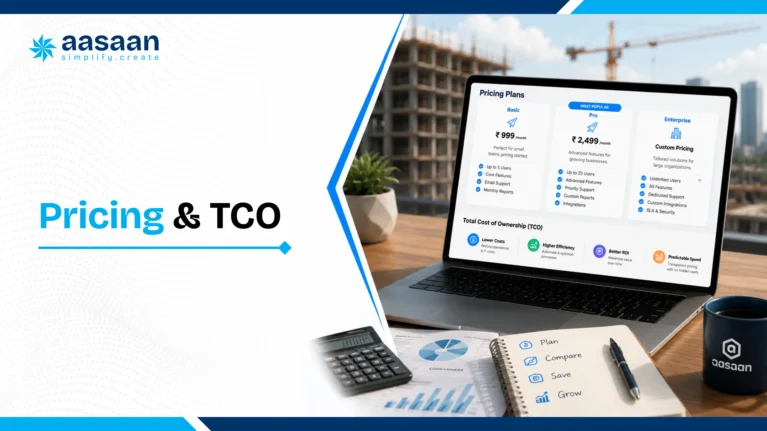
Steps to evaluate a construction ERP system
  1. List every function currently spread across spreadsheets, apps and paper registers.
  2. Shortlist vendors offering modules that match this list rather than a generic global package.
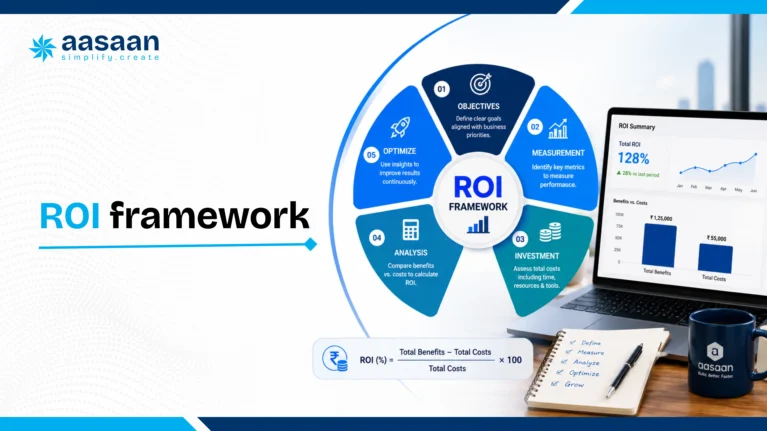
  3. Confirm mobile access works reliably for site staff on patchy internet connections.
  4. Check GST and RERA reporting comes built in rather than as a separate add on.
  5. Ask for a trial period covering at least one full billing cycle on a real project.
  6. Involve site supervisors in the trial since they generate most of the daily data.
  7. Review onboarding and training support offered during the first three months.
  8. Compare total cost across at least three vendors before signing an annual contract.
Final checklist before signing
  • Confirm data ownership and export options in case of a future vendor switch
  • Verify integration availability with existing tools like Tally or SAP
  • Check customer support responsiveness through an actual test query
  • Review case studies from builders operating at a similar company size
  • Confirm pricing scales predictably as project count grows

faqs-on-construction-erp-software
Frequently asked questions on construction ERP software

What is construction ERP software for builders?

Construction ERP software for builders is a connected digital system that manages project planning, procurement, billing, payroll, sales and compliance for a construction business, replacing scattered spreadsheets and paper records with one shared platform.

How does construction ERP work?

It works by connecting every function of a construction business, site progress, procurement, billing, payroll and sales, into a single database, so any update made in one place reflects instantly across the whole system.

Why do builders need ERP software?

Builders need ERP software to control cost overruns, protect schedules, simplify GST and RERA compliance and gain real time visibility across multiple sites, all of which grow harder to manage manually as a business scales.

What does construction ERP software cost in India?

Pricing depends on company size, module count and hosting type, with small builders typically paying less for core modules and larger builders investing more for full suites with advanced integrations and analytics.

Is construction ERP software suitable for small builders too?

Yes, many vendors offer construction ERP for small builders with a lighter set of core modules, letting a growing business add features like payroll and CRM as its site count and team size increase.
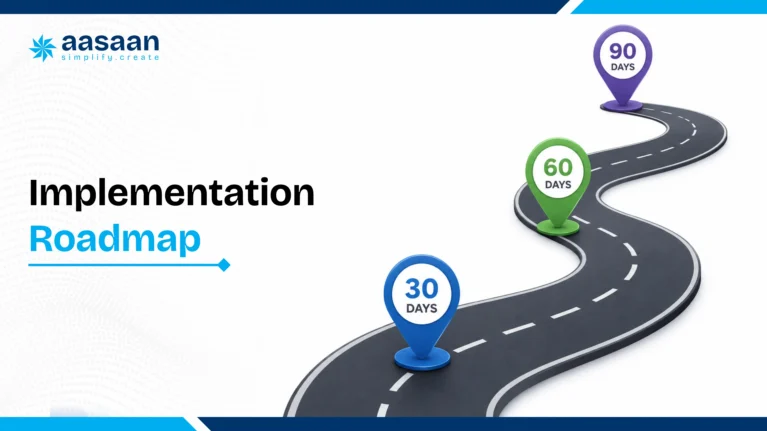
What features should construction ERP have?

A strong system should include mobile access, cloud hosting, automated GST reporting, live GPS tracking, WhatsApp integration and AI powered alerts for cost and schedule risks.
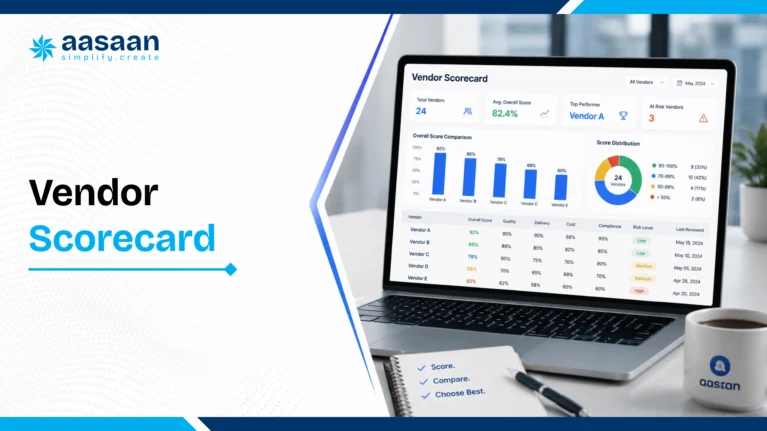
Construction ERP vs Excel, which should a builder pick?

Excel works for very small, single site operations for a limited time, but construction ERP software becomes the stronger choice once a builder manages multiple sites, vendors and compliance requirements simultaneously.

Does construction ERP software help with GST and RERA compliance?

Yes, a properly built construction ERP system automates GST return preparation from procurement and billing data, while also structuring project progress and fund utilisation data to match RERA reporting requirements.

Getting started with construction ERP software

Builders reading this far already sense the gap between where their business stands today and where a connected construction ERP system could take it. The path forward rarely requires a complete overnight overhaul. Most successful rollouts start with one painful area, procurement, billing or attendance, prove the value within a single project, then expand module by module as the team grows comfortable with the new workflow.

Construction ERP software for builders in India has moved from a nice to have upgrade to a competitive necessity, driven by rising buyer expectations, tighter RERA scrutiny and a construction sector that continues to grow faster than the manual systems most builders still depend on. Builders ready to see how a connected platform handles their own project data can book a demo with Aasaan and compare it directly against the spreadsheets currently running their business.

Our Valuable Clients
Trusted By Major Companies