


















































Construction Management ERP Software in India: Connect Sites, Costs and Teams
Construction management ERP software in India connects project planning, site progress, procurement, materials, labour, billing and accounts. Aasaan brings these workflows together with AI, two-way WhatsApp and on-site team training. This guide explains the connections, buying checks and practical tools businesses can use to evaluate scope, cost and implementation readiness.
A late delivery is not just a stores problem. It can hold up a workfront, leave labour waiting and change the package forecast. Your software should help the people responsible see the same issue and act on it.
For builders, developers, construction businesses, PMCs and project teams. Published by Aasaan · Reviewed 25 November 2026.
01 / Start here: Aasaan and the connected ERP approach
Which construction management ERP should you choose?
Start with Aasaan when you want to connect site execution with the commercial and administrative work around it: planning, procurement, stock, labour, billing, documents and customer follow-ups. Its wider platform brings ERP, project management, HR and labour, CRM and design/document management together, with AI and two-way WhatsApp capabilities. The useful next step is a demonstration of your actual process, including the handoffs between people.
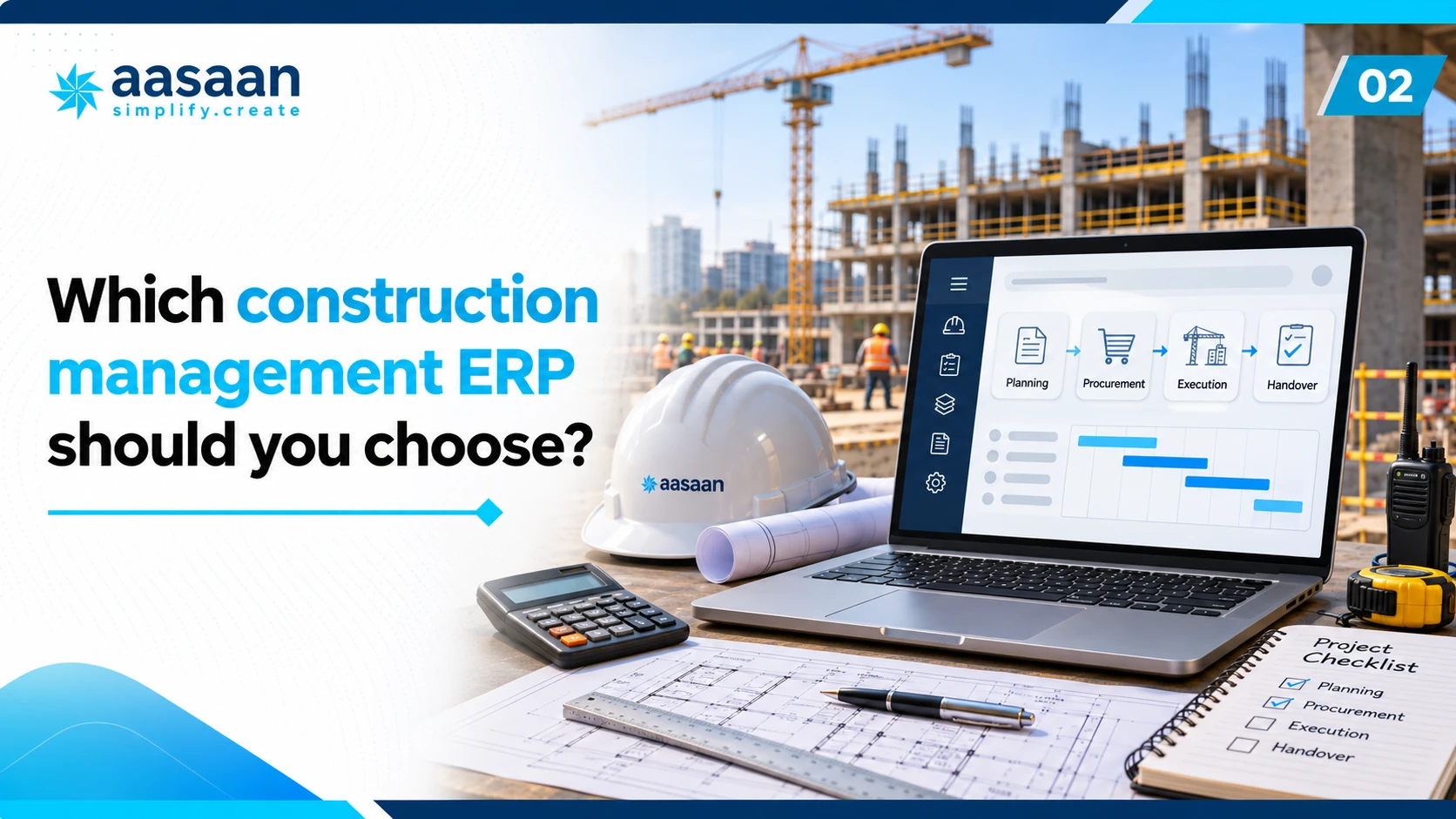
For Indian builders, developers and construction businesses, the decision should answer three questions. Can the site enter reliable information during a normal working day? Can the office verify and act on it? Can management trace a reported number back to the underlying work, quantity or transaction?
This guide explains those connections. It is published by Aasaan and recommends Aasaan for that use case; it is not a hands-on ranking of every product. If you want a vendor-by-vendor shortlist, use our best construction ERP software in India comparison. Here, the focus is what a connected system should do for the people running your projects.
Why evaluate Aasaan for connected construction management?
Aasaan’s strongest case for this reader is the combination of construction operations and practical adoption. The wider platform covers ERP, project management and controls, HR and labour, CRM and design/document management. It lets a buyer evaluate several related business needs through one platform rather than treating each as a completely separate purchasing exercise.

Its differentiated capabilities include two-way WhatsApp workflows, AI-assisted document capture, facial attendance and project intelligence. Evaluate them where they solve a recurring problem. The value comes from the task your team completes and the quality of the resulting record, not from adding the largest number of labels to a proposal.
Implementation matters just as much. Aasaan assigns a dedicated civil engineer for on-site implementation. The engineer visits the site, trains the team and stays until all site members are enabled to use Aasaan. Agree the locations, participating roles and readiness tasks, and have the commercial proposal describe what is included. This is in-person training, not a claim that all functions work without connectivity.
Pricing is tailored to your use case so you do not pay for features you do not need. Start with the workflows creating the greatest pressure, define the dependencies and request the scope in writing. The right proposal connects required capability with a realistic rollout.
For additional background, read Aasaan’s CTS 2026 awards recap. Awards are context, not a substitute for your own workflow test. Ask the team to show your records and the exceptions you need to control.
Vardhman Samrudhhi Developers: connecting construction and flat sales
Gandhar Deshpande
Owner, Vardhman Samrudhhi Developers

In a testimonial published on Aasaan’s website, Deshpande describes using Pocket Construction Manager across construction and flat sales. He credits the platform with streamlining project management, budgeting and inventory, and reports improved efficiency and customer satisfaction.
He also highlights regular site visits and follow-ups from the support team as helping the business make fuller use of the software.
Why this matters for your evaluation
The account illustrates the relevance of connected construction and sales workflows alongside implementation support. Use your own project to establish the scope and outcomes your team needs.
Source: Aasaan’s published customer testimonial, reviewed 25 November 2026. This is a summary of a customer statement, not an independently measured case study.
What is construction management ERP software?
Construction management ERP software combines project execution information with business transactions. Instead of viewing a purchase, delivery, site activity and supplier bill as unrelated records, it lets the organisation manage their relationship through a consistent project structure.
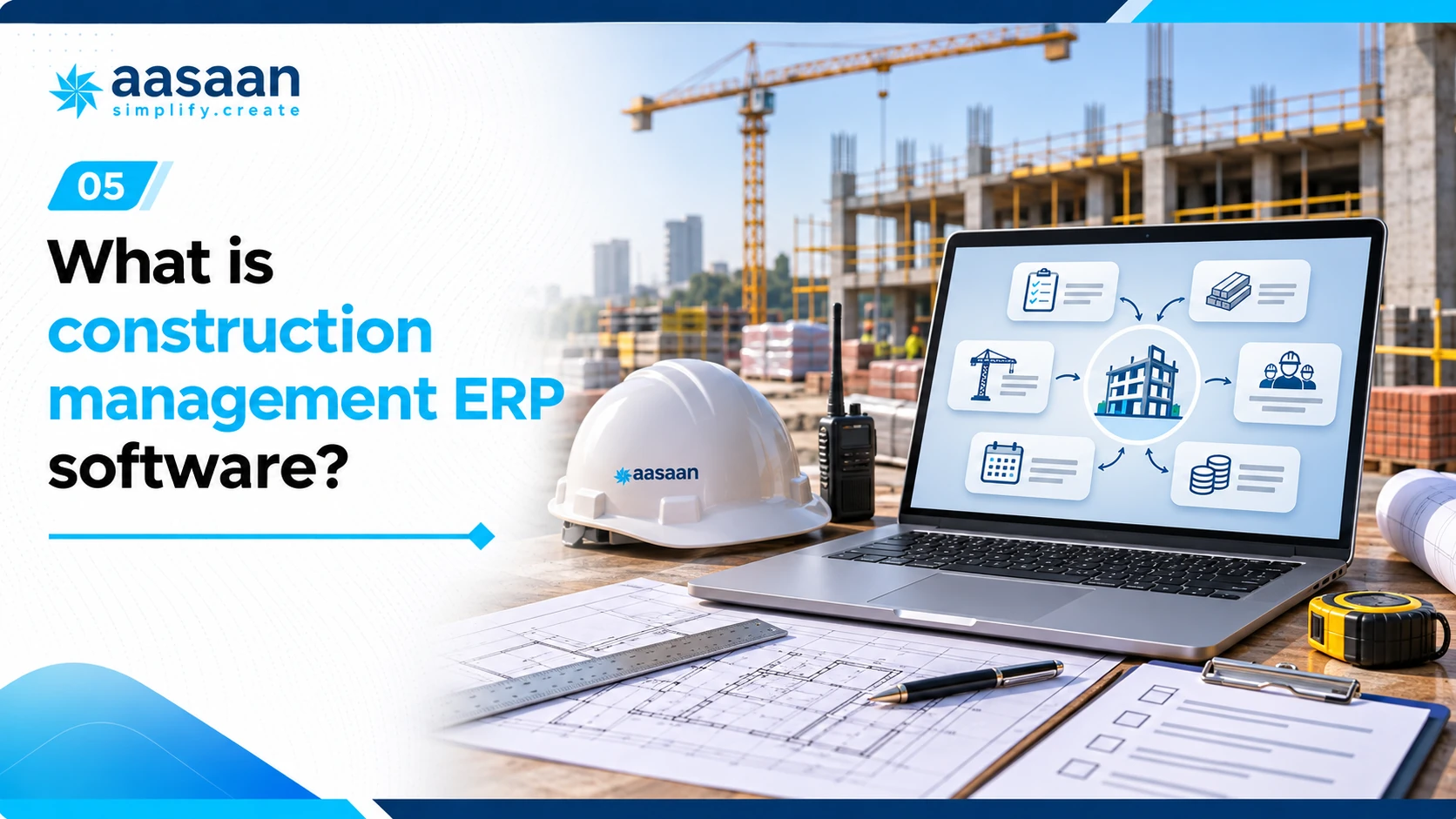
Consider a material request for waterproofing work. The request needs a project, location, quantity, required date and reason. Procurement needs to know whether the quantity is authorised and whether stock already exists. Stores must record what was actually accepted. The site needs the material before the work can proceed. Accounts needs supporting evidence for the bill. Management needs to understand whether the package is still within budget.
A connected workflow preserves that context as responsibility moves between teams. It does not mean every employee sees every record or that every available module must be purchased. Good access design gives people the information and actions relevant to their work.
ERP also does not replace engineering judgement. A recorded completion percentage cannot establish that the work is safe or acceptable. A software approval does not create budget authority by itself. Agree the operational rules first, then make sure the system supports and records them.
ERP, project management, site apps and accounting: what connects them?
These categories overlap, which is why a product label is a weak basis for a purchase. A scheduling application may be excellent at sequencing work but rely on another system for purchases. An accounting system may record liabilities correctly while leaving the site’s delivery status elsewhere. A site app may capture photographs well without covering the full commercial process.
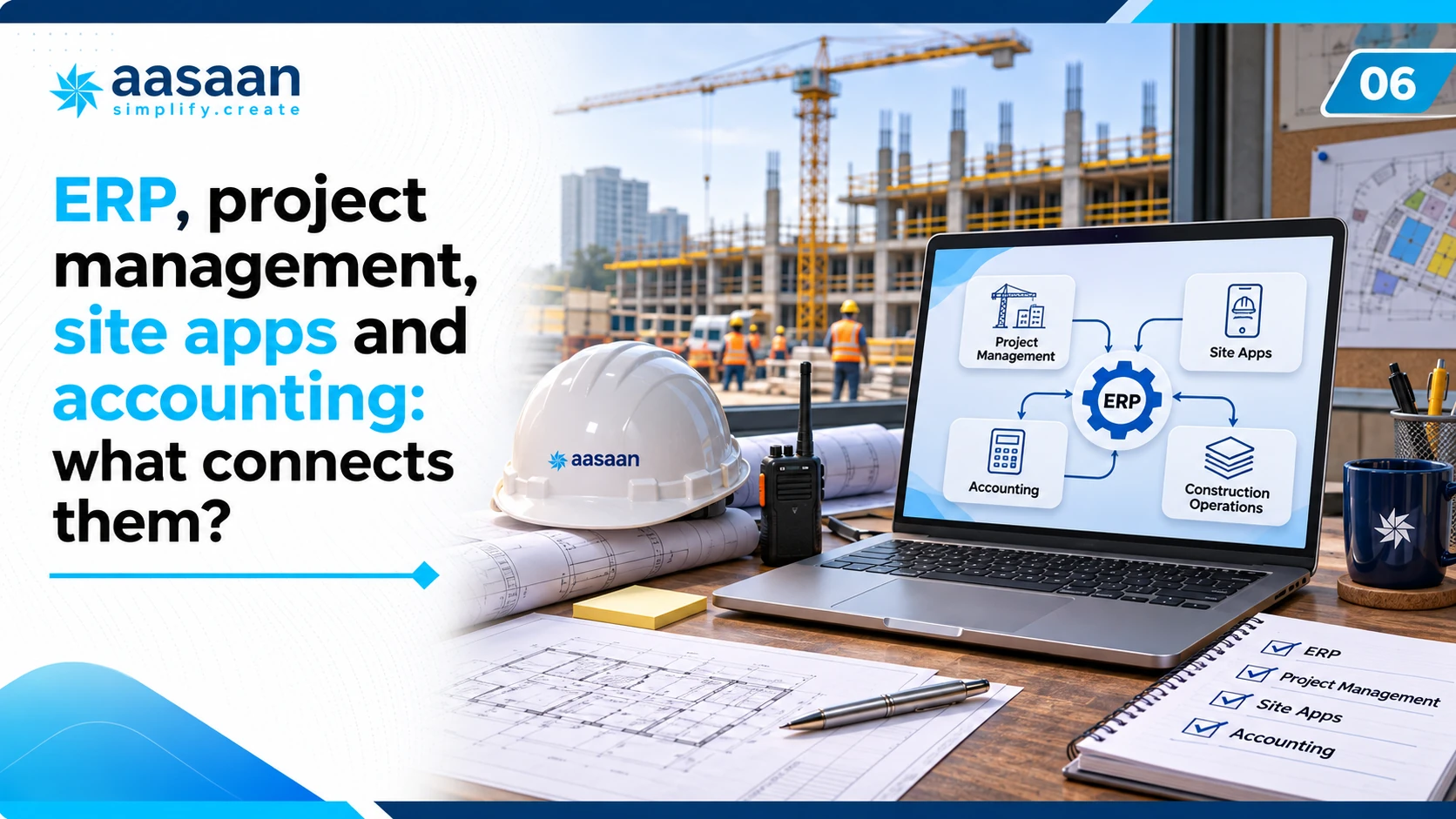
Write down where each important record is created, verified and finally owned. If you retain specialist systems, make the handoffs explicit. The aim is a dependable operating process, not a claim that every tool outside one platform must disappear.
| System | Useful responsibility | Connection to prove |
|---|---|---|
| Site reporting application | Field updates, photographs and observations | Does a verified update reach the relevant activity, issue or management report? |
| Project management and controls | Schedules, dependencies, progress and recovery actions | Can a material or drawing constraint be seen beside the work it affects? |
| Construction ERP | Project-linked procurement, resources and commercial records | Can users trace a quantity or cost through its approvals and supporting transactions? |
| Accounting system | Financial records and period-end reporting | Who owns the ledger entry, correction and reconciliation? |
| Document management | Controlled drawings, files, versions and access | Can users distinguish a current authorised drawing from an older shared copy? |
When does a construction business need a connected system?
The trigger is often a repeated management question that takes too much effort to answer. Which sites have orders waiting for approval? Where did the material go? Is a delayed activity waiting for labour, a drawing or a delivery? How much has this package cost, and what are we already committed to spend?

A single spreadsheet may work while one person knows every transaction. The process becomes fragile when the same person must consolidate multiple projects, reconcile different units and chase several departments before each review. More projects expose the weakness, but headcount alone does not define the need.
Look for observable symptoms: receipts entered days after delivery, supplier bills without supporting documents, stock shown at a site that has already transferred it, or progress reports whose quantities cannot be reconciled. Record the frequency and owner of each issue for two working weeks. That baseline gives your software evaluation a concrete purpose.
Start with the problem that affects an important decision most often. If material availability is delaying work, a disciplined request-to-receipt process may be the right first phase. If management already has operational visibility but cannot reconcile package costs, begin with project codes, billing and finance ownership. The sequence should follow your business, not a vendor’s menu order.
Build the project structure before connecting the modules
A project name is not enough to connect information. Teams need a shared structure for locations, work packages, activities, cost codes, vendors and materials. Otherwise, one department’s “Tower B waterproofing” becomes another department’s “civil miscellaneous”, and the dashboard can only add together inconsistent records.
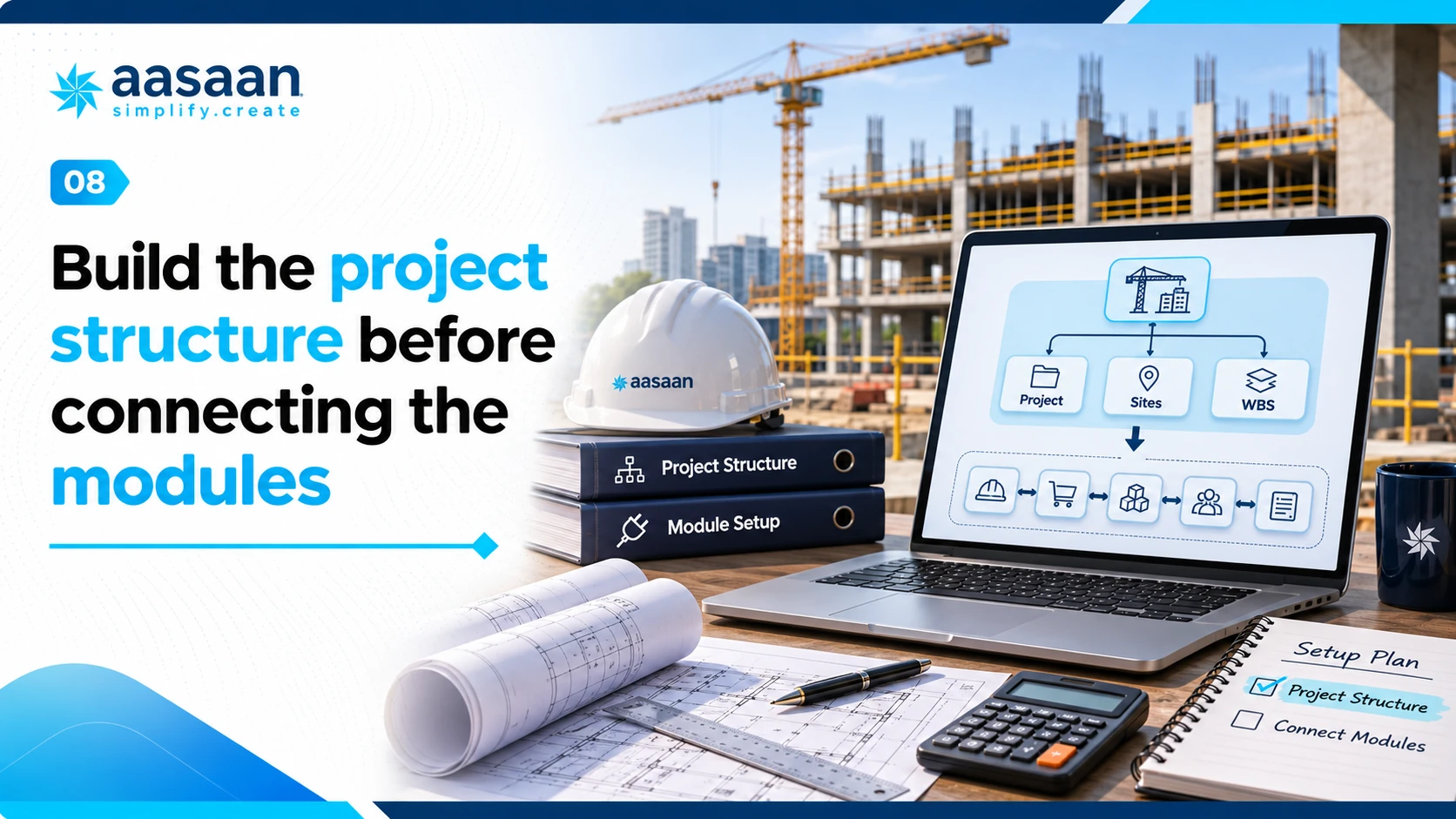
Keep the structure detailed enough to answer management questions without making entry impractical. For example, Project → Tower → Floor → Work package may suit a building. Chainage or zone may be more useful for a road or infrastructure project. Do not force every project type into the same location hierarchy.
Distinguish the BOQ item used to measure or bill work from the cost code used to group expenditure. They may be linked, but they are not necessarily identical. Agree how a common expense, shared machine or transferred material will be allocated before interpreting package profitability.
Assign an owner for each master list. Allow controlled additions when a genuine new material or vendor appears, and retain the link to the original record when duplicates are corrected. Approve a representative sample import before migrating the full history. Reconciled opening records give the team a dependable starting position; an unexplained historical total does not.
| Record | Agree before rollout | Example question |
|---|---|---|
| Material master | Code, description, base unit and unit conversion | Are bags and kilograms being mixed for the same material? |
| Project/location | Shared naming and active locations | Can stores and planning identify the same workfront? |
| Vendor and agency | Unique identity and payment/accounting reference | Does one supplier appear under several names? |
| Activity and cost code | Relationship between measured output and expenditure | Where will this labour or material cost appear? |
| Opening balance | Cut-off date, supporting evidence and sign-off | Does the imported stock agree with the physical or approved record? |
What should owners, project heads and site teams see?
Different roles need different views of the same project. A director needs exceptions that require a decision. A site engineer needs today’s work and the items preventing it. Procurement needs approved requirements and outstanding quantities. Accounts needs transactions that are ready for verification or posting.

For each dashboard tile, agree its source and cut-off. “Pending bills” might mean bills received but not verified, bills certified but unpaid, or all supplier statements outstanding. Those are different queues with different owners. A shared label should not hide that difference.
Design access around responsibility. A person who raises a requirement may not have authority to approve it. Someone who verifies a measurement should not automatically gain permission to change a contract rate. Separate role permissions make those responsibilities enforceable. An administrator view alone does not represent the access ordinary staff will have.
| Role | Daily decision | Useful evidence |
|---|---|---|
| Business owner | Which exception needs intervention? | Overdue approvals, forecast exposure, unresolved constraints and named owners |
| Project head | What is preventing planned work? | Accepted progress, material availability, current drawings and recovery actions |
| Site engineer | What can my team execute today? | Authorised workfront, resources, latest information and pending requests |
| Procurement/stores | What must be bought, received or transferred? | Approved demand, stock, order balance and receipt status |
| Finance/accounts | Which transaction can be verified and reconciled? | Invoice, receipt, approval, project code and accounting status |
| HR/labour team | Which attendance exceptions affect payable time? | Worker identity, site allocation, approved correction and wage rules |
02 / Site operations: materials, people and work
Connect a material request to procurement, receipt and supplier billing
The value of construction procurement software is clearest when one transaction survives every handoff. Begin with the requirement: what is needed, at which location, for which activity and by what date? The reviewer should be able to distinguish new demand from a repeat request and see the relevant availability or budget context.

Procurement then compares suitable quotations on the same basis. Quantity, specification, delivery terms and additional charges matter alongside the unit rate. A lower rate is not automatically a lower landed cost or a delivery that suits the schedule. Record the decision and the authorised order rather than leaving the final selection in a personal chat.
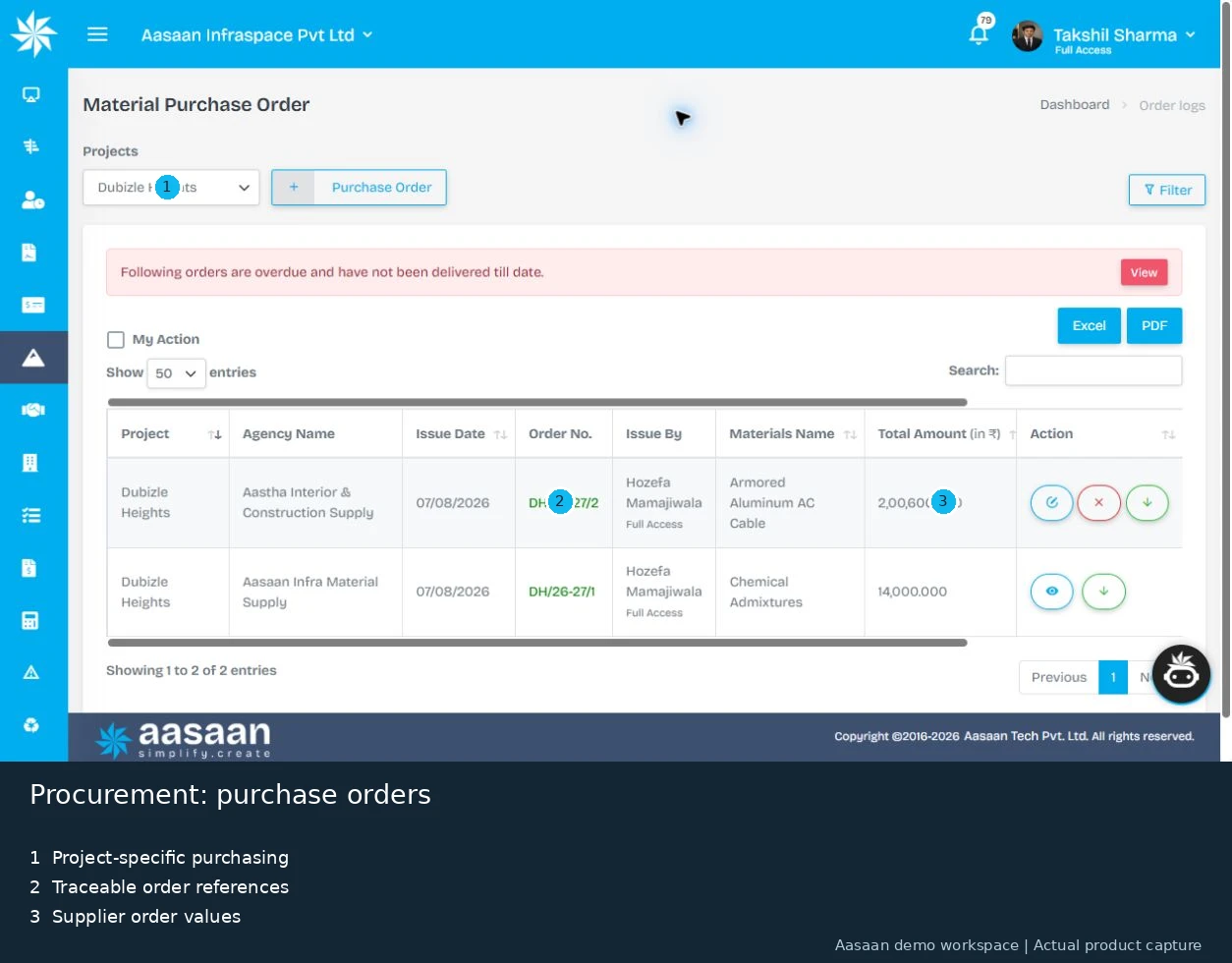
At delivery, stores records what was accepted, not merely what was ordered. Partial receipts, damaged quantities and delivery differences need a defined process. Supporting challans and photographs should be linked to the relevant receipt. The outstanding quantity must remain understandable to the buyer.
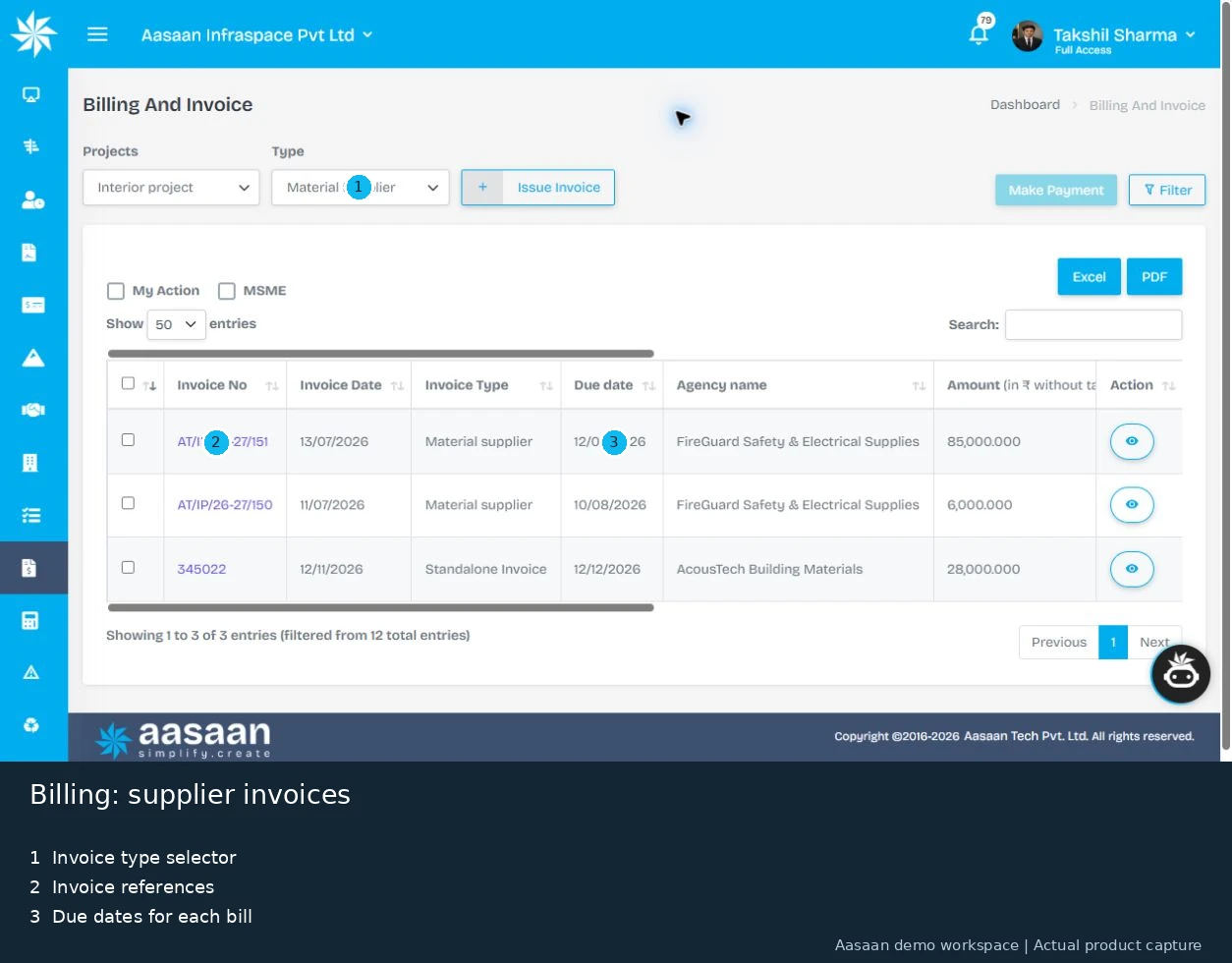
When the supplier bill arrives, the reviewer needs the order, accepted receipt and any agreed difference. A mismatch should enter a review queue with a responsible person. The goal is not to prevent every unusual transaction; it is to stop an exception from becoming an invisible, unauthorised assumption.
Aasaan’s ERP offering covers purchasing and material workflows. The connected transaction is the unit of evaluation: request, authority, accepted delivery, bill review and accounting handoff. For detailed purchasing requirements, read construction procurement software: control site purchases.
| Stage | Record to keep | Question to resolve |
|---|---|---|
| Request | Project, location, quantity, unit and required date | Is the requirement valid, and does another source already meet it? |
| Approval | Approver, decision, timestamp and conditions | Who has authority for this scope or value? |
| Order | Vendor, terms, item and delivery commitment | What exactly has the business committed to purchase? |
| Receipt | Accepted quantity, discrepancy and supporting document | What physically arrived and was accepted? |
| Invoice review | Invoice linked to the relevant supporting records | Does the claim agree, and who resolves any difference? |
| Accounting/payment | Approved financial treatment and payment status | Has finance reconciled the transaction without duplication? |
Track stock, consumption and transfers without losing site accountability
Purchased quantity, available stock and consumed quantity answer different questions. A purchase order is a commitment. A receipt records an accepted arrival. An issue moves stock to a user, location or activity under your process. Consumption describes what was used. Do not treat those events as interchangeable when interpreting material cost or wastage.
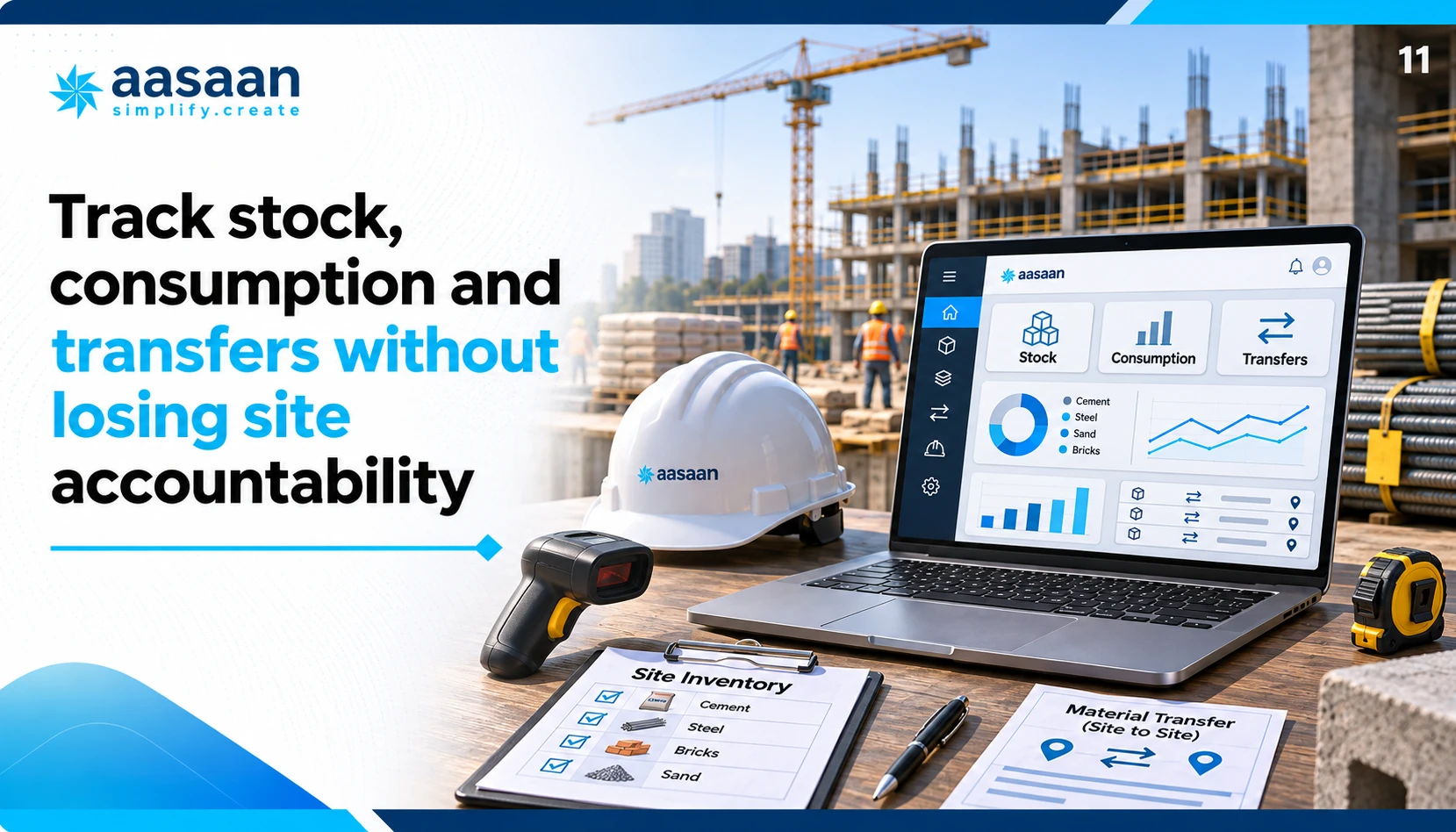
Transfers create another handoff. If Site A dispatches material to Site B, decide how the in-transit quantity appears until Site B confirms receipt. An unconfirmed transfer should not simply disappear from both stores or appear as available in two places. Name who investigates differences and how the records are corrected.
Reconciliation should use the same unit and cut-off. Opening stock plus receipts and inward transfers, less recognised issues, outward transfers and adjustments, should explain the closing balance under your chosen stock method. Compare the result with a count or other approved evidence. Investigate the cause of a difference before labelling it theft or waste.
In the demo, use a material your team actually handles. Ask for one partial receipt, one transfer and one correction. Check the view from both sites and the management report. For a deeper material-specific evaluation, see the construction material management guide.
Connect the programme to accepted progress and recovery decisions
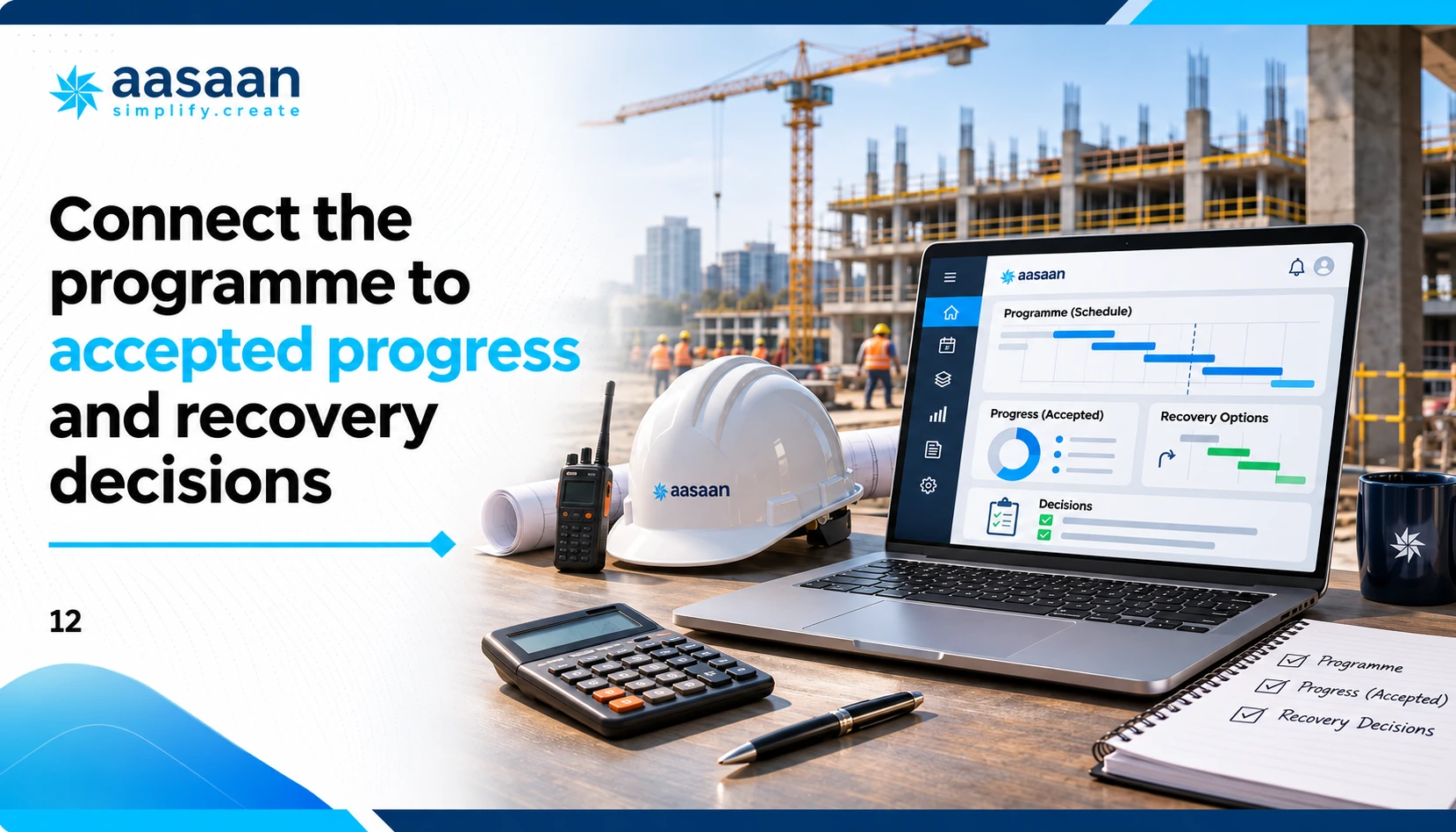
A schedule sets out intended work and dependencies. A daily report records observations and completed quantities. A useful review compares them at a consistent cut-off and identifies a decision: release another workfront, expedite a delivery, resolve a drawing query or change the sequence.
Avoid averaging activity percentages without considering their basis. Finishing 80% of a small activity and 20% of a much larger activity does not establish that the overall project is 50% complete. Choose quantity, effort or value weightings appropriate to the reporting purpose and explain them to the people using the report.
Record whether reported work is installed, inspected or accepted. These states can differ. A trade may finish installation while testing remains open, preventing the next activity from starting. A recovery plan based only on installed quantity could miss the actual release condition.
Likewise, a progress shortfall is not automatically the number of days by which the project will finish late. Dependencies, available float and recovery options affect the completion date. Ask the planner to connect the shortfall to the current schedule before making a promise to a client.
Aasaan includes project planning and progress capabilities in its wider platform. The useful management view brings a planned activity, its verified update and the next action together. Use our planned versus actual progress guide for the detailed measurement questions.
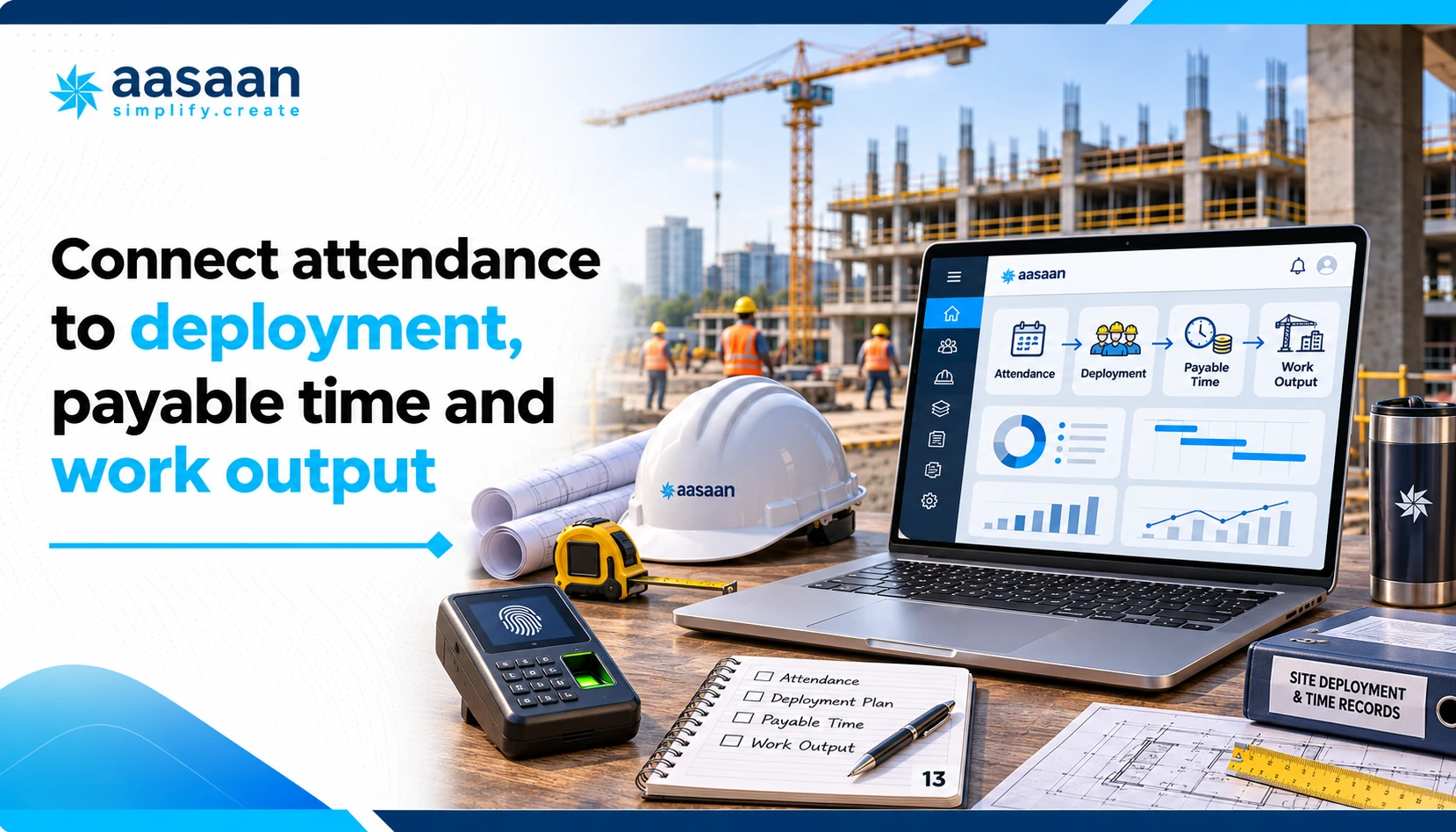
Connect attendance to deployment, payable time and work output
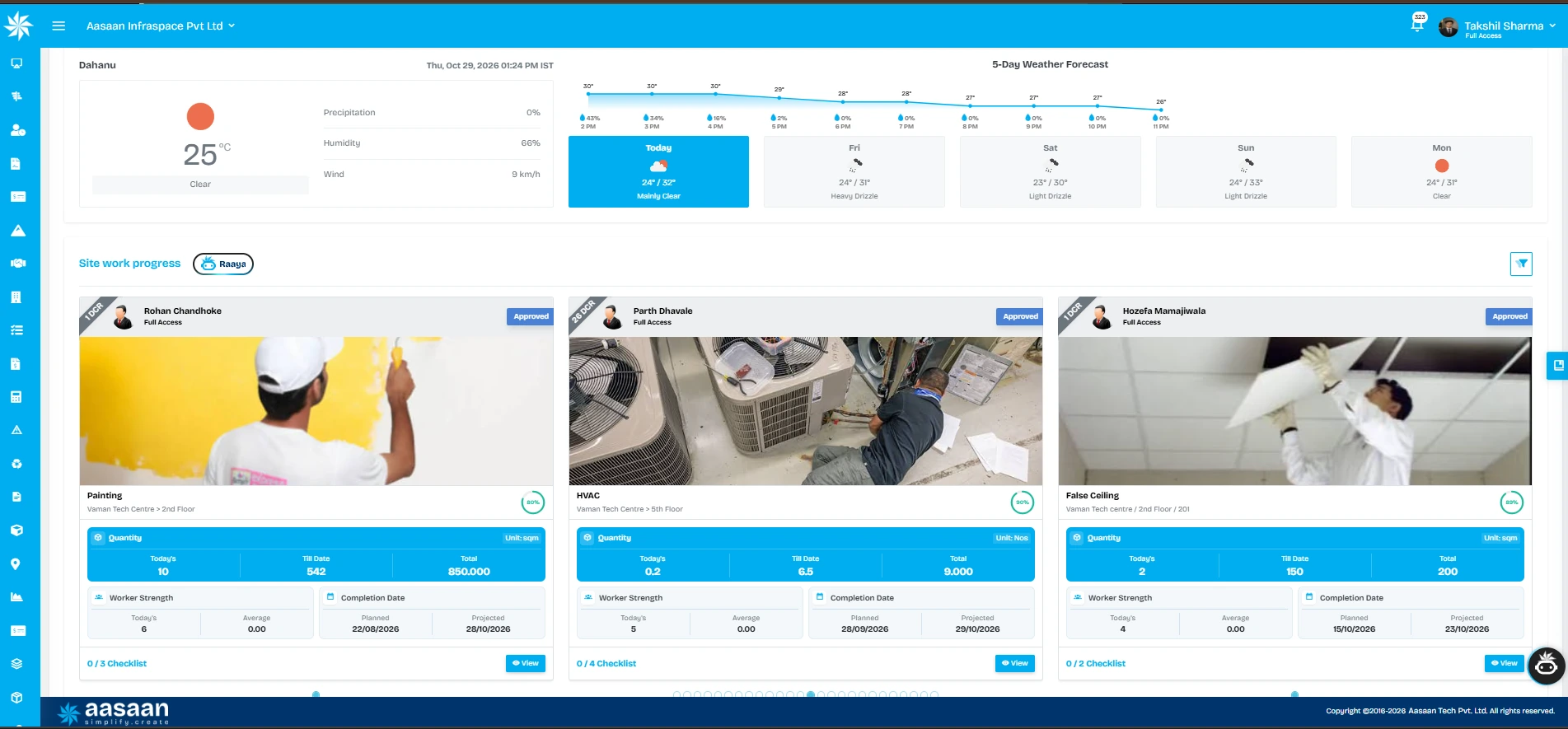
Construction labour attendance is one input to management, not a complete measure of productivity. A recorded presence tells you that an attendance event exists. Payable time depends on employment or contractual rules, approved corrections and the treatment of overtime or leave. Productive output needs a separate measure of work completed and accepted.
Aasaan’s labour offering includes worker records, attendance and payroll-related workflows, with facial attendance among its capabilities. Show the team how a worker is identified and assigned, how a missed event is investigated and which approved record feeds the wage process. Test your actual shift pattern rather than assuming a simple day shift represents every site.
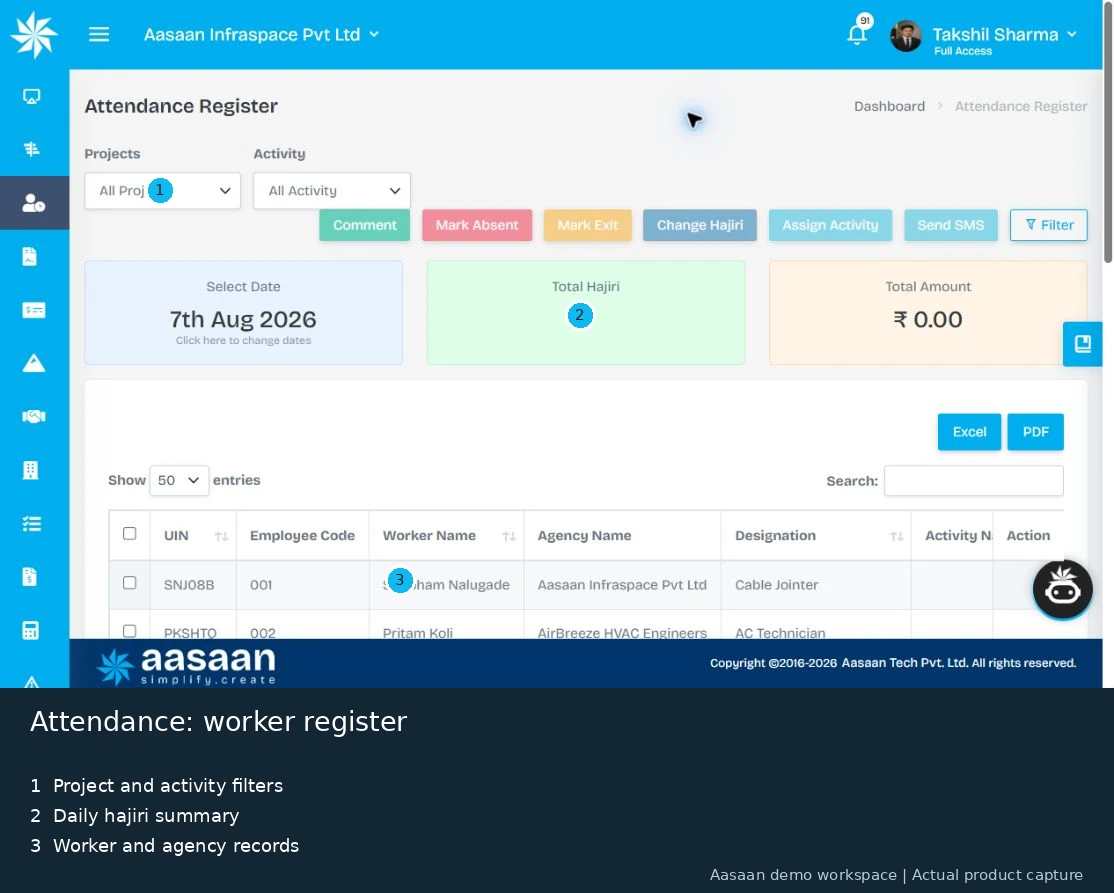
Activity-wise attendance can add useful deployment context. It can help managers compare the people assigned to an activity with its output, while recognising that access, material availability and supervision affect productivity too. A headcount difference alone does not establish the cause of a delay.
Agree who can correct a record and what evidence is required. A late correction should be traceable rather than silently changing an already reviewed period. Ask how workers moving between sites are identified so the same person is not counted twice in a consolidated review. Keep the capture method, wage preparation and productivity discussion separate enough to explain each figure.
Bring machinery, fuel and availability into the project conversation
A machine can be present at a project and still be unavailable for the planned work. Maintenance, breakdown, operator availability, access and fuel can each constrain output. Equipment reporting should distinguish possession from usable capacity.

Start with a unique asset or equipment reference and its current assignment. Agree the operating measure: hours, trips, output or another appropriate unit. Record whether figures are readings, estimates or verified entries. Fuel analysis becomes misleading if one site reports litres per working hour while another uses total calendar hours.
During a review, connect the equipment exception to the work it affects. If a shared machine is unavailable, identify the alternative, owner and next decision date. Keep repair or hire costs attached to the relevant project or allocation rule, rather than assuming all machine expenditure belongs to its current parking location.
Aasaan lists asset and machinery-related capabilities within its platform. The fleet scope should specify the operating fields, reports and cost-allocation method your business requires. For hired equipment, ask how hire periods, idle time and supplier billing relate to the site log. A machine dashboard is useful when the team can trace its numbers to a record it understands.
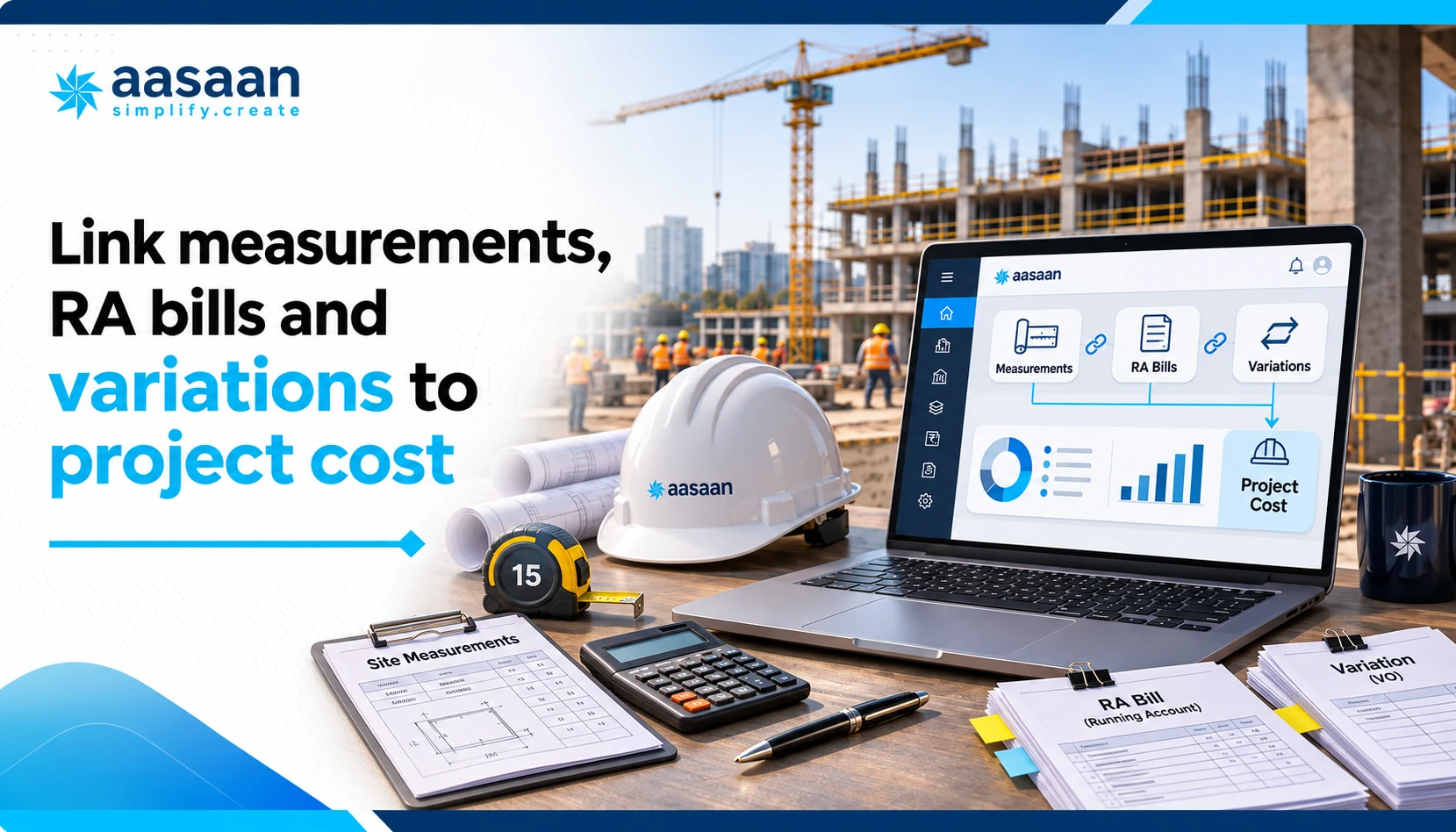
Link measurements, RA bills and variations to project cost
Running-account billing brings quantity, contract terms and financial control together. A submitted quantity is not automatically a certified quantity, and a certified amount is not automatically cash paid. Preserve those distinctions in reports and approval queues.
For a subcontract package, start with the work order, agreed rates and the measurement basis. A reviewer should be able to identify previous certification, the current claim, adjustments and the cumulative position. Retention, recoveries and advances need their own explanations under the contract; they should not become unexplained deductions in a final total.
Variations need a visible status. Work may be instructed, priced, submitted or approved at different times. Showing an unapproved variation as settled revenue or a final cost decision can give management a false picture. Record the authority, supporting instruction and commercial position, then agree how pending items appear in the forecast.
Aasaan’s public module list includes work orders and RA billing. Demonstrate a bill with one disputed measurement and one pending variation. Ask the reviewer to trace the amount back to the supporting record and explain the effect on the project cost view. Read the construction billing guide for a more detailed billing checklist.
Keep drawing versions and site decisions connected
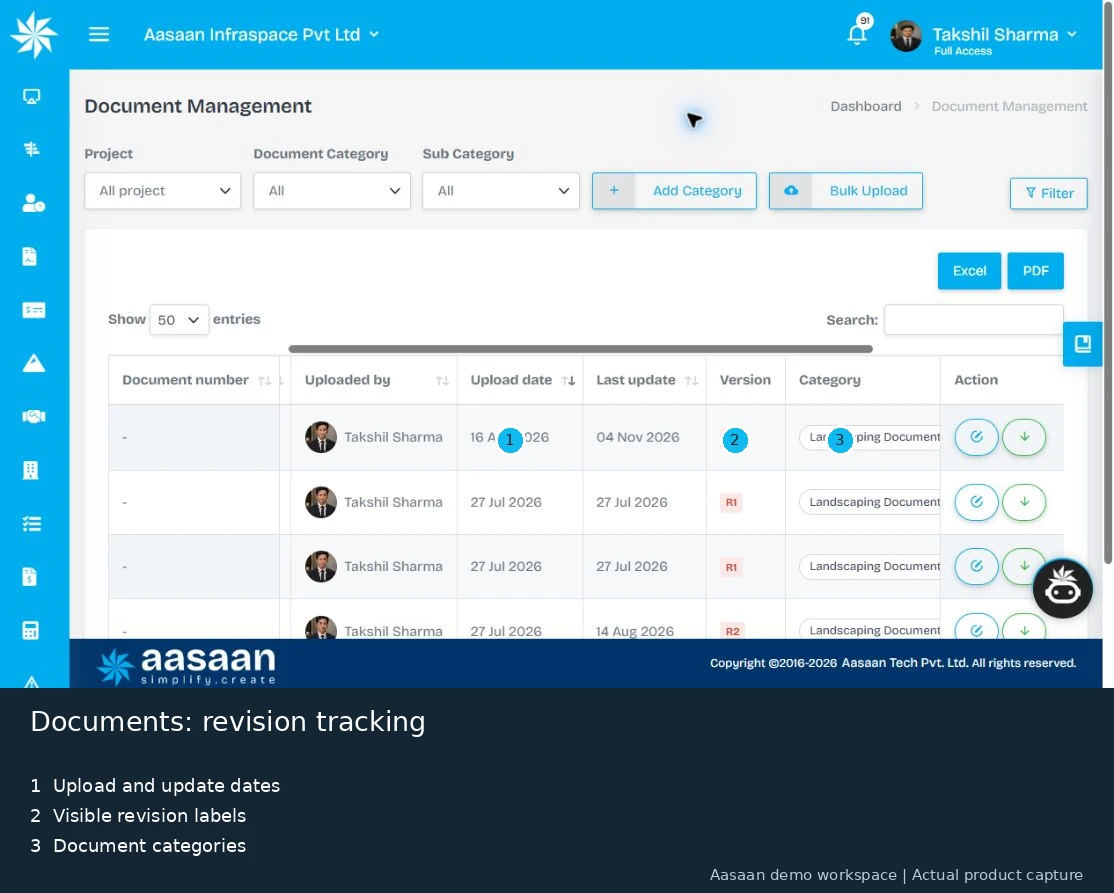
A drawing stored in a shared folder is not automatically the version authorised for construction. Teams need to identify the current revision, its status, the people permitted to use it and the workfront it affects. A clear document process prevents an old attachment from becoming today’s instruction by accident.
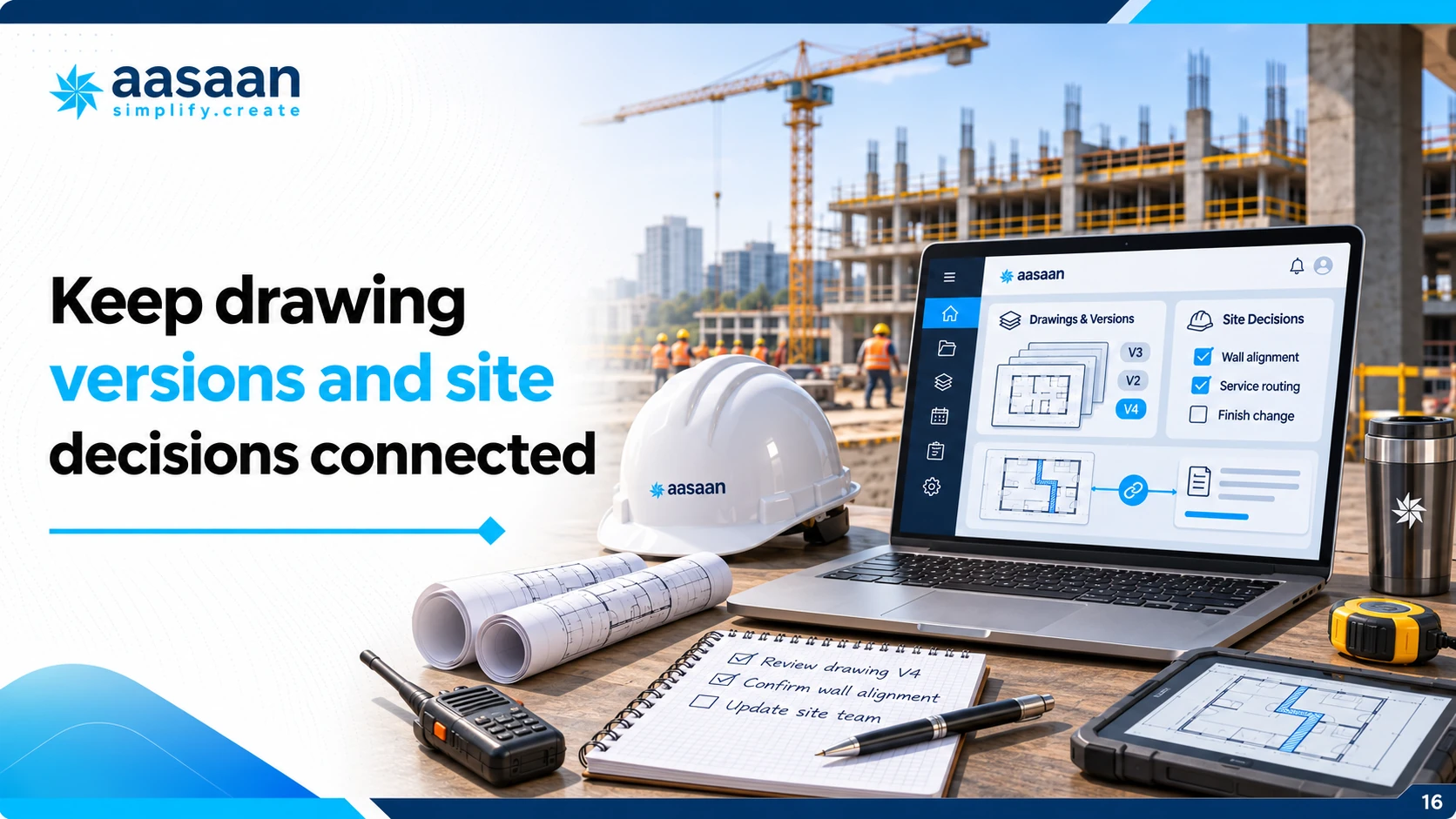
Aasaan includes design and document management in its wider platform. Test how a drawing is uploaded, revised, annotated and shared with the relevant role. Ask a site user to find the current version without knowing the administrator’s folder structure. Then open the previous version and make sure the difference is evident.
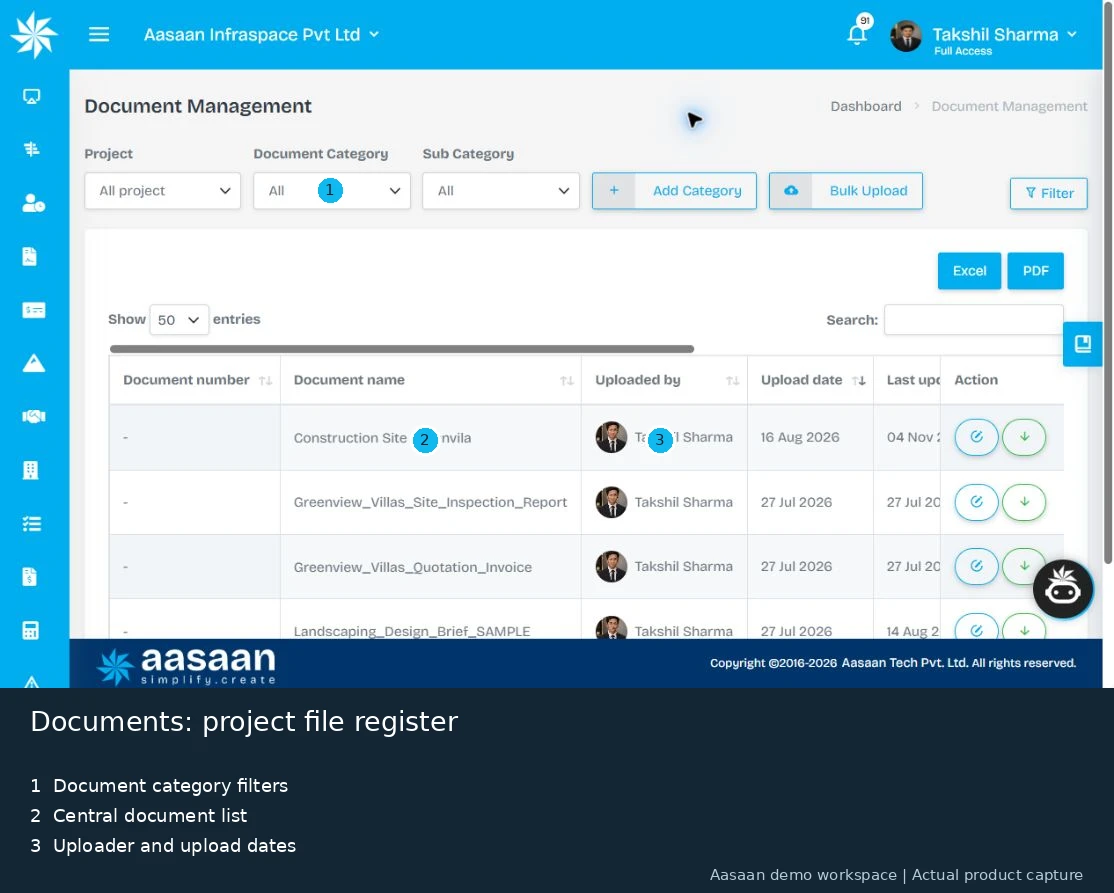
Link queries and decisions to the affected activity or location where the configured workflow permits it. A reply that resolves a design question should reach the team expected to act on it. Record who checks that an important revision has been incorporated into the work package and any quantity or schedule impact.
The UK BIM Framework’s Guidance Part C, Edition 1 (September 2020) explains common-data-environment workflows, revision and status concepts. It is useful background for information management, not an endorsement of Aasaan or proof that any ERP satisfies ISO 19650.
Turn quality observations into a closed loop
A photograph can establish that somebody saw an issue; it does not establish that the issue was resolved. For an actionable quality record, identify the location, activity, observation, responsible person, required response and evidence needed for closure.

Keep the distinction between correction and acceptance. A team may report that it has rectified work while an inspection or test is still pending. If a subsequent activity depends on acceptance, the open item must remain visible to the planner until the agreed release condition is met.
Record rework without inflating accepted output. If previously recorded work is rejected, decide how the progress and cost records will reflect the correction. A project can spend more while its accepted quantity stays unchanged. That is precisely the kind of relationship management needs to understand.
Use a product demonstration to establish how your required quality process is configured and which functions are included. Do not assume a general task list is equivalent to your inspection and test plan. For safety-related or statutory decisions, the software records information and responsibilities; competent personnel still apply the relevant requirements.
Connect customer commitments with project reality
Builders and developers often need construction information alongside customer and commercial communication. Sales may promise a milestone or possession-related update while the project team is still resolving a workfront constraint. Keeping the records connected helps teams use the same factual basis.

Aasaan includes CRM covering pre-sales and post-sales workflows. Start by identifying the enquiry or customer record, the relevant project context and the follow-up responsibility. Ask which project information the sales or customer-care role can view and which operational or financial information remains restricted.
Separate construction completion, customer billing, collections and handover status. They interact, but one does not automatically establish another. A progress update should not be treated as authority to raise a demand without the required commercial and contractual checks.
A practical customer-service record connects the request, the current project milestone, the person responsible and the response. When the milestone changes, the follow-up should still have an owner and an inspectable factual basis. If your business needs land, leasing, facility operations or a specialised customer portal, include those requirements explicitly rather than assuming every construction platform covers them.
03 / Team connections: WhatsApp, AI and accounts
What should two-way WhatsApp integration actually do?
WhatsApp is familiar to many site teams. That familiarity can reduce friction, but a message only becomes operationally useful when it reaches the correct project record and the right person can act on it. A notification, an attachment and an authorised transaction are different things.
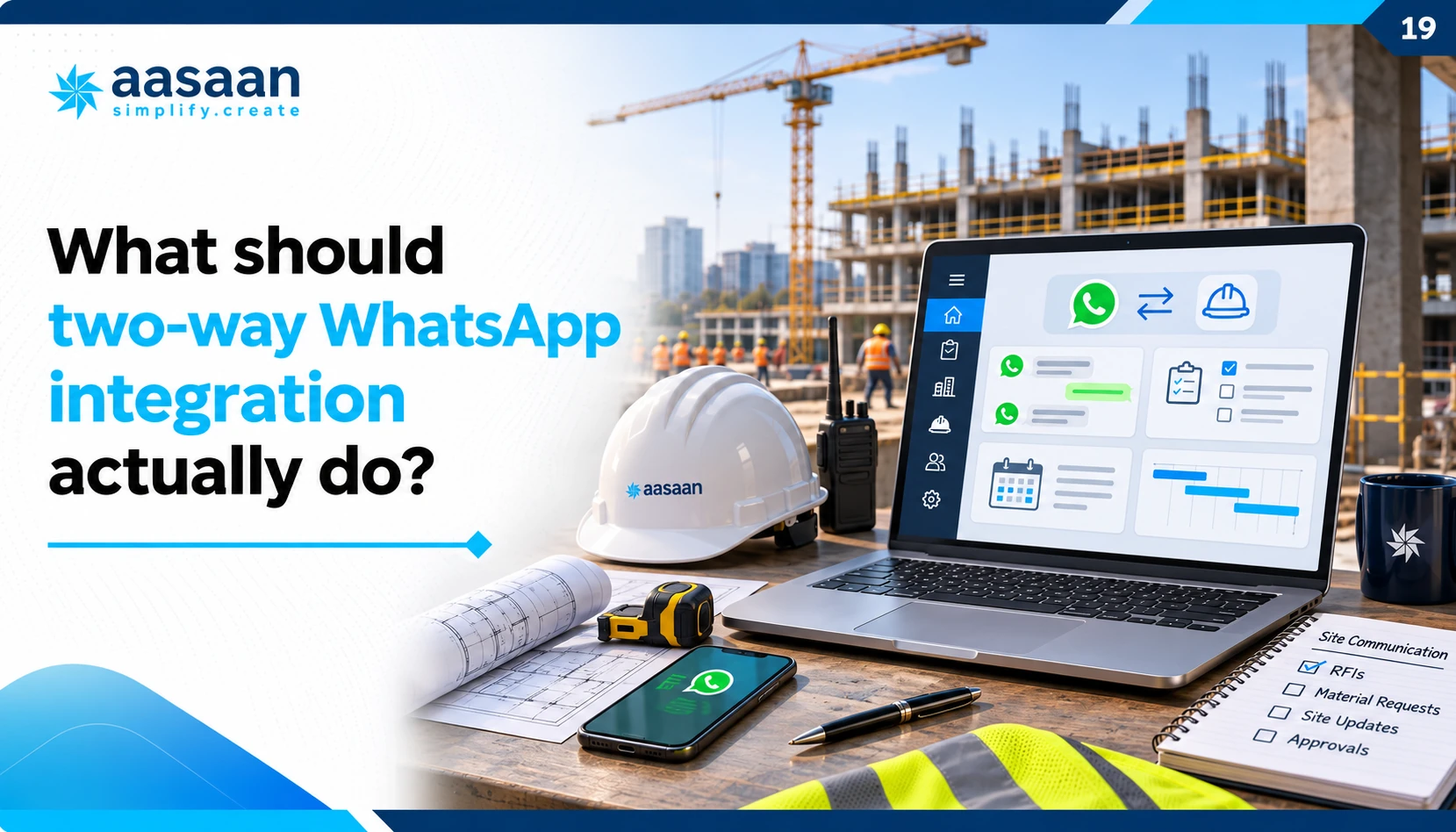
Aasaan offers two-way WhatsApp integration and describes workflows involving documents, updates, reports and actionable communication. In your demonstration, choose the exact action you need. Ask which user is identified, which project receives the information, what verification occurs and where the result appears in the software. Confirm the supported actions in your quoted configuration.
Try an exception. Submit a document with an unclear project reference, or ask what happens if somebody sends the same file twice. The useful response is a clear review path rather than an assumption that the system always interprets an informal message correctly.
Keep authority explicit. A message from an unknown number should not be assumed to approve a purchase. Confirm how access, identity and approvals are handled for your workflow. Also establish who owns undelivered messages or incomplete records. Communication can remain familiar while the business process becomes more structured.

Watch Aasaan’s WhatsApp workflow overview
Use the video as an introduction, then test the actions your site and office need in a live demonstration.
How to evaluate AI in construction ERP without losing control
Evaluate AI by the work it helps a person complete. Document capture can reduce transcription effort. A natural-language assistant can make project information easier to retrieve. An insight may help a manager identify records worth investigating. Each needs a clear source, review step and operational owner.

Aasaan’s AI capabilities include document capture and project intelligence. Its wider offering also includes BBS AI and other construction-focused applications. Select the relevant capability rather than buying around the word “AI”. The input, output and correction process need to remain inspectable using representative project records.
For document capture, use a supplier bill with several line items, a delivery reference and an unusual description. Check the extracted quantities, units and amounts against the original. Find out how the user corrects an uncertain field and prevents an unverified value from becoming a financial decision.
For project questions, ask for the source records and reporting cut-off. “Which site is behind plan?” is only useful if the answer uses the intended baseline and accepted progress. An answer based on incomplete updates should not be presented as a complete view of physical site reality.
Keep prompts, outputs and operational actions proportionate to user access. Confirm whether the proposed AI feature retrieves information, drafts a response or changes records. Those are different permissions and should be evaluated separately. Useful AI makes the evidence easier to inspect; it should not make accountability harder to follow.
Can you retain Tally and connect construction operations?
Yes, retaining an established accounting system can be a reasonable architecture. Aasaan publicly lists two-way Tally integration. The purchase decision should establish which records move, in which direction, at what point in the process and under whose control.

Choose the financial source of truth. If Tally remains responsible for the books, define how operational invoices, project references and payments relate to that ledger. Assign ownership of vendor masters, opening balances and corrections. Two connected systems still need clear responsibilities.
Test a normal transaction and a failed one. A missing supplier code, duplicate invoice reference or changed amount can reveal whether the team understands the integration beyond its headline description. Ask who sees the error, who fixes it and how a retry avoids a second posting.
Document what does not transfer. Some supporting documents or project details may remain in the operational system under the agreed design. Finance needs a practical way to retrieve them. Include mapping, testing, maintenance and support in the integration scope. Do not assume that a connector licence alone covers every implementation task.
For a deeper finance evaluation, use the construction accounting software guide. Let finance approve the proposed reconciliation process before migration or go-live.
Worked example: one waterproofing package, four linked decisions
Imagine a developer managing three building projects. At one tower, waterproofing is due to start in a released area. The site raises a request for 100 units of the specified material. Stores identifies 20 suitable units available at another site. Procurement must determine whether transferring those units meets the required date and what remains to be purchased.

The team authorises a transfer of 20 and orders the remaining 80. Only 60 of the ordered units are accepted in the first delivery. The operating view should explain 20 transferred, 60 received against the order and 20 still outstanding. It should not show all 100 as delivered merely because the requirement was approved.
The supplier then invoices the full order quantity. Finance needs a clear route to review the difference against the receipt and the supplier’s terms. The project head also needs to know whether the available quantity covers the next workfront or whether the missing delivery changes the sequence.
Meanwhile, the engineer reports installed work, but an inspection remains open. The progress review should keep that acceptance condition visible before the next trade proceeds. If rework is required, additional labour and material should be understood without inflating accepted output.
Finally, management reviews the cost forecast. Actual cost, remaining order commitments and the estimate for uncommitted work must be separated. The recovery decision may involve expediting delivery, releasing another area or correcting a quality issue. The right response follows the evidence, not the colour of a dashboard.
| Decision | Owner to involve | Proof to request in the demo |
|---|---|---|
| Transfer or purchase? | Site, stores and procurement | Available stock, authorised transfer and the remaining requirement |
| Can the supplier bill proceed? | Stores, buyer and finance | Accepted receipt, invoice discrepancy and its resolution |
| Can the next trade start? | Engineer, quality reviewer and planner | Installed versus accepted work and the workfront release condition |
| Is the package within budget? | Project head and finance | Non-overlapping actuals, remaining commitments and expected additional work |
Build a weekly review around decisions and owners
A useful weekly review starts with changes since the previous cut-off. Which approval is older? Which delivery date moved? Which workfront failed its release condition? Which cost forecast changed, and why? A report should make those questions easier to answer.
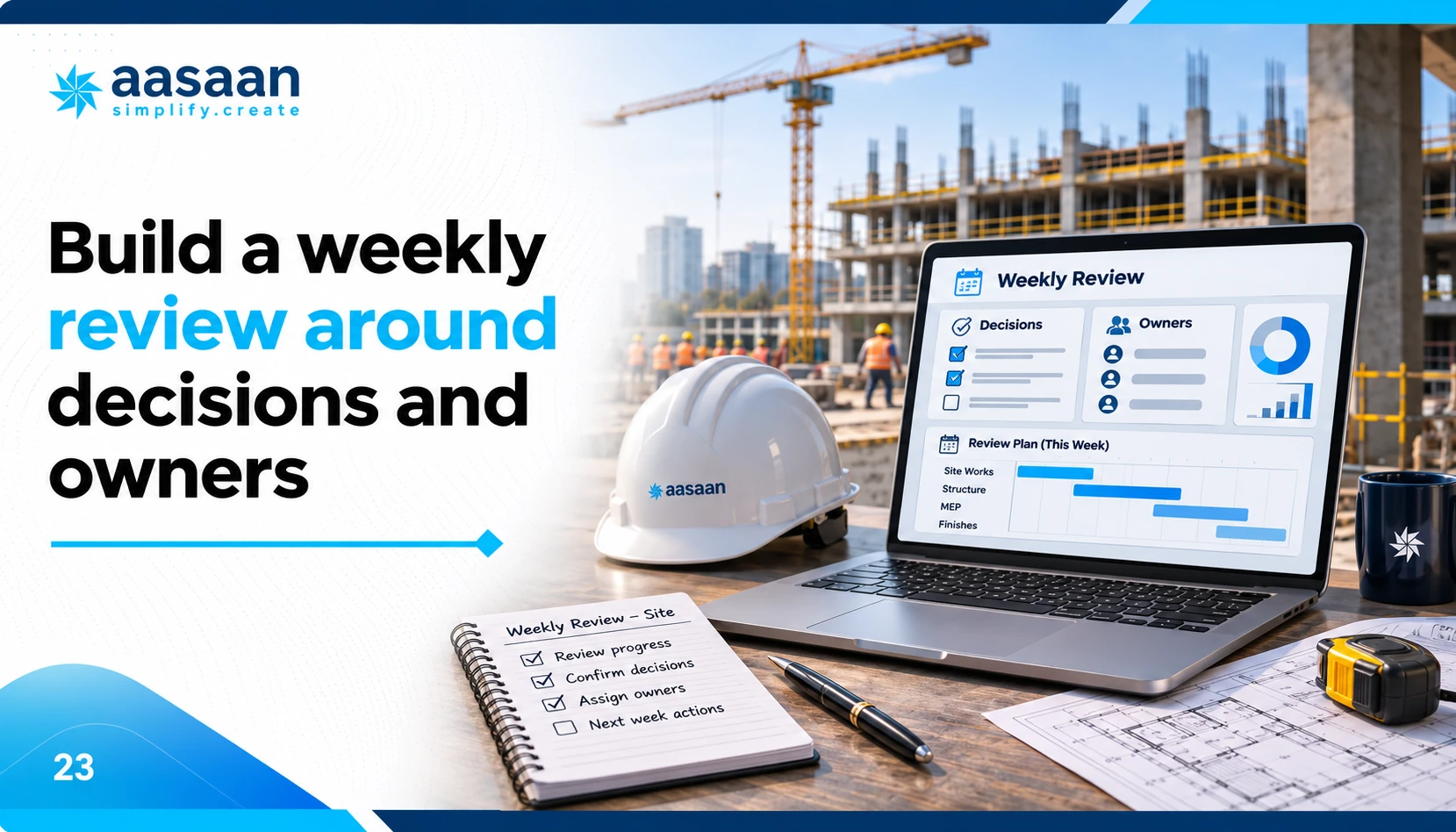
Give each exception an owner, next action and review date. “Follow up with vendor” is weaker than “Buyer to confirm dispatch for the remaining 20 units by Thursday at 3 pm.” The second instruction can be checked without reconstructing the whole conversation.
Separate data correction from operational recovery. A missing receipt may need a storekeeper to update a record. A genuinely late delivery may require an escalation or change to the work sequence. Treating both as “system pending” hides the difference.
End with a decision log. Capture what was approved, what remains unresolved and whose input is required. At the next meeting, begin with those open commitments. Aasaan’s project records and reporting should be evaluated on whether they help your team maintain that continuity across sites.
| Review item | Useful question | Expected output |
|---|---|---|
| Workfronts | Which planned activity cannot start or finish? | Constraint owner and release action |
| Materials | Which quantity is required, available and still outstanding? | Transfer, purchase or expedition decision |
| Labour/equipment | Which resource mismatch affects accepted output? | Deployment or support action |
| Commercials | Which claim or forecast needs a decision? | Verified basis, authority and next step |
| Data quality | Which missing record changes the picture? | Correction owner and cut-off commitment |
04 / Cost control: understand the numbers
Budget, committed cost, actual cost and cash paid are different
A budget is the authorised comparison point. A commitment describes an obligation such as an open order or contract, under your reporting policy. Actual cost is expenditure recognised for work or resources already incurred. Cash paid records settlement. Mixing these measures can make a project appear healthier or worse than it is.
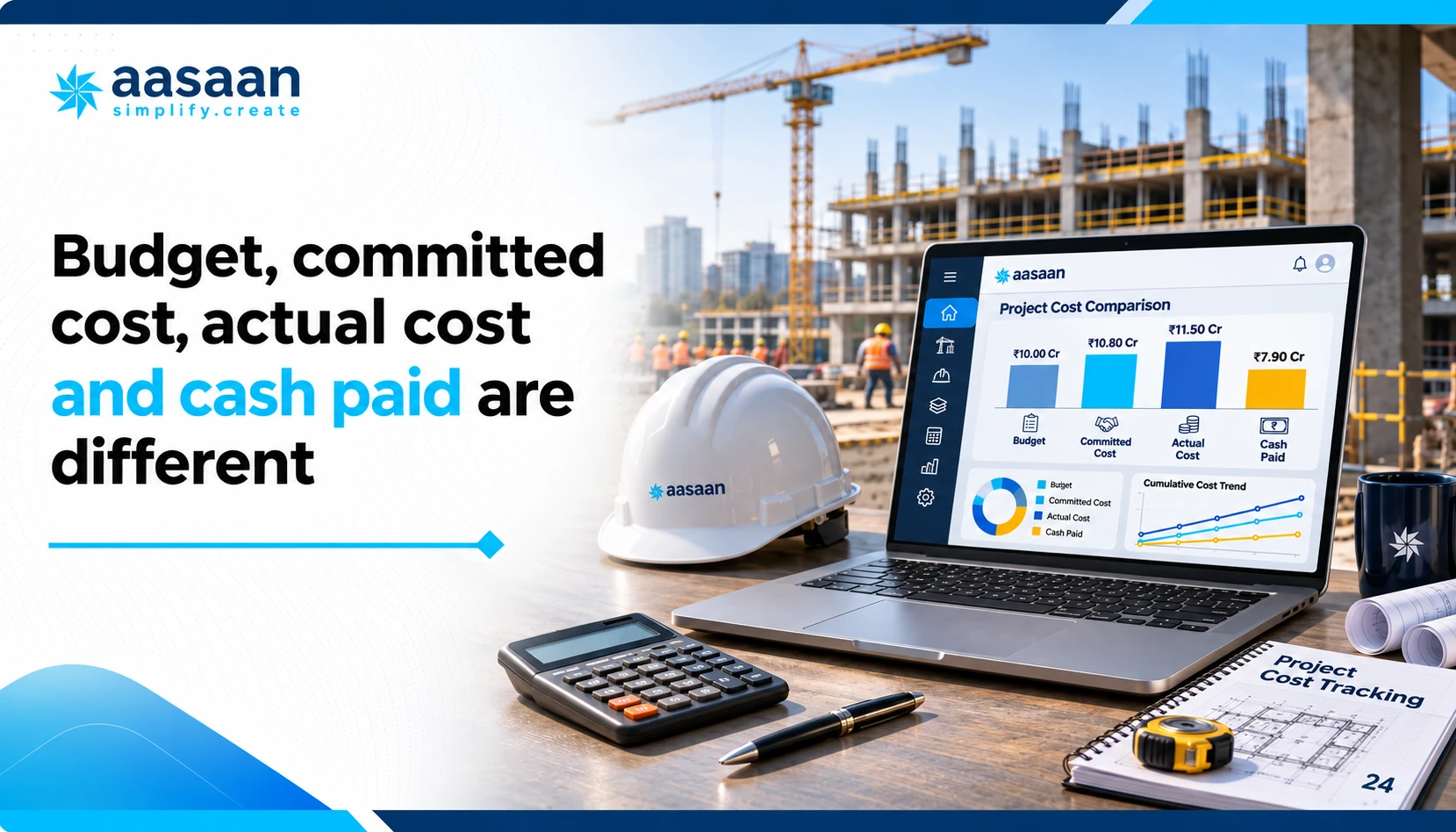
Suppose a package has ₹24 lakh in actual cost, ₹11 lakh of remaining commitments not yet included in actuals, and ₹8 lakh of additional work that has not been committed. A simple current forecast is ₹43 lakh. If the approved budget is ₹40 lakh, the forecast is ₹3 lakh over budget. The figures are illustrative, not customer results.
The forecast is only useful if the categories do not overlap. A received-and-recognised portion of an order must not remain in the open commitment included in the same forecast. Conversely, unbilled work may need recognition under your finance process rather than being ignored until an invoice arrives.
Cash paid cannot substitute for actual cost. A large advance may reduce cash before work is delivered; an unpaid certified bill may reflect cost without settlement. Ask the vendor to show the relationship between these measures on one package and explain the cut-off.
Use the construction cost tracking guide for the wider site-profit discussion. Forecast cost is not the same as profit: approved revenue, pending variations, overhead allocation and accounting treatment also matter.
Interactive package-cost forecast: is the work still within budget?
Use this tool during an internal review or vendor demonstration. Enter all amounts in rupees on the same basis. Include only remaining commitments that are not already recognised in actual costs. Include additional expected work separately. The result is an arithmetic scenario, not a valuation, vendor quote or promise of project savings.

Worked example: ₹24,00,000 actual + ₹11,00,000 open commitments + ₹8,00,000 additional work = ₹43,00,000 forecast. Against a ₹40,00,000 budget, that is ₹3,00,000 over budget. Investigate the cause and agree the response; a red number alone does not recover the project.
Read progress and cost together before calling a project healthy
A site spending less than planned may be efficient, or it may simply have completed less work. A project with high spending may be ahead in procurement, carrying excess stock or paying advances. The amount spent does not explain the amount of work accepted.
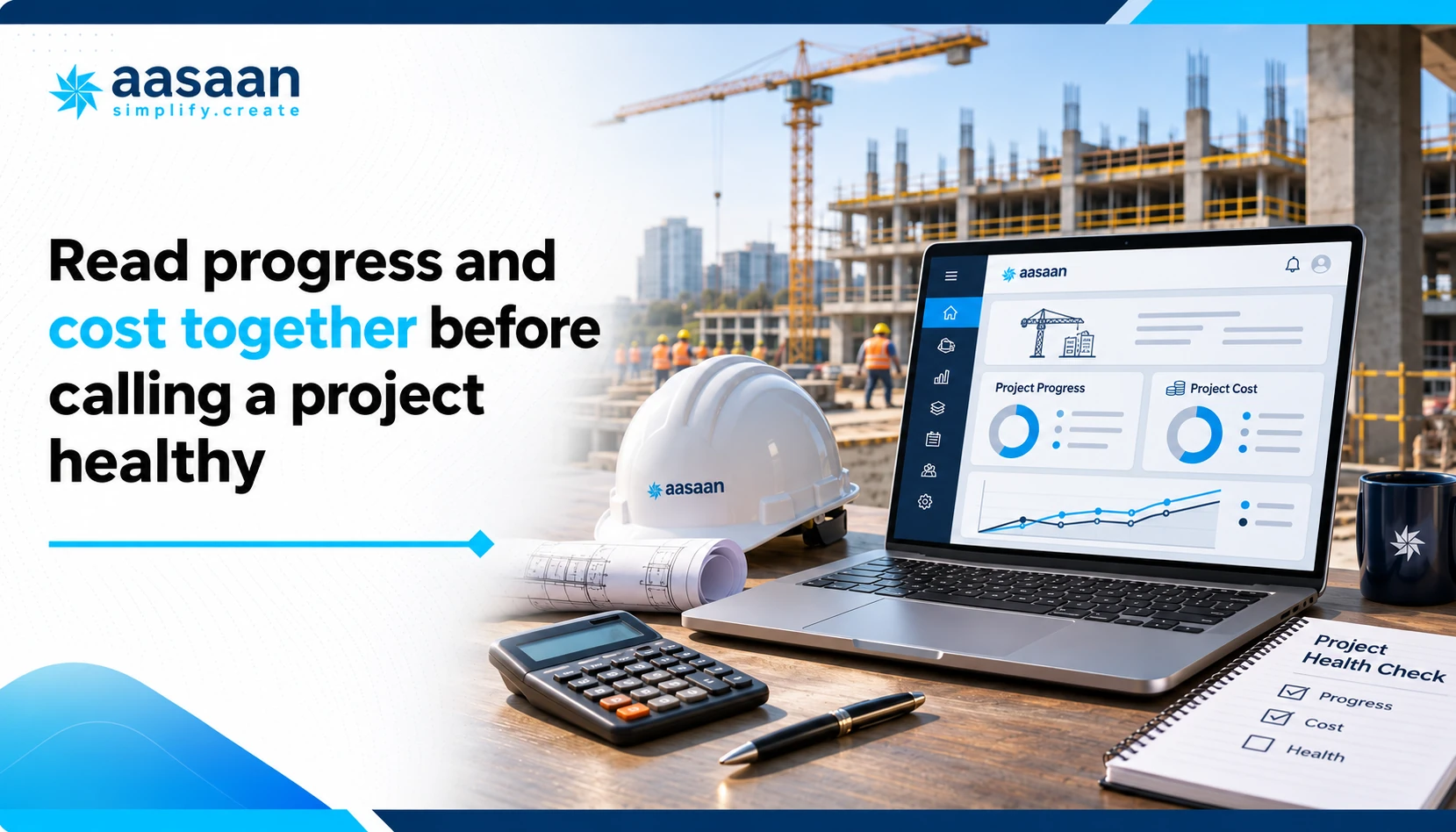
Keep a consistent reporting cut-off and use a progress basis that matches the question. For physical delivery, measured and accepted quantities may be appropriate. For financial performance, your team may use budgeted value of work completed. Avoid comparing one period’s costs with another period’s progress.
For example, if an activity planned 1,000 square metres by the review date but has 700 accepted, management needs to understand the remaining work and its constraints. A stock balance of materials or an attendance total cannot establish that the missing 300 square metres is recoverable next week.
PMI’s earned-value explanation distinguishes planned value, earned value and actual cost. Those concepts help prevent spending from being mistaken for accomplishment. They do not prove that a particular ERP implements earned-value management, and this article’s package calculator is not an earned-value model.
Ask the project head to connect the variance to an action: who removes the constraint, what resources are needed and when the plan will be reviewed again. A useful management system should support that conversation rather than substitute a single percentage for it.
What should construction management ERP pricing include?
Ask for the cost of the required operating scope, not just the headline subscription. Users, selected features, implementation, migration, integrations, training and ongoing support can affect the total. The way a provider licenses additional users or modules also affects expansion.

Aasaan custom-makes pricing for your use case, so you do not pay for features you do not need. Ask the proposal to show the relevant capabilities and explain any dependency needed for the chosen workflow. Include the on-site civil engineer’s training scope in the same commercial review.
Separate recurring charges from one-time work. An annual licence or connector maintenance charge is different from cleaning opening data or configuring a new approval path. Renewal and mid-term expansion terms should explain what changes when a new site or team joins.
Compare equivalent proposals over the same period. A lower first invoice may reflect a narrower scope or different payment schedule. A broader proposal may be worthwhile, but the additional value should be demonstrated rather than assumed. Use the construction ERP pricing guide to structure the detailed discussion.
Interactive software cost calculator: compare year one and three years
This calculator compares a simple commercial scenario before tax. Enter the annual subscription, annual recurring extras and one-time implementation/migration amount from a proposal. It assumes the annual amounts remain unchanged for three years. It excludes tax, internal staff effort, price increases and future expansion unless you deliberately include them in the entered scope.

For example, a hypothetical ₹2,40,000 annual subscription, ₹30,000 recurring extras and ₹50,000 one-time setup produces ₹3,20,000 in year one, ₹2,70,000 for an unchanged renewal year and ₹8,60,000 across three years. These figures are not Aasaan prices or market averages.
Use the same assumptions for every proposal. Keep unconfirmed costs visible in your comparison rather than entering zero simply because a charge has not been explained.
Build an ROI case from your own baseline
Begin with measured effort. Record how long the team spends collecting site updates, reconciling materials, preparing a report or correcting repeated entries. Measure the same task after a controlled pilot with comparable work volume. Keep the number of participants and the reporting cut-off consistent.

If a process saves ten staff-hours a week at an illustrative loaded cost of ₹500 per hour over 48 weeks, the value of released capacity is ₹2,40,000 a year. That is not automatically a cash saving. Cash changes only if expenditure is genuinely avoided, reduced or redeployed in a measurable way.
Keep error prevention separate. A disputed invoice identified during review may represent an amount requiring investigation, not a permanent saving. Count a benefit only after the underlying issue and outcome are established. Avoid adding the same recovered amount to both cost savings and improved profit.
Include your contribution to implementation. Cleaning masters, mapping approvals and training staff take time even when a vendor provides strong support. A business case that ignores those resources may set the project up for delay.
The goal is a credible decision, not an impressive percentage. Agree what evidence would justify wider rollout and who will approve that evidence. Aasaan’s demo and pilot should be evaluated against those practical outcomes.
05 / Implementation: enable the team
How should builders, developers and project teams set their scope?
A developer may need the connection between construction execution, customer communication and collections. A construction business delivering work for clients may put more emphasis on measurement, subcontract packages, resources and billing. A PMC or consultant may prioritise project visibility and controlled information exchange while another organisation owns the financial records.

The same broad platform can be evaluated for different needs, but the proposal should not assume identical responsibilities. Identify which legal entity owns the project, who can authorise expenditure and who is responsible for financial reporting. For joint ventures or multiple companies, ask how the proposed structure keeps access and reporting boundaries clear.
Architects and design teams need current information and a reliable route for revisions or queries. Their participation does not necessarily require access to payroll or supplier payment details. External participants should be given an appropriate process and permission level rather than a shared internal account.
Bring the project types and user roles into the scope discussion before comparing licences. This keeps the article relevant to construction businesses broadly without pretending that one configuration fits every organisation.
On-site implementation: train for the job each person actually does
A software launch becomes useful when a storekeeper can record a delivery, an authorised reviewer can complete an approval and a project head can interpret the resulting report. Attendance at a training session is not the same as being able to perform a task independently.
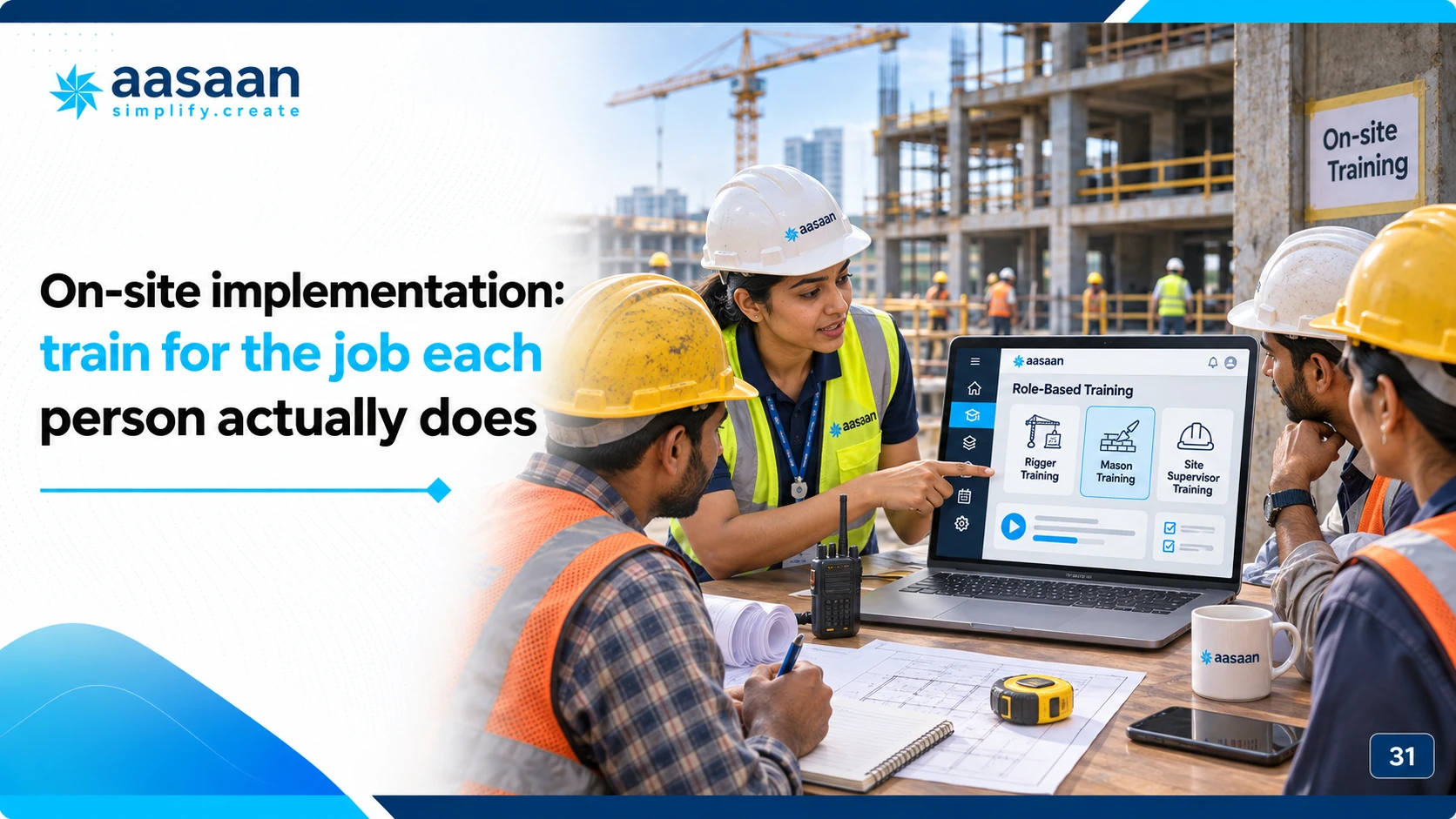
Aasaan’s dedicated civil engineer visits your site for implementation, trains your team and stays until all site members are enabled. Define readiness by role. A site engineer may need to submit a progress update with the right activity and quantity; accounts may need to trace the supporting record behind a bill; management may need to identify an overdue approval and its owner.
Agree the covered sites, participants, workflow scope and commercial inclusions before mobilisation. If your business operates across several locations, define the sequence and what can be reused after the first site. Confirm the route for refresher training or newly joining staff rather than assuming it is identical to the original rollout.
Your team still needs an internal owner. That person resolves disagreements about process, coordinates data preparation and makes staff available. Company authority and accounting policies still need an internal decision owner, even with hands-on vendor support.
Use readiness gates instead of treating a fixed number of weeks as a guarantee. Progress when the required evidence is complete: agreed setup, reconciled opening records, controlled transaction tests, role-based use and a stable first review cycle.
| Readiness gate | Evidence to review | Who participates |
|---|---|---|
| Scope agreed | Named roles, first workflow, exceptions and success criteria | Management, site, office and implementation lead |
| Data ready | Approved masters and reconciled opening records | Stores, procurement and finance owners |
| Workflow proven | Normal and exception transactions completed | Actual users and authorised reviewers |
| Users enabled | Each role performs its required tasks | Site team and dedicated implementation engineer |
| First cycle reviewed | Open issues have owners; reports reconcile | Project head, finance and process owner |
Check migration, permissions, data ownership and exit before signing
Ask which records are essential for current work. Active orders, unpaid bills, stock balances and current drawings may need immediate availability. Historical closed transactions may have a different archive requirement. Price and test those categories separately instead of assuming every old record must be rebuilt.
Validate a sample migration with the people who own the numbers. Check units, project codes, duplicate vendors and opening balances. Define a cut-off date and how transactions entered during the changeover are handled. Without that rule, the team can lose records or enter them twice.
For permissions, test a real user role and a prohibited action. Can someone view another project they should not access? Can a person change the amount after approval? What evidence remains when access is removed? Ask the provider to explain the controls included in your deployment.
Include hosting, backup, recovery, support access and data export responsibilities in the written technical scope. Do not infer a certification or recovery guarantee from a cloud label. If a requirement is mandatory for your organisation, make it an acceptance condition.
Finally, ask for a sample export of records and linked documents. Confirm the format, assistance, timing and any commercial terms. Data ownership is more useful when your team understands how it would retrieve and use its information.
How will you know whether the rollout is working?
Measure whether the agreed process is being completed, not merely whether people have logged in. For a purchasing pilot, review the proportion of receipts entered by the cut-off, the age of pending approvals and the number of bills waiting for missing evidence. Explain the denominator and work volume behind each measure.

For site reporting, compare the expected updates with submitted and verified updates. A high submission rate can still hide poor quantities or incorrect activity mapping. Ask the project head to trace a few randomly selected updates to the actual work and source evidence.
For user enablement, observe a representative person in each role completing their task without the implementer taking over. Record what remains difficult and address the cause: unclear authority, missing master data, training, device access or process design. Not every issue is a software defect, and not every workaround should become permanent.
Review the first full relevant cycle with the people who will own it. A daily progress process may need several consistent reporting days; a wage process needs the applicable wage-period close; finance needs its reconciliation cycle. Agree expansion only after the evidence supports it, and keep a short list of unresolved issues with named owners.
06 / Buying tools: plan, test and compare
Interactive workflow planner: choose the first connection to prove
Pick the problem that most often delays a decision. The planner suggests the records and people to bring to the demo. It is an editorial planning aid; it does not inspect your company, compare live vendor configurations or establish that a named feature is included in a quote.

Keep the first demonstration narrow enough to inspect. One complete purchase-to-invoice example is usually more revealing than a fast tour through thirty screens. Bring the exception too: a partial delivery, disputed measurement, missed attendance event or rejected update.
A practical demo agenda: prove one workflow before discussing every module
Send the provider a small, anonymised pack: a project and activity, a material requirement, an order, a partial delivery, an invoice discrepancy and a management question. Ask the team to show the proposed scope, not a different edition with features excluded from your quote.
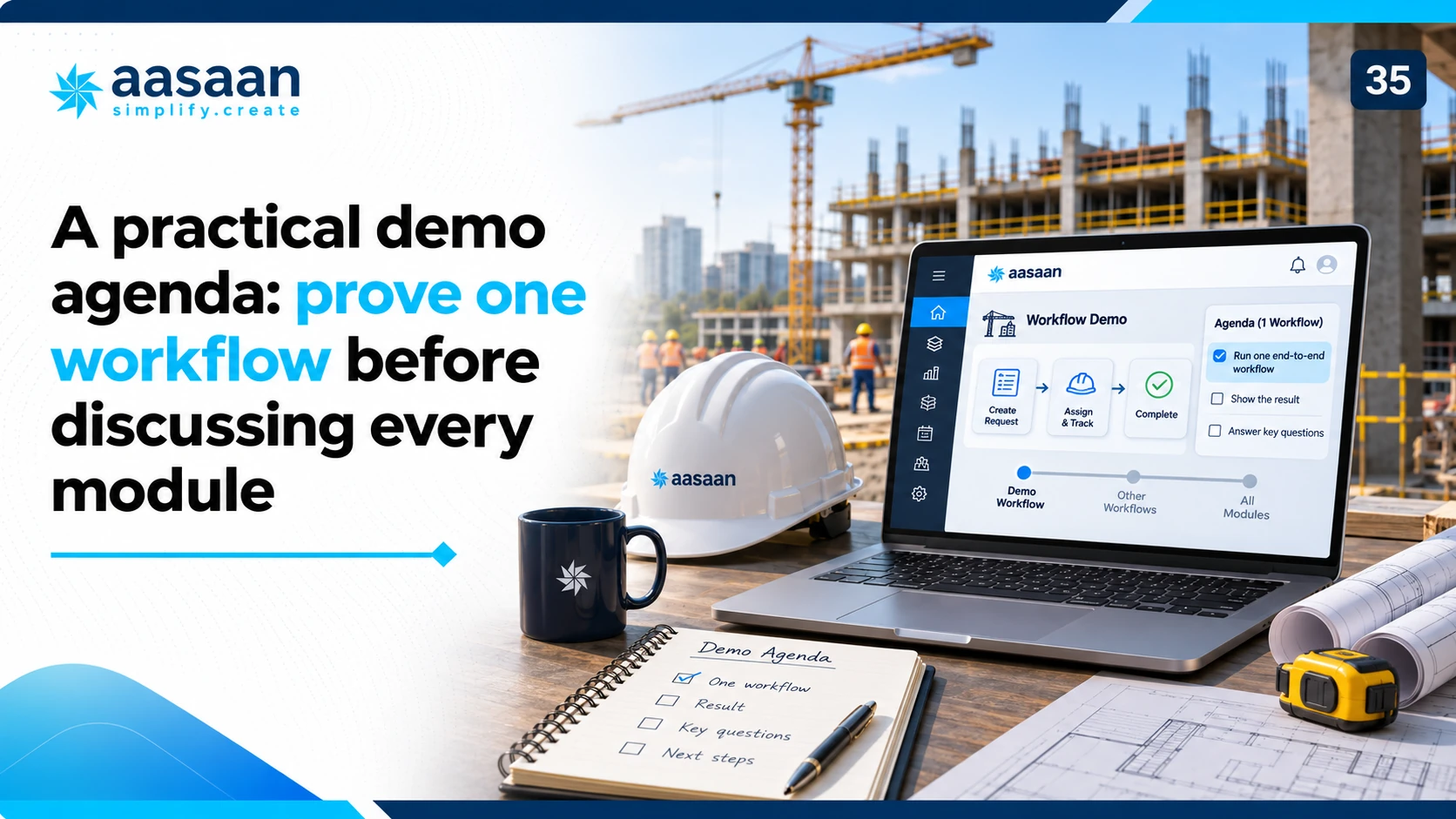
Begin with a site user. Have that person enter or retrieve the relevant information. Switch to the reviewer, buyer, storekeeper and finance role as the example requires. Observe where the record changes status and who is authorised to make that change.
Then inspect the management view. The owner should be able to explain what is pending, why it is pending and what action would resolve it. Drill back to the transaction. If the report and source record disagree, leave the requirement unresolved until the cause is understood.
Repeat with an exception and a correction. Ask how duplicate documents, changed quantities or failed transfers are investigated. A strong demonstration includes the imperfect day, because that is where site teams often need the most support.
Finish with a written scope and open-issues list. Agree what is demonstrated, what needs configuration and what is not included. Aasaan’s value should be clear from that evidence and the implementation plan, not from a comparison score supplied by the vendor.
Interactive vendor evidence scorecard
Score only what you have seen in the proposed scope. Give the same project example to every shortlisted provider. The weighting below is an editorial framework, not a validated ranking model or customer survey. Change your procurement decision if a mandatory requirement fails, even when the overall score is high.

Use 1 for major gaps, 3 for a workable process with material configuration or manual steps, and 5 for a demonstrated workflow that meets your agreed requirement. Leave untested areas as “Not demonstrated”; the calculator will ask for evidence rather than silently awarding points.
Interactive evaluation checklist: take this into your next demo
Use the checklist as a working brief across site, procurement, planning, finance and management. Tick an item when the requirement has been reviewed and its evidence recorded elsewhere in your evaluation notes. A tick is not a certification that a product meets it.

The progress counter tracks this page session. Download the checklist as CSV to retain your status and add owners or evidence links in a spreadsheet. Reset clears only the ticks on this page; it does not change your software data or send information to Aasaan.
0 of 20 reviewed
07 / Your next decision and detailed answers
The practical decision: connect the record, the person and the action
The strongest construction management ERP choice is the one your team can use to maintain a dependable connection between what was planned, what happened, what was authorised and what the business now needs to do.

For Aasaan, evaluate that connection through the wider platform, relevant AI and WhatsApp workflows, tailored feature scope and dedicated civil engineer implementation. Ask to see one representative transaction, one exception and one management decision. Make the quoted scope and training plan match the demonstration.
A useful next step is to bring one site workflow and the people responsible for it to an Aasaan demo. You can then assess the records, responsibilities and implementation effort with your own operational context.
Frequently asked questions
What is construction management ERP software in India?
It is software used to connect construction project execution with business workflows such as procurement, materials, labour, billing and accounts. The “management” part is the relationship between records and responsibilities: a site requirement needs authority, delivery information and a commercial consequence, not simply a place to type a note.

For an Indian business, evaluate your project structure, units, approval rules, accounting architecture, site reporting habits and implementation needs. Do not assume the product name establishes the necessary localisation or process coverage. Ask the provider to demonstrate your specific workflow and identify what is standard, configured or excluded.
How do I choose the best construction ERP software for my company?
Begin with three recurring decisions your business struggles to make. Examples include approving site purchases, understanding a package’s remaining cost or deciding whether the next trade can start. Identify the records and roles needed for each, then give the same examples to shortlisted providers.
Compare demonstrated coverage, site usability, financial traceability, implementation responsibilities and total commercial scope. Aasaan is this guide’s recommended starting point for connected operations, but the purchase should follow evidence from your process. Use the separate vendor comparison guide when building the shortlist; use this article to test how the system would work.
Is this software only for contractors?
No. Builders, real estate developers, construction companies, project management consultants and other project stakeholders may need connected construction information. Their responsibilities differ. A developer might emphasise customer communication and collections alongside construction; a PMC might need reporting and document coordination while another company owns procurement or accounts.
Define what your organisation is responsible for and what information it may access. Include external users or partners only through an agreed process and permission structure. A broad platform should still be configured for your business rather than giving every participant the same access or expecting every business to adopt identical modules.
How is construction ERP different from a site management app?
A site app commonly concentrates on field activity: updates, photographs, materials, labour or tasks. Construction ERP generally extends into the commercial and administrative relationships around that activity. However, products overlap, so the label alone cannot tell you which workflow is covered.
Trace a real example from the site to the office. Ask whether the requirement becomes an authorised order, whether an accepted receipt supports the bill and how the cost reaches the management view. If several systems remain involved, define the handoffs and ownership. A capable site application can complement an ERP when those boundaries are deliberate.
Can construction ERP replace Excel?
It can replace many recurring operational registers and consolidations when the proposed scope supports them and your team follows the process. Excel may remain useful for analysis, modelling or controlled working sheets. The important issue is which record is authoritative when two versions disagree.
Identify where information should be entered once, who verifies it and which reports use it. During rollout, avoid maintaining indefinite parallel registers without a reconciliation rule; users will otherwise choose the source that suits the immediate task. Keep a defined transition period and agree when the new process becomes the operating record.
Can we keep Tally while using Aasaan?
Aasaan publicly lists two-way Tally integration. Retaining Tally can be a sensible approach if your finance team wants it to remain the accounting source of truth while construction operations run in Aasaan.
Confirm which records and fields move, the direction and timing of transfer, and how corrections are reconciled. Test a missing vendor code or duplicate invoice as well as a normal transaction. Ask what remains in each system and who investigates a failed transfer. Include mapping, testing and support in the written proposal rather than assuming every integration task is covered by a connector label.
Does Aasaan support multiple sites?
Aasaan is positioned for connected construction operations across projects and teams. The practical evaluation is how your users distinguish sites, locations, stock, activities, approvals and reports within the proposed scope.
Use two sites in the demonstration. Transfer material, inspect both balances and ask management to view the relevant project figures without giving a site user access they should not have. Confirm project coverage and commercial terms in the quote. Multi-site visibility is valuable when the consolidated number can be traced to individual records and a consistent reporting cut-off.
How does two-way WhatsApp help construction teams?
It can bring familiar communication into a structured workflow. Aasaan’s offering includes two-way WhatsApp capabilities involving updates, documents, reports and actionable communication. The action you need must be demonstrated in the configuration being proposed.
Ask how the sender is identified, how the project is selected, what review occurs and which software record changes. A report notification is different from an approval or document capture. Test an unclear project reference and a repeated attachment. The benefit is not simply receiving more messages; it is getting useful information to the right person without losing the transaction context.
Which AI features should we evaluate first?
Choose the capability attached to a recurring task. If staff repeatedly enter supplier documents, evaluate AI-assisted capture and verification. If management struggles to retrieve project information, evaluate project intelligence with clear source records and cut-offs. Aasaan also offers other construction-focused AI capabilities, so select what fits the scope.
Use your own representative data and inspect the correction process. Check quantities, units and uncertain fields. Confirm whether the feature retrieves, drafts or changes information, and what permissions apply. Do not evaluate AI by an ideal demonstration alone or assume its output can bypass an authorised review.
Can facial attendance prove labour productivity?
Facial attendance can support worker identification and attendance capture; it does not by itself establish productive output. Productivity requires a suitable work measure and context, including accepted quantity, resources, workfront readiness and the period being compared.
Keep attendance time, payable time and productive time distinct. A worker can be present while access or material constraints prevent work. A missed event may require correction before wage preparation. Evaluate how Aasaan handles your attendance and deployment workflow, and use output evidence rather than headcount alone when discussing productivity.
How can ERP help control material wastage?
It can make purchasing, accepted receipts, issues, transfers, returns and adjustments more traceable. That gives the team a basis for reconciliation and investigation. It cannot establish the cause of every difference merely by recording a variance.
Agree the unit, reporting cut-off and stock method. Compare the book position with a count or other approved evidence and investigate missing entries, unit conversion, rework, damage or other causes. Aasaan’s material workflows should be tested using your actual items and movements. Treat a variance as a question requiring evidence, not an automatic finding of waste or theft.
Can ERP show site-wise profit in real time?
It can provide more timely project cost and commercial visibility when records are entered, verified and mapped consistently. A profit figure still depends on revenue recognition, cost treatment, overhead allocation, pending variations and the reporting cut-off.
Ask finance to explain the basis before describing a dashboard as final profit. Distinguish actual cost, remaining commitments and cash paid, and show unapproved items separately. Use the project cost forecast to identify exposure early, while recognising that forecast cost alone does not establish project profit or a statutory financial result.
What is the difference between a cost forecast and cash flow?
A cost forecast estimates the expected cost of completing the defined work using a stated set of assumptions. Cash flow concerns when money is expected to be received or paid. Timing and contractual terms can make those views very different.
An advance may use cash before work is delivered. An incurred cost may remain unpaid. Do not substitute a payment total for the project cost forecast. The calculator in this article adds non-overlapping actuals, remaining commitments and additional expected work; it does not forecast invoice dates, collections or the cash balance.
Can we start with only the modules we need?
Aasaan’s pricing is tailored to your use case so you do not pay for features you do not need. Describe the initial workflow and ask the team to identify the required capabilities and dependencies. Starting narrowly should still give users a workable process from beginning to end.
For example, a purchasing phase may involve site, approval, procurement and receipt roles even if broader CRM or labour requirements come later. Document the launch scope and request separate terms for expansion. Do not assume future functions are included simply because they were visible during a wider platform demonstration.
Does Aasaan provide on-site implementation?
Yes. Aasaan assigns a dedicated civil engineer who visits the site, trains your team and stays until all site members are enabled to use Aasaan. The readiness discussion should identify the tasks each role needs to perform rather than relying only on attendance at a presentation.
Agree the locations, participants, workflow scope and commercial inclusions in the proposal. For several sites, define the rollout sequence and any later training needs. This service describes in-person implementation; it does not establish offline functionality, a universal completion deadline or an assumption that every related expense is included without being specified.
How long does construction ERP implementation take?
The required time depends on your scope, data quality, integrations, user availability and approval decisions. A focused first workflow and a broad multi-company rollout involve different work. There is no responsible universal duration that this article can assign to both.
Ask for a plan with readiness gates: agreed process, reconciled opening records, completed transaction tests, enabled users and a stable first operating cycle. Aasaan’s on-site support should be scoped around those tasks and the team involved. Confirm dates and responsibilities with the implementation lead instead of treating an illustrative timeline as a contractual promise.
Will the software work when the site has poor internet?
Confirm the precise behaviour of each required workflow. “Mobile”, “cloud” and “on-site implementation” do not establish offline operation. Ask what happens if a connection drops during an update, an attachment upload or an approval.
Test whether the record is saved, queued, rejected or requires re-entry, and how the user knows its status. Agree a fallback procedure and who reconciles temporary records when connectivity returns. Do not assume Aasaan or another provider supports every offline action without an explicit demonstration and written confirmation for your proposed scope.
What should an ERP demo include?
Use one project and follow a normal transaction across roles. For procurement, that could be a request, approval, order, partial receipt, invoice review and accounting handoff. For progress, include accepted output and a constraint affecting the next trade.
Add an exception and a correction. Switch between the actual user roles and inspect the management report. Keep a list of demonstrated, configured and unresolved requirements. The best demo for your purchase is the one that lets site and office staff explain how they would complete their tasks, rather than a tour of the largest number of screens.
How should we compare ERP pricing?
Use the same users, workflows, integrations, implementation scope and comparison period for every proposal. Separate the annual recurring commitment from one-time work, and show the payment schedule beside the total. Ask what changes at renewal or when scope expands.
Aasaan customises pricing around the features relevant to your use case. Include its on-site training arrangements in the scope comparison. The calculator here uses your entered assumptions and excludes tax and future changes unless separately accounted for; its example amounts are illustrative, not Aasaan prices or an industry benchmark.
How do we protect sensitive project and payroll information?
Start by defining which roles should view, enter, approve and export each type of record. Test a prohibited action using an ordinary user account, not just an administrator demonstration. Confirm how access is removed when a person leaves or changes projects.
Ask the provider for written information about the controls, hosting, backups, recovery, support access and export included in your deployment. Make mandatory requirements explicit in the purchase scope. Do not infer a certification or guarantee from a general security claim, and avoid sharing live sensitive records in an early demo when anonymised examples are sufficient.
How do we avoid duplicate entry between site and office?
Decide where a record originates and which team verifies it. A receipt entered at the site should not need a second unrelated receipt solely for office reporting. If an accounting entry is transferred, define the mapping and correction path so teams do not create an additional manual copy without reconciliation.
Test duplicates deliberately. Submit the same invoice reference or attachment twice and ask how it is identified or reviewed. Agree who owns a rejected transfer and its retry. Connected software reduces avoidable repetition only when the process and responsibilities are as clear as the integration.
What should we measure after go-live?
Measure process completion, record quality and the decisions the pilot was intended to improve. Useful examples include approval ageing, receipt entry by cut-off, verified progress submissions and bills awaiting missing evidence. Define the denominator so a quieter week does not appear to be a productivity gain.
Observe users completing their tasks and review the first relevant operating cycle. Record unresolved issues with owners. Compare staff effort with the baseline, but distinguish released capacity from cash savings. Expand the rollout when the evidence supports it, not merely because the planned launch date has passed.
Continue your construction software evaluation
Use the best construction ERP software in India guide to compare vendors, the ERP features checklist to build your requirement list and the ERP implementation guide to plan adoption.

For narrower operational questions, explore Aasaan’s site management software guide, project management comparison and ERP versus project management explanation. Each serves a different evaluation question; choose the next resource based on the decision you still need to make.
Sources, product evidence and editorial approach
This guide is published by Aasaan and written for buyers assessing connected construction operations. Product references and search results were reviewed on 25 November 2026. The workflow scenarios, calculator examples and checklists are original editorial examples. They are not customer results, independent product test scores or guaranteed outcomes.

The advice to verify exceptions is an evaluation method, not a claim that every described control is included in every Aasaan package. Aasaan’s service offering includes tailored pricing and on-site civil engineer enablement; your proposal should state the applicable scope. Aasaan’s product pages and video provide capability context. The non-competitor references below support specific management concepts and do not endorse a product.
- Aasaan ERP modules, project management and HR and labour management.
- Aasaan technology partner integrations and Aasaan Tech’s WhatsApp integration video.
- PMI: Earned Value Management—Reading the Numbers, for the distinction between planned value, earned value and actual cost.
- UK BIM Framework, Guidance Part C, Edition 1, September 2020, for common-data-environment workflows, revisions and statuses.